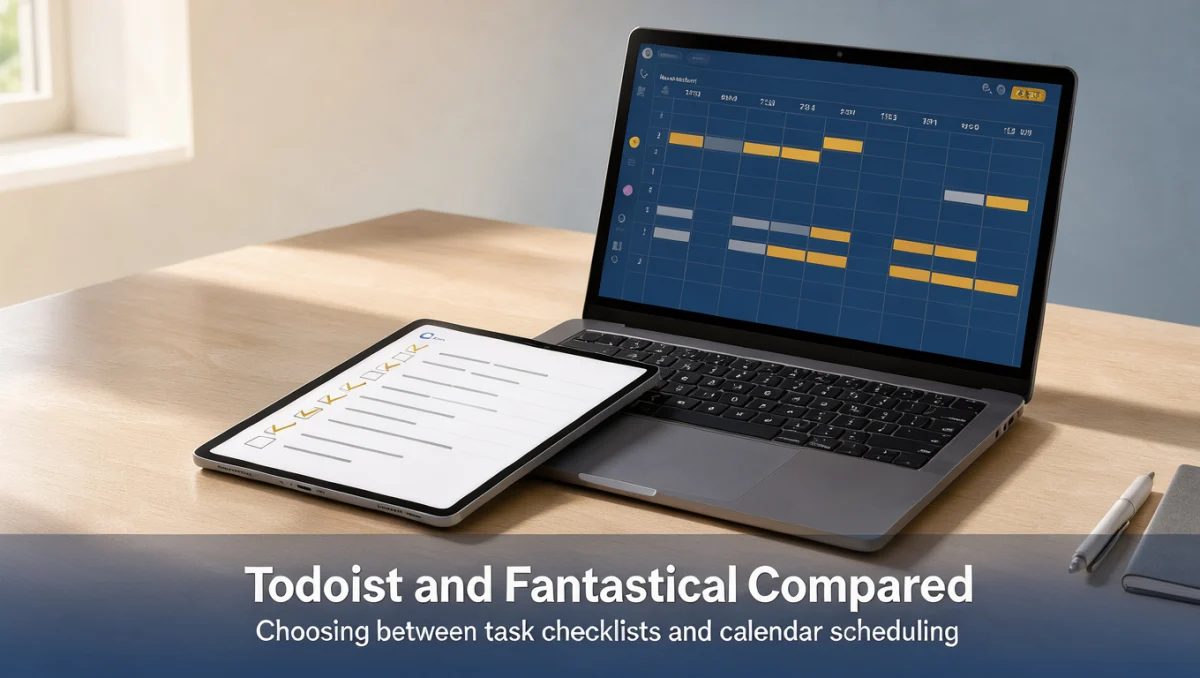
Many people searching for todoist and fantastical want to know whether they should commit to a task manager, a calendar app, or both. The two tools overlap less than their marketing suggests, because one manages actions that need doing while the other manages time you have already committed to spending.
Choosing between task-centric tracking and calendar-first scheduling changes how you structure every working day. Our analysis looks at how each category removes operational bottlenecks, without leaning on vendor promises.
Quick Verdict
We rate this productivity pairing 8.2/10. Todoist suits people who think in checklists, nested projects, and recurring deadlines. Fantastical suits professionals whose days are shaped by meetings, appointments, and blocked hours. Neither tool fully replaces the other.
| Metric | Details |
|---|---|
| bestcouponblogs score | 8.2/10 |
| Best for | Users who want dedicated task organization alongside time-based scheduling |
| Not ideal for | Teams that need one platform for project governance and resource allocation |
| Key strengths | Dedicated task checklists, natural date parsing, clear calendar visualization |
| What to check before buying | Subscription tiers, multi-device access policies, and renewal terms on official sites |
1. How bestcouponblogs Reviewed Todoist and Fantastical
This review examines what each app is built to do, who it serves, and how it compares with similar tools. We applied seven criteria: features, ease of use, pricing and value, integrations, audience fit, support, and competitive position. Plans, prices, and limits change frequently, so confirm current details on each official website before buying. This article was researched and drafted with AI assistance, then reviewed and edited by the bestcouponblogs Editorial Team.
2. Short Answer: Understanding the Core Difference
Todoist works mainly as a task manager for capturing, organizing, and prioritizing to-do items across projects. Fantastical works as a calendar application for coordinating time blocks, displaying multiple schedules, and handling event invitations.
The right choice depends on whether your day revolves around completing discrete to-do lists or protecting specific hours on an appointment agenda. Many professionals run both as complementary systems rather than choosing one.
3. Positioning Comparison
| Tool | Best For | Core Strength | Consider If |
|---|---|---|---|
| Todoist | Checklist-driven workflows | Nested task hierarchies and recurring deadlines | Your work consists of independent deliverables without fixed appointment times |
| Fantastical | Time-blocking routines | Unified calendar views and meeting coordination | Your day is dictated by scheduled calls, meetings, and appointments |
4. Features and Functional Scope
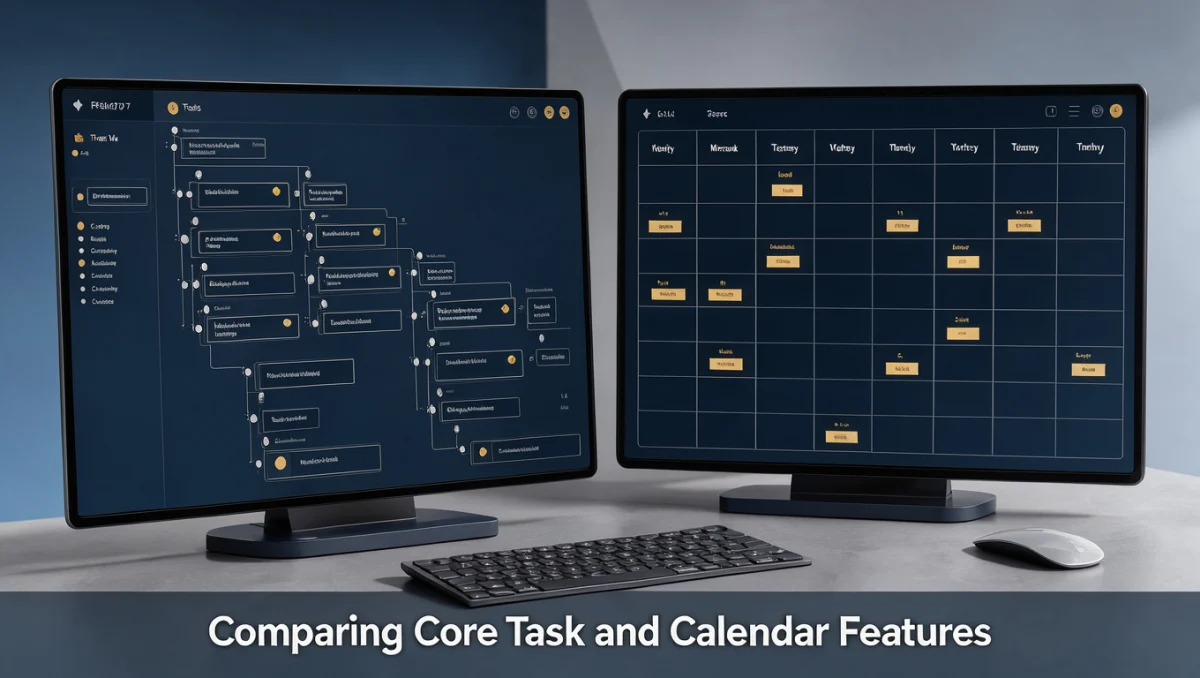
Evaluating features starts with the core job each platform performs. Task managers organize action items that must happen eventually, while calendar systems organize time periods when you commit to a specific engagement.
4.1. Task and Project Organization in Todoist
Todoist centers on list structures, letting users group duties under projects, sections, and sub-tasks. It supports priority levels, recurring due dates, and labels, so pending work stays sorted by context.
This structure helps knowledge workers break complex deliverables into smaller actions. It handles ongoing responsibilities that do not require a fixed block on the calendar.
4.2. Event Scheduling and Calendar Views in Fantastical
Fantastical organizes commitments by day, week, and month. Its interface emphasizes visual scheduling, giving an at-a-glance view of conflicting events, open availability, and upcoming appointments.
Because time is limited, placing entries on a calendar forces a realistic look at daily capacity. The app interprets dates and meeting details typed into its event prompt, which speeds up calendar entry.
5. Ease of Use and Learning Curve

Both apps prioritize fast input, but their interfaces demand different habits. Within the Collaboration & Productivity space, quick capture often decides whether a tool stays in use long term.
Todoist uses natural language recognition to parse due dates, tags, and project names from a single text field. Users can log an assignment in seconds without digging through configuration menus.
Fantastical applies similar parsing to appointments, reading meeting titles, locations, and time ranges with little effort. Getting the most from its views means learning to move between dense daily schedules and high-level monthly overviews.
6. Pricing Models and Long-Term Value
Subscription pricing changes over time, so judge each vendor by ongoing usefulness rather than assumptions about a fixed package.
Confirm current pricing tiers and billing cycles directly on the official Todoist and Fantastical websites. Check whether personal plans offer enough depth, or whether multi-user management requires a business-level subscription.
| What to Check | Why It Matters |
|---|---|
| Official plan comparison pages | Vendors often shift feature allocation between entry and professional tiers |
| Annual versus monthly commitments | Annual billing usually changes the effective monthly cost of productivity software |
| Team collaboration add-ons | Shared workspaces or admin consoles may carry separate seat charges |
7. Integration Capabilities and Ecosystem Fit
Productivity tools rarely work in isolation. They need to communicate cleanly with email clients, cloud storage, and other task systems. Both apps have historically offered ways to connect task and calendar data to broader digital workflows.
When planning your software stack, verify supported third-party connections on each vendor's official documentation. Also confirm whether two-way sync between tasks and calendar entries needs a separate synchronization utility.
8. Target Audience and Workflow Alignment
The right app depends on matching software design to your daily responsibilities.
- Freelancers: Independent contractors juggling several client projects often prefer task lists to track milestones that lack fixed appointment slots.
- Corporate Managers: Leaders facing continuous meetings benefit from calendar-focused interfaces that prevent overlaps and reveal open discussion windows.
- Operations Specialists: Roles that depend on detailed procedural checklists usually lean toward task hierarchies to keep processes consistent.
- Students: Academic schedules mix fixed class timetables with flexible assignment deadlines, so a hybrid approach is often practical.
9. Support Structures and Platform Reliability
Reliable support matters when calendar sync problems or data access issues threaten important deadlines. Support policies, response channels, and documentation libraries differ across SaaS vendors.
Before trusting either platform with critical planning data, review each vendor's official support pages to see available channels, response expectations, and self-help resources.
10. Competitive Position and Alternatives
Several specialized tools compete with Todoist and Fantastical. Looking at alternatives helps determine whether a standalone task manager or an integrated suite better fits your needs.
- TickTick: Combines task lists with a built-in calendar view for users who want both approaches in one app.
- Asana: Focuses on team-wide project coordination, resource tracking, and cross-functional deliverables.
- Google Calendar: A widely used cloud scheduling platform for general appointment management.
- Any.do: Blends daily agendas, reminders, and to-do lists in a minimalist interface.
11. How to Decide Between Todoist and Fantastical
Your final choice depends on how your daily obligations show up. Use these steps to identify your primary system:
- Audit your week to see whether tasks or scheduled appointments take up most of your coordination time.
- Review the official Todoist website to confirm current options for project grouping and prioritization.
- Review the official Fantastical website to check calendar account compatibility and view options.
- Decide whether your method relies on linear checklists or dedicated time-blocking windows.
- Test whether running both apps together adds balance without creating unnecessary admin work.
Frequently Asked Questions
How should buyers decide between a task manager and a calendar?
Start by asking whether each commitment has a fixed time slot or a flexible execution window. Tasks with strict start and end times belong on a calendar, while flexible deliverables with target deadlines fit better in a task management system.
What factors influence the total cost of running productivity software?
Total cost depends on billing frequency, the number of required team seats, and optional premium features. Confirm renewal terms and team administration fees on official vendor pricing pages before subscribing.
Can calendar time blocking replace traditional to-do lists?
Time blocking assigns each task a specific slot on the calendar, which works well for calendar-centric workers. However, complex projects with nested dependencies often need dedicated task lists to avoid crowding the calendar.
What should teams verify before adopting these productivity tools?
Teams should verify administrative controls, shared project features, and workspace security guidelines on official vendor portals. Confirming that data export options match company retention policies helps avoid vendor lock-in later.
Final Verdict
| Criterion | Score /10 | Reason |
|---|---|---|
| Features | 8.5/10 | Both tools provide specialized capabilities within their own functional areas |
| Ease of Use | 8.8/10 | Natural language input and clean navigation reduce onboarding friction |
| Pricing and Value | 7.8/10 | Subscription value depends on whether each tier meets your daily planning needs |
| Integrations | 7.9/10 | Cross-tool utility requires confirming current external connections on official portals |
| Audience Fit | 8.6/10 | Clearly addresses the differing needs of list builders versus schedule managers |
| Support | 7.6/10 | Self-guided documentation and official support channels should be verified by buyers |
| Competitive Position | 8.2/10 | Keeps a distinct position against all-in-one productivity suites |
Overall Score: 8.2/10
For professionals who want granular checklist control, Todoist is a solid task foundation. For users whose work revolves around appointments and time planning, Fantastical offers dedicated scheduling clarity. Assess your routine to pick the platform that fits.
If you have questions about choosing productivity software, reach out through our Best Coupon Blogs contact page, or follow bestcouponblogs on LinkedIn for ongoing software evaluation updates. You can also explore more productivity reviews in our Collaboration & Productivity category.