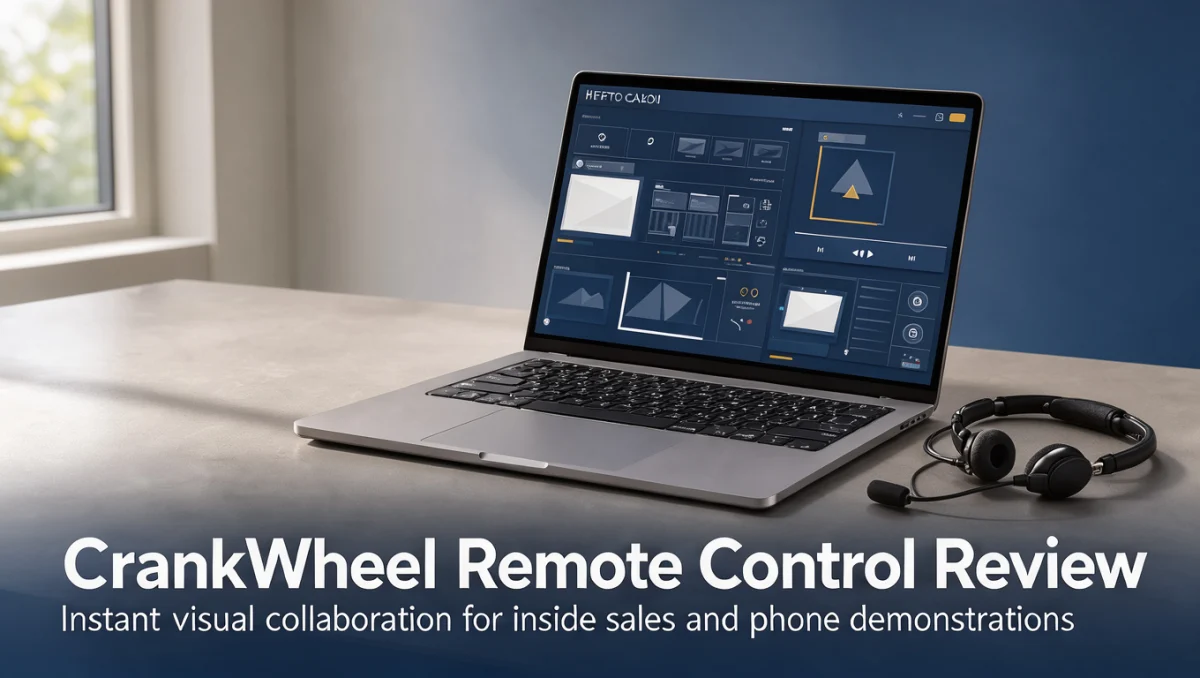
Sales teams often need to show prospects exactly how a product works while still on the phone. A crankwheel remote control setup answers that need by letting an agent push a live screen view to the buyer's browser and, when needed, hand over pointer control. The real question is whether this kind of visual engagement justifies its place in your workflow or simply adds another tool to manage.
Choosing a visual engagement platform means looking closely at how screen handover actually works during calls and video demos. Our evaluation focuses on the bottlenecks this software removes between agents and prospects, the core functions it offers, and the checks worth completing before you commit to a subscription in 2026.
Quick verdict: CrankWheel earns an overall score of 7.6/10 for its focused approach to instant screen sharing and visual collaboration. It suits inside sales reps and phone-based agents who need fast visual engagement without asking clients to download software. It is a weaker fit for teams that want a full project management suite or unattended remote machine administration.
| Metric | Summary |
|---|---|
| Best Coupon Blogs score | 7.6/10 |
| Best for | Inside sales teams, outbound calling agents, and customer success specialists who need instant visual demonstration during live calls |
| Not ideal for | IT administrators who need unattended server access, or organizations wanting an all-in-one asynchronous project suite |
| Key strengths | Instant browser-based presentation delivery, streamlined screen sharing, and simple visual handover during live phone conversations |
| What to check before buying | Confirm user access boundaries, remote handover policies, and subscription structures on the official CrankWheel website |
1. How Best Coupon Blogs Reviewed CrankWheel
This review examines what CrankWheel is built to do, who it serves, and how it compares with similar tools. We applied seven criteria: features, ease of use, pricing and value, integrations, audience fit, support, and competitive position. Plans, prices, and limits change often, so we point out what to confirm on the official website before buying. This article was researched and drafted with AI assistance, then reviewed and edited by the Best Coupon Blogs Editorial Team.
2. What Is CrankWheel and Who Is It For
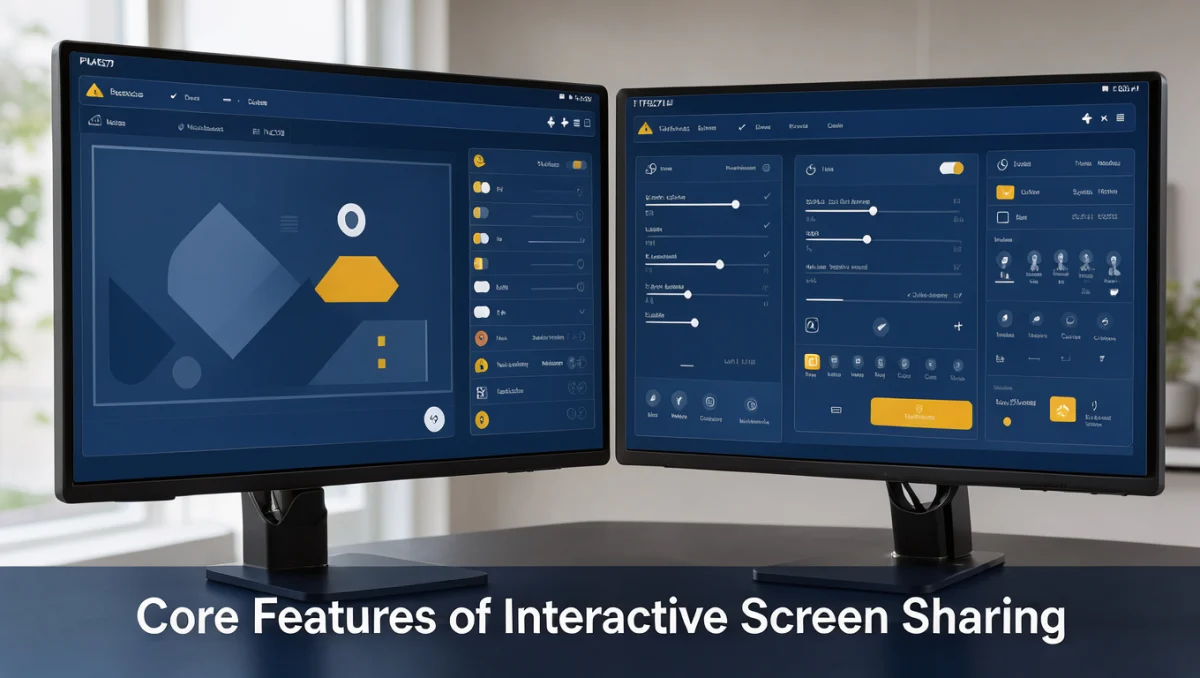
CrankWheel is visual engagement and screen sharing software built to support phone-based sales representatives and customer advisory agents. An agent already speaking with a prospect by phone can move the conversation into a visual demonstration without delay. Unlike conventional web conferencing suites that require calendar scheduling, meeting codes, and application downloads, this category prioritizes zero-friction viewing for external prospects.
2.1. Target User Profiles
Inside sales professionals are the main audience. When an outbound or inbound rep identifies an opportunity on a call, visual demonstration lets them explain the product immediately. Account executives and onboarding specialists also use visual guidance to walk new clients through initial setup steps.
Customer support specialists handling complex workflows benefit as well. When verbal instructions fail to resolve an interface question, showing the agent's display or requesting user input clears up the problem quickly. Teams weighing options for broader productivity needs can review the Collaboration & Productivity category to match communication tools with operational requirements.
2.2. Core Problems Solved
Screen presentation software removes common barriers. Many corporate prospects sit behind strict IT firewalls that block executable downloads and external meeting applications. Browser-based visual sharing lets viewers on desktops or mobile devices see the presenter's screen right away through a link or text message.
Remote control addresses the passive viewing problem. When an agent runs a software walkthrough, letting the prospect temporarily take the pointer creates active involvement. This hands-on interaction helps buyers experience the product directly instead of watching a static lecture.
3. Core Features of CrankWheel Remote Control
Interactive presentation software has several functional pillars that define its usefulness in commercial discussions. Understanding them helps buyers judge whether the tool fits their daily sales communication.
3.1. Instant Screen Presentation
Screen transmission is CrankWheel's primary function. Presenters can show an entire desktop monitor, a single application window, or a specific browser tab. Visual data streams to the viewer through standard web browsers, so nothing needs to be installed on the viewer's side.
3.2. Interactive Remote Control Handover
Remote control enables two-way participation. During a live demo, the host can pass input capability so the remote participant moves the cursor and interacts with interface elements. This is useful for guided product trials, interactive form filling, and joint document editing during calls.
3.3. Session Dispatch and Connection Options
Presenters send viewing links through several channels, including text messages, email, or short web addresses. A prospect on a mobile phone or sitting at a desktop can join the visual stream within seconds.
3.4. Presenter Dashboard and Engagement Monitoring
Presenters can see how viewers are engaging through dedicated monitoring tools. The interface indicates whether the remote viewer is actively looking at the presentation or has minimized the browser window. This awareness helps reps adjust their verbal pace to hold buyer attention.
4. Ease of Use and Learning Curve
Adoption speed depends on how quickly reps and external clients learn the interface. CrankWheel prioritizes simplicity so technical distractions do not interrupt critical commercial calls.
4.1. Presenter Workflow
Presenters start sharing sessions from their browser toolbar or desktop interface. Creating a session, generating an access link, and sharing display content takes only a few clicks. Because the product focuses on screen sharing rather than general web conferencing, agents do not need extensive training to start presenting.
4.2. External Viewer Experience
The external participant needs no setup. Prospects receive an access link by SMS or email, click it, and see the presenter's screen in their own browser. When remote control is offered, participants use their local keyboard and mouse without installing proprietary software or browser plugins.
4.3. Potential Operational Hurdles
Basic screen sharing is intuitive, but interactive control requires clear verbal coordination. Presenters should agree on who controls the cursor at each moment so both parties do not move it at once. Setting simple handoff habits prevents confusion during live demonstrations.
5. Pros and Cons of CrankWheel
Weighing both operational benefits and limitations helps procurement teams make balanced choices based on their organization's realities.
5.1. Operational Advantages
- Instant visual delivery lets sales teams turn routine phone calls into visual demonstrations within moments.
- Zero-download setup allows external prospects to view presentations in standard browsers without IT approval hurdles.
- Interactive control handover increases prospect engagement by turning passive viewing into hands-on experiences.
- Engagement indicators help representatives gauge whether buyers stay focused on the material.
- Built around sales and phone-based consultation workflows rather than generic group meetings.
5.2. Functional Limitations
- Lacks the asynchronous collaboration features found in general enterprise project management suites.
- Not designed for unattended remote administration or background IT device management.
- Interactive control performance depends on stable network latency between host and participant.
- Teams that need complex virtual breakout rooms or multi-speaker conference panels will need supplementary conferencing tools.
6. CrankWheel Compared With Alternative Solutions
Understanding how CrankWheel positions itself against established tools clarifies where it delivers the most value and where alternatives may serve better.
| Solution | Primary Positioning | Best Suited For | Key Distinction |
|---|---|---|---|
| CrankWheel | Instant sales visual engagement | Inside sales and phone advisory reps | Browser viewing with instant phone-to-screen conversion |
| TeamViewer | Remote support and IT administration | IT help desks and system administrators | Unattended device access and deep system management |
| AnyDesk | High-performance remote desktop access | Technical support and remote operations | Low-latency desktop control across diverse platforms |
| Zoom | General video and web conferencing | Scheduled team meetings and webinars | Multi-participant video calls with group collaboration tools |
| GoTo Meeting | Enterprise virtual meetings | Corporate departments and scheduled conferences | Structured virtual meeting rooms and presentation management |
6.1. CrankWheel vs Remote Administration Tools
TeamViewer and AnyDesk were built mainly for technical support and system administration. They excel at reaching unattended workstations, managing files, and troubleshooting operating system errors. CrankWheel is built for commercial presentations, where an agent already has the client on the phone and wants to show product value without technical setup.
6.2. CrankWheel vs Web Conferencing Platforms
Zoom and GoTo Meeting focus on scheduled multi-party video calls, panel presentations, and internal corporate communication. They support screen sharing, but participants often need to install an app or enter meeting IDs. CrankWheel targets spontaneous, one-on-one sales presentations where speed to visual contact matters most.
7. Who Should Choose CrankWheel
Matching software to specific use cases ensures the investment fits how teams actually work.
7.1. Inside Sales Representatives
Outbound and inbound reps who spend their days on the phone benefit most from instant presentation. Turning an unexpected prospect question into a live on-screen demo can move deals through the pipeline faster.
7.2. Independent Consultants and Advisors
Consultants and financial advisors who review contracts, financial statements, or proposals with clients find browser-based sharing efficient. Letting clients inspect documents interactively builds confidence without complex meeting invitations.
7.3. Customer Success and Onboarding Teams
Onboarding specialists guiding new users through initial setup can use remote control to guide cursor placement, show navigation paths, and resolve configuration problems interactively.
7.4. Profiles That Should Look Elsewhere
Organizations that need an internal team messaging platform, companies broadcasting webinars to hundreds of passive attendees, or IT departments seeking unattended server monitoring should choose tools built for those functions.
8. How to Choose the Right Subscription Plan
Choosing the right tier means evaluating team size, administrative needs, and specific operational requirements. Best Coupon Blogs reviews consistently recommend verifying terms directly on the vendor's site before purchase.
| Verification Item | Why It Matters | Target Team Relevance |
|---|---|---|
| Presenter Seat Allocations | Total monthly cost scales with the number of licensed agents who present. | Sales teams planning multi-agent deployments |
| Session Volume Boundaries | Different subscription levels may limit the number of monthly presentations. | High-volume outbound telemarketing operations |
| Remote Control Permission Tiers | Interactive handover may be restricted based on subscription level. | Customer success and guided demonstration teams |
| Branding and Domain Customization | Showing corporate branding on viewer pages reinforces professionalism. | Client-facing advisory firms and established enterprises |
| Administrative Reporting Tools | Management visibility into call volume and presentation usage guides coaching. | Sales managers and commercial team leaders |
8.1. Assessing Team Size and Concurrency
Calculate how many reps will present at the same time. Many vendors price per active presenter, so licensing an entire department may be unnecessary if only some reps run live calls.
8.2. Budgeting Beyond Base Subscriptions
Account for onboarding time, internal workflow documentation, and telephony adjustments when introducing visual presentation software into daily sales routines.
9. Frequently Asked Questions
What factors determine whether a sales team needs remote control functionality?
Remote control matters when showing complex software or interactive forms where buyer participation improves understanding. Letting a prospect click through an interface creates active engagement and surfaces usability questions during the call. Simple slide decks rarely need interactive control, while software demos and interactive document reviews benefit a lot from participant input.
How should businesses evaluate visual engagement tools compared to standard video conferencing?
Ask whether your main use case is scheduled group meetings or spontaneous one-on-one sales conversations. Standard video conferencing suits scheduled team discussions with webcams and group chat. Visual engagement tools prioritize instant browser-based screen transmission that connects during an active phone call without client downloads or calendar invitations.
What verification steps should buyers complete on the official CrankWheel pricing page before purchasing?
Confirm presenter licensing, session frequency limits, remote control availability, and administrative reporting access on the official vendor website. Vendors adjust packaging over time, so checking how seats and collaboration features are structured ensures your budget reflects actual operational needs.
Why is zero-download viewing important for client-facing software presentations?
Zero-download viewing avoids delays caused by enterprise firewalls, security permissions, and unfamiliar installers. Many corporate buyers cannot install third-party executables on work computers. Delivering screen content through standard browsers ensures immediate visual contact regardless of the prospect's security policies or operating system.
10. Final Verdict on CrankWheel Remote Control
CrankWheel provides a reliable, focused solution for phone-based sales professionals who need immediate screen sharing and interactive visual demonstrations. By removing download requirements for external viewers, it enables rapid visual engagement during commercial calls.
| Evaluation Criterion | Score /10 | Evaluation Rationale |
|---|---|---|
| Features | 7.7/10 | Provides dependable browser screen sharing, instant link dispatch, and interactive control handover. |
| Ease of Use | 8.5/10 | Simple presenter interface and zero-download viewer access support fast adoption. |
| Pricing and Value | 7.3/10 | Buyers should verify current subscription tiers and presenter seat costs on the official pricing page. |
| Integrations | 7.0/10 | Organizations should confirm compatibility with their CRM tools before adoption. |
| Audience Fit | 8.2/10 | Tailored for inside sales, outbound reps, and customer guidance specialists. |
| Support | 7.2/10 | Prospective buyers should review available vendor help channels and resources directly. |
| Competitive Position | 7.5/10 | Holds a distinct niche in instant sales presentation compared to general conferencing platforms. |
Overall Score: 7.6/10
For teams looking to enhance phone conversations with rapid visual demonstrations and hands-on client interaction, CrankWheel offers an effective, streamlined platform. Review your presenter licensing needs on the official CrankWheel website to choose the best plan for your sales representatives.
Readers with specific software evaluation questions are welcome to reach out through our official contact portal or follow our ongoing enterprise software assessments.