Posting freight on Truckstop starts with gathering accurate shipment details, including origin and destination points, equipment needs, and target rates, before the listing goes live to active carriers. Brokers and logistics coordinators depend on a consistent posting process to communicate capacity needs clearly and lock in transport without unnecessary delay. At Best Coupon Blogs, we look at how digital freight platforms support daily dispatch work across North America.
Following a standard posting routine attracts qualified motor carriers and cuts down on back-and-forth during rate talks and onboarding. Whether you are moving dry van, flatbed, or refrigerated freight, using a structured workflow on the platform keeps your schedule on track and makes shipment obligations easy to understand.
Quick verdict: Truckstop earns 7.5 / 10 for freight matching workflows. It suits freight brokers and shippers who need direct posting tools and carrier reach across regional and national highway lanes. It is less suitable for occasional shippers who only need a few local van deliveries and do not want a formal freight management process.
| Evaluation Category | Assessment Details |
|---|---|
| Best Coupon Blogs score | 7.5 / 10 |
| Best for | Freight brokers and shipping teams managing regular truckload freight across regional or national lanes |
| Not ideal for | Occasional personal shippers looking for parcel delivery or local residential moving help |
| Key strengths | Load listing management, equipment type filtering, and carrier search |
| What to check before buying | Account access tiers, user license policies, and identity verification requirements on the official website |
1. How Best Coupon Blogs Reviewed Truckstop
This review examines what Truckstop is designed to do, who it serves, and how it compares with similar tools. We used seven Best Coupon Blogs criteria: features, ease of use, pricing and value, integrations, audience fit, support, and competitive position. Plans, prices, and limits change often, so we flag what to confirm on the official website before purchasing. This article was researched and drafted with AI assistance, then reviewed and edited by the Best Coupon Blogs Editorial Team.
2. What to Prepare Before You Start
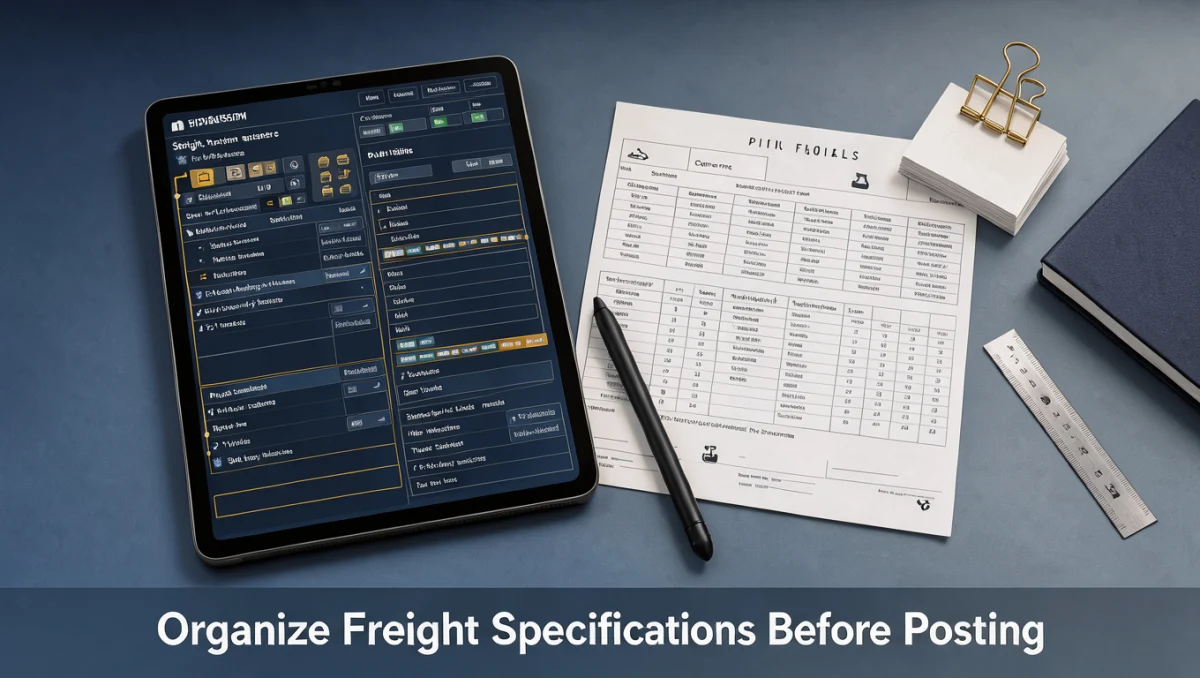
Organize the core parameters of your freight order before publishing anything. A complete load file prevents miscommunication and confirms that responding carriers have the right equipment, operating authority, and schedule availability. As noted in our Collaboration & Productivity resources for logistics teams, standardizing source data is the most effective way to avoid dispatch delays.
Pull these details from your bill of lading or dispatch sheet:
- Origin and destination data: Confirm postal codes, city names, facility hours, and any appointment requirements for pickup and delivery.
- Equipment type: Determine whether the cargo needs a dry van, flatbed, step deck, refrigerated trailer, or specialized handling.
- Commodity dimensions and weight: Record total weight, pallet count, piece count, and whether the load is a full or partial truckload.
- Operational notes and accessorials: Note driver assist needs, tarps, liftgates, hazardous materials classifications, or facility security rules.
- Target compensation: Decide whether you are posting a flat rate, a per-mile rate, or an open-to-negotiation listing.
3. Step-by-Step Posting Workflow
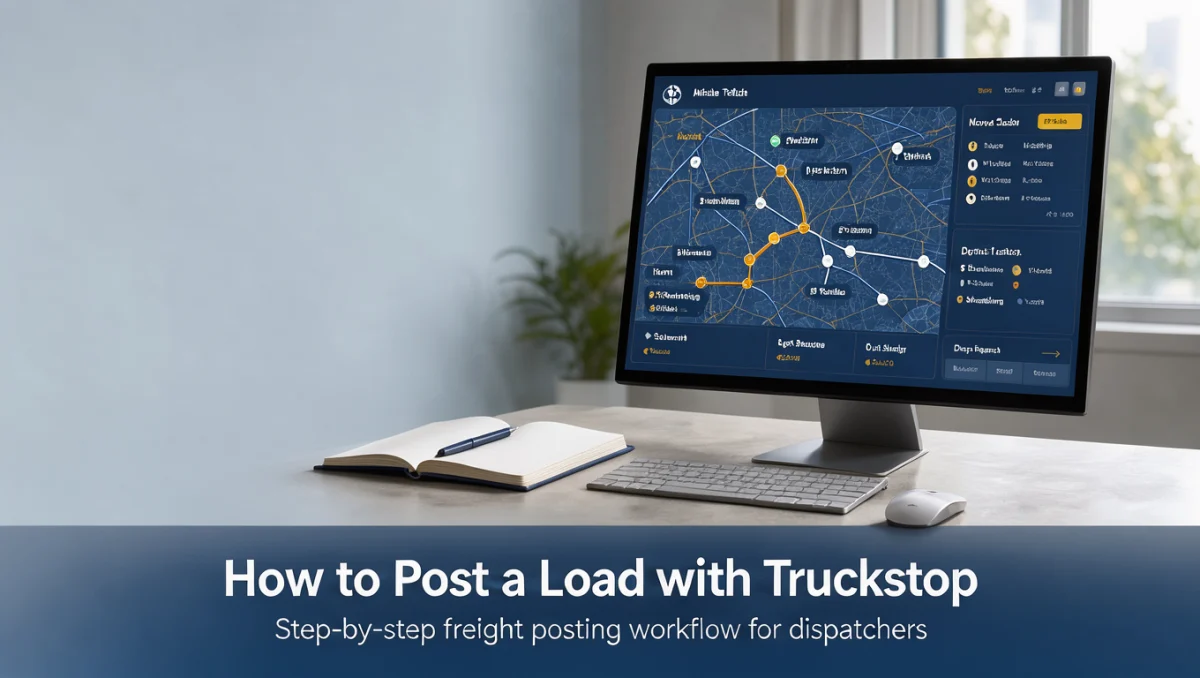
Posting freight on a digital load board follows a sequence designed to get your shipment details in front of dispatchers and owner-operators searching for loads. Knowing how to post a load with Truckstop load board means entering clear criteria in each field so qualified carriers can find your listing quickly.
Step 1: Open the Load Entry Section
Log in through a secure browser session and go to the main freight posting interface, usually labeled for load management or new posting. Check that your brokerage or shipper profile shows current contact details so responses reach your designated logistics representative.
Step 2: Enter Origin, Destination, and Transit Dates
Specify the origin city and geographic zone, along with the pickup date and time window. Then enter the delivery location and target arrival schedule. Adding an acceptable deadhead radius or transit flexibility window can widen carrier visibility across nearby freight hubs.
Step 3: Select Equipment Type and Load Specifications
Choose the exact trailer type the commodity requires. If more than one trailer format can safely haul the cargo, list the acceptable alternatives. Enter accurate gross weight and trailer length requirements, and indicate whether the load is full or partial so carriers planning multi-stop routes can judge available space.
Step 4: Set Rate and Reference Information
Enter your offered rate or mark it as negotiable, according to your company pricing policy. Add internal reference numbers, such as purchase order codes or load identifiers, to track dispatch files once inquiries come in. Clear pricing reduces unnecessary calls from carriers whose minimums differ from your budget.
Step 5: Publish and Monitor Carrier Responses
Review every field for accuracy before publishing. Once the shipment appears on the active board, keep communication channels open. Watch for incoming messages and calls, and verify each carrier's operating credentials and safety record before finalizing the rate confirmation.
4. Best Practices
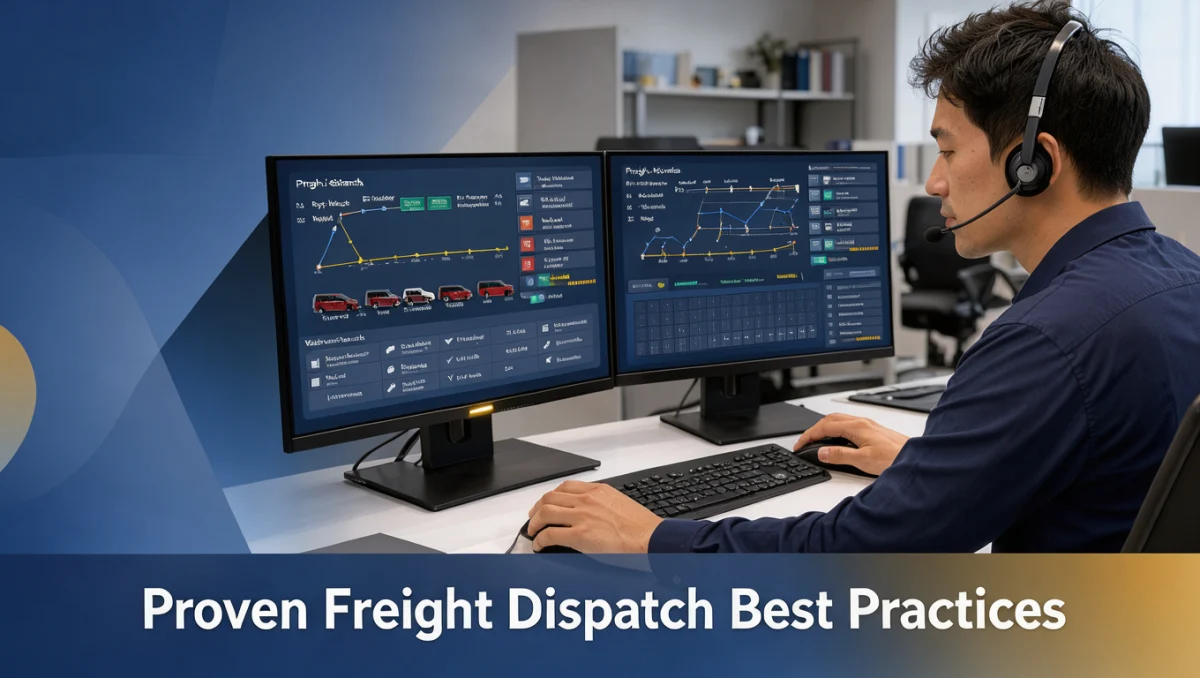
Consistent posting habits improve the quality of carrier inquiries and protect your operations. Digital freight platforms move quickly, and precise information is often what separates a successful dispatch from a costly re-booking.
- Give explicit facility instructions: State whether the facility requires strict delivery appointments or accepts first-come, first-served dock access.
- Update load status promptly: Remove or archive the posting as soon as you sign a rate confirmation. Leaving filled loads live clutters search results and generates unnecessary calls.
- Validate carrier qualifications: Use platform vetting tools and federal registry resources to confirm operating authority, active insurance, and safety ratings before tendering freight.
- Use consistent naming: Apply standard industry abbreviations for equipment and accessorials so your postings appear correctly in dispatcher search filters.
5. Common Mistakes to Avoid
Dispatchers often run into avoidable delays caused by incomplete or unclear listings. Avoiding these common data-entry errors helps your postings lead to productive talks with professional carriers.
- Vague location entries: Listing only a metro area without verified postal codes can cause rate disputes if the actual facility is well outside the city limits.
- Inaccurate weight: Underestimating cargo weight risks overloading, weigh station citations, and carrier refusals at pickup.
- Missing accessorial requirements: Leaving out tarp sizes, temperature ranges, or loading expectations leads to cancelled dispatches when equipment arrives unprepared.
- Unmonitored listings: Posting a load and ignoring communication lets interested carriers book other freight while they wait for your reply.
6. Frequently Asked Questions
How can an operator tell whether a posted rate is competitive?
Comparing historical lane averages and current market activity on comparable routes helps set appropriate pay. Logistics coordinators often review recent rate patterns on the platform before committing to firm pricing.
What should logistics teams verify before hiring an inquiring carrier?
Check active motor carrier operating authority, valid liability insurance certificates, and federal safety status. Confirming that contact details match official registry records protects against unauthorized re-brokering.
Why should a filled freight listing be removed right away?
Deleting filled shipments prevents redundant calls from carriers searching the board. Prompt removal keeps your dispatch queue focused on genuine open capacity.
Can freight postings be reused for recurring lanes?
Many freight management workflows let dispatchers use existing load records as templates for regular shipments. Confirm on the official platform how your account stores template information to save time on repeat entries.
7. Final Verdict
A deliberate posting workflow gives logistics coordinators reliable access to independent carrier capacity across major freight corridors. Accurate equipment labeling, clear geographic routing, and prompt communication remain central to successful freight matching. Readers looking for unbiased business software reviews can explore recommendations across Best Coupon Blogs to choose the right operational tools.
| Criterion | Score / 10 | Reason |
|---|---|---|
| Features | 8.5 / 10 | Offers comprehensive freight posting fields, equipment filters, and lane search capabilities. |
| Ease of Use | 7.5 / 10 | Structured forms simplify entry, though detailed accessorial fields require disciplined data organization. |
| Pricing and Value | 7.0 / 10 | Buyers should weigh subscription costs against how often they post loads, using the official website for current pricing. |
| Integrations | 7.0 / 10 | Brokers should verify transportation management system connectivity directly with the vendor. |
| Audience Fit | 8.0 / 10 | Well suited to professional freight brokers and commercial shippers handling regular truckload volumes. |
| Support | 7.0 / 10 | Confirm available support channels and onboarding guidance on the official portal. |
| Competitive Position | 7.5 / 10 | Holds a clear commercial focus on truckload freight alongside other digital freight exchanges. |
Overall score: 7.5 / 10
For brokers and corporate shipping departments moving steady freight volumes, mastering a standardized posting routine delivers consistent carrier engagement. For casual or low-volume shippers, weighing subscription commitments against spot market needs will show whether direct board posting fits your operations.