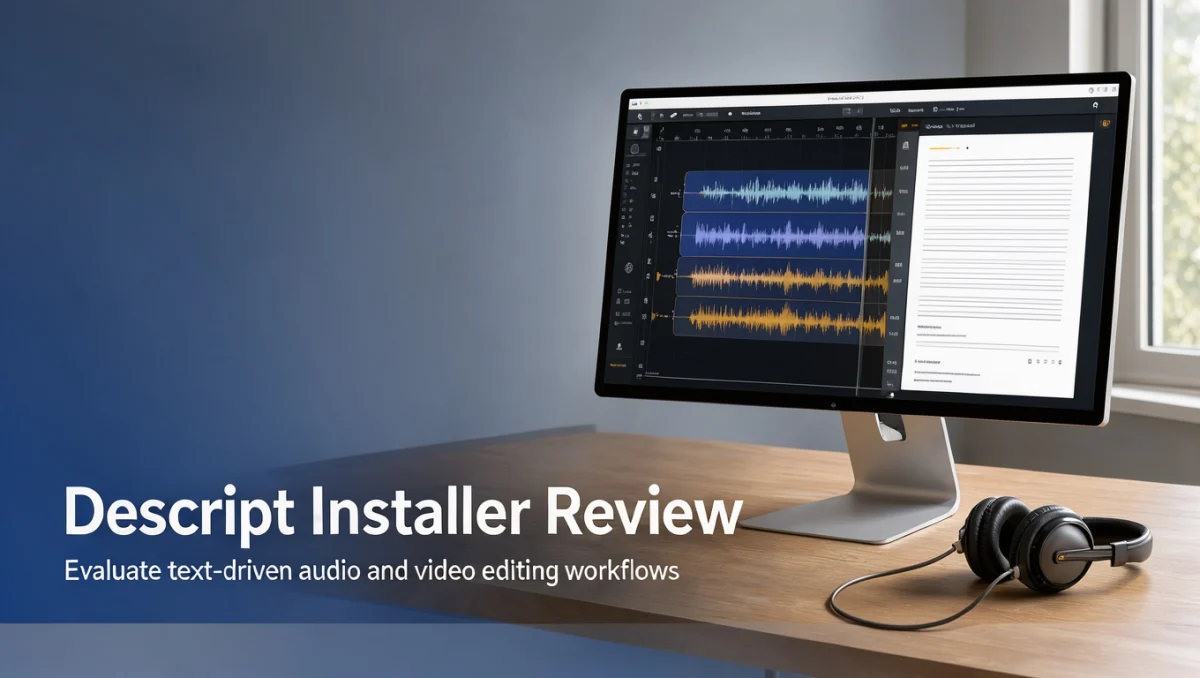
Many creators shop for a descript installer hoping to cut audio and video faster without learning a complex timeline. We evaluate how transcript-driven editing handles interviews, narration, and short-form content, and which factors deserve attention before you commit. Software decisions depend on your output volume and team workflow, so the details below are meant to help you decide with confidence.
Best Coupon Blogs may earn a commission when you purchase through links on this page, at no additional cost to you. Our ratings remain independent of these arrangements.
How We Assessed the Descript Installer
Our review measures the tool against seven practical criteria: features, ease of use, pricing and value, integrations, audience fit, support quality, and competitive standing. Subscription terms and usage ceilings change regularly, so confirm current details on the official website before purchasing. This article was drafted with AI assistance and then reviewed and edited by the Best Coupon Blogs Editorial Team.
What Descript Does and Who Benefits Most
Descript merges automatic transcription with direct audio and video editing. Instead of cutting clips only on visual tracks, editors modify the spoken words inside a generated transcript, and those changes carry through to the underlying media. This approach suits podcasters, marketers, internal communications teams, and educators who want to skip long listening sessions during the first edit.
Creators exploring Artificial Intelligence tools often look for software that removes repetitive review work, and this document-style interface addresses that need directly.
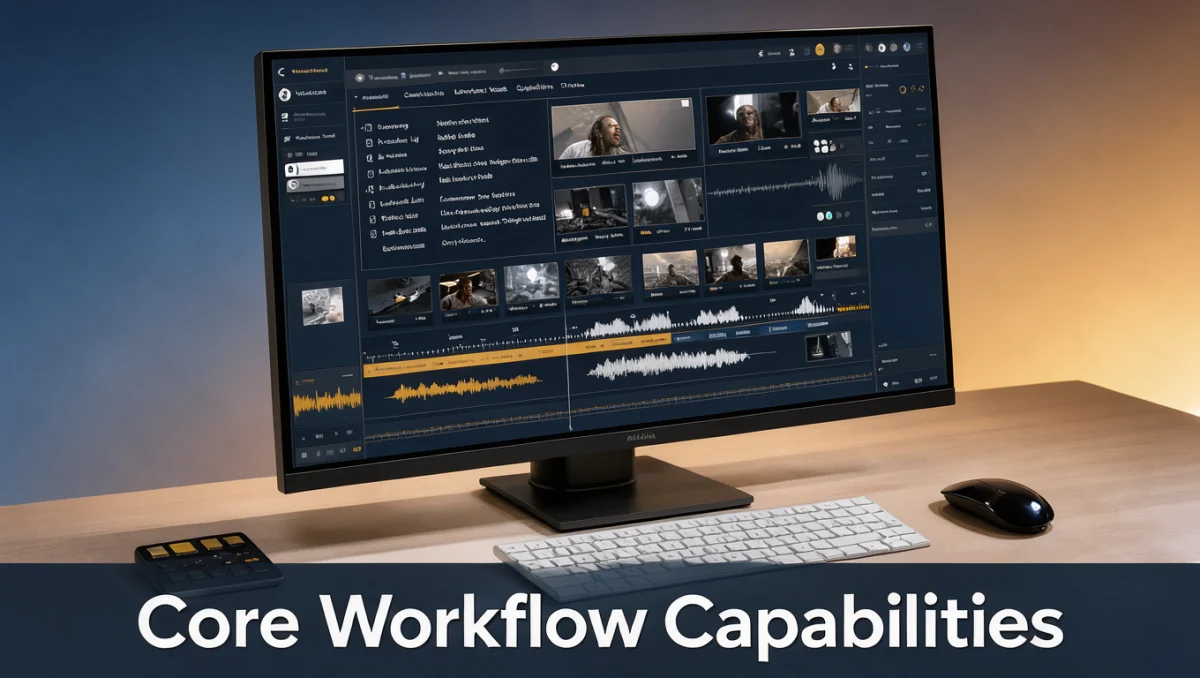
Core Capabilities of the Descript Installer
Automatic Transcription
Speech recognition turns recorded audio into editable text. Editors can scan conversations, spot verbal stumbles, and pull out key remarks without replaying every minute of footage.
Transcript-Based Editing
Removing a word or sentence in the text also removes the matching audio and video segment. This speeds up rough cuts for interviews, narrative videos, and episodic spoken content.
Voice Correction and Audio Cleanup
Correction tools can patch small spoken mistakes and even out room tone across recording sessions. Check the official website for processing allowances that match your production load.
Screen and Presentation Recording
The workspace can capture screen output, system sound, and webcam feeds straight into the project. Corporate teams can produce tutorials and product demos without juggling separate recording applications.
Ease of Use and Learning Curve
Working in Descript feels closer to editing a word processor document than operating a traditional broadcast suite. Anyone comfortable with standard office files can quickly delete mistakes, reorganize paragraphs, and assemble scenes.
Editors who rely on horizontal multi-track timelines may need time to adjust. Building layered multi-camera sequences or intricate secondary audio tracks requires understanding how text blocks align with visual assets. Reviewing the official documentation helps teams make that transition more smoothly.
Advantages and Limitations of the Descript Installer
Advantages
- Text-first editing shortens the time needed to review long interviews and dialogue scenes.
- Built-in recording and editing tools reduce reliance on separate media utilities.
- Transcript navigation makes rough cut assembly accessible to team members without broadcast training.
- Voice correction can repair dialogue flaws without scheduling a re-recording session.
Limitations
- Projects needing precise frame-level color grading or advanced visual effects will require additional non-linear editing software.
- Transcription accuracy depends heavily on clean audio, so good microphone technique matters during recording.
- Plan limits on transcription hours and processing allowances need regular monitoring against the official pricing page.
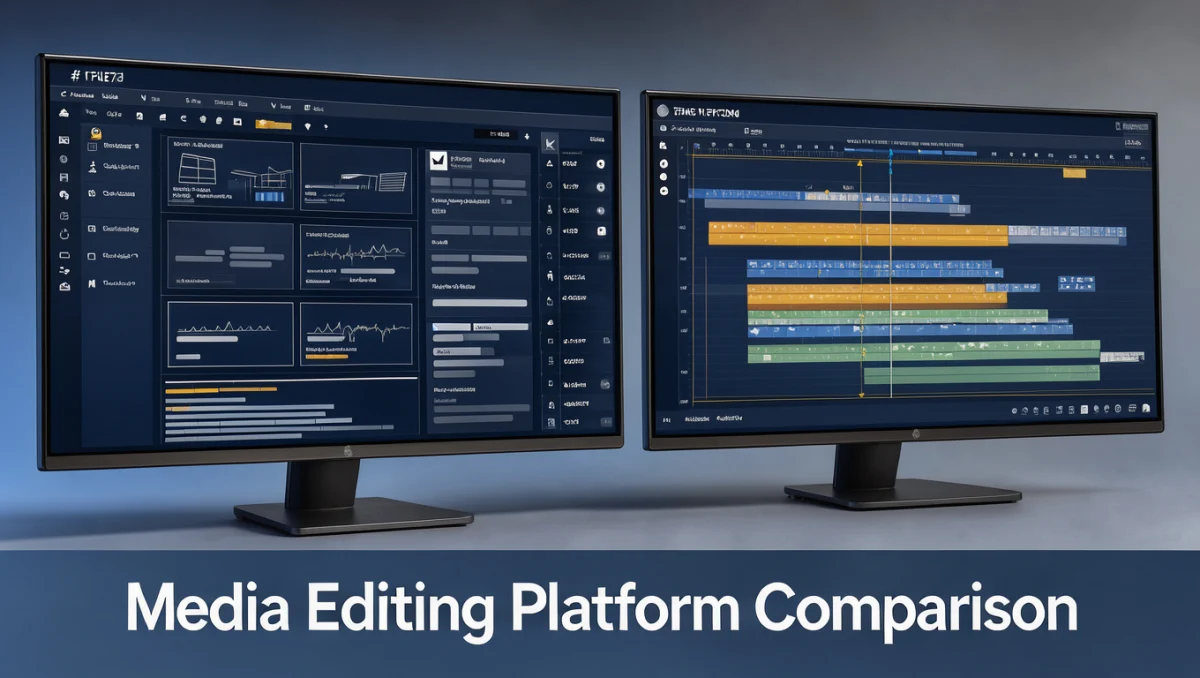
Comparing Descript With Other Editing Platforms
Content teams often weigh text-based editors against conventional audio and video applications.
| Platform | Target Audience | Primary Approach | Key Consideration |
|---|---|---|---|
| Descript | Podcasters, educators, digital teams | Document-driven text editing | Check current usage limits on the official website |
| Adobe Premiere Pro | Film editors, broadcast specialists | Timeline-based multi-track editing | Requires deeper technical training and specialized production skills |
| Audacity | Independent audio creators, podcasters | Direct waveform audio processing | Offers no built-in transcript-based editing |
Adobe Premiere Pro targets broadcast-grade assembly, and Audacity concentrates on sound waveforms, while Descript fills a different niche centered on dialogue-led editing. For wider platform comparisons, visit Best Coupon Blogs to explore additional software guides.
Who Should Consider the Descript Installer
Independent Podcasters and Broadcasters
Solo hosts can read through transcripts instead of scrubbing hours of audio. Removing unwanted dialogue directly from the text can noticeably shorten post-production time.
Digital Marketing and Social Media Teams
Marketers producing short tutorials or interview highlights can isolate strong sound bites quickly. Captions and visual overlays can be placed directly from script segments.
Corporate Communications and Training Managers
Staff without audio engineering backgrounds can produce clean presentation recordings, internal training videos, and webinar summaries with minimal technical hurdles.
Users Who May Need Other Software
Professional colorists, music producers, and documentary filmmakers who depend on advanced compositing will generally find traditional non-linear editors better aligned with industry delivery standards.
Choosing the Right Plan for the Descript Installer
Picking the right subscription depends on how much you produce and how your team is organized.
| What to Check on the Official Page | Why It Matters |
|---|---|
| Transcription volume allowances | Limits set how many recording hours your team can process each billing cycle. |
| Seat management and collaboration rules | Extra editor permissions affect total team cost and administrative effort. |
| Export resolution and delivery settings | Maximum export specifications must match your publishing requirements. |
| Advanced audio correction access | Confirm whether automated restoration features carry separate processing caps. |
Frequently Asked Questions
What kind of production work suits this software best?
Spoken-word projects benefit most. Interviews, narrative podcasts, explainer videos, and product demonstrations fit the transcript-first workflow well.
What should teams confirm before installing media editing software?
Verify supported operating systems, hardware memory requirements, and seat policies on the official vendor site. Meeting recommended system specifications helps avoid rendering delays during production.
How should buyers budget for transcription and editing tools?
Account for the recurring base subscription, any transcription overage charges, and extra software needed for complex graphics. Comparing monthly and annual billing on the official website clarifies your total yearly cost.
Can voice correction replace proper recording equipment?
Automated enhancement improves dialogue clarity but cannot fully fix distorted or noisy audio. Good microphone technique and sound treatment remain essential for professional results.
Final Verdict
| Criterion | Score /10 | Reason |
|---|---|---|
| Features | 8.5 | Transcript-based editing and voice restoration offer strong efficiency for spoken-word production. |
| Ease of Use | 8.5 | The document-style workflow lets non-technical creators assemble rough cuts with little friction. |
| Pricing and Value | 7.0 | Value depends on your output volume; confirm processing limits on the official page. |
| Integrations | 7.0 | Export options fit common publishing workflows, though buyers should verify specific connections. |
| Audience Fit | 8.0 | Highly effective for interview editors and podcasters, less tailored to visual effects artists. |
| Support | 7.0 | Review available documentation and help desk policies on the official site. |
| Competitive Position | 8.0 | Holds a strong place among text-based editors compared with timeline-only suites. |
Overall Best Coupon Blogs Score: 7.7/10
The descript installer delivers meaningful productivity gains for spoken-word creators, corporate trainers, and digital marketers who need fast turnaround. If your workflow centers on narrative pacing and dialogue refinement rather than complex visual compositing, downloading the software after confirming current plan terms is a sound decision.
Readers with questions about choosing media editing software can contact our team at https://bestcouponblogs.com/contact/ or follow Best Coupon Blogs on LinkedIn at https://www.linkedin.com/company/bestcouponblogs/.