bestcouponblogs may earn a commission when you buy through links on this page, at no extra cost to you. This does not affect our ratings.
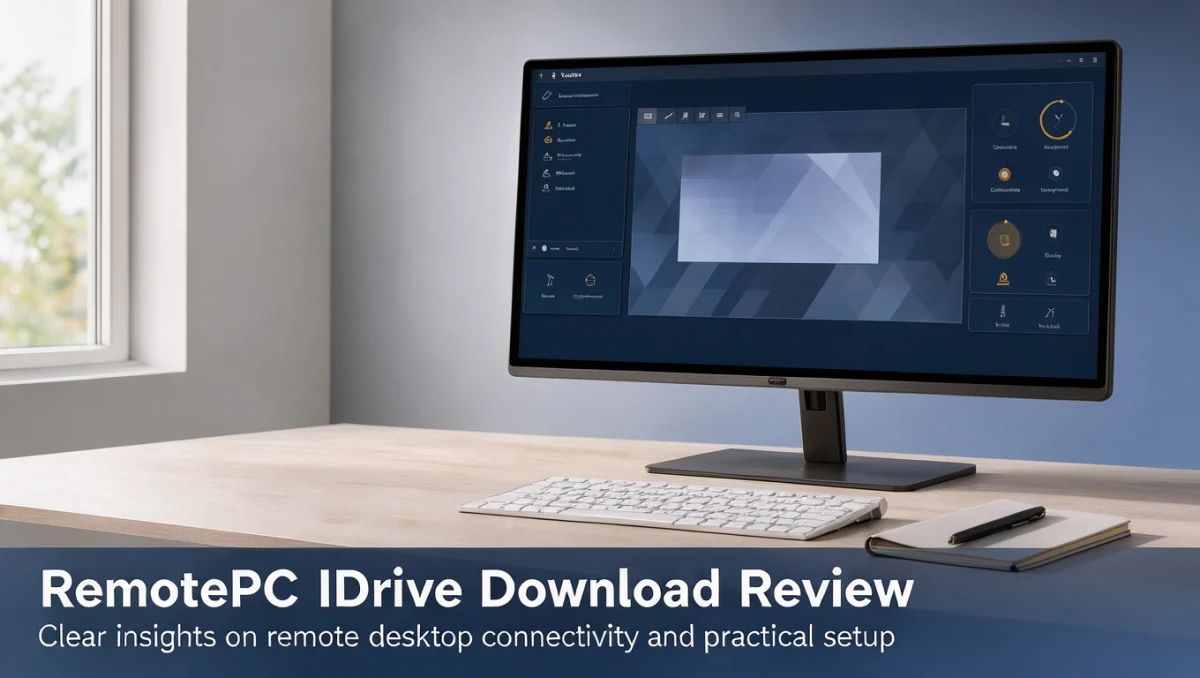
Anyone searching for a remote PC iDrive download is typically looking for a way to reach a computer over the internet from another location. RemotePC, built by IDrive Inc., is designed for exactly that: secure, network-based connections between machines. Whether you are a solo professional, a helpdesk technician, or part of a distributed team, remote desktop software can save hours of travel and keep work moving. At Best Coupon Blogs, we evaluate how well these tools deliver on productivity while keeping day-to-day operations practical.
Before completing any setup, confirm your real operational needs on the vendor portal, including the operating systems you run, how many people need access, and how you prefer to manage accounts. Remote desktop products differ in how they handle simultaneous sessions, admin controls, and unattended machines, so a careful check at the start pays off.
Quick verdict: With an overall rating of 7.7/10, RemotePC suits individual professionals, distributed team members, and internal support staff who need straightforward connectivity between remote workstations. It is less suited to enterprises that need custom on-premises appliances or highly complex identity management without a prior architecture review.
| Evaluation Point | Summary Assessment |
|---|---|
| bestcouponblogs score | 7.7/10 |
| Best for | Professionals managing offsite computers and helpdesk staff coordinating remote maintenance |
| Not ideal for | Enterprises requiring custom private data-center installations or niche appliance bridging |
| Key strengths | Cross-system desktop control, simple background file transfer, and multi-display viewing |
| What to check before buying | Confirm user assignment rules, simultaneous session limits, and platform requirements on the vendor site |
1. How bestcouponblogs Reviewed RemotePC
This review examines what RemotePC is built to do, who it serves, and how it compares with similar tools. We applied seven bestcouponblogs criteria: features, ease of use, pricing and value, integrations, audience fit, support, and competitive position. Plans, prices, and limits change frequently, so we highlight what to verify on the official website before purchasing. This article was researched and drafted with the help of AI tools, then reviewed and edited by the bestcouponblogs Editorial Team.
2. What is RemotePC and who is it for
RemotePC is a remote access application from IDrive Inc. that lets users interact with distant computers over an internet connection. It transmits screen displays, keyboard commands, and mouse inputs in real time, so the experience feels much like sitting in front of the target machine.
The platform serves computer technicians, home-based workers, remote contractors, and corporate managers who need to keep operations running across different locations. Instead of traveling on-site for routine upkeep, users can manage remote files, resolve configuration problems, and oversee off-site workstations through a remote connection.
Within the broader Collaboration & Productivity category, remote desktop utilities act as a bridge between physical hardware and distributed work. Organizations that want to modernize access while keeping overhead low benefit from first identifying exactly which devices need unattended access.
3. Core features of RemotePC
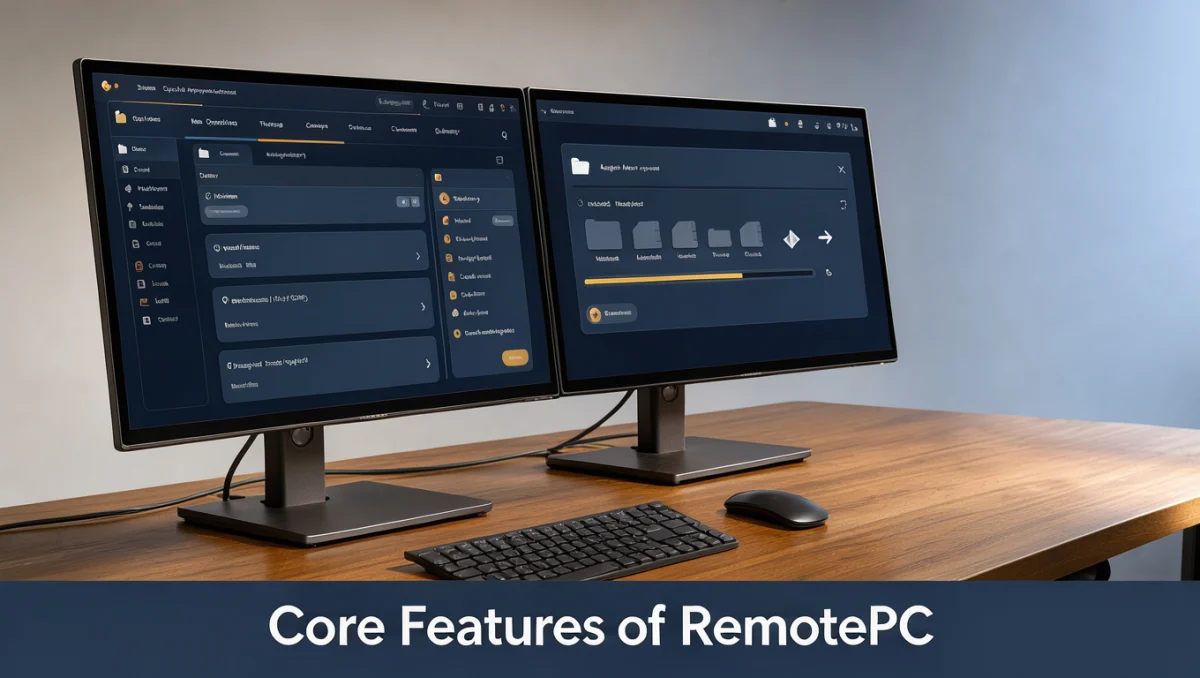
Remote desktop platforms center on the basic communication between host and client devices. Understanding these core tasks helps buyers distinguish simple screen-sharing tools from full administrative connection tools.
3.1. Remote desktop connection
The primary function of RemotePC is establishing a live visual session with a distant computer. Once authenticated, operators see the target desktop directly in their client interface, allowing them to navigate applications, troubleshoot software, and manage the system. Sessions can be attended, where a local user grants access, or unattended, where authorized credentials allow connection without anyone at the destination.
3.2. File transfer and management
Remote administration often requires moving documents, diagnostic packages, and system files between machines. RemotePC supports two-way data transfer between client and host computers. Rather than relying on separate storage locations or email attachments, technicians can use the built-in transfer tools within the connection window to send files directly during an active session.
3.3. Multi-monitor management
Modern professional workstations frequently use multiple displays. RemotePC accommodates multi-screen setups by letting operators switch between individual monitors or view several displays together in one window. This helps financial professionals, software engineers, and administrative managers who rely on multi-window layouts maintain full visibility without losing their desktop context.
4. Ease of use and learning curve
RemotePC focuses on a straightforward installation process, so users can set up host applications and client interfaces with minimal technical effort. Configuring unattended access involves creating account credentials, linking designated endpoint machines, and setting up private connection keys for future sessions.
The admin dashboard displays clear status indicators showing whether registered computers are online, offline, or currently in a session. For non-technical staff working from home, connecting to an office machine simply means selecting it from the host list and entering the authorized access key.
However, teams managing large device fleets may face some friction when organizing many machines into sub-groups, especially if device naming conventions were not set early on. Administrators should establish standard device tagging practices to keep endpoint lists clear as the number of workstations grows.
5. RemotePC pros and cons
Evaluating any remote access software means weighing its strengths against the limitations common to the category. Reviewing both helps frame purchasing decisions.
- Operational strengths:
- A simple setup workflow suitable for both technical staff and everyday remote workers.
- Reliable file transfer built directly into active remote sessions.
- Multi-display toggle options that support sophisticated office workstation layouts.
- Unified account management from an established vendor in data management.
- Operational considerations:
- Remote session performance depends heavily on the upload bandwidth available at the host location.
- Device dashboards need consistent naming discipline to avoid confusion across large inventories.
- Advanced enterprise governance rules should be verified on the official vendor comparison page before purchase.
6. RemotePC vs similar tools
The remote access market includes several established competitors, each suited to different scenarios. RemotePC competes directly with tools such as TeamViewer, AnyDesk, and LogMeIn.
| Software Solution | Market Positioning | Operational Focus | Primary Consideration |
|---|---|---|---|
| RemotePC | General remote workstation connectivity | Accessible desktop interaction and file transfer | Confirm user and computer allocation policies |
| TeamViewer | Enterprise support and service desk infrastructure | Comprehensive enterprise support ecosystems | Verify enterprise administrative overhead requirements |
| AnyDesk | High-frame-rate remote desktop interaction | Lightweight client connections across diverse systems | Check administrative management capabilities |
| LogMeIn | Corporate IT and remote device management | Centralized infrastructure administration | Review total deployment investment targets |
Buyers focused on practical workstation access often weigh RemotePC against lightweight options like AnyDesk or comprehensive service-desk platforms like TeamViewer. Deciding whether your work centers on internal telecommuting or external client support will clarify which product architecture fits your operating model.
7. Who should use RemotePC
Identifying the right audience helps ensure remote desktop software delivers real operational value across different working environments.
- Freelancers and solo contractors: Independent operators who travel often can reach stationary office workstations, local development servers, or accounting files from anywhere without carrying physical backup drives.
- Small business operators: Business owners managing shared office equipment can run operational software, check inventory databases, and help colleagues with local software issues.
- Internal IT support personnel: Technical staff handling internal maintenance can fix software errors, apply configuration updates, and move critical files across company workstations.
- Users not ideally suited: Organizations that need specialized on-premise hardware-bridged appliances or air-gapped network connections should look at dedicated high-security infrastructure platforms instead.
8. How to choose the right plan
Subscription models for remote connectivity tools vary by operational factors rather than feature checklists alone. Before committing, buyers should compare their organization's needs against the vendor's terms.
| What to Check on the Official Site | Why It Matters |
|---|---|
| Computer allocation limits | Determines how many host endpoints can be registered under one subscription. |
| Concurrent connection rules | Affects how many technicians or operators can start sessions at the same time. |
| User license provisioning | Clarifies whether access credentials can be shared or require separate seat purchases. |
| Reboot and reconnect support | Ensures technicians can restart unattended computers and resume maintenance without being on-site. |
| Operating system compatibility | Confirms that host software runs smoothly on every endpoint version in your inventory. |
Buyers should review the official RemotePC pricing page to confirm the selected tier can accommodate expected hardware growth over the coming year.
9. RemotePC FAQ
How do I know if our business needs an upgraded subscription tier?
Assess your active workstation inventory and count how many team members need connections at the same time. If concurrent session limits prevent technicians from working simultaneously, or if your registered machine count approaches vendor thresholds, moving to a higher plan becomes necessary to avoid delays.
What should I budget for besides the base software subscription?
Plan for reliable broadband at both client and host locations, possible display adapters for headless workstations, and time for administrative onboarding. Adequate upload speed at host offices is critical, since network latency directly affects responsiveness during remote sessions.
Should technical teams test network conditions before standardizing remote access software?
Latency and upload bandwidth determine how responsive any remote desktop connection feels. Testing stability on typical office networks helps decide whether visual quality settings need adjusting for users connecting over residential internet.
How should administrators organize device access in expanding teams?
Set strict machine naming conventions and department groupings during initial rollout. Descriptive identifiers that include location, department, and primary user prevent accidental connections to the wrong workstation and make security audits easier.
10. Final verdict on RemotePC
RemotePC provides a dependable remote access platform for individuals and organizations that want simple connectivity between distant computers. Its combination of unattended access, built-in file movement, and multi-monitor viewing makes it an effective tool for telecommuting and internal IT maintenance.
| Evaluation Criterion | Assigned Score | Basis for Evaluation |
|---|---|---|
| Features | 8.0/10 | Provides dependable core remote access, file management, and multi-display viewing. |
| Ease of Use | 8.5/10 | Features a clean setup process and an intuitive connection dashboard for everyday users. |
| Pricing and Value | 7.5/10 | Buyers should verify device limits and concurrent session rules against pricing tiers. |
| Integrations | 7.0/10 | Focuses mainly on standalone remote connectivity rather than broad third-party tie-ins. |
| Audience Fit | 8.5/10 | Aligns well with telecommuters, independent professionals, and internal helpdesk technicians. |
| Support | 7.0/10 | Prospective buyers should check vendor support channels directly before deployment. |
| Competitive Position | 7.7/10 | Maintains an established place among standard remote access tools against major alternatives. |
Overall bestcouponblogs Score: 7.7/10
For independent professionals and small business teams seeking straightforward remote desktop capability without heavy infrastructure, RemotePC is a solid choice. Buyers should visit the official vendor site to verify current computer licensing limits and platform requirements before completing a purchase.
Readers with further questions or deployment inquiries can reach out through https://bestcouponblogs.com/contact/ or follow bestcouponblogs on LinkedIn at https://www.linkedin.com/company/bestcouponblogs/.