Some links on this page may earn Best Coupon Blogs a commission when you purchase through them, at no extra cost to you. Our ratings are never influenced by these partnerships.
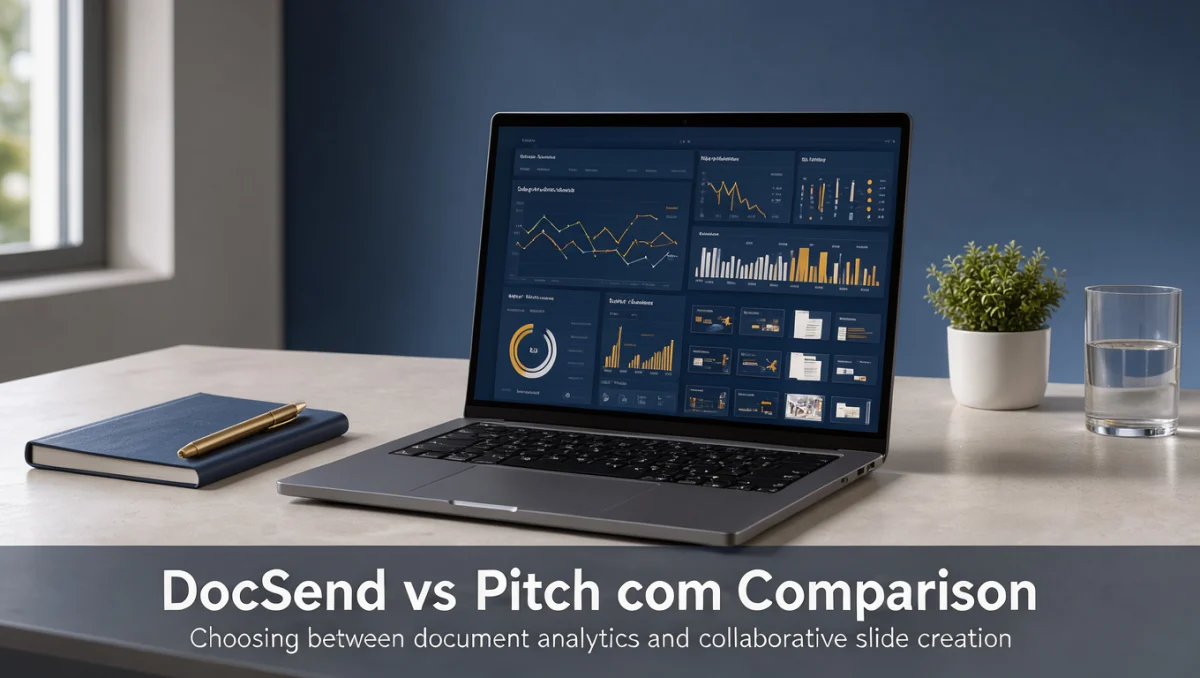
Choosing between these two platforms starts with one question: are you designing a presentation or sending one out? A careful docsend vs pitch com comparison shows that DocSend focuses on secure document delivery and reader analytics, while Pitch centers on building and editing slide decks together with your team.
Professionals working across the Collaboration & Productivity category often weigh both tools when preparing investor updates, sales collateral, or client briefings. At Best Coupon Blogs, we assess software by its core jobs, everyday team workflows, and real buyer needs rather than promotional messaging.
Quick verdict: DocSend earns an overall score of 7.9/10 for teams that need secure document distribution, access controls, and page-by-page reader tracking. Pitch suits groups that need collaborative slide design and ready-made templates. If granular document security and data rooms are your priority, DocSend is the better fit.
| Metric | Summary |
|---|---|
| Best Coupon Blogs score | 7.9/10 |
| Best for | Teams that value document delivery analytics and access verification |
| Not ideal for | Teams looking mainly for a creative slide authoring workspace |
| Key strengths | Document tracking, reader analytics, permission management |
| What to check before buying | Confirm seat requirements, recipient limits, and security options on official websites |
1. How Best Coupon Blogs Reviewed DocSend vs Pitch com
This review examines what each tool is built to do, who it serves, and how it compares with similar products. We used seven criteria: features, ease of use, pricing and value, integrations, audience fit, support, and competitive position. Plans, prices, and limits change frequently, so we flag what to verify on the official website before buying. This article was researched and drafted with AI assistance, then reviewed and edited by the Best Coupon Blogs Editorial Team.
2. Short Answer: Document Tracking Versus Slide Creation
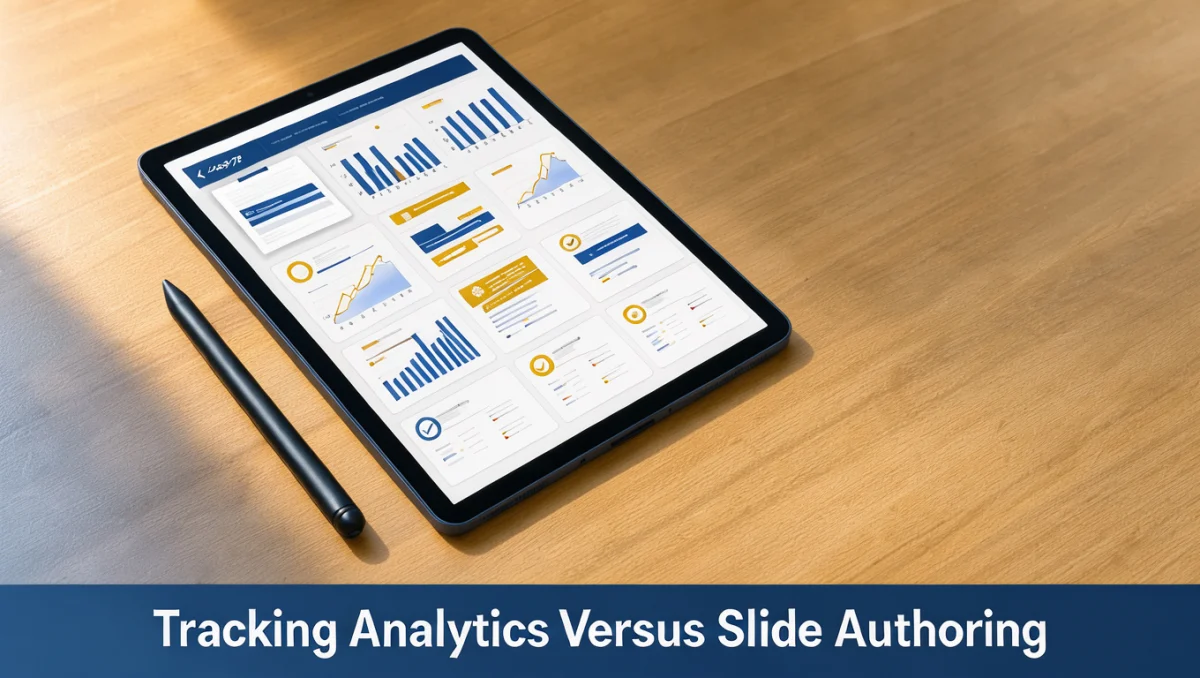
Your choice depends on whether you need to build slides from scratch or distribute finished documents securely. Pitch is presentation software that helps teams assemble decks, edit visual slides, and collaborate on assets in shared workspaces. DocSend, by contrast, distributes completed collateral, tracks reader engagement, and controls link permissions after a document is produced.
Many organizations use both at different stages. Creative teams and product marketers draft sales narratives in presentation tools, then business development teams upload final PDFs or proposals to a tracking service before sharing links with external contacts.
3. Positioning Overview
Understanding where each tool fits in the workflow clarifies which one matches your goals. Both touch business presentations, but they address opposite ends of the file lifecycle.
| Tool | Best for | Core strength | Consider if |
|---|---|---|---|
| DocSend | Distributing sensitive collateral to external partners | Reader analytics, link control, document protection | External parties should view decks through tracked links rather than static attachments |
| Pitch | Designing presentations collaboratively with colleagues | Slide formatting, collaborative editing, creative presentation building | Internal teams need a shared environment to design slides |
4. Criteria Comparison
Features
DocSend concentrates on security and visibility after export. Its core capabilities include page-by-page engagement tracking, access verification, dynamic watermarking, and virtual data room organization. Users upload finished files, generate secure links, and monitor how long recipients spend on each page. Pitch offers slide editing tools, template systems, design libraries, and real-time commenting within presentation canvases. Since Pitch is an authoring tool, it emphasizes typography, layout alignment, and multimedia embedding, while DocSend emphasizes distribution control.
Ease of Use
Both applications have modern interfaces but ask for different kinds of work. DocSend has a shallow learning curve: upload a file, set link preferences, and review the analytics dashboard. Most of the effort goes into configuring permissions and organizing folders. Pitch requires familiarity with presentation mechanics, canvas layouts, and visual formatting. Team members comfortable with graphic software will adapt quickly to Pitch, while those wanting one-click external sharing will find DocSend simpler day to day.
Pricing and Value
Subscription structures generally separate individual creators from multi-seat organizations. Before committing, confirm account minimums, recipient access conditions, and tier differences directly on the official DocSend and Pitch pricing pages. Vendors revise license thresholds regularly, so calculating annual cost per user is an essential step.
Integrations
Sales and marketing workflows depend on connections to CRM systems, cloud storage, and communication channels. Check the official integration directories for both products to confirm they work with your existing corporate tools without custom development.
Audience Fit
DocSend suits founders raising capital, enterprise sales teams sending proposals, investment bankers managing due diligence, and legal teams sharing sensitive records. Pitch suits startup operators, creative agencies, marketing specialists, and cross-functional project groups that build presentations regularly. If you already have finished decks to send, DocSend is the tool to consider; if you need to create slides, Pitch is.
Support
Support structures depend on subscription tier and enterprise agreements. Before rolling either platform out across a large department, review current support channels, documentation, and response guidelines on each vendor's official website.
Competitive Position
In document tracking and data room management, DocSend competes with dedicated data room services and secure document portals. In presentations, Pitch competes with traditional slide platforms and collaborative canvas editors. Neither replaces the other, so each occupies a clearly defined role in business operations.
5. How to Decide Between DocSend and Pitch

Start by mapping where your team experiences friction in document work.
- Identify the main bottleneck. If building slides takes too long, evaluate a presentation authoring tool like Pitch. If you need to know whether clients read proposals, evaluate a document sharing tool like DocSend.
- Determine who your audience is. Internal brainstorming calls for collaborative editing software, while external partner communication calls for protected distribution.
- Establish compliance and monitoring needs. When investor due diligence, client confidentiality, or regulatory processes require page-level analytics and link expiration, document security tools are necessary.
- Review your software budget. Many buyers find that presentation design and document tracking complement each other rather than substitute for one another.
6. Frequently Asked Questions
Which tool should a startup evaluate first during fundraising?
Founders building a pitch deck from scratch benefit from a slide design tool like Pitch to shape their core story. Once the deck is final and ready for investors, teams use a secure platform like DocSend to send trackable links, monitor investor interest, and protect confidential financial materials.
What should teams check on the official pricing pages before purchasing?
Confirm seat minimums, file viewing allowances, data room availability, and administrative controls on the official DocSend and Pitch websites. Vendors often adjust packaging, so verify details before making any financial commitment.
Can document sharing platforms replace presentation software entirely?
No. Document distribution platforms do not provide slide design environments, graphics libraries, or layout engines. Teams create content in an authoring tool first, then upload the finished files to a tracking system for distribution.
How should small businesses determine license requirements?
Compare how many people draft content with how many send external materials. Slide authoring tools often require a license for every contributor, while document tracking may only be needed by sales representatives and executives.
7. Final Verdict
| Criterion | DocSend Score /10 | Reason |
|---|---|---|
| Features | 8.5 | Comprehensive document tracking, permission verification, and data room structure for outbound collateral |
| Ease of Use | 8.2 | Straightforward upload-and-share workflow with minimal complexity for creating external links |
| Pricing and Value | 7.2 | Buyers must confirm license structures and seat minimums on the vendor pricing page |
| Integrations | 7.4 | Connections with cloud storage and sales tools require verification in official directory listings |
| Audience Fit | 8.6 | Well aligned with founders, sales professionals, and corporate development teams sharing sensitive documents |
| Support | 7.1 | Assistance depends on subscription level and vendor documentation |
| Competitive Position | 8.3 | Strong focus on document distribution analytics compared with general file hosting services |
Overall score: 7.9/10
For founders raising capital or sales professionals sending proposals, DocSend offers clear visibility into how recipients engage with materials and protects confidential assets. For creative teams, marketing groups, and agencies designing decks collaboratively, Pitch provides a dedicated presentation workspace. Many growing organizations use Pitch to produce internal slides and DocSend to distribute external collateral.
Have questions about choosing software for your workflow? Reach out to our team at Best Coupon Blogs, or explore the Collaboration & Productivity category for more comparisons.