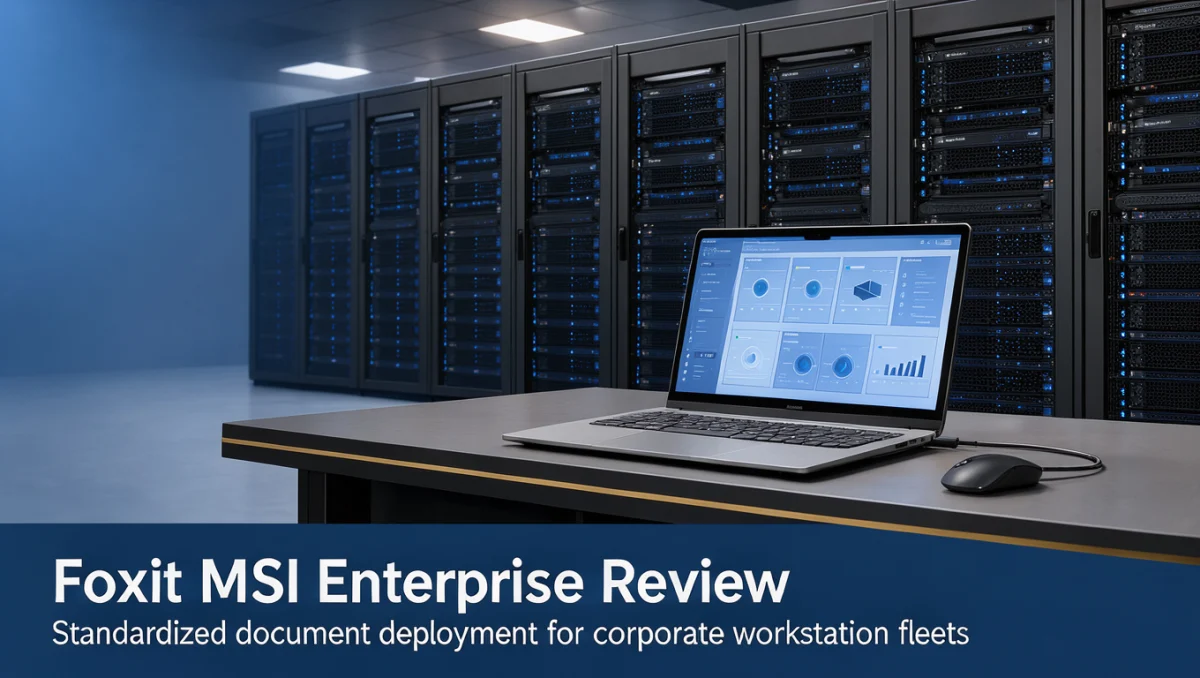
Organizations that manage dozens or hundreds of workstations need software that installs the same way every time. Foxit MSI packages deliver exactly that: standardized Windows Installer files that let technical staff push PDF editing tools across a fleet without visiting each machine. At Best Coupon Blogs, our software reviews focus on whether a tool fits real operational demands, administrative workloads and long-term maintenance needs.
Choosing enterprise deployment software means looking beyond the feature list. Administrators need to understand how an installer handles silent network rollouts, custom property settings and routine update cycles before signing any vendor licensing agreement.
Our rating is 7.8/10. Foxit MSI suits systems administrators and corporate procurement teams that need centralized deployment of document tools across workstation fleets. It is less suitable for individual users or home offices that only need basic viewing without central administration.
| Evaluation Dimension | Best Coupon Blogs Summary |
|---|---|
| Overall score | 7.8/10 |
| Best for | IT administrators and organizational teams requiring centralized workstation deployment for PDF management |
| Not ideal for | Individual users and home offices that require only basic viewing without centralized deployment |
| Key strengths | Standardized installer packaging, document modification capabilities, and centralized policy configuration |
| Check before buying | Confirm volume licensing terms, administrative tool availability, and renewal policies on the official vendor website |
1. How Best Coupon Blogs Reviewed Foxit MSI
This review examines what Foxit MSI is designed to do, who it serves and how it stacks up against similar tools. We assessed it across seven criteria: features, ease of use, pricing and value, integrations, audience fit, support and competitive position. Plans and prices change frequently, so we flag what to verify on the official website before purchasing. This article was researched and drafted with AI assistance, then reviewed and edited by the Best Coupon Blogs Editorial Team.
2. What Foxit MSI Is and Who It Serves
Foxit MSI is the Windows Installer package Foxit Software provides to automate deployment across networked computers. Consumer setup files usually require someone to click through prompts at each workstation. An MSI package lets technical staff distribute, update and manage the software from a central server.
Procurement teams reviewing productivity applications typically prioritize standardized packages because they reduce support overhead. With a Foxit MSI package, IT staff can roll out document editing, form completion and review tools across departmental machines without disrupting daily work.
The format targets systems engineers, desktop support specialists and compliance managers who oversee multi-user fleets. Organizations with strict software governance use these packages to enforce consistent document standards, limit unauthorized components and automate security patching.
3. Core Features of Foxit MSI
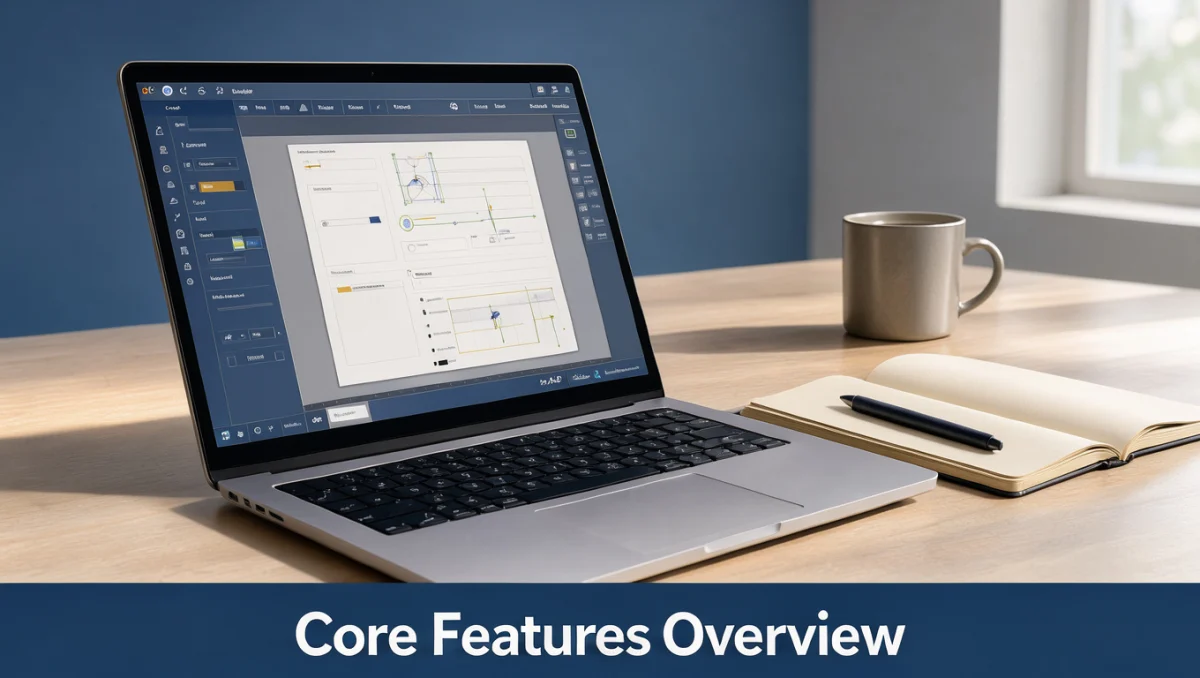
Document software is judged by how well it supports everyday organizational paperwork. The following capability groups cover the main tasks users and administrators perform with Foxit tools.
Document creation and text editing
Editing tools let staff create PDFs from digital office files, scanned paperwork or text sources. Users can adjust typography, change margins, reorder pages and extract sections into standalone files. Layout stays consistent across operating systems, so proposals, legal disclosures and operational reports look the same on any hardware.
Interactive form handling and data collection
Form tools let administrators build fillable documents with text fields, checkboxes, selection menus and calculation formulas. Automatic field detection helps turn static paperwork into digital forms, reducing manual entry errors. Organizations use these features for requisition data, customer intake and operational checklists within secure digital workflows.
Digital signatures and document approval
Approval features let teams sign documents, verify file authenticity and manage multi-stage sign-off without printing. Verification tools show validity details, timestamps and modification flags if an approved file is edited without authorization. Legal and procurement teams rely on these checks when executing binding contracts and administrative notices.
Administrative deployment and configuration packaging
The installer format lets administrators customize deployment behavior using transform files and group policies. Before installation, they can suppress desktop shortcuts, disable specific internet-connected services and preset default document folders. Central deployment ensures every workstation runs identical settings without individual setup.
4. Ease of Use and Learning Curve
Usability should be judged from two angles: the administrator's deployment experience and the end user's daily workflow.
For technical staff, deploying an MSI package follows standard enterprise distribution practices. Engineers comfortable with command-line switches, transform editors and scripted rollouts can fit the package into existing management tools with little friction. The main learning curve for IT teams is building transform files that align application permissions with compliance requirements.
For end users, the interface uses the ribbon-style navigation common in modern desktop productivity software. Workers moving from standard office suites usually find basic tools, annotation options and export menus with minimal training. Advanced tasks such as building interactive calculation scripts or managing certificate hierarchies, however, need dedicated instruction for non-technical staff.
5. Pros and Cons of Foxit MSI
Understanding practical strengths and limitations helps buyers make balanced procurement decisions.
Pros
- The standardized installer framework supports silent distribution across workstation fleets through automated endpoint management systems.
- Extensive administrative customization lets technical teams disable unnecessary features and lock down configuration settings.
- Broad document capabilities, including text editing, form creation, file conversion and page assembly, live in a single application.
- Digital signing options support formal approval workflows without paper printing.
- The desktop interface follows familiar office software layouts, keeping staff onboarding manageable.
Cons
- Building packages requires qualified systems personnel to create transform files and maintain distribution rules.
- Configuration can feel complex for small offices without dedicated technical support staff.
- Advanced capabilities require organizations to confirm licensing terms directly on the official vendor website.
6. Foxit MSI vs. Similar Tools
Enterprise buyers often compare Foxit with other established document platforms.
Adobe Acrobat is the baseline document standard across creative agencies, large corporations and publishing environments. It offers specialized color management, advanced graphic production controls and deep integration with creative suites, but it often carries higher subscription costs. Foxit positions itself as a practical business alternative, delivering standard editing, review markup and corporate signing at a lower total cost of ownership for broad deployments.
Nitro PDF focuses on corporate document management and collaboration, with user-friendly administrative portals and digital signature management. It emphasizes standardizing business documents across offices through streamlined e-signing. Foxit, by contrast, offers deep administrative control through its MSI package, giving network engineers granular command over which components are installed on user machines.
7. Who Should Use Foxit MSI
Matching software to real operational profiles ensures the investment fits how the organization actually works.
IT administrators and systems engineers
Teams managing hundreds of endpoints benefit most from the packaging structure. Silent deployment, uniform transform files and centrally controlled updates save significant administrative effort across distributed networks.
Corporate office workers and document managers
Administrative assistants, project coordinators and operations managers who handle contracts, records archiving and file conversions gain reliable tools for editing content. The familiar layout means routine tasks require little retraining.
Legal, financial and compliance departments
Staff handling confidential records, regulatory filings and executive approvals rely on redaction, certification and signature verification. These features preserve document integrity while maintaining formal audit trails.
Who should look elsewhere
Freelancers, home office users and small retailers who only read documents occasionally should consider other options. Solo operators do not need MSI installer structures, and simpler viewers avoid the licensing minimums and configuration steps that enterprise packages require. The Best Coupon Blogs research team recommends weighing long-term administrative overhead alongside daily user satisfaction when choosing corporate software.
8. How to Choose the Right Plan

Enterprise vendors frequently adjust licensing models, packaging options and support terms. Before committing, procurement teams should review these details on the official vendor website.
| What to check on the official vendor page | Why it matters for your organization |
|---|---|
| Volume licensing thresholds | Tier structures often set minimum workstation counts required to access MSI deployment packages. |
| Maintenance and upgrade coverage | Maintenance contracts determine whether annual version upgrades and patches are included or billed separately. |
| Administrative customization tool availability | Some deployment customization utilities may require specific licensing levels to generate transform files. |
| Virtual desktop and terminal server terms | Deploying across virtual desktop environments often involves distinct concurrent licensing rules. |
| Subscription versus perpetual license terms | Long-term costs differ substantially between recurring subscriptions and perpetual licenses. |
9. Frequently Asked Questions
What should systems engineers check before deploying enterprise document software?
Engineers should evaluate network bandwidth, workstation operating system readiness, transform file parameters and endpoint configuration policies. Testing installation switches, silent deployment behavior and registry settings in a lab environment helps ensure rollouts proceed without disrupting operations.
Why do enterprise teams use MSI packages instead of executable files?
MSI packages follow Windows Installer standards, enabling silent installs, reliable error logging and scriptable uninstalls. Standard executables often require manual clicks, which makes mass distribution across hundreds of endpoints impractical.
What licensing factors affect the total cost of office software?
Costs depend on seat counts, recurring maintenance fees, management portal access and server-based licensing models. Buyers should check whether electronic signing allocations or advanced administrative tools carry extra fees by reviewing official pricing documentation.
How should IT departments verify update mechanisms for deployed software?
Review vendor documentation on automated patching, compatibility with internal distribution servers and manual patch packaging. Confirm whether administrative tools can disable automatic internet updates so administrators keep full control over software versions across the network.
10. Final Verdict
Foxit MSI is a practical choice for organizations that need dependable document creation, editing and form management delivered through standard enterprise deployment methods. Its alignment with Windows Installer standards gives network engineers the control they need over application settings, while end users get familiar editing interfaces.
| Criterion | Score /10 | Reason |
|---|---|---|
| Features | 8.8 | Delivers complete core editing, interactive form construction, page organization and digital signing. |
| Ease of Use | 7.8 | Offers a familiar ribbon layout for daily work, though building transform files requires technical expertise. |
| Pricing and Value | 7.6 | Buyers should confirm volume tier minimums and maintenance inclusions on the official pricing page. |
| Integrations | 7.2 | Works within standard operating system environments, with specific enterprise workflow links requiring vendor verification. |
| Audience Fit | 8.4 | Directly meets the needs of IT deployment teams and corporate office workers managing document fleets. |
| Support | 7.0 | Support scope, response channels and service tiers must be verified in the official vendor agreement. |
| Competitive Position | 8.0 | Offers a dependable enterprise alternative with balanced administrative configuration options. |
Overall score: 7.8/10. Organizations with established desktop management infrastructure will find Foxit MSI an effective way to deploy uniform document editing software. Smaller teams without dedicated IT support should consider standard consumer installers to avoid unnecessary deployment complexity.
For more software procurement advice or questions about enterprise tool selection, contact our team at https://bestcouponblogs.com/contact/ or follow Best Coupon Blogs on LinkedIn at https://www.linkedin.com/company/bestcouponblogs/.
See More Collaboration & Productivity