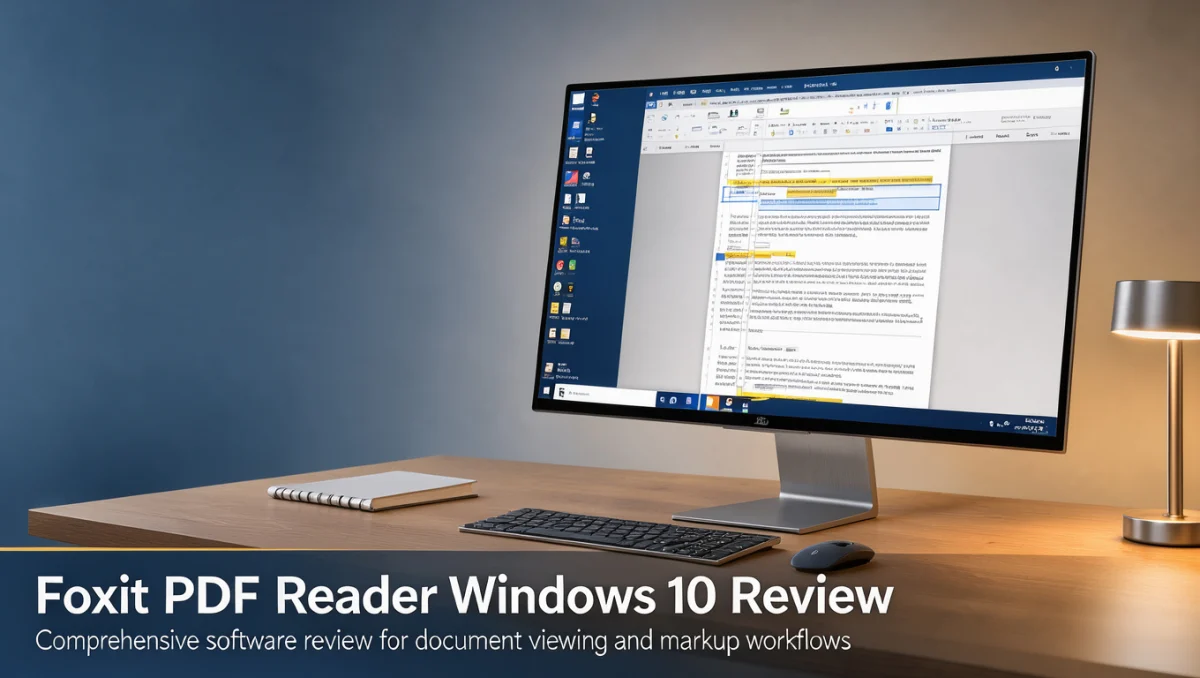
Looking for a dependable foxit pdf reader download windows 10 option? Many people turn to dedicated desktop viewers when browser-based reading no longer offers enough structure for contracts, study papers, or long reports. At Best Coupon Blogs, we assess desktop software on practical criteria so you can decide whether a tool fits your daily routine.
Default system tools handle simple files well, but they often lack the file organization and annotation features that document-heavy work demands. Before installing a foxit pdf reader download windows 10 package, it helps to know which baseline functions you actually need, so you avoid friction during document exchanges.
Quick verdict: Foxit PDF Reader earns 7.9 out of 10 for everyday usability, responsive viewing, and markup tools. It is a good match for office staff and students who want reliable review tools without complicated setup. It is less suited to teams that need specialized prepress pipelines or complex digital asset management.
| Metric | Summary |
|---|---|
| bestcouponblogs score | 7.9 / 10 |
| Best for | Knowledge workers who review, sign, and mark up electronic documents in routine business tasks |
| Not ideal for | Specialists who need prepress file adjustments or dedicated computer-aided drawing tools |
| Key strengths | Quick file rendering, standard annotation tools, and clear document navigation controls |
| What to check before buying | Confirm deployment licensing, support tiers, and enterprise admin tools on the official vendor site |
1. How bestcouponblogs Reviewed Foxit PDF Reader
This review examines what Foxit PDF Reader is designed to do, who it serves, and how it compares with similar tools. We applied seven bestcouponblogs criteria: features, ease of use, pricing and value, integrations, audience fit, support, and competitive position. Plans, prices, and limits change frequently, so we flag what to confirm on the official website before purchasing. This article was researched and drafted with AI assistance, then reviewed and edited by the bestcouponblogs Editorial Team.
2. What Is Foxit PDF Reader and Who Is It For
Foxit PDF Reader is a desktop utility from Foxit Software for opening, viewing, marking up, and printing files in Portable Document Format. In typical modern offices, it works as an alternative to the PDF readers built into web browsers, offering dedicated panels for bookmarks, page thumbnails, and markup summaries. Teams in collaboration and productivity workflows use such applications to handle business correspondence, agreement sign-offs, and study materials.
The application mainly serves office administrators, legal assistants, researchers, educators, and enterprise staff who read long reports or review contracts. Rather than reading files in browser tabs that lack structured annotation panels, users get desktop software built for multi-page navigation, layer inspection, and form data retention. At Best Coupon Blogs, we focus on whether the software meets everyday business needs without adding unnecessary configuration work.
3. Core Features of Foxit PDF Reader
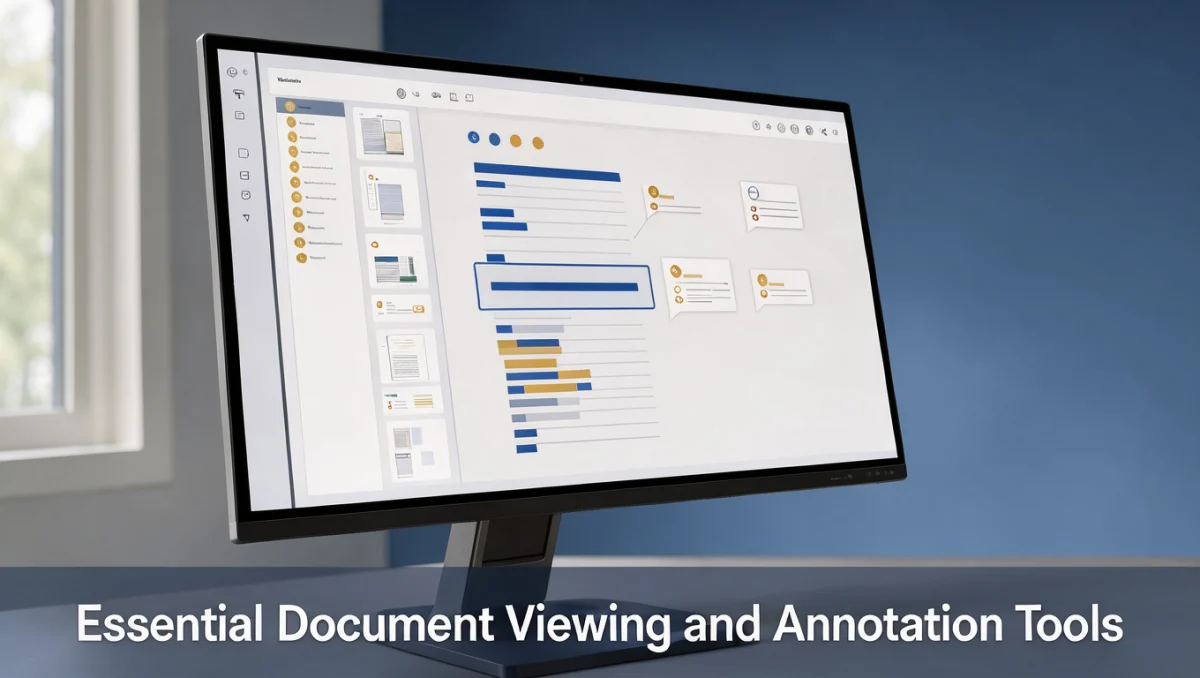
Document software revolves around predictable handling of text, graphics, and interactive fields. Foxit PDF Reader organizes its main tools around common document processing stages.
3.1. Document Viewing and Navigation
At its core, the software displays pages accurately, preserving layout across fonts, margins, vector graphics, and embedded tables. Users move through manuals or contracts using bookmarks, page thumbnails, and search bars that scan entire documents for specific phrases. Multi-tab viewing lets you compare separate files side by side within one window, reducing desktop clutter.
3.2. Review and Annotation Utilities
Collaborative work depends on leaving notes, suggestions, and corrections directly on draft files. The software provides highlighting, strikethrough styling, sticky notes, callout boxes, and drawing shapes. Reviewers can export or filter comments by author, date, or page location to support organized editorial revisions.
3.3. Form Completion and Basic Signing
Interactive forms are a key part of administrative paperwork, from onboarding packets to purchase requests. Foxit PDF Reader recognizes form fields, allowing direct keyboard entry into text boxes, checkboxes, and dropdown menus. It also offers tools for placing basic visual or electronic signatures, so paperwork can be completed without printing.
4. Ease of Use and Learning Curve
The interface of Foxit PDF Reader follows the ribbon-style layout familiar from office productivity suites. Tabs group navigation, commenting, form tools, and viewing modes logically, which helps new users find markup tools without a training manual.
Experienced office workers adapt quickly because core keyboard shortcuts match established desktop conventions. Beginners who only need simple scrolling may find the many toolbars crowded at first launch, although toolbars can be adjusted to reduce visual distraction.
5. Pros and Cons of Foxit PDF Reader
Weighing advantages against limitations helps clarify whether this tool suits your setup.
5.1. Advantages
- Structured ribbon navigation that matches common office applications
- Responsive page rendering for multi-page manuals and graphic-heavy presentations
- Practical annotation tools that support collaborative feedback
- Reliable interactive form completion for daily administrative tasks
5.2. Limitations
- Advanced content editing typically requires upgrading to a full editing suite, which buyers should verify on the official Foxit website
- Dense toolbars can overwhelm users who only need basic reading
- Enterprise administration controls depend on specific license models that require vendor consultation
6. Foxit PDF Reader vs Similar Tools
Understanding where Foxit PDF Reader sits among alternatives helps clarify your choice.
| Software | Market Positioning | Core Focus | Consider If |
|---|---|---|---|
| Foxit PDF Reader | General productivity and office document handling | Fast viewing and structured markup tools | You want dedicated desktop annotation without browser limitations |
| Adobe Acrobat Reader | Long-established industry standard for document review | Broad standards compliance and brand familiarity | Your organization mandates standardized enterprise document workflows |
| Sumatra PDF | Minimalist open-source document viewer | Ultra-lightweight reading without heavy toolsets | You prioritize minimal disk usage over extensive markup features |
| Nitro PDF | Business-focused commercial document platform | Enterprise document collaboration across the lifecycle | Your team needs commercial document management across departments |
7. Who Should Use Foxit PDF Reader
Identifying user profiles helps teams determine whether the tool matches their daily responsibilities.
- Office administrators: Staff who process invoices, vendor agreements, and personnel files benefit from reliable form handling and fast search.
- College students and researchers: Readers working through lengthy academic papers can highlight key passages, add reference notes, and search specialized terms quickly.
- Freelance consultants: Independent professionals reviewing client briefs can add inline comments and sign milestone agreements with minimal friction.
- Users not recommended: Graphic artists who need prepress vector editing, or publishers restructuring complex magazine layouts, should look at dedicated creative production software instead.
8. How to Choose the Right Plan
Standalone viewers often cover core reading needs, but enterprise organizations usually compare higher product tiers. Reviewing administrative capabilities ensures your choice meets regulatory and technical requirements.
| What to Check on the Official Vendor Site | Why It Matters |
|---|---|
| Operating system version compatibility | Confirm the exact Windows builds supported so IT rollouts across workstations go smoothly |
| Centralized deployment options | Network managers need administrative installers or policies for batch updates across office machines |
| Commercial usage licensing terms | Organizations must confirm the license matches commercial rather than personal use guidelines |
| Support access channels | Response options vary between individual and enterprise support arrangements |
9. Frequently Asked Questions
What should buyers check before downloading document software on Windows 10?
Buyers should confirm hardware and operating system compatibility, available storage space, and administrative rights for installation. They should also decide whether their workflow needs simple viewing or extensive file editing before choosing an application.
Should organizations verify licensing before deploying desktop viewers across multiple workstations?
Yes. Organizations should check commercial terms directly on the official developer website, since enterprise usage policies often differ from personal installations and affect compliance and update management.
How does a dedicated desktop PDF viewer differ from viewing files in a web browser?
Dedicated desktop applications provide structured bookmark navigation, offline access, multi-document tabs, and specialized annotation toolbars that browsers usually simplify or leave out.
When should a team move from a standard viewer to a commercial editor?
Teams should consider a commercial editing suite when daily tasks involve editing body text, rearranging pages, combining different file types, or running advanced redactions that standalone viewers do not support.
10. Final Verdict
Foxit PDF Reader is an established, reliable option for individuals and organizations that need structured document review on Windows 10 machines. Its balance of navigation controls, annotation features, and form completion makes it a practical workstation choice for knowledge workers.
| Criterion | Score /10 | Reason |
|---|---|---|
| Features | 8.4 | Offers practical annotation panels, structured navigation, and dependable form handling |
| Ease of Use | 8.2 | Ribbon interface follows familiar office layouts for intuitive daily use |
| Pricing and Value | 7.8 | Base viewing meets general needs, while expanded enterprise licensing requires vendor review |
| Integrations | 7.2 | Works alongside standard desktop storage, with broader workflows depending on licensing |
| Audience Fit | 8.6 | Well suited to office staff, legal clerks, and students who regularly review digital paperwork |
| Support | 7.0 | Direct technical help depends on deployment agreements, so verify before purchase |
| Competitive Position | 8.1 | Holds a distinct position against browser-based viewers and established corporate document tools |
Overall bestcouponblogs score: 7.9 / 10
For knowledge workers who need organized annotation and stable document viewing on Windows 10, Foxit PDF Reader remains a solid desktop option. Verify deployment packages, network installation details, and commercial terms directly on the official Foxit website to make sure the tool fits your organization's IT standards.
For questions, custom evaluation criteria, or editorial feedback, contact the team at https://bestcouponblogs.com/contact/ or connect with bestcouponblogs on LinkedIn at https://www.linkedin.com/company/bestcouponblogs/.
See More Collaboration & Productivity