bestcouponblogs may earn a commission when you buy through links on this page, at no extra cost to you. This does not affect our ratings.
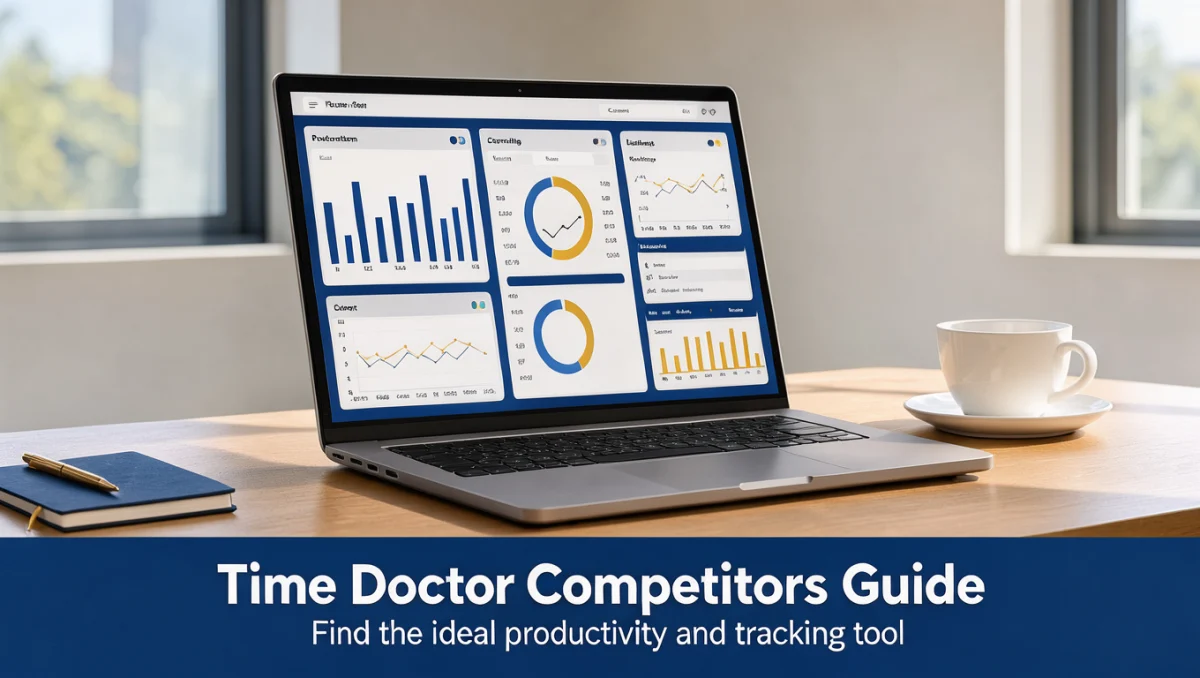
Looking for a time doctor competitors shortlist? Organizations today weigh automated tracking, remote oversight, and employee autonomy differently. Time Doctor concentrates on activity capture, project logging, and distributed workforce management, yet many teams need a different mix of supervision and trust. Our editors at Best Coupon Blogs review this software category so managers can match tools to real operational needs.
Some companies want a light personal timer, others need timesheets that are easy to approve, and others prioritize project scheduling. This rewritten evaluation explores how each alternative is positioned, where it performs well, and what to verify on vendor sites before signing a contract.
Quick verdict
Time Doctor earns an overall score of 7.6/10. It suits remote agencies and outsourcing firms that need structured work logs and automated task oversight. It is less appropriate for teams that prefer passive logging or self-directed work without administrative monitoring.
| Evaluation Metric | Summary |
|---|---|
| bestcouponblogs score | 7.6/10 |
| Best for | Remote agencies and distributed contractors that need verified work hours |
| Not ideal for | Creative teams and privacy-focused workplaces built on trust |
| Key strengths | Automated time capture, task logging, and remote workforce management |
| What to check before buying | Screenshot policies, activity tracking rules, and seat minimums |
1. How bestcouponblogs Reviewed Time Doctor
We assessed Time Doctor against seven bestcouponblogs criteria: features, ease of use, pricing and value, integrations, audience fit, support, and competitive position. Plans and limits change frequently, so confirm current details on the official website before purchasing. This article was researched and drafted with AI assistance, then reviewed and edited by the bestcouponblogs Editorial Team.
2. Why Organizations Look at Time Doctor Competitors

Workplace monitoring products range from discreet individual logging to detailed administrative oversight. Many vendors build their tools around particular management philosophies, so team leads often explore the wider Collaboration & Productivity space when priorities shift.
2.1. Workplace Culture and Privacy Expectations
Tracking that records screen captures, mouse movement, or keystrokes can create friction among professional staff. Many organizations prefer alternatives that rely on self-directed project allocation instead of background monitoring. Buyers should decide whether the main goal is verifying client billing or holding employees internally accountable.
2.2. Simplicity and Administrative Overhead
Heavy monitoring suites demand ongoing policy setup, category whitelisting, and manual timesheet corrections. If a firm only needs to know how many hours went into client deliverables, a streamlined timer without tracking features reduces onboarding effort and management load.
3. Overview of Alternatives
The table below summarizes leading alternatives that handle time management and project oversight in different ways.
| Tool | Best for | Core strength |
|---|---|---|
| Toggl Track | Agencies and freelancers that need simple tracking | Intuitive timer-based entry and flexible client tagging |
| Hubstaff | Field teams and remote workforce operations | Activity measurement and remote team management |
| Harvest | Client-billing firms and service consultants | Integrated invoicing, project budgets, and expense capture |
| Clockify | Growing businesses that want broad team tracking | Centralized timesheets and structured team approvals |
4. Detailed Alternative Profiles
Each option targets specific operating environments and company sizes.
4.1. Toggl Track
Toggl Track focuses on user-driven time tracking with minimal friction. Team members start and stop timers or enter time blocks by hand across projects, keeping day-to-day logging simple.
It fits creative studios, design agencies, and independent knowledge workers who resist intrusive oversight. Choose it when accurate billing depends on team cooperation rather than surveillance. Check the official Toggl Track website to confirm how team hierarchy permissions and reporting exports are structured in current plans.
4.2. Hubstaff
Hubstaff competes directly with Time Doctor in remote workforce administration, automated proof of work, and operational reporting. Its design centers on distributed teams, international contractors, and mobile field staff who need documented work verification.
It serves construction supervisors, virtual staffing agencies, and global outsourcing businesses that require objective activity data. Consider it when shift tracking and activity levels feed into payroll. Confirm on the official Hubstaff pricing page how administrative tracking settings and location-tracking add-ons are bundled for your team size.
4.3. Harvest
Harvest treats time logging as the first step toward professional services billing. Instead of monitoring active windows, it links recorded hours to project budgets, expense management, and client invoicing.
It serves consultancies, legal practices, and professional service boutiques where profitability per project is the main objective. Select Harvest when financial management matters more than activity tracking. Verify on the official Harvest website which invoicing and expense rules apply to multi-member groups.
4.4. Clockify
Clockify offers broad time capture and team timesheet workflows for organizations that want standard attendance and project records. It provides timesheet grids, kiosk-style logging, and manager approval paths.
It suits growing companies that need structured company-wide time recording without deep activity capture, and it handles internal cost accounting and client project breakdowns well. Review the official Clockify plan comparison page to see how approval hierarchies and audit logs are distributed across subscription levels.
5. How to Choose Between Workplace Tracking Systems
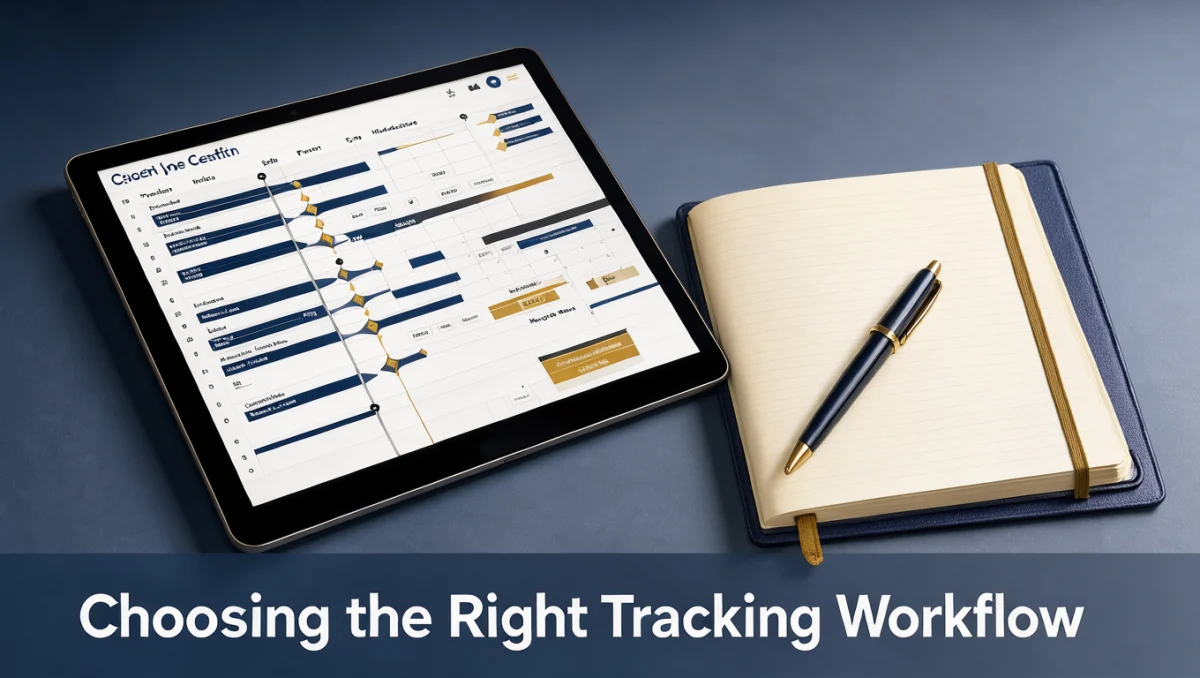
The right platform depends on auditing your operational requirements, organizational values, and technical overhead.
5.1. Distinguishing Time Capture from Activity Monitoring
Time capture records how long was spent on specific projects or tasks, which supports accurate invoicing and budgeting. Activity monitoring records user interaction, such as application usage, keyboard activity rates, and desktop screenshots. Clarifying which category you need prevents paying for oversight features that could hurt morale.
5.2. Verifying Total Ownership Requirements
Subscription fees are only part of the cost. Factor in administrative time, employee training, and setup. Use the checklist below before finalizing a platform.
| Operational Question | Why it matters | Where to confirm |
|---|---|---|
| How are inactive intervals handled? | Idle-time prompts affect accuracy for reading-heavy work | Official product documentation |
| Can team members edit records? | Manual corrections prevent billing errors but need review controls | Official administration guide |
| What roles can view captured data? | Visibility rules affect compliance and workplace trust | Official security and permission pages |
| How are seats added or retired? | Rapid contractor turnover can change billing commitments | Official subscription terms |
6. Frequently Asked Questions
6.1. How do teams decide whether they need activity monitoring?
Review contractual obligations with clients and internal compliance rules. If clients require digital proof of work, automated tracking fulfills that requirement. If the main goals are project estimation and invoicing, standard timers provide enough data without adding employee friction.
6.2. What drives the cost of workforce management software?
Total spend depends on seat counts, administrative roles, and required features. Many vendors reserve advanced reporting, single sign-on, and compliance options for higher tiers. Check vendor pricing pages directly for seat minimums and renewal terms.
6.3. What should managers consider regarding team privacy?
Leadership should assess local labor regulations, employee consent requirements, and internal cultural norms. Platforms that capture screen images or window titles raise data compliance questions. Review vendor documentation on data retention, encryption, and employee access controls before rollout.
6.4. How should companies move between time tracking tools?
A structured migration exports historical project logs and sets clear task naming conventions in the new system. Run a pilot with a small group to validate logging habits before company-wide deployment, and make sure team leads understand how approvals and client reports will work.
7. Final Verdict on Time Doctor Competitors
Choosing among time doctor competitors comes down to matching your management philosophy with the right technical capabilities. Platforms focused on detailed accountability suit outsourcing operations, while timer-centric tools better support creative and professional service environments.
| Criterion | Score /10 | Reason |
|---|---|---|
| Features | 8.0/10 | Strong capability for remote activity logging and automated oversight |
| Ease of Use | 7.2/10 | Detailed administrative settings add onboarding complexity for casual users |
| Pricing and Value | 7.5/10 | Buyers should verify seat minimums and feature access on the official site |
| Integrations | 7.8/10 | Broad connectivity with project tracking suites and payroll workflows |
| Audience Fit | 8.2/10 | Well positioned for remote agencies, virtual teams, and staffing firms |
| Support | 7.4/10 | Confirm available service channels and response terms directly |
| Competitive Position | 7.1/10 | Faces strong pressure from trust-based tools and comprehensive finance platforms |
Overall score: 7.6/10
Decision Summary by Workplace Need
- For remote staff verification: Hubstaff and Time Doctor remain closely aligned around activity verification and contractor administration.
- For creative agencies and knowledge workers: Toggl Track offers friction-free time logging without surveillance features.
- For billable consultants and professional services: Harvest connects time records to project accounting and client invoicing.
- For general operational timekeeping: Clockify provides centralized timesheets and approval structures for internal teams.
Questions about choosing tracking software? Contact our editorial team at https://bestcouponblogs.com/contact/ or connect with bestcouponblogs on LinkedIn at https://www.linkedin.com/company/bestcouponblogs/.