bestcouponblogs may earn a commission when you buy through links on this page, at no extra cost to you. Our ratings are not affected.
Multi-camera live broadcasting no longer requires a rack of hardware switchers. Creators, businesses and event teams now rely on software to combine several video sources, add branded visuals and push a finished stream to viewers. This 2026 assessment explains how switcher studio suite handles that workflow and what to verify before you commit your budget.
Choosing production software means weighing ease of use against technical depth. Dedicated hardware switchers carry heavy upfront costs, while software-driven studios spread expenses across flexible subscriptions and run on everyday devices. Read on to understand the platform's real capabilities and the questions to settle before you buy.
Quick verdict: Switcher studio suite earns 7.7 out of 10. It works well for solo creators and organizations that want streamlined multi-angle switching and on-screen graphics for live events and branded content. It falls short for complex broadcast facilities that need enterprise routing or operators who want open-source hardware customization.
| Evaluation Factor | Details |
|---|---|
| bestcouponblogs score | 7.7 / 10 |
| Best for | Teams wanting mobile multi-camera live switching with integrated graphics |
| Not ideal for | Production teams needing complex hardware matrix routing or custom server deployments |
| Key strengths | Multi-angle camera switching, custom graphic overlays and direct live stream delivery |
| What to check before buying | Destination output options, concurrent camera connection limits and asset storage rules on the official pricing page |
1. How bestcouponblogs Reviewed Switcher Studio Suite
This review examines what the software is built to do, who it serves and how it compares with similar tools. We applied seven bestcouponblogs criteria: features, ease of use, pricing and value, integrations, audience fit, support and competitive position. Plans, prices and limits change frequently, so we flag the details you should confirm on the official website. This article was researched and drafted with AI assistance, then reviewed and edited by the bestcouponblogs Editorial Team.
2. What Is Switcher Studio Suite and Who Is It For?
Live video production once demanded specialized control desks, capture cards and cumbersome cabling. Software now manages switching, mixing and broadcasting across networked devices, which lowers the barrier for modern media teams.
2.1. Defining the Platform
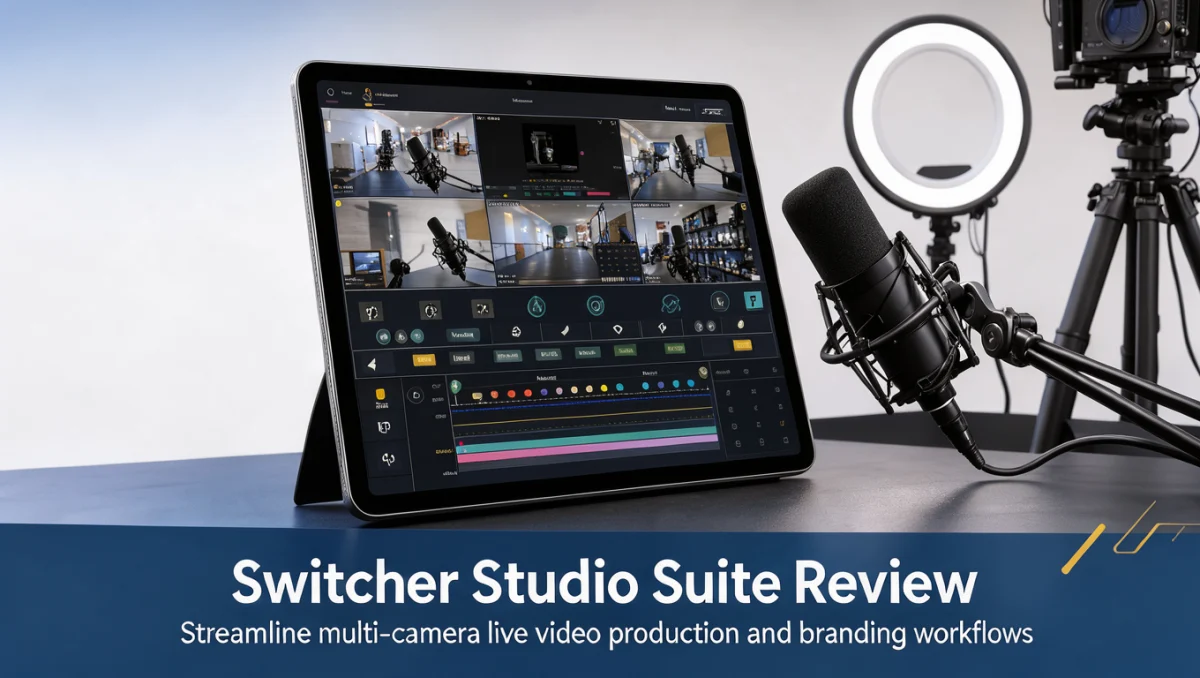
Switcher studio suite is a software-based live production system that turns handheld devices and networked cameras into a unified multi-angle studio. It brings camera switching, graphic insertion, video playback and live stream encoding into one interface. Instead of separate hardware switchers, operators control real-time feeds wirelessly across connected sources.
Many organizations place video production within wider Collaboration & Productivity workflows to keep distributed teams aligned during remote meetings, product launches and virtual training. The platform targets these hybrid settings with presentation tools that do not demand a broadcast engineering background.
2.2. Intended User Base
The software mainly serves independent creators, small and midsize marketing departments, religious institutions, athletic departments and educational organizations. These users need multi-camera coverage for interviews, services, sports or live product demos, but they lack a permanent television studio.
Broadcast operations that require SDI router integration, genlock synchronization or multi-channel audio consoles will find the architecture falls short of their engineering needs. Matching your production scale to the tool keeps your gear and budget proportionate.
3. Core Features of Switcher Studio Suite
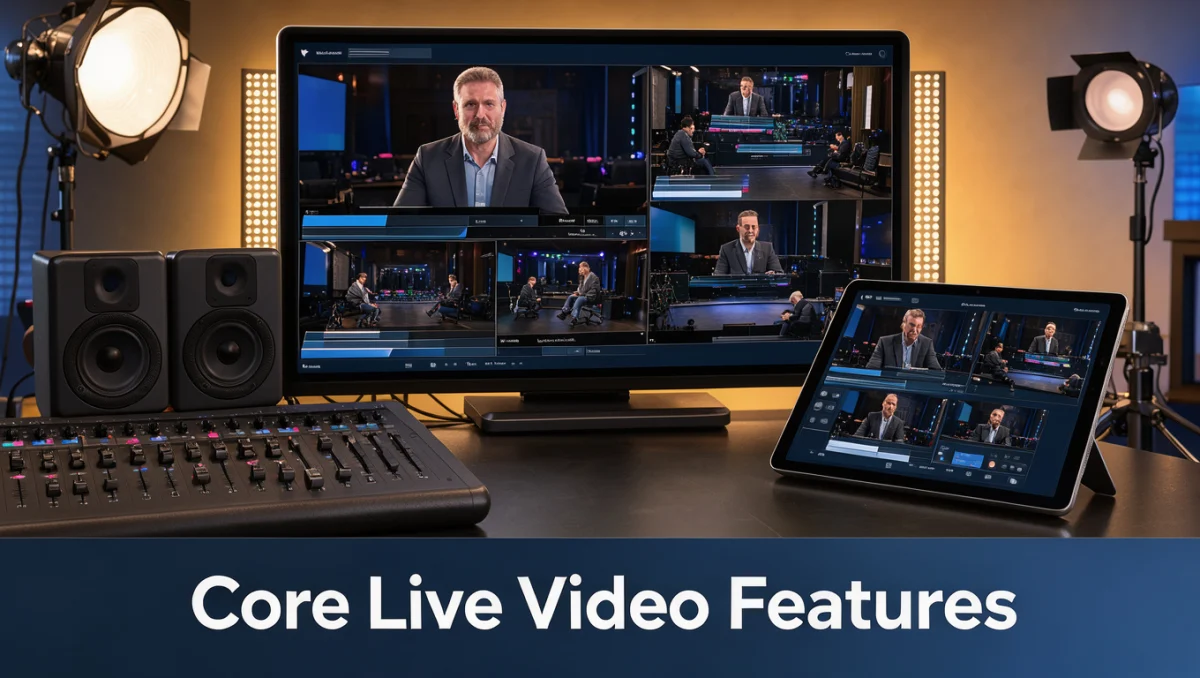
The platform's capabilities cluster around four operational areas: multi-source switching, visual graphics, streaming delivery and audio handling.
3.1. Multi-Camera Source Switching
Real-time switching sits at the core of the product. Several camera perspectives connect over a shared local network, and the director previews every incoming stream on one dashboard.
During a broadcast, the director changes angles with a tap or click. Cuts, dissolves and picture-in-picture layouts can be triggered on the fly, removing the need for post-production when covering panel discussions, stage presentations or live tutorials.
3.2. Visual Overlays, Graphics and Branding
Consistent on-screen branding matters during live content. The software manages graphic assets for lower-third titles, sponsor logos, full-screen slides and pre-recorded clips.
Operators can prepare assets ahead of time and arrange them into a production rundown. During the event, graphics can appear or clear without interrupting the live program, producing a polished look for corporate messaging and commercial broadcasts.
3.3. Live Streaming Delivery and Local Recording
Getting finished video to viewers means encoding and transmitting it to online destinations. The platform connects with major social platforms and custom RTMP servers, so broadcasts can reach audiences without external hardware encoders.
The software also records locally. Capturing isolated camera feeds or the final master gives teams high-quality files for archiving, social clipping and detailed post-event distribution.
3.4. Audio Input Management and Level Control
Clear sound matters as much as clear picture. The audio controls let operators monitor feeds from connected cameras or dedicated external interfaces.
Producers can mute individual feeds, adjust levels and link audio to video transitions. These tools are not a substitute for multitrack mixing consoles, but they provide the real-time level supervision small crews need.
4. Ease of Use and Learning Curve
Production software must be judged by how quickly an operator can work the dashboard under live pressure.
4.1. Setup Experience for Live Productions
Connecting sources relies on local wireless or direct network links. Producers install the software on primary and secondary devices and link them through the interface. With less hardware cabling involved, non-technical staff can assemble a multi-camera setup in minutes once network permissions are right.
Teams new to networking should know that wireless video stability depends heavily on Wi-Fi bandwidth and interference. Confirm that your local network can carry several simultaneous video streams before going live.
4.2. Operational Flow During Live Events
The control screen shows incoming camera sources beside preview and program windows. Switching sources, toggling titles and triggering playback follow simple touch or click patterns. This layout reduces the load on solo operators who must frame shots, manage audio and run the rundown at once.
5. Pros and Cons
Weighing both strengths and constraints gives a realistic picture of using the software for regular broadcasts.
5.1. Strengths
- Combines multi-angle camera switching and live encoding in portable software.
- Supports real-time lower thirds, branding graphics and clip overlays without post-production delays.
- Broadcasts directly to online video destinations over RTMP.
- Captures video locally for editing and archiving.
- Reduces dependence on bulky hardware switchers and heavy cabling.
5.2. Limitations and Considerations
- Depends on solid network infrastructure, so unstable Wi-Fi can disrupt wireless cameras.
- Lacks the deep hardware automation, SDI routing and tally systems found in enterprise control rooms.
- Subscription tiers limit some output destinations or cloud services, so buyers should verify features on the official website.
- Advanced audio processing is basic next to dedicated digital audio workstations.
6. Switcher Studio Suite vs Similar Tools
Comparing the platform with other well-known live video tools shows where it fits.
6.1. Switcher Studio Suite vs OBS Studio
OBS Studio is a free, open-source desktop application with extensive plugins, detailed scene control and granular encoder settings favored by technical creators and gamers. It does, however, require configuration effort and physical capture cards for multi-camera inputs. Switcher studio suite focuses instead on wireless multi-device switching and streamlined operation for mobile crews.
6.2. Switcher Studio Suite vs vMix
vMix is a professional live production application for Windows PCs, offering broadcast-grade switching, 4K replay, complex titling and multi-channel SDI hardware support. It serves high-end sports productions and permanent studios. Switcher studio suite is a lighter, more portable option that avoids the cost of a high-spec production workstation.
6.3. Switcher Studio Suite vs Wirecast
Wirecast provides desktop live switching, ISO recording and multi-platform streaming on workstations. It excels when connected to capture boxes and professional cameras, while switcher studio suite targets creators who value handheld mobility and fast deployment in the field.
6.4. Switcher Studio Suite vs StreamYard
StreamYard is a browser-based studio built mainly for remote guest interviews, split screens and simple multi-destination streaming. It handles multi-participant discussions easily online but does not switch local cameras. Switcher studio suite offers deeper on-location multi-camera switching for in-person events.
7. Who Should Use Switcher Studio Suite?
Different production styles call for different software traits. Here is how the platform suits common profiles.
7.1. Freelance Videographers and Content Creators
Freelancers covering conferences, interviews or creator events can carry a lightweight multi-camera system in a backpack. The software delivers multi-angle production without hauling flight cases of hardware switchers to client venues.
7.2. Small Businesses and Marketing Teams
Internal communications and marketing teams running product launches, webinars and social broadcasts can produce polished video with little technical training. Visual overlays and branding tools keep presentations aligned with brand guidelines.
7.3. Educators and Event Organizers
Schools, sports clubs and places of worship often depend on volunteer crews. Volunteers can switch cameras and update title slides during services or games without formal technical certification.
7.4. Who Should Look Elsewhere
Large broadcast networks, production trucks and facilities needing hardware genlock, motorized PTZ control panels or enterprise matrix switchers should consider broadcast-grade systems such as vMix or hardware production switchers.
8. How to Choose the Right Plan
Production software subscriptions differ in simultaneous inputs, streaming destinations and cloud asset storage. Use this checklist when reviewing options on the official website.
| What to Check on the Official Pricing Page | Why It Matters |
|---|---|
| Concurrent camera feed limits | Determines how many camera angles you can connect during a live production. |
| Multistreaming destination rules | Shows whether you can broadcast to several social channels at once or only one. |
| Cloud storage and asset libraries | Affects how many graphics, intros and overlays you can keep online for quick access. |
| Output resolution and recording quality | Confirms whether the tier supports high-definition capture and streaming to your client standards. |
| Guest invite functionality | Shows whether remote interview guests can join your production through a browser link. |
9. Frequently Asked Questions
What should buyers consider regarding network requirements for live multi-camera production?
Buyers should assess local network bandwidth and router quality before producing multi-camera broadcasts. Because wireless video travels over local connections, a capable router and a dedicated network band help prevent lag and keep frame rates steady during live switching.
How should organizations budget for video production gear beyond the software subscription?
Plan for stable tripods, camera mounts, external microphones and reliable lighting. The software handles switching, but solid hardware keeps video steady, well lit and clearly audible throughout the broadcast.
What steps help teams confirm whether a mobile-first switching tool meets their needs?
Test your target workflow in a rehearsal. Connect the camera angles you need, insert your branding graphics and record a test run to check that the interface speed and switching flow match your operational tempo.
How do live production software subscriptions impact total broadcast costs?
Subscriptions cut upfront spending on heavy broadcast hardware and replace it with recurring costs. Calculate how often you produce live content to see whether a subscription delivers better value than a one-off hardware purchase.
10. Final Verdict
Switcher studio suite offers a practical, portable route to multi-camera live production. It replaces cumbersome physical equipment with accessible software controls, letting organizations deliver polished live streams with minimal setup time.
| Criterion | Score / 10 | Reason |
|---|---|---|
| Features | 8.0 | Solid multi-camera switching, branding overlays, local recording and streaming delivery. |
| Ease of Use | 8.5 | Intuitive touch and click interface lets solo operators and volunteers run broadcasts easily. |
| Pricing and Value | 7.2 | Subscription model offers flexibility, though buyers should verify seat and destination allowances on the official page. |
| Integrations | 7.0 | Direct RTMP output supports common streaming services, but enterprise broadcast integrations remain limited. |
| Audience Fit | 8.2 | Well aligned with creators, small marketing teams, schools and houses of worship. |
| Support | 7.0 | Documentation and standard assistance cover core needs; confirm response times on the vendor site. |
| Competitive Position | 7.8 | Holds a practical middle ground between complex desktop encoders and simple single-camera browser tools. |
Overall score: 7.7 / 10
For independent creators and dynamic teams that need portable multi-camera coverage, switcher studio suite provides an accessible production workflow. Broadcast facilities running complex SDI matrices should look at high-end hardware switchers instead.
Have questions about choosing the right live production setup for your team? Send your production inquiries to our editorial staff through the bestcouponblogs contact page at https://bestcouponblogs.com/contact/ or follow our latest software analyses on LinkedIn at https://www.linkedin.com/company/bestcouponblogs/.