Best Coupon Blogs may earn a commission when you buy through links on this page, at no extra cost to you. This does not affect our ratings.
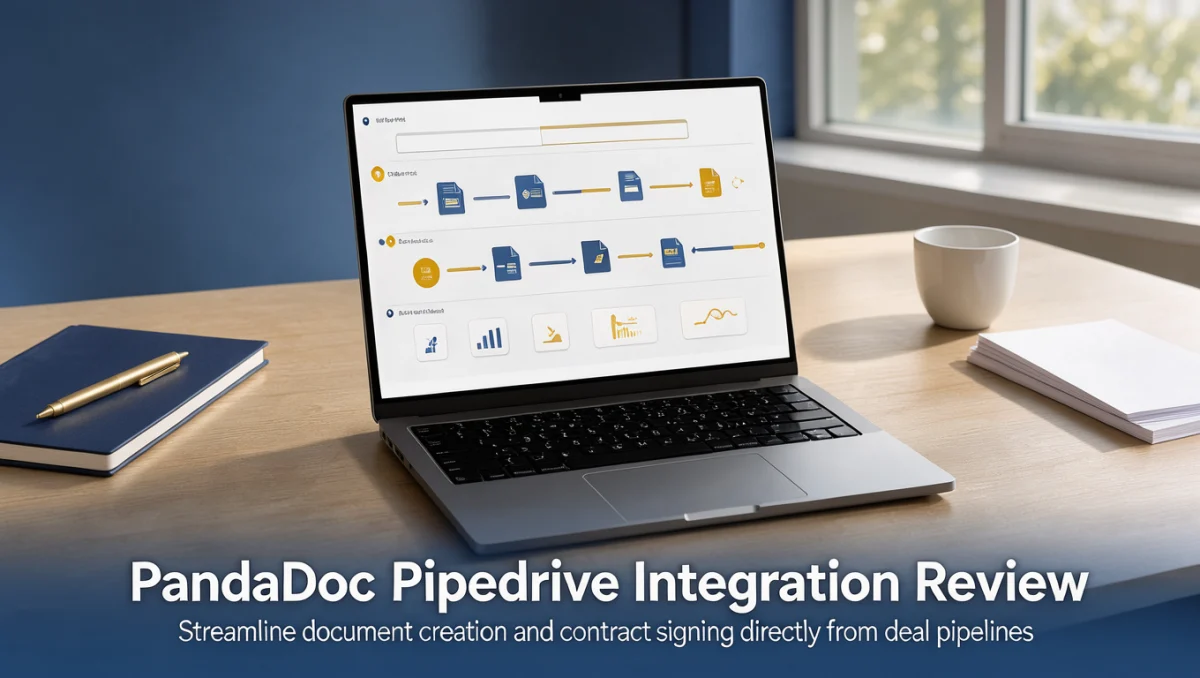
Linking document generation and e-signature tools to your customer pipeline removes a lot of repetitive admin. Sales reps often want to draft quotes, proposals and legal agreements without retyping client information already stored in their pipeline stages. Our team examines how a pandadoc pipedrive integration supports this goal and what it asks of revenue teams in return.
Bringing contract creation into the same place as deal management keeps records accurate and makes agreement progress easy to follow. Before adopting this setup, teams should map out the data that needs to sync, decide who needs access, and plan how templates will be managed.
Quick verdict: With an overall score of 7.9 out of 10, this combination suits growing sales groups that need dependable contract generation inside deal records. It is less useful for freelancers who only send an occasional generic document without structured pipeline tracking. The value is clearest once teams confirm setup requirements in advance.
| Evaluation Factor | Best Coupon Blogs Summary |
|---|---|
| Best Coupon Blogs score | 7.9 / 10 |
| Best for | Sales teams seeking structured document workflows from customer pipeline records |
| Not ideal for | Solo users who only send occasional invoices without structured deal stages |
| Key strengths | Direct document drafting from deal records, field mapping, and signing activity status |
| What to check before buying | Confirm plan compatibility on the official vendor websites for data field synchronization |
1. How Best Coupon Blogs Reviewed the Setup
This review considers what the integration is designed to do, who it serves, and how it stacks up against similar tools. We judge it on seven criteria: features, ease of use, pricing and value, integrations, audience fit, support and competitive position. Plans, prices and limits change often, so we point out what to confirm on the official website before you buy. This article was researched and drafted with the help of AI tools, then reviewed and edited by the Best Coupon Blogs Editorial Team.
2. What the Setup Is and Who It Serves
PandaDoc is a document workflow application that handles templates, quotes, contracts and electronic signatures. Pipedrive is a pipeline-focused customer relationship management system built around activity-based selling. Together, they let sales staff launch proposals straight from contact, organization or deal screens without switching between separate windows.
Organizations handling high volumes of agreements gain the most when client records fill agreement drafts automatically. Readers researching sales software usually want to cut repetitive data entry across customer interactions. When reps create documents from predefined templates, deal details map into designated fields, keeping formatting consistent across client proposals.
3. Core Features for Document and Pipeline Alignment
Assessing document automation inside pipeline management means looking at how customer data moves between the two applications, how templates stay organized, and how tracking updates appear through the deal cycle.
3.1. Template Creation and Data Mapping
Template setup lets revenue teams establish standard contracts, non-disclosure agreements and price quotations. Pre-set fields connect to contact details, deal values and company names stored in the pipeline. This keeps team members on approved legal language while pulling dynamic terms directly from deal records.
3.2. Status Tracking and Activity Monitoring
Document tracking notifies account owners when recipients open, view or sign agreements. Visibility into these interactions helps representatives plan follow-up based on real customer engagement. Once an agreement is complete, the signed document attaches back to the customer record for permanent storage.
3.3. Product Catalog and Quote Generation
Accurate quotes depend on aligning line items, taxes and service descriptions with deal records. The integration coordinates item listings so pricing tables in proposals match the figures recorded on the sales opportunity. Teams should verify how product lists sync across both platforms on the official documentation pages.
4. Ease of Use and Learning Curve
Adopting any interconnected software pairing requires team onboarding and clean setup procedures. The visual pipeline interface emphasizes intuitive drag-and-drop actions, while the document editor uses modular content blocks that non-technical users can configure quickly.
Connecting the applications generally involves authorizing credentials and selecting which fields map across systems. Team leaders should prepare guidance on template selection and document naming conventions. Standardizing these practices early prevents duplicate drafts and keeps customer records clean.
5. Pros and Cons of the Combined Workflow
Weighing operational strengths against natural limitations gives purchasing managers an objective view of the toolset.
5.1. Advantages
- Eliminates duplicate typing by transferring deal fields directly into contract templates.
- Centralizes document history within associated customer deal timelines.
- Accelerates proposal delivery through standardized document libraries.
- Provides clear audit trails for electronic signatures on finalized agreements.
5.2. Practical Limitations and Workarounds
- Complex custom fields need careful initial testing to ensure accurate data population; teams can avoid mistakes by running test documents before launch.
- Permission settings must be managed in both systems; administrators can resolve access confusion by aligning role definitions across platforms.
- Changes made to deal records after document generation do not always update active drafts automatically; staff should verify document terms before sending links to clients.
6. Comparing Alternatives in Document and Pipeline Management
Sales organizations often weigh competing ecosystems when planning their software stack. Understanding how alternative platforms handle document automation clarifies the choice.
DocuSign remains a well-known option focused mainly on enterprise e-signature workflows and legal compliance. Proposify centers on design-heavy interactive sales proposals. SignNow targets lightweight signature collection with straightforward form completion.
When comparing platforms, buyers should decide whether their main need is advanced proposal design, strict legal document management or simple signature collection. Checking official integration directories confirms that a chosen service supports the specific fields your pipeline uses.
7. Who Should Implement This Workflow
Assessing business scale and document frequency helps determine whether this integration fits your operation.
7.1. Small and Medium Sales Teams
Teams managing dozens of active negotiations benefit significantly from automated contract generation. Representatives save administrative time on each agreement, while sales directors keep control over proposal templates and pricing accuracy.
7.2. Independent Service Professionals
Freelancers or solo consultants with modest deal counts may find manual document creation sufficient. Setting up integrated systems takes administrative effort that can exceed the needs of people handling occasional client agreements.
7.3. Agency and B2B Account Executives
Agencies that issue repeated service contracts, statements of work and retainer renewals gain predictable efficiency. Standardized fields let staff generate complete service scopes promptly after verbal negotiations close.
8. How to Choose the Right Plan Configuration
Software vendors set tier structures that determine which features and connection capabilities are available. Review the criteria in the table below before buying subscriptions.
| What to Check | Why It Matters |
|---|---|
| Integration access rules | Confirm on the official vendor websites which subscription levels permit external application connections. |
| Field mapping depth | Verify whether custom deal properties can transfer into document fields on standard tiers. |
| Template library allowances | Check how many active templates your organization requires across different service offerings. |
| User seat allocations | Determine whether all pipeline users need document generation licenses or only closing representatives. |
For a closer look at your team's requirements, explore detailed software evaluations from independent review specialists.
9. Frequently Asked Questions
9.1. What details should teams check regarding field mapping before setup?
Teams should check whether custom deal properties, such as delivery timelines or specialized service tags, transfer automatically into document variables. Confirming field compatibility on official documentation prevents manual copy-pasting after documents launch.
9.2. How should managers budget for subscription requirements across platforms?
Managers must budget for licenses in both systems while confirming which subscription tier unlocks document connection capabilities. Vendor websites outline specific tier rules, helping organizations calculate per-seat costs for their sales personnel.
9.3. Why is template governance important for growing sales departments?
Template governance ensures every team member sends approved contractual terms, accurate liability clauses and correct pricing tables. Centralized document management stops sales reps from changing critical legal language on their own.
9.4. How can businesses test workflow accuracy before full team deployment?
Administrators should create sample customer records, launch test documents and review field accuracy across every mapped field. Running internal test signatures confirms that completed agreements return correctly to the deal timeline.
10. Final Verdict
The Best Coupon Blogs analysis indicates that combining document generation with structured deal tracking adds solid operational value for expanding sales operations. Teams that set up standardized templates and verify tier compatibility see smoother contract processing across their revenue pipeline.
| Criterion | Score / 10 | Reason |
|---|---|---|
| Features | 8.4 / 10 | Strong document editing, data merging and tracking capabilities within deal screens. |
| Ease of Use | 8.8 / 10 | Intuitive drag-and-drop document design combined with clear pipeline stages. |
| Pricing and Value | 7.2 / 10 | Requires cross-checking tier prerequisites across both tools to balance seat expenses. |
| Integrations | 8.0 / 10 | Provides dependable field mapping subject to tier-level administrative settings. |
| Audience Fit | 8.6 / 10 | Particularly effective for B2B sales teams handling regular proposal and contract cycles. |
| Support | 7.0 / 10 | Assistance accessibility varies by chosen plan tier, so buyers should verify it. |
| Competitive Position | 7.6 / 10 | Offers a balanced document and pipeline workflow alongside dedicated alternatives. |
Overall score: 7.9 / 10
For sales leaders who want to cut the administrative delay between deal negotiation and final signature, this software pairing offers dependable operational value. Buyers should audit their custom data fields and verify licensing rules on the official product pages to set up the most cost-effective arrangement for their team.
Readers with questions about sales automation software can send inquiries through Best Coupon Blogs or follow us on LinkedIn for ongoing operational software analysis.