bestcouponblogs may earn a commission when you buy through links on this page, at no extra cost to you. This does not affect our ratings.
Sales teams that want to understand a modern dialing platform should start by looking at how it handles calling, automated dialing and two-way text messaging inside an existing customer database. Setting up outbound calling software well means planning for data quality, agent workflows and communication compliance before the first prospect is ever dialed. This kixie guide covers those steps in order.
At Best Coupon Blogs, we review outbound communication tools so business leaders can pick the right setup without paying for features they will never use. Sales operations managers usually evaluate telephony add-ons to replace scattered phone lines, cut call handling time and keep activity records accurate across their contact lists.
Quick verdict: Kixie scores 7.8/10. It suits sales development teams that want deep database dialing and automated message delivery inside their CRM. It is a poor fit for solo operators who make occasional calls, or for companies that need a standalone internal office phone system.
| Metric | Details |
|---|---|
| bestcouponblogs score | 7.8/10 |
| Best for | Outbound sales teams focused on rapid dialing workflows and automated conversation tracking |
| Not ideal for | Organizations needing basic internal office telephony or individual users making infrequent calls |
| Key strengths | Automated call logging, click-to-call dialer functionality, local presence alignment, and automated messaging |
| What to check before buying | Review carrier registration requirements, international calling rate cards, and exact plan seat minimums on the official vendor site |
1. How bestcouponblogs Reviewed Kixie
We assessed what Kixie is built to do, who it serves and how it stacks up against comparable tools. Our review uses seven bestcouponblogs criteria: features, ease of use, pricing and value, integrations, audience fit, support and competitive position. Plans, prices and limits change frequently, so we flag what to verify on the official website before purchasing. This article was researched and drafted with the help of AI tools, then reviewed and edited by the bestcouponblogs Editorial Team.
2. What Kixie Is and the Core Outbound Telephony Concepts
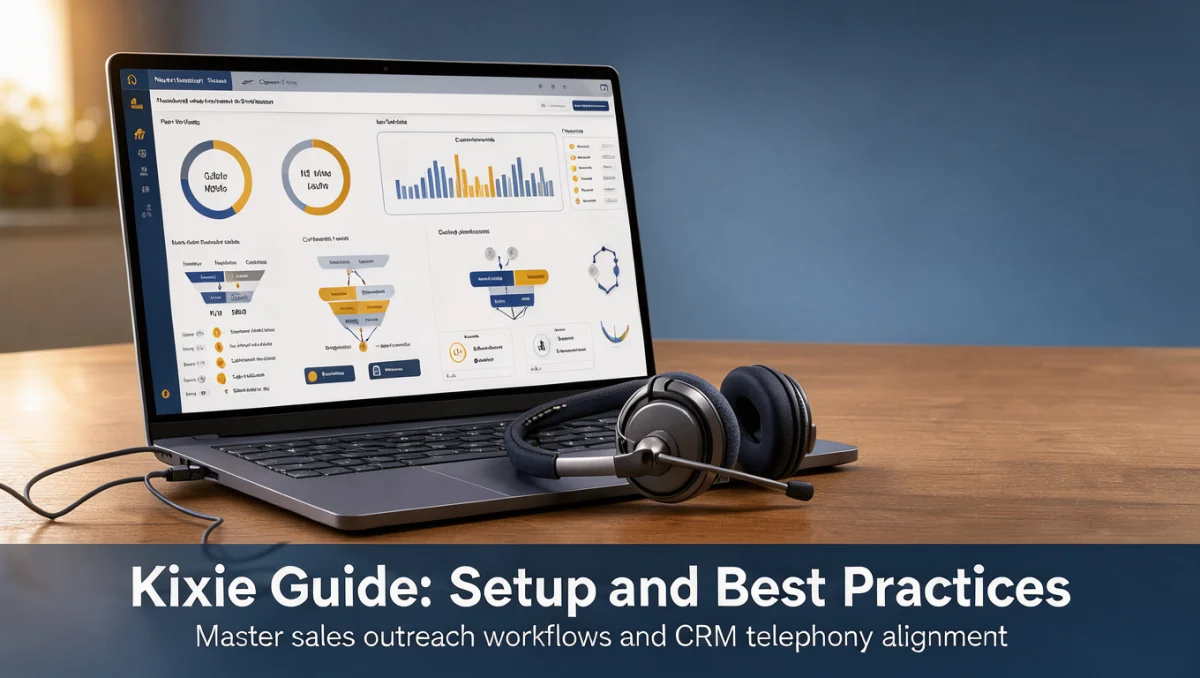
Kixie is a sales telephony and communication platform built to streamline voice calls and text messages for sales and service teams. Rather than juggling separate softphones, reps place outbound calls, send SMS and log outcomes directly against their customer relationship records.
Before working through the detailed setup steps in this kixie guide, teams should understand the capabilities that define sales engagement telephony:
- Click-to-call dialers: Phone numbers on contact pages become clickable, removing manual number entry and dialing mistakes.
- Automated activity synchronization: Call recordings, outcomes, durations and text logs save straight into prospect timelines without manual entry by reps.
- Local presence signaling: The system matches outbound caller IDs to the regional area codes of target prospects to improve connection rates.
- Two-way text engagement: Agents send SMS from contact screens to follow up on voicemails and confirm meetings.
3. Before You Start: Prerequisites and Operational Preparation
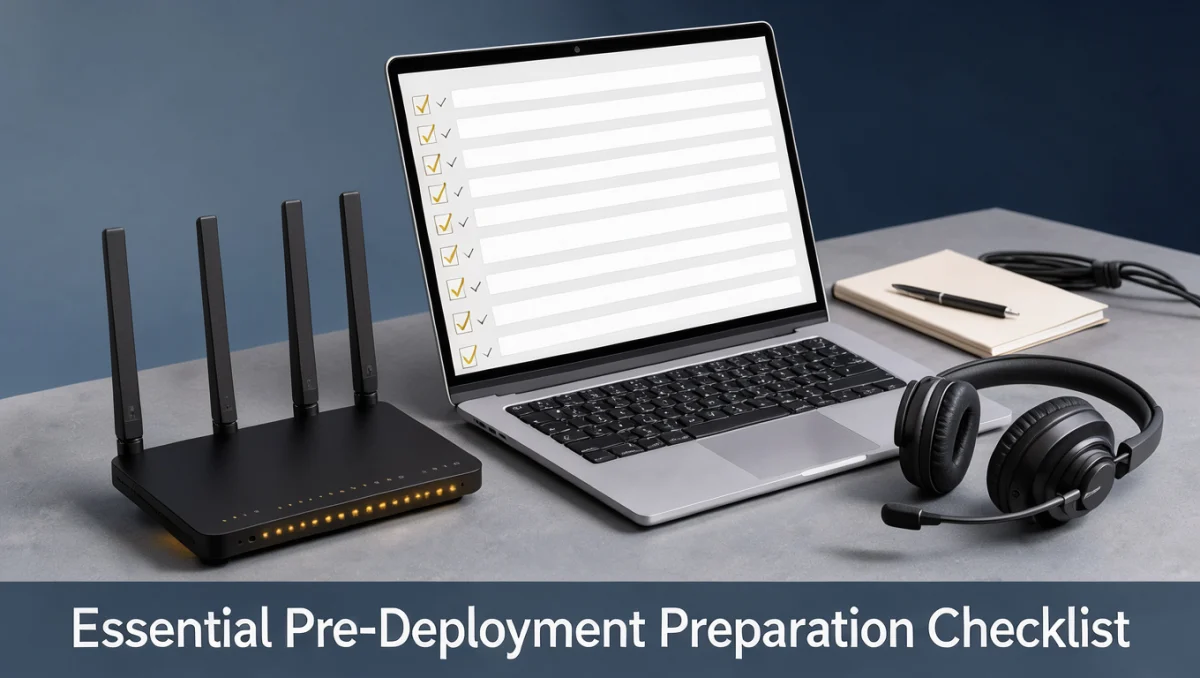
Deploying dedicated telephony software takes groundwork before administrators buy licenses or invite reps. Skipping these checks in a modern sales environment creates communication bottlenecks and avoidable administrative problems.
3.1. Technical and Network Assessment
Voice over IP tools depend entirely on network stability and desktop audio hardware. A weak internet connection causes audio latency and dropped calls no matter how well the software is configured.
- Test network packet loss, jitter and bandwidth during peak office hours.
- Give every rep a wired USB headset rather than wireless consumer earbuds, which can suffer Bluetooth interference.
- Confirm that corporate firewalls allow the web-based voice traffic ports the platform needs, without throttling audio.
3.2. Data Hygiene and CRM Readiness
Dialers depend on the quality of phone records in your customer database. Contact fields containing extensions, letters or inconsistent formatting prevent automated dialers from recognizing numbers.
| Operational Step | Why It Matters | Where to Confirm |
|---|---|---|
| Phone Number Normalization | Inconsistent area codes and international prefixes prevent dialers from initiating calls correctly. | Internal CRM database audit |
| Opt-Out Field Setup | Agents need clear indicators showing which leads have opted out of phone calls or text messages. | CRM custom field settings |
| Carrier Identity Verification | Telecom carriers require verified business identities to prevent calls from being flagged as potential spam. | Official Kixie regulatory onboarding pages |
| Role Permission Review | Restricting calling access prevents accidental outreach by administrative or non-sales team members. | Team user management dashboard |
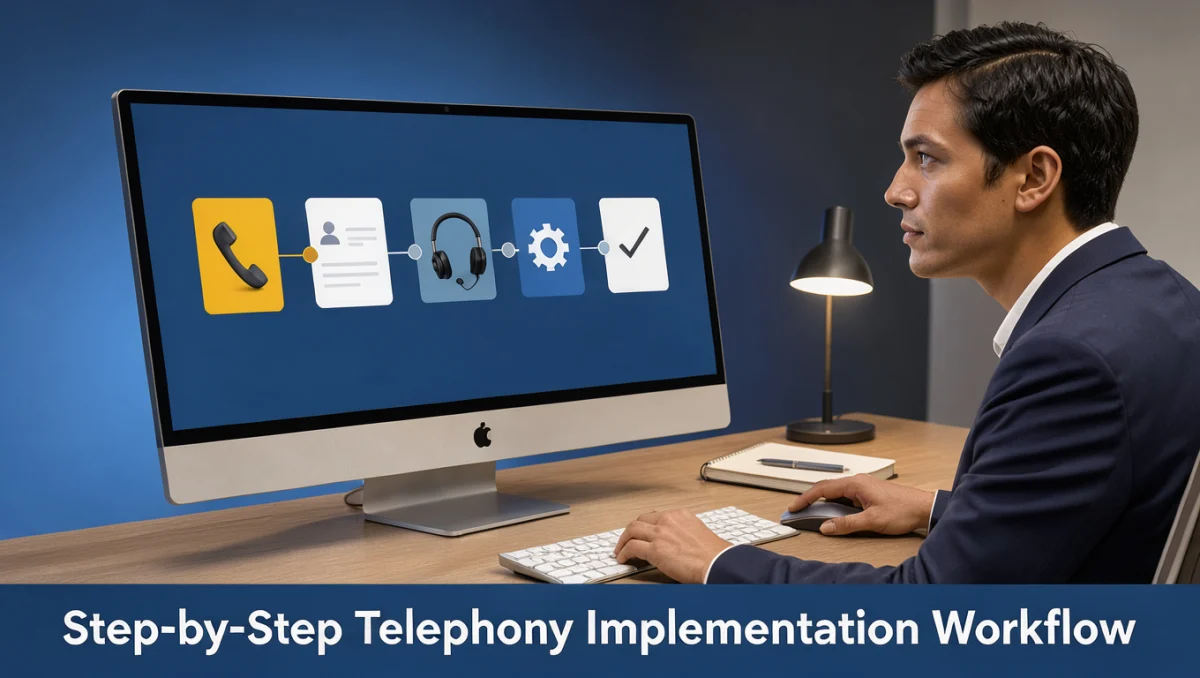
4. Getting Started Workflow: Step-by-Step Implementation
Rolling out sales telephony follows a sequence designed to confirm connectivity, verify user permissions and keep activity recording clean across pipelines.
4.1. Account Provisioning and Business Verification
The first phase covers creating team accounts, acquiring business phone numbers and completing telecom compliance submissions. Carriers review business registrations before authorizing high-volume messaging and outbound voice dialing.
Submit corporate identification documents early. Confirm on the official Kixie website which registration paperwork is mandatory in your country, since processing times differ between carrier networks.
4.2. Database Alignment and Extension Deployment
Once accounts are active, link the telephony service to your primary database. Platforms like this typically offer browser extensions that overlay calling widgets across web pages and contact records.
Have each rep install the browser extension and check microphone permissions. Run a test call to an internal line to confirm audio works both ways and that call durations record correctly on lead records.
4.3. Inbound Routing and Voicemail Configuration
Kixie is primarily an outbound tool, but prospects often return missed calls or reply to voicemails. Set up routing so returning callers reach an active rep instead of a dead end.
- Record personal voicemail greetings that reflect professional corporate messaging.
- Create call-forwarding rules for meetings and outside working hours.
- Set up ring groups so unassigned inbound inquiries route to available team members, sequentially or simultaneously.
4.4. Cadence and Disposition Setup
Call dispositions classify each conversation outcome, such as connected, gatekeeper, wrong number or meeting scheduled. Consistent tags let sales leadership measure outreach volume and team effectiveness.
Standardize disposition labels across all reps before launching outbound campaigns. A short, fixed list prevents confusion and keeps CRM reporting clean.
5. Best Practices for Sustainable Outbound Outreach
Getting the most from a telephony investment depends on disciplined outreach rather than raw call volume. Organizations that adopt structured engagement protect their brand reputation and improve rep retention.
5.1. Protecting Number Reputation
Carriers monitor calling velocity and prospect block rates. Placing large numbers of rapid calls that never connect can get numbers tagged as nuisance or spam calls.
Spread outreach across defined time blocks instead of running continuous automated dialing for hours. Audit answer rates regularly to spot numbers that need a temporary cooling-off period.
5.2. Blending Calling with Text Messaging
Phone calls alone connect less often than multichannel outreach. Following an unanswered call with a short, professional text message noticeably lifts callback and response rates.
- Send concise texts that reference the topic of your voicemail.
- Give prospects an easy way to opt out of future text communication.
- Avoid generic promotional blasts that read like mass marketing spam.
5.3. Regular Coaching and Call Review
Call recordings are most valuable as training material for sales enablement managers. Reviewing them helps teams copy successful objection handling across newer reps.
Hold weekly review sessions where managers and reps listen to recorded calls together, focusing on the first ten seconds, when prospects decide whether to stay on the line.
6. Common Mistakes to Avoid
Sales teams often make avoidable errors when rolling out a new dialer, which wastes budget and frustrates reps.
- Neglecting telecom compliance: Sending text messages without carrier registration and explicit consent can lead to fines and domain blocks. Review regional compliance guidelines on the official Kixie support center before launching automated text campaigns.
- Failing to train reps on dispositions: When agents skip logging outcomes or pick random tags, dashboards lose accuracy and pipeline forecasting becomes unreliable.
- Overwhelming leads with automated calls: High-frequency dialing irritates buyers and damages trust. Focus on targeted accounts rather than high-volume cold lists.
- Ignoring hardware quality: Expecting reps to make hundreds of weekly calls through laptop microphones leads to muffled audio and poor first impressions.
7. FAQ: Key Decisions for Sales Leaders
7.1. How do I decide if our sales team needs dedicated sales telephony?
Consider dedicated telephony when reps spend noticeable time dialing manually or forget to update CRM records after calls. If tracking outbound volume, call duration and recordings is central to your process, a dedicated dialer adds real operational value over personal cell phones or basic office lines.
7.2. What should teams budget for besides base user seat subscriptions?
Budget for per-minute calling charges, SMS fees, additional phone numbers and telecom registration costs. Check the official Kixie pricing page to confirm which call allowances each subscription tier includes and which carrier fees apply separately.
7.3. How should administrators prepare customer lists before activating dialer tools?
Run address and phone validation to remove outdated numbers and standardize country and area code prefixes. Confirming that numbers follow a standard format lets click-to-call detect contact details without manual correction by reps.
7.4. When should a growing business consider enterprise telephony instead?
Look at enterprise PBX or full contact center platforms when needs shift from outbound sales acceleration to complex inbound routing, multilingual interactive voice response trees and company-wide desk phone deployments.
8. Final Verdict
Kixie provides a focused environment for sales and service teams that prioritize fast calling workflows, CRM data synchronization and integrated text engagement. By removing manual data entry and keeping call histories inside lead records, it helps sales operations managers run disciplined, measurable outbound cadences.
| Criterion | Score /10 | Reason |
|---|---|---|
| Features | 8.2/10 | Provides strong outbound sales calling tools, click-to-call browser extensions, local presence capabilities, and automated activity logging. |
| Ease of Use | 8.0/10 | The browser extension overlay makes calling intuitive for reps, though initial carrier registration requires administrative patience. |
| Pricing and Value | 7.2/10 | Monthly costs increase when factoring in per-seat charges and telecommunication usage fees, requiring teams to monitor call consumption. |
| Integrations | 8.1/10 | Built specifically around deep customer database connectivity to automatically sync recordings, notes, and call outcomes. |
| Audience Fit | 8.5/10 | Aligns directly with outbound sales development teams and account executives running structured outreach campaigns. |
| Support | 7.4/10 | Provides standard customer assistance resources, though resolving telecommunication carrier registrations requires patience. |
| Competitive Position | 7.2/10 | Competes effectively against alternative sales dialers like PhoneBurner and CloudTalk by emphasizing tight CRM workflow alignment. |
Overall bestcouponblogs Score: 7.8/10
For sales development managers, high-velocity outreach teams and businesses that need rigorous CRM call records, Kixie brings immediate structure to outbound calling. If your organization needs internal desk phone support or calls only occasionally, standard business phone lines remain the simpler choice.
Questions about choosing telephony software or setting up outbound sales tools? Reach out through the Best Coupon Blogs contact page or follow our industry updates on LinkedIn.