Best Coupon Blogs may earn a commission when you buy through links on this page, at no extra cost to you. This does not affect our ratings.
Switching to electronic records raises a common question for health practitioners: how to write charts with Jane App in a way that is both efficient and defensible. A consistent charting routine keeps progress notes clear and shortens the administrative work that often piles up after each session. At Best Coupon Blogs, we review operational software to help clinic teams standardize daily routines.
Good clinical notes depend on defined documentation boundaries, complete intake information, and reliable sign-off habits. Mastering how to write charts with jane app lets solo practitioners and multidisciplinary teams keep records compliant, readable, and easy to revisit over the course of a patient's care.
Quick answer: To chart in Jane App, prepare the intake details, choose or build a standard template, record subjective and objective findings during or right after the visit, and sign the entry to lock it as part of the legal medical record.
| Who this guide is for | What you need before starting | What you will have at the end |
|---|---|---|
| Allied health practitioners, therapists, and clinic managers | Patient intake records, treatment plans, and professional documentation requirements | A signed, secure, and compliant electronic chart entry |
1. How Best Coupon Blogs Put This Guide Together
This guide pairs the features of the software covered here with the Best Coupon Blogs buying framework, so you can judge what fits your practice. Plans, pricing, and limits change frequently, so check the official website before purchasing. This article was researched and drafted with AI assistance, then reviewed and edited by the Best Coupon Blogs Editorial Team.
2. Before You Start
Before creating any chart entry, clinic staff should put the administrative groundwork in place. Digital records only hold up when the background details are accurate and organized across multi-session care plans.
- Completed patient intake questionnaires, consent agreements, and medical history documents.
- Standardized billing and diagnostic codes suited to your discipline and local jurisdiction.
- Agreed clinic charting conventions, including standard abbreviations and note formats such as SOAP or narrative styles.
- Verified administrative permissions so your user profile can author and sign clinical files.
3. Step-by-Step Workflow
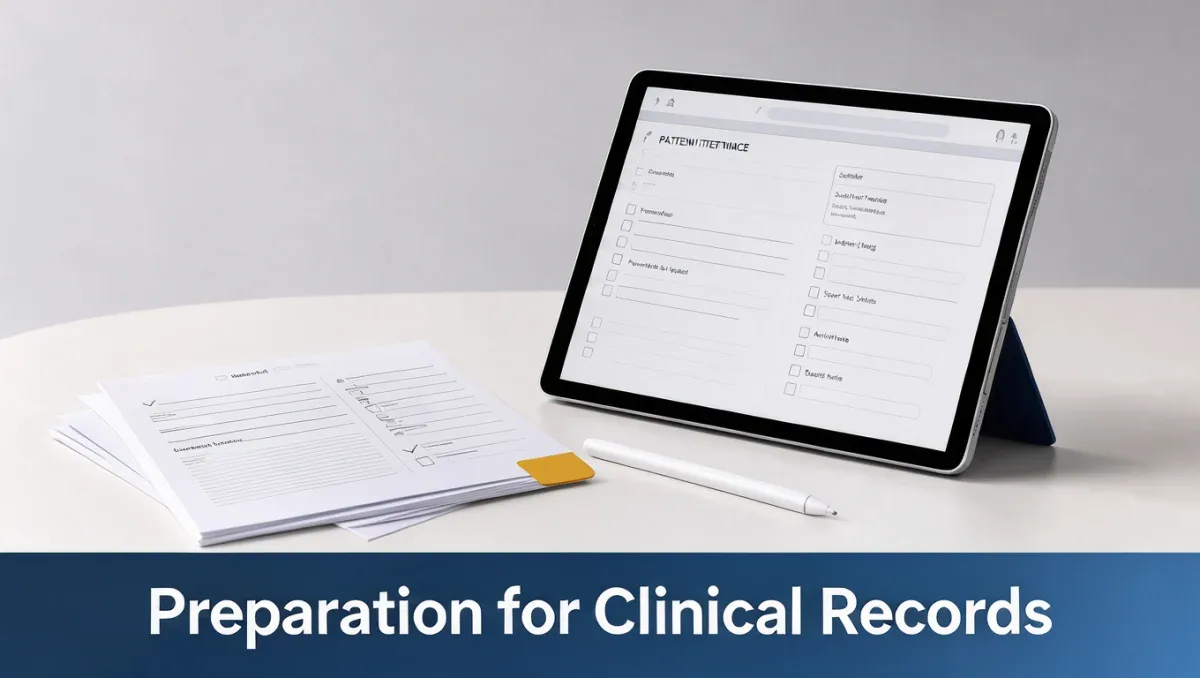
Effective charting follows a repeatable process that fits naturally into patient care. Review the provider's official documentation to confirm technical settings, then follow the clinical steps below.
- Verify patient identity and appointment context: Confirm the chart matches the current visit date and booking to avoid mismatched records.
- Choose an appropriate template: Select a layout configured for your discipline, whether a standard subjective-objective-assessment-plan format or a specialized narrative form.
- Record subjective updates and objective measures: Document the symptoms the patient reports, along with physical observations, range-of-motion tests, or treatments performed during the session.
- Write assessment notes and treatment goals: Summarize clinical impressions from the session and describe how the patient is progressing toward functional targets.
- Outline the future care plan: Detail home exercises, referral recommendations, and the scheduling interval for follow-up visits to keep care continuous.
- Sign and lock the record: Finalize the entry with an electronic signature to protect record integrity and prevent unauthorized changes after the session.
4. Your First 30 Days
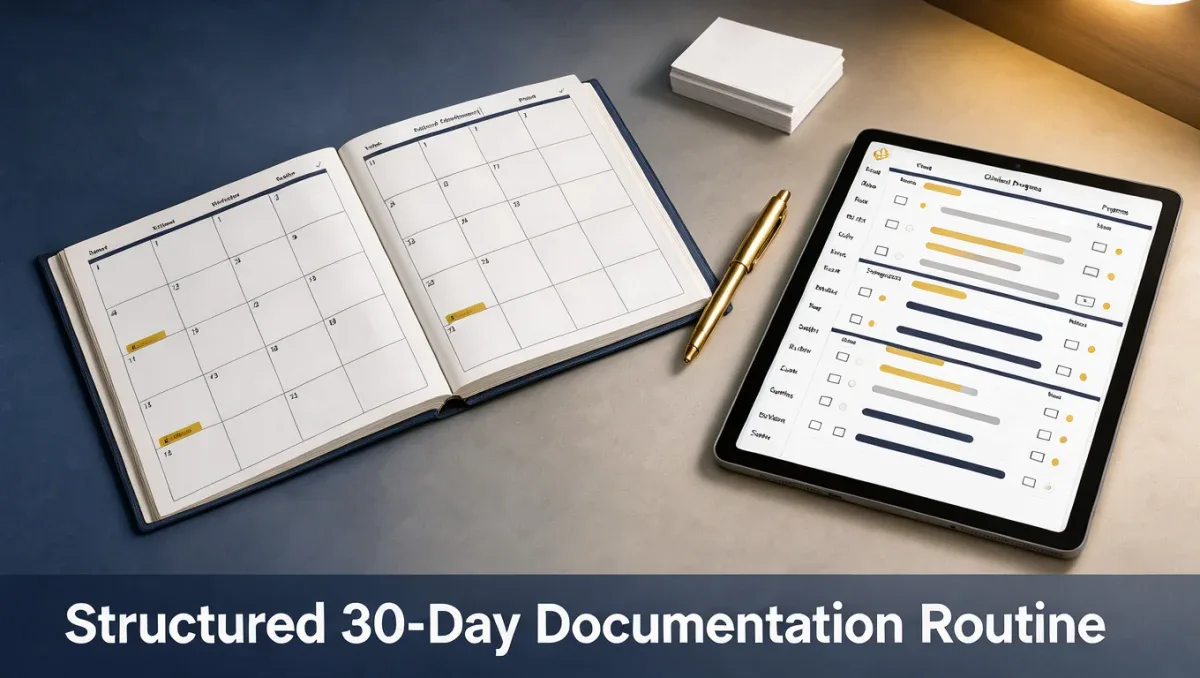
Building good habits early keeps charting from turning into a growing backlog of late-night documentation. The Best Coupon Blogs editorial team recommends following a structured schedule during your first month of use.
| Week | Routine to build | Why it matters |
|---|---|---|
| Week 1 | Assemble core templates aligned to standard visit types | Prevents retyping common prompts and speeds up entry creation |
| Week 2 | Practice closing charts within thirty minutes of session end | Keeps observations accurate while they are still fresh |
| Week 3 | Audit past notes for consistent phrasing and coding | Helps meet compliance standards across different practitioners |
| Week 4 | Review chart export and external sharing readiness | Confirms notes are legible for insurer inquiries or medical transfers |
5. Common Mistakes and How to Avoid Them
Clinicians working with digital documentation often run into problems that reduce note clarity or create administrative backlogs. Paying attention to everyday routines helps prevent these setbacks.
- Leaving charts in draft status: Skipping electronic signatures creates compliance risk and leaves entries open to unintended changes.
- Overloading notes with repeated boilerplate: Copying unedited text across recurring sessions dilutes meaningful observations and obscures real patient progress.
- Neglecting objective tracking: Relying only on narrative impressions without recording concrete measures makes it harder to justify ongoing medical necessity during audits.
- Ignoring patient communication preferences: For clinics that prioritize patient interaction and customer service, missing personalized notes can weaken practitioner-client rapport over time.
6. When to Ask for Help
Electronic charting provides structure, but some situations call for outside input or administrative coordination. Knowing when to seek guidance keeps clinic operations running smoothly.
- Discipline-specific regulatory questions: If you are unsure about required retention periods or legal signature criteria, consult your regional professional association or a healthcare legal specialist.
- Complex billing code mapping: If insurer audits challenge how clinical notes are described, work with a medical billing specialist to align documentation terminology.
- System configuration problems: If template sharing among associates fails or signing roles appear misconfigured, consult the official Jane App knowledge base or contact vendor support for setup advice.
7. Frequently Asked Questions
How long does it take to complete clinical notes for each session?
Completion time depends on session complexity and how the templates are built. Practitioners who use focused prompts often finish charting in five to ten minutes per appointment. Separate templates for initial consultations and routine follow-ups can significantly reduce charting time while keeping clinical detail thorough across busy treatment days.
What should a practitioner do if an error is noticed after signing a chart?
Medical documentation rules generally prohibit deleting or altering finalized records. When a correction is needed after signing, standard practice is to add a signed addendum. The addendum should clearly identify the change, state the reason for the update, and record the current timestamp alongside the original entry.
Can chart templates be shared across multiple practitioners within a clinic?
Multi-practitioner clinics often share chart structures to keep documentation consistent across the facility. Clinic managers typically set up master templates for specific treatment modalities so incoming practitioners can maintain record uniformity. Individual clinicians can confirm template sharing options directly within their organization's settings on the official platform.
Are digital signatures necessary for legal record-keeping compliance?
Most professional licensing boards and commercial insurers require verifiable signatures to authenticate clinical authorship. An unsigned chart is generally treated as an incomplete draft, which can jeopardize insurance reimbursement during documentation reviews. Signing charts promptly after each session supports compliance with regulatory standards across healthcare specialties.
8. Next Steps
Building reliable charting routines improves both continuity of patient care and day-to-day peace of mind. The steps below will strengthen your workflow over the coming days.
- Audit your current template prompts to confirm they capture the data your licensing body requires.
- Set a daily routine in which every chart note is completed and signed before leaving the clinic.
- Confirm account permissions and privacy settings on the official Jane App website to align with regional standards.
- Review charting procedures quarterly with fellow practitioners to keep documentation habits uniform across the organization.
Have a question about choosing software? Send it to the Best Coupon Blogs team through our contact page, or follow Best Coupon Blogs on LinkedIn for new reviews and comparisons.