bestcouponblogs may earn a commission when you buy through links on this page, at no extra cost to you. This does not affect our ratings.
Running payroll taxes through Gusto depends on three things: validated business tax registrations, correct employee withholding records, and payroll runs completed on schedule so the platform can debit deposits and submit filings for you. Owners and payroll administrators typically want a simple operational routine that ensures federal, state, and local agencies receive accurate amounts without surprise mismatches. Best Coupon Blogs put this walkthrough together to explain which duties stay with you and which tasks the software performs automatically.
Automated calculations and e-filing do much of the heavy lifting, but employer responsibility still matters. Entering account details incorrectly, missing a local agency requirement, or misclassifying a worker's pay can all cause compliance problems. Knowing how to file payroll taxes with Gusto lets you check tax summaries before deadlines lock, catch errors early, and keep your standing with regulators intact throughout 2026.
Quick answer: To file payroll taxes with Gusto, complete your business tax registrations, onboard workers with verified withholding forms, run payroll on schedule, and review the automated filings. Gusto calculates liabilities, deducts withholdings, and submits returns to federal and state agencies, while you monitor reports and confirm account funds before each processing date.
| Element | Summary Details |
|---|---|
| Who this guide is for | Small business owners, operations managers, and payroll administrators who use Gusto to pay staff and manage tax filings. |
| What you need before starting | Federal Employer Identification Number, state and local tax account numbers, access to a business deposit account, and completed employee tax forms. |
| What you will have at the end | A dependable payroll tax calendar, consistent review habits, and clean compliance records for quarterly and year-end reporting. |
1. How Best Coupon Blogs Put This Guide Together
This guide pairs what the software is designed to do with the Best Coupon Blogs buying framework, so you can judge whether it fits your business. Plans, prices, and limits change frequently, so confirm current details on the official website before purchasing. This article was researched and drafted with AI tools, then reviewed and edited by the Best Coupon Blogs Editorial Team.
2. Before You Start
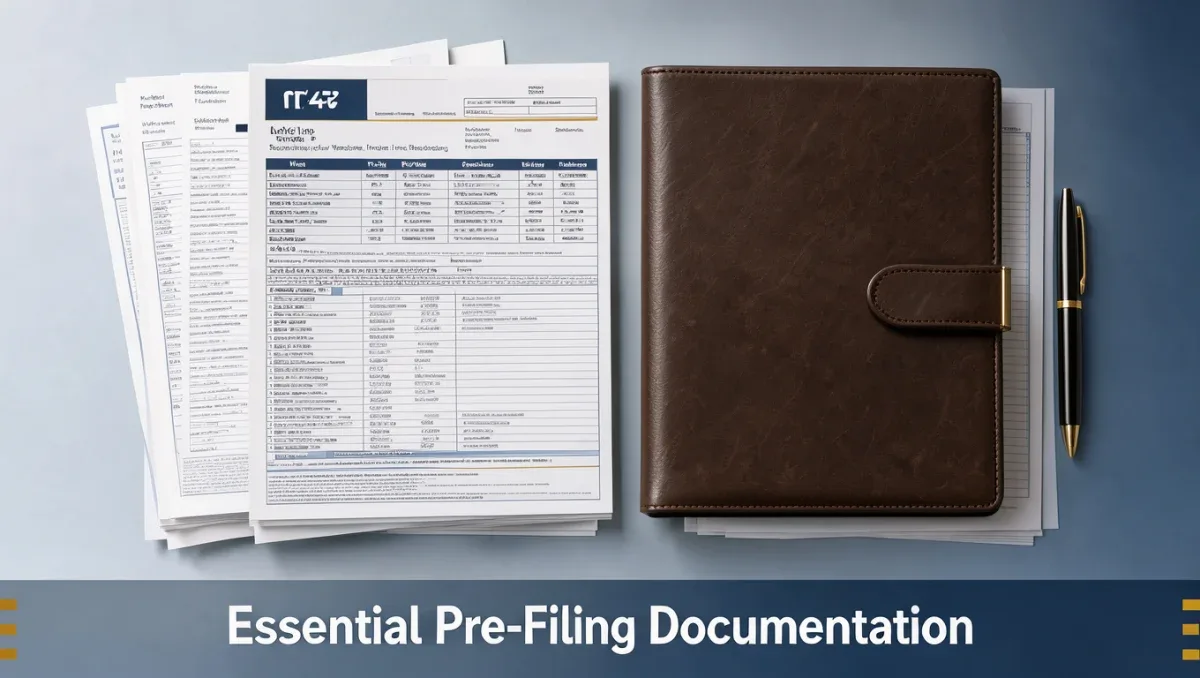
Careful preparation prevents rejected filings and misdirected payments. Payroll platforms need exact government account identifiers before they can start automated tax debits. Gather the required documents for every jurisdiction where your staff live or work before running payroll with tax withholding.
- Federal Employer Identification Number issued by the IRS.
- State withholding account numbers and state unemployment insurance tax rates from your state department of revenue or labor agency.
- Local tax identification numbers for municipalities that levy wage taxes.
- Completed employee withholding certificates, including Form W-4 and state equivalents.
- Active business checking account credentials with enough balance to cover gross wages and employer tax contributions.
- Historical payroll summaries and quarterly returns if you are switching providers partway through the year.
3. Step-by-Step Workflow for Filing Payroll Taxes With Gusto
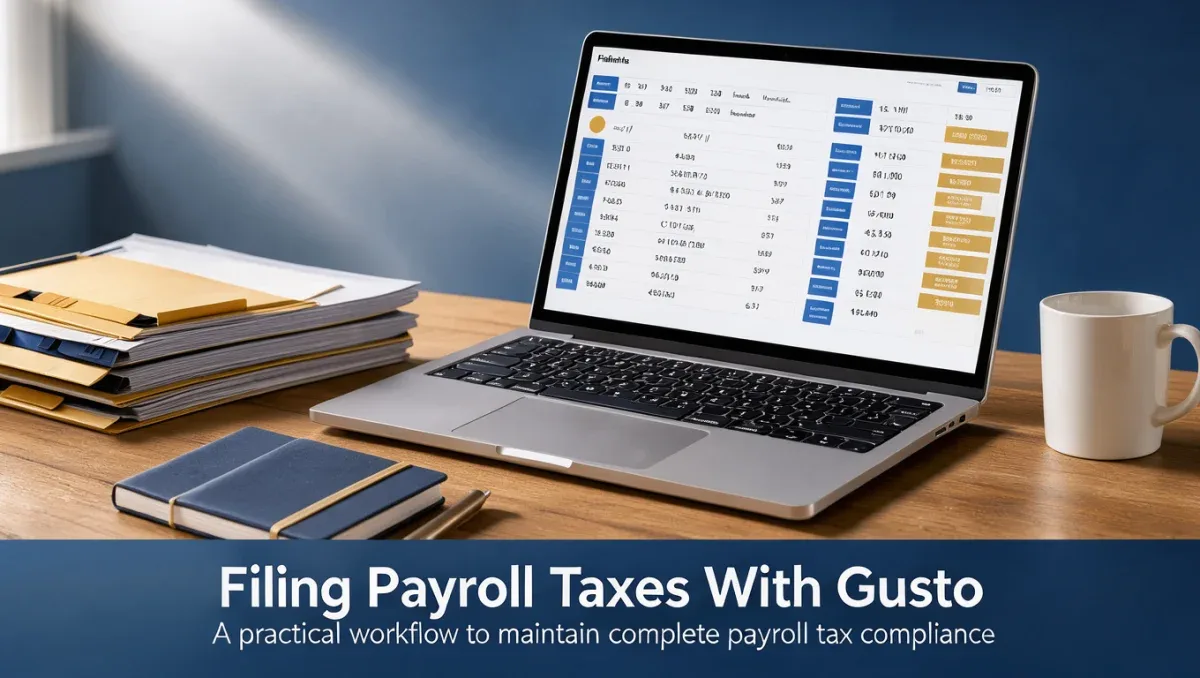
Gusto handles tax calculation, withholding, and agency transmissions behind the scenes as you complete payroll cycles. Your main job is keeping source data accurate and reviewing summary statements. For specific navigation or layout questions, consult the official Gusto documentation.
- Verify company tax registrations by entering your federal identification number, legal business address, and state tax registration numbers in the payroll settings. Accurate entries ensure automated payments reach the correct agency accounts.
- Enter employee tax data from completed withholding certificates, checking filing status, dependent credits, and any additional withholding requests. Precise entry protects employees from unexpected year-end tax bills.
- Set state unemployment tax rates by entering the exact percentage assigned by state agencies. These rates adjust annually and need manual updating to avoid underpayment notices.
- Run payroll on your established processing schedule. Each cycle, the software calculates employee deductions, computes employer contributions, and prepares tax amounts for remittance.
- Review the pre-payroll tax summary before final submission. Checking total liabilities and cash requirements lets you fix discrepancies before funds move.
- Allow automated tax collection and filing to run. Gusto withdraws the required tax funds and remits quarterly forms, annual filings, and wage deposits directly to taxing authorities.
- Archive the generated quarterly tax packets and annual wage summaries in your internal records for future accounting reconciliation.
4. Your First 30 Days of Payroll Tax Management
Establishing disciplined routines in the first month creates smooth payroll cycles and prevents filing errors. The framework below outlines key tasks for your opening weeks.
| Week | Routine to build | Why it matters |
|---|---|---|
| Week 1 | Cross-check state tax accounts and unemployment rate notices against your platform profile entries. | Ensures early payroll runs apply the correct statutory rates and avoids agency balance inquiries. |
| Week 2 | Audit employee withholding classifications, contractor statuses, and primary work addresses. | Prevents multi-state filing problems caused by workers living or working in different tax jurisdictions. |
| Week 3 | Run your first regular payroll cycle and inspect the detailed payroll tax calculation report. | Confirms the dollar amounts set aside for federal, state, and local agencies match your expectations. |
| Week 4 | Track bank clearance timing for payroll tax debits and file internal copies of payroll summaries. | Keeps cash flow predictable and builds an accessible archive for routine bookkeeping. |
5. Common Mistakes and How to Avoid Them
Payroll tax problems usually come from clerical mismatches or missed notices rather than calculation errors. Watching a few common trouble spots keeps your account compliant.
- Entering outdated state unemployment tax rates. Avoid this by reviewing state rate notices each December and updating your payroll profiles promptly.
- Overlooking remote worker tax obligations. If an employee moves or works from home in another state, set up the appropriate tax accounts there before running payroll.
- Misclassifying workers as independent contractors instead of employees. Review each worker's duties carefully to avoid serious penalties and back-tax liabilities.
- Failing to update your business address or legal entity details with tax authorities. Make sure names on payroll profiles match official government records exactly.
- Ignoring letters from state revenue departments. Agency correspondence often contains important changes to filing frequencies or deposit schedules.
6. When to Ask for Help
Automated platforms handle standard filing routines, but some situations call for outside guidance from qualified professionals or official support channels.
- Receiving a penalty or discrepancy notice from a tax agency about prior-period filings.
- Hiring employees in unfamiliar states with complex local withholding rules.
- Switching platforms mid-year while prior tax liabilities remain unresolved.
- Deciding how to handle owner compensation, distributions, or corporate officer wages.
- Diagnosing failed bank debits for scheduled tax payments.
7. Frequently Asked Questions
What happens after payroll finishes running?
Once payroll is submitted, the software calculates total tax liabilities, withdraws the payroll tax amounts from your company bank account, and holds them until they are due. When statutory deadlines arrive, the platform remits payments and files the required quarterly and annual tax reports with regulators automatically.
How do employers handle changes to state unemployment tax rates?
State agencies send annual notices with updated unemployment rates based on claims history and state reserves. Employers should verify these notices and manually enter the new rate in their payroll profile settings so calculations stay accurate for all upcoming pay periods.
What should I do when a tax agency sends a notice?
When an agency sends an inquiry or balance notice, compare the referenced tax period with your historical payroll summaries. Share the notice details with platform support or your certified public accountant to determine whether the issue involves timing differences, missing registration numbers, or deposits that were not credited.
When should an accountant review my payroll tax setup?
Consult a professional accountant or tax advisor when first configuring payroll, expanding into new states, or structuring owner pay for S-corporations. Professional review confirms that entity classifications, compensation ratios, and benefit deductions meet current legal requirements.
8. Next Steps
Reliable payroll tax filing depends on steady attention to compliance deadlines and prompt record keeping. Take these steps to keep payroll runs smooth:
- Gather your state tax agency login credentials and confirm all active account numbers.
- Set recurring quarterly calendar reminders to download and review filed payroll tax reports.
- Ask a licensed tax professional or certified bookkeeper to audit worker classifications and local compliance requirements.
Have a question about choosing software? Send it to the Best Coupon Blogs team through our contact page or follow Best Coupon Blogs on LinkedIn for new reviews and comparisons.