bestcouponblogs may earn a commission when you buy through links on this page, at no extra cost to you. This does not affect our ratings.
Building a KPI framework starts with defining what success looks like, not with opening a software dashboard. Many teams find it hard to translate broad strategic goals into metrics they can check every day. This guide from Best Coupon Blogs explains how to design a practical performance structure using Elevateforward AI.
When organizational objectives are linked to clear performance indicators, every level of the business stays accountable. Setting up these frameworks at the outset makes it easier for leaders and staff to measure progress against reliable baselines.
Quick answer: Audit current department goals, standardize the data you feed in, generate draft indicator models, confirm tracking intervals on the official portal, and test alignment with department leads through a four-phase process.
| Element | Framework detail |
|---|---|
| Who this guide is for | Operations managers, department leads, and business planners aligning goals |
| What you need before starting | Past department goals, set milestone timelines, and stakeholder access |
| What you will have at the end | A structured operational blueprint with defined metrics and review intervals |
1. How Best Coupon Blogs Put This Guide Together

This guide pairs the capabilities of the software covered here with the Best Coupon Blogs buying framework, so you can choose the option that fits your business. Plans, pricing, and limits change frequently, so we highlight what to verify on the official website before purchasing. This article was researched and drafted with the help of AI tools, then reviewed and edited by the Best Coupon Blogs Editorial Team.
2. Before You Start
Gather the core business documents you need to set realistic targets before planning. Configuring analytical structures in Artificial Intelligence software works best with clean, consistent inputs that prevent fragmented tracking.
- Documented company milestones for the upcoming business quarters.
- A list of team members responsible for data validation and reporting.
- Historical performance records from previous quarters to set baseline values.
- Confirmation of available workspace roles and user seat permissions on the official Elevateforward AI account settings page.
3. Step-by-Step Workflow
Following a deliberate sequence prevents team confusion and keeps your tracking models aligned with real operational capacity. Always confirm current workspace setup guidelines on the official Elevateforward AI website as you go.
- Define strategic business outcomes: Set two or three major objectives for the quarter so every operational metric supports core priorities.
- Establish core input and output metrics: Group measures into leading indicators, such as outreach activities, and lagging indicators, such as completed sales.
- Generate your blueprint drafts: Enter clean organizational parameters to produce structured frameworks suited to your business model.
- Assign operational owners: Name one accountable manager for each key result to maintain consistent reporting.
- Verify tracking rules and automated schedules: Check notification frequencies and dashboard refresh settings against the official Elevateforward AI documentation.
- Conduct a departmental cross-check: Review the metric framework with key stakeholders to confirm target thresholds are achievable.
4. Your First 30 Days
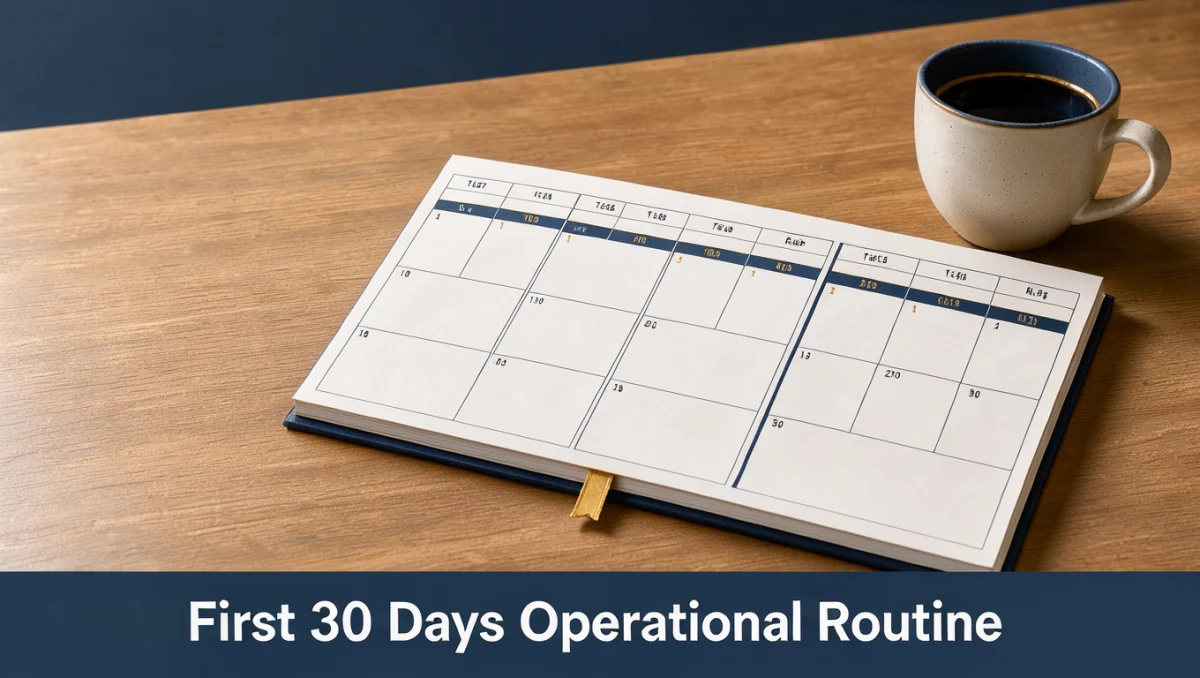
Putting measurement frameworks into practice requires steady upkeep over the first four weeks. Following this schedule helps your tracking routines become consistent habits across departments.
| Week | Routine to build | Why it matters |
|---|---|---|
| Week 1 | Verify data baseline inputs and user permissions | Prevents inaccurate starting data from skewing benchmark targets. |
| Week 2 | Run a mid-cycle metric check with department leads | Helps operational managers understand target thresholds early. |
| Week 3 | Review notification delivery and variance flags | Confirms tracking schedules work properly across teams. |
| Week 4 | Run a full monthly performance review | Lays the groundwork for adjusting goals in the next cycle. |
5. Common Mistakes and How to Avoid Them
Metric design problems usually come from process gaps rather than tool limitations. At Best Coupon Blogs, we study workflow bottlenecks so operational teams can roll out enterprise software without costly delays.
- Tracking too many indicators: Monitoring excessive metrics dilutes focus, so limit each department to five primary indicators.
- Failing to assign clear ownership: When several leaders share one indicator, accountability drops, so assign a single owner per target.
- Ignoring baseline historical data: Setting aspirational targets without reviewing past records discourages teams, so always check historical output first.
- Skipping weekly data verification: Leaving data unchecked until month-end creates compounding reporting errors.
6. When to Ask for Help
Some organizational challenges call for expert advice or vendor support before you finalize your framework. Knowing when to escalate technical or structural issues saves valuable management time.
- Complex cross-department dependencies: Seek guidance from a certified operations consultant when metrics overlap across several business divisions.
- Data synchronization errors: Contact technical product specialists through the official vendor portal if automated calculations fail to display.
- Regulatory compliance questions: Consult financial or legal advisors if your indicators govern statutory filings or employee compensation.
7. Frequently Asked Questions
What baseline documentation is required before setting up tracking?
Teams should gather current strategic plans, records of past milestone achievements, and an updated list of operational owners. Having these ready before configuring your framework prevents delays during initial blueprint mapping.
How should managers set target thresholds for newer metrics?
Operational leaders should review the last two quarters of internal performance records or relevant industry benchmarks. Set initial targets conservatively in the first cycle, then refine them as consistent operational data becomes available.
Where should subscription options and account privileges be confirmed?
Account administrators should check the official Elevateforward AI website for administrative permissions and tier limits. Verifying these details in official documentation helps you avoid permission roadblocks during blueprint generation.
How often should KPI frameworks be updated?
Organizations typically review metric relevance quarterly and track operational updates weekly. Regular monthly reviews keep individual indicators aligned with changing business priorities without disrupting operations.
8. Next Steps
Now that you understand the blueprint process, take concrete steps to build performance tracking into your daily business routine.
- Schedule an internal alignment meeting with designated department heads.
- Review the official Elevateforward AI administration documentation to confirm account limits.
- Map your three primary business objectives for the upcoming quarter.
- Draft your first working indicator model using verified historical baselines.
Have a question about choosing software? Send it to the Best Coupon Blogs team through our contact page, or follow Best Coupon Blogs on LinkedIn for new reviews and comparisons. For more practical guidance, you can also explore our complete KPI blueprint guide.