Best Coupon Blogs may earn a commission when you buy through links on this page, at no extra cost to you. This does not affect our ratings.
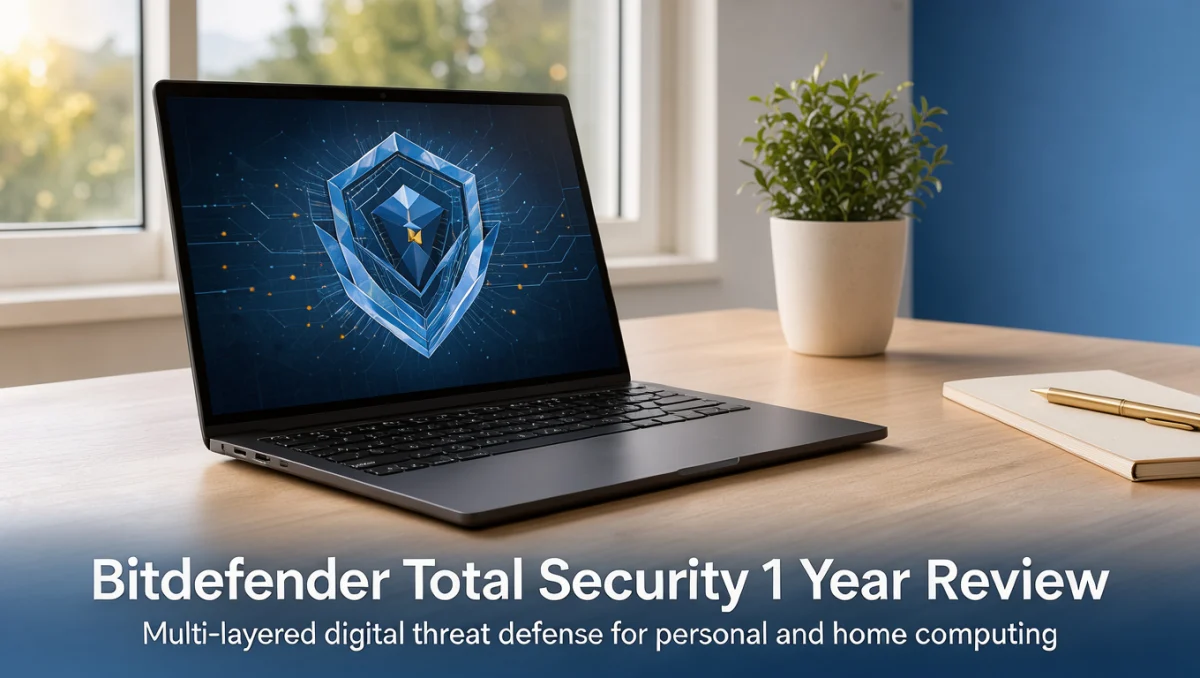
Anyone shopping for a bitdefender total security 1 year subscription is usually trying to shield a computer from malware, risky downloads and intrusions without becoming an IT specialist. Annual security plans involve trade-offs between detection strength, the speed of your machine, subscription terms and how many devices you need covered. Our assessment looks at how this suite handles everyday threats in practice, rather than repeating marketing promises.
Committing to a yearly license means staying with one vendor's ecosystem for the whole of 2026. Before paying, it helps to decide whether a single integrated suite suits your hardware better than piecing together separate utilities. Knowing exactly what a bitdefender total security 1 year plan covers lets home users and small offices choose with confidence based on how they actually work online.
Quick verdict: Bitdefender Total Security 1 Year scores 7.9 out of 10 in our review. It suits individuals and multi-device households that want quiet background threat prevention, web safety filtering and low day-to-day maintenance. It is less suitable for users who need granular enterprise network configuration or organizations that require centralized directory management.
| Metric | Summary |
|---|---|
| Best Coupon Blogs score | 7.9 / 10 |
| Best for | Households and professionals who want multi-layered threat defense with little upkeep |
| Not ideal for | System administrators who need granular command-line network rule enforcement |
| Key strengths | Proactive malware blocking, multi-layer ransomware defense, background performance tuning |
| What to check before buying | Confirm device seat allocations, renewal fees and platform coverage on the official website |
1. How Best Coupon Blogs Reviewed Bitdefender Total Security 1 Year
This review examines what Bitdefender Total Security 1 Year is designed to do, who it serves and how it stacks up against comparable tools. We judged it on seven Best Coupon Blogs criteria: features, ease of use, pricing and value, integrations, audience fit, support and competitive position. Plans, prices and limits change frequently, so we flag the details you should confirm on the official website before purchasing. This article was researched and drafted with the help of AI tools, then reviewed and edited by the Best Coupon Blogs Editorial Team.
2. What Bitdefender Total Security 1 Year Is and Who It Is For
Bitdefender Total Security 1 Year is an all-in-one digital security suite from Bitdefender that aims to protect personal computers and connected devices from malware, spyware and unauthorized network intrusions. It runs continuously in the background, checking active processes, scanning incoming downloads and blocking suspicious web traffic before damage occurs. Our evaluation framework at Best Coupon Blogs focuses on practical usability rather than marketing claims, so readers can understand the real value they receive.
Suites in this category are built for general consumers, remote workers, freelancers and small home offices that handle sensitive documents, financial transactions and everyday communication across several devices. Because threats evolve quickly, a twelve-month subscription keeps signature databases and threat intelligence current throughout the year.
Rather than juggling separate firewall tools, browser add-ons and optimization programs, users can consolidate device maintenance into one management console. This cuts day-to-day friction while establishing a solid baseline of protection across personal computing setups.
3. Core Security and System Protection Capabilities
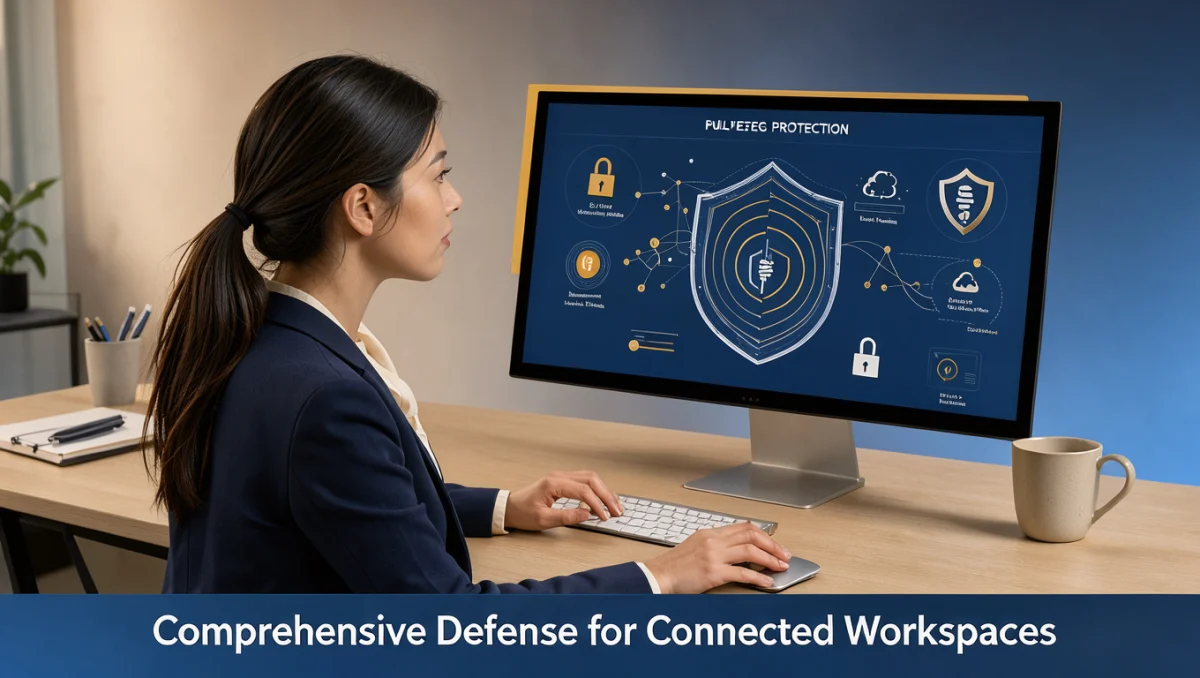
Modern security suites combine several protection modules that act at the file level, the network perimeter and the behavioral analysis stage. Understanding these functional areas helps prospective buyers judge whether the software fits their particular risk profile.
3.1. Real-Time Malware Defense and Threat Prevention
At its core, the software inspects files as they are accessed, downloaded or executed on the local system. Its detection engine compares code signatures against known malware databases and runs heuristic checks to stop new variants before they can compromise the system.
Beyond static signature checks, modern detection systems often apply techniques developed in Artificial Intelligence to spot zero-day behavior patterns. When suspicious activity appears, the engine isolates the offending process, quarantines affected files and alerts the user without halting unrelated work.
3.2. Multi-Layered Ransomware Mitigation
Ransomware is among the most destructive threats facing computer owners, encrypting personal files and demanding payment for the decryption key. Anti-malware software counters this by watching designated document folders for unauthorized bulk modifications.
When an untrusted application tries to alter critical user data, the defense layer blocks the change and can create temporary restore points. This defense-in-depth approach helps protect essential spreadsheets, family photos and business records from extortion attempts.
3.3. Web Browsing Defense and Anti-Phishing Safeguards
Many infections start with deceptive links, fake login pages and malicious search redirects. Web protection modules intercept outgoing browser requests and check destination domain reputations against continuously updated blocklists.
If a user heads toward a fraudulent banking page or a compromised online store, the software blocks the page before it renders. Because this layer operates independently of the browser, it offers consistent defense against credential theft and malicious script injection.
3.4. System Performance Optimization
Antivirus software has historically earned a reputation for slowing computers during full disk scans. Current suites address this through dynamic resource profiles that adjust scanning intensity according to what the machine is doing.
When users open demanding video applications or present full-screen content, background profiles postpone non-essential maintenance and suppress minor notifications. This coordination keeps the computer responsive while active perimeter defense continues.
4. Ease of Use and Administrative Workflow
Security software has to balance thorough protection with straightforward daily management. A cluttered interface tends to push users into disabling critical safeguards out of frustration, which undermines the very safety they paid for.
The administrative dashboard shows at a glance whether protection is active, with scan shortcuts, update confirmations and license details. Default settings are designed to run autonomously, so non-technical users can stay protected without touching advanced behavioral heuristics.
Experienced operators can customize scanning schedules, add exclusion lists for specialized development projects and adjust trust levels for network adapters. This tiered layout serves both casual owners and detail-oriented power users.
5. Bitdefender Total Security 1 Year Pros and Cons
Judging an annual security subscription means weighing protective strength against practical realities. Every solution carries trade-offs that buyers should weigh before committing.
5.1. Advantages
- A unified management console that combines malware prevention, firewall controls and browser safety filters.
- Automated operating profiles that reduce scan interruptions during work meetings and media playback.
- Multi-layer ransomware safeguards that monitor critical user folders against unauthorized encryption.
- Proactive anti-phishing filters that inspect web addresses independently of any single browser extension.
5.2. Considerations and Limitations
- Annual subscriptions require monitoring renewal terms to avoid unexpected billing for continued coverage.
- The initial full-system scan creates noticeable processing load until file indexing finishes.
- Bundled accessory utilities may duplicate built-in operating system tools, so some manual configuration may be needed.
- Installing on multiple devices means using the vendor web portal to assign and reassign software seats.
6. Bitdefender Total Security 1 Year vs Similar Security Suites
The cybersecurity market includes several well-known vendors, each emphasizing different priorities. Comparing Bitdefender with established alternatives such as Norton and McAfee helps clarify its market position.
| Security Suite | Target Audience | Core Focus | Consideration Factor |
|---|---|---|---|
| Bitdefender Total Security | Users who want quiet background defense and system tuning | Multi-layered ransomware defense and behavioral monitoring | Check the device allocation for each license tier |
| Norton 360 | Users who want bundled identity monitoring and cloud storage | Integrated digital identity features and backup utilities | Review secondary storage limits before subscribing |
| McAfee Total Protection | Households that want broad identity and device coverage | Cross-device family safety and browser link inspection | Assess dashboard layout and notification frequency |
Norton has traditionally bundled extensive auxiliary services such as cloud backup into its main tiers, whereas Bitdefender keeps its primary emphasis on system defense and background responsiveness. McAfee often highlights household identity protection across family packages. Prospective buyers should decide whether they need specialized identity monitoring or primary device threat mitigation.
7. Who Should Use Bitdefender Total Security 1 Year
Identifying user profiles helps determine whether the software matches your technical comfort, hardware setup and daily computing needs.
7.1. Freelancers and Independent Professionals
Independent professionals who keep client files, proprietary project code and financial records on their main workstation need strong ransomware defenses. Bitdefender Total Security 1 Year provides background protection that helps prevent client data leaks without demanding full-time IT administration.
7.2. Multi-Device Households
Families running several desktops, school laptops and secondary personal devices benefit from managing license activations through one central account. Parents can deploy protection across family computers without configuring complex local group policies.
7.3. Small Business Home Offices
Home-based business owners who lack dedicated enterprise IT infrastructure need dependable web filtering and attachment scanning for incoming vendor invoices. The software helps safeguard shared home-office networks against infected attachments and credential theft.
7.4. Users Who Should Consider Alternatives
Organizations managing dozens of enterprise endpoints connected to Active Directory should look at dedicated endpoint detection and response platforms rather than consumer suites. Likewise, people who only browse casually and rely solely on built-in operating system security may not need an expanded multi-utility subscription.
8. How to Choose the Right Security Plan
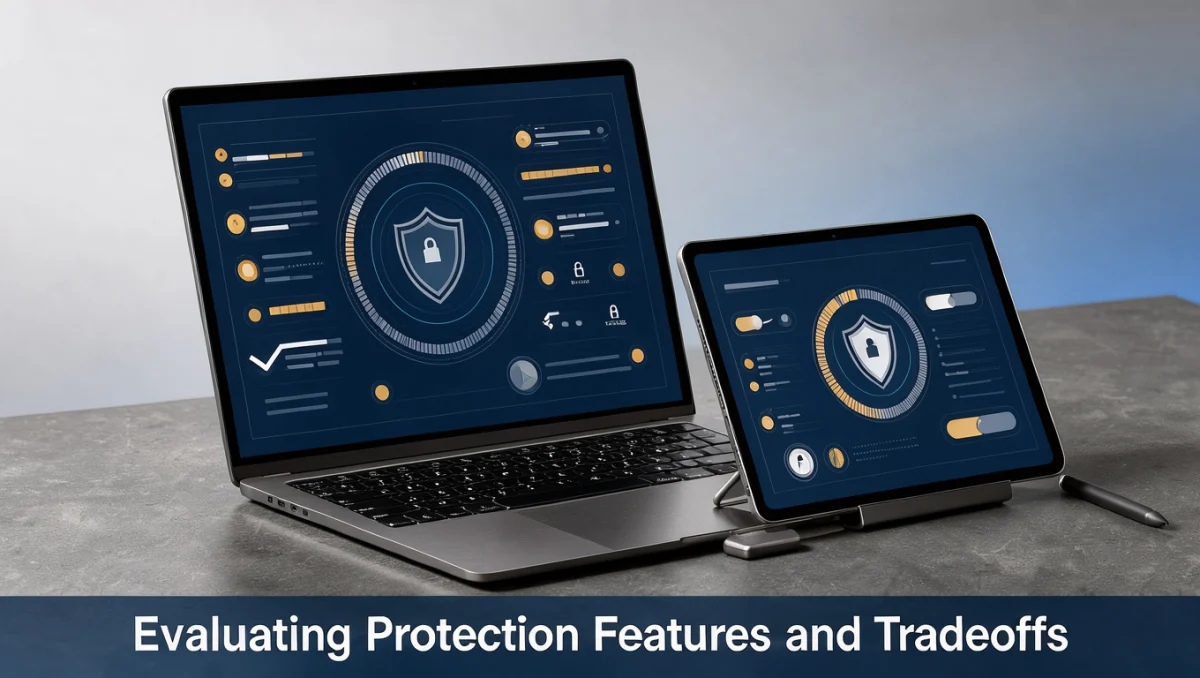
Before buying any annual security subscription, confirm the key service details on the official vendor website to avoid unexpected costs or coverage gaps.
| What to check on official pricing pages | Why it matters for buyers |
|---|---|
| Seat count and device entitlement | Security packages specify exact device limits, which determine how much of your household is covered. |
| Introductory versus renewal rates | First-year billing often differs substantially from later annual renewal prices. |
| Operating system compatibility | Confirm which operating systems receive full protection modules and which get only basic utilities. |
| Cancellation and renewal terms | Understanding auto-renewal settings helps you avoid recurring charges you did not expect. |
| Included versus paid add-on utilities | Specialized network encryption or storage services may carry separate data limits or fees. |
9. Frequently Asked Questions
What should buyers review regarding annual subscription renewal terms?
Security subscriptions often renew automatically each year at standard, non-promotional prices. Check your account details right after purchase to learn the billing date, how renewal notices are sent and where to manage renewal settings. Reviewing these terms early gives you a clear picture of the long-term cost of ownership.
How should users prepare their computers before installing new security software?
Installing a full security suite usually means removing existing third-party antivirus programs to prevent driver conflicts and instability. Save critical files, install pending operating system updates and keep your administrator credentials handy. These steps make the installation smoother and give the new software a clean baseline scan.
What factors influence whether a multi-device security suite is necessary?
The need for multi-device protection depends on how many computers, laptops and peripheral devices your household uses. If you access bank accounts, personal email and work documents across several machines, unified license management is simpler than maintaining separate standalone tools on each one.
How do background operating profiles help with computer responsiveness?
Background profiles detect when full-screen applications, video rendering tools or games need maximum hardware resources. By temporarily pausing non-urgent file indexing, delaying routine definition updates and silencing promotional pop-ups, the suite keeps essential real-time defense running while giving your active tasks the processing power they need.
What is the recommended procedure for managing hardware seat licenses?
Seat management happens through the vendor's central web portal rather than on each individual machine. If you retire or replace a computer, sign in to the web dashboard, deactivate the old device and assign the freed seat to the new one, which keeps coverage uninterrupted.
10. Final Verdict on Bitdefender Total Security 1 Year
| Evaluation Criterion | Score / 10 | Assessment Rationale |
|---|---|---|
| Features | 8.5 / 10 | Offers comprehensive multi-layered defense against malware, ransomware and web threats. |
| Ease of Use | 8.0 / 10 | The dashboard offers clean navigation, automated profiles and clear status summaries. |
| Pricing and Value | 7.5 / 10 | Buyers should compare introductory discounts with regular annual renewal costs. |
| Integrations | 7.0 / 10 | Works cleanly alongside major browsers while operating independently of web plugins. |
| Audience Fit | 8.5 / 10 | Suits households, remote contractors and small home offices that want low maintenance. |
| Support | 7.5 / 10 | Self-guided documentation and online knowledge resources provide structured troubleshooting. |
| Competitive Position | 8.0 / 10 | Keeps a balanced focus on core malware mitigation compared with utility-heavy rivals. |
Overall Best Coupon Blogs score: 7.9 / 10
Bitdefender Total Security 1 Year is a balanced defense suite for consumers and professionals who want proactive protection without constant administration. Its combined behavioral detection, ransomware safeguards and automatic resource profiles provide strong baseline defense across household devices throughout 2026. Before completing your purchase, confirm current device seat allotments and post-introductory renewal pricing on the official Bitdefender website.
Readers with questions about choosing security software are welcome to reach out through Best Coupon Blogs or join our professional discussions on LinkedIn.