bestcouponblogs may earn a commission when you buy through Best Coupon Blogs links on this page, at no extra cost to you. This does not affect our ratings.
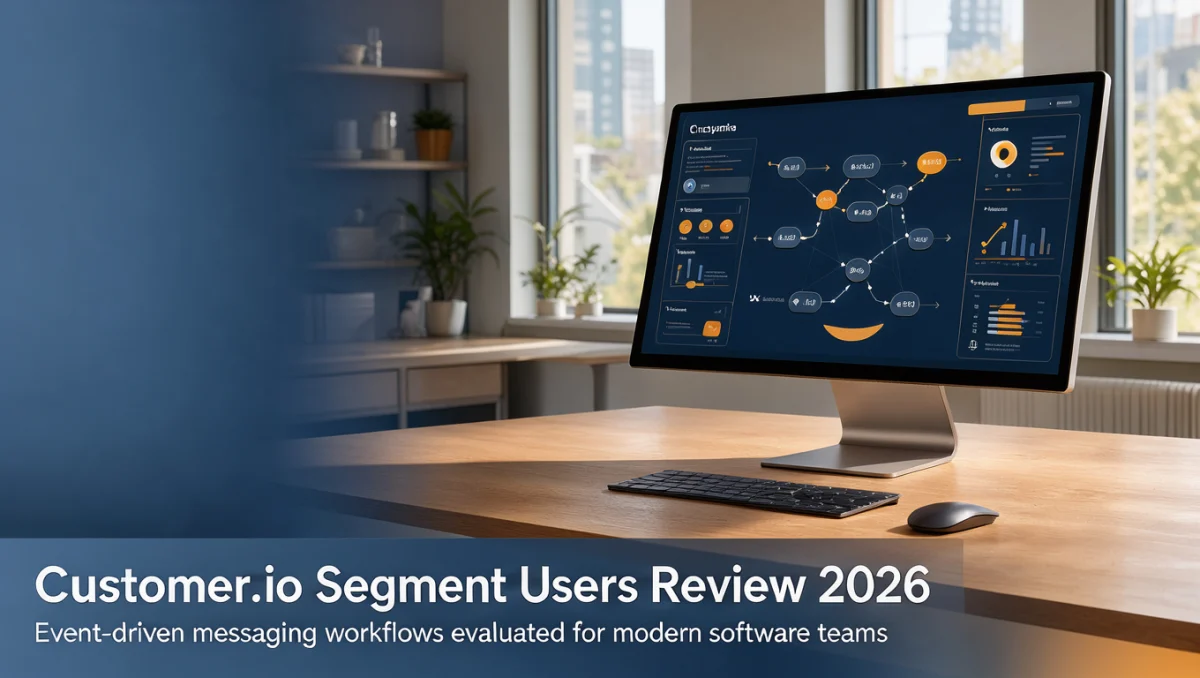
Designing a sound workflow for how to build a customer journey with Customer.io starts with planning events, user attributes, and behavioral branches long before any message copy is written. Customer.io is an automated messaging platform driven by behavioral data, letting teams send communications that respond to real customer actions in real time. At bestcouponblogs, we judge automation tools on practical execution so you can tell whether the software fits your operations.
Getting this structure right helps product and marketing specialists organize onboarding sequences, retention campaigns, and transactional notices without fragmenting the user experience. When journey architecture is built deliberately, messages arrive when customer behavior calls for them, which raises relevance across the entire lifecycle.
Quick verdict: Customer.io earns an overall score of 7.9/10 for its behavioral data logic and multi-channel orchestration. It suits teams running event-driven product communication and lifecycle triggers, and is less suitable for basic newsletter senders who do not track in-app behavior.
| Metric | Summary Details |
|---|---|
| bestcouponblogs score | 7.9/10 |
| Best for | Teams managing behavioral lifecycle messages and event-driven product communication |
| Not ideal for | Solo creators seeking simple drag-and-drop newsletter broadcasting |
| Key strengths | Event-driven automation workflows and personalized multi-channel messaging logic |
| What to check before buying | Workspace limits and pricing models on the official Customer.io website |
1. How bestcouponblogs Reviewed Customer.io
This review examines what Customer.io is built to do, who it serves, and how it compares with similar tools. We applied the seven bestcouponblogs criteria: features, ease of use, pricing and value, integrations, audience fit, support, and competitive position. Plans, prices, and limits change often, so we flag what to confirm on the official website before purchasing. This article was researched and drafted with AI assistance, then reviewed and edited by the bestcouponblogs Editorial Team.
2. Before You Start
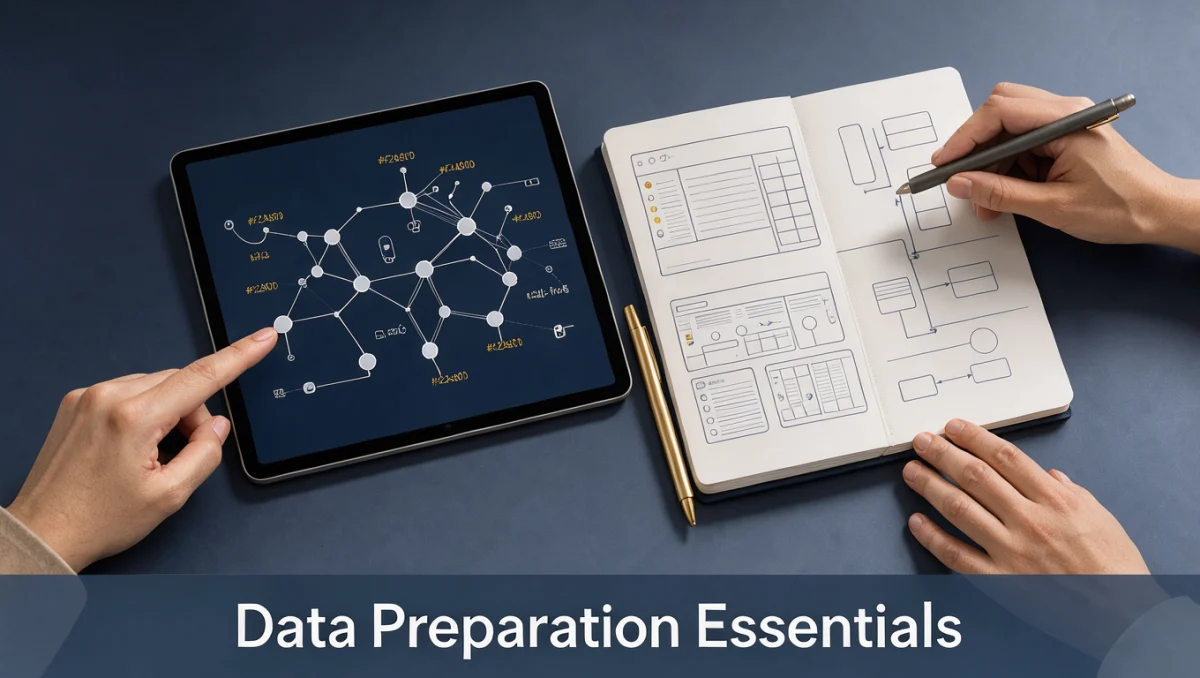
Before assembling any visual workflow, teams need a data taxonomy that reflects customer engagement. Marketing automation platforms depend entirely on incoming behavioral events, so incomplete tracking produces inaccurate branching and mistimed messages. Teams working across Customer Service and product operations must align user identifiers to avoid message collisions.
Make sure your engineering team defines consistent event naming conventions. If signups, workspace creations, or subscription renewals use mismatched names across your systems, the journey builder cannot reliably identify user progression. Confirm that your user database sends clean attributes such as account status, account creation date, and lifecycle status.
Review data privacy requirements and workspace permission settings on the official Customer.io website to determine how team members collaborate during workflow creation. Clarify which attributes update automatically and which require manual ingestion before you design user paths.
3. Getting Started Workflow
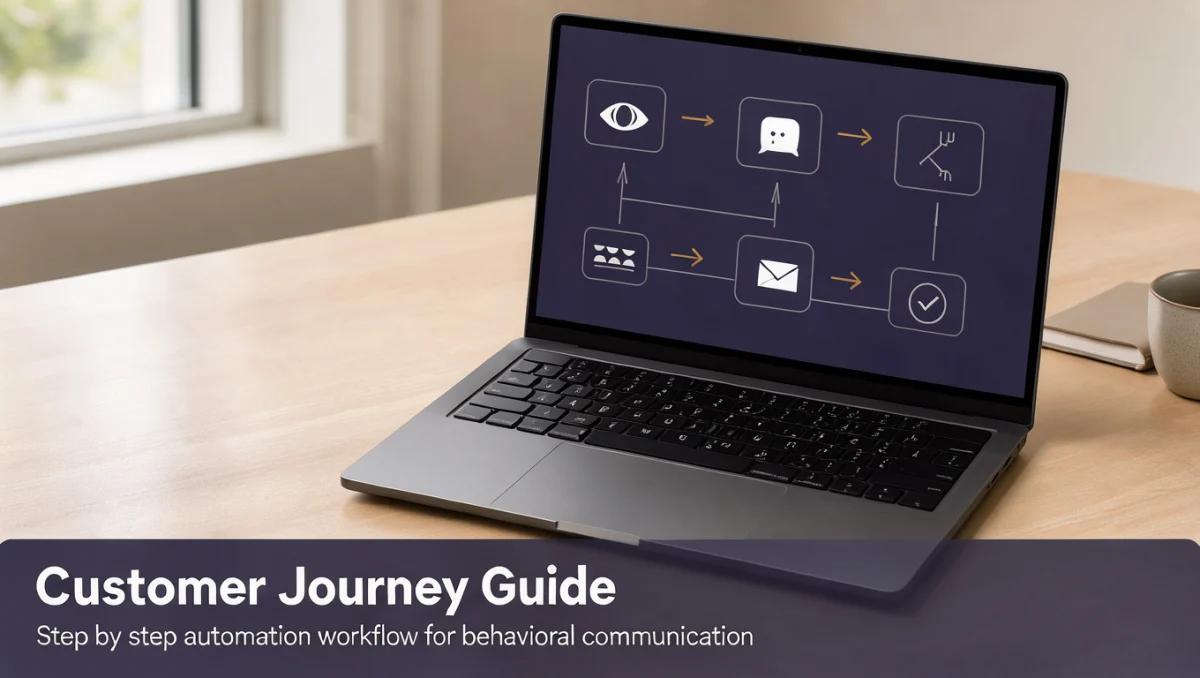
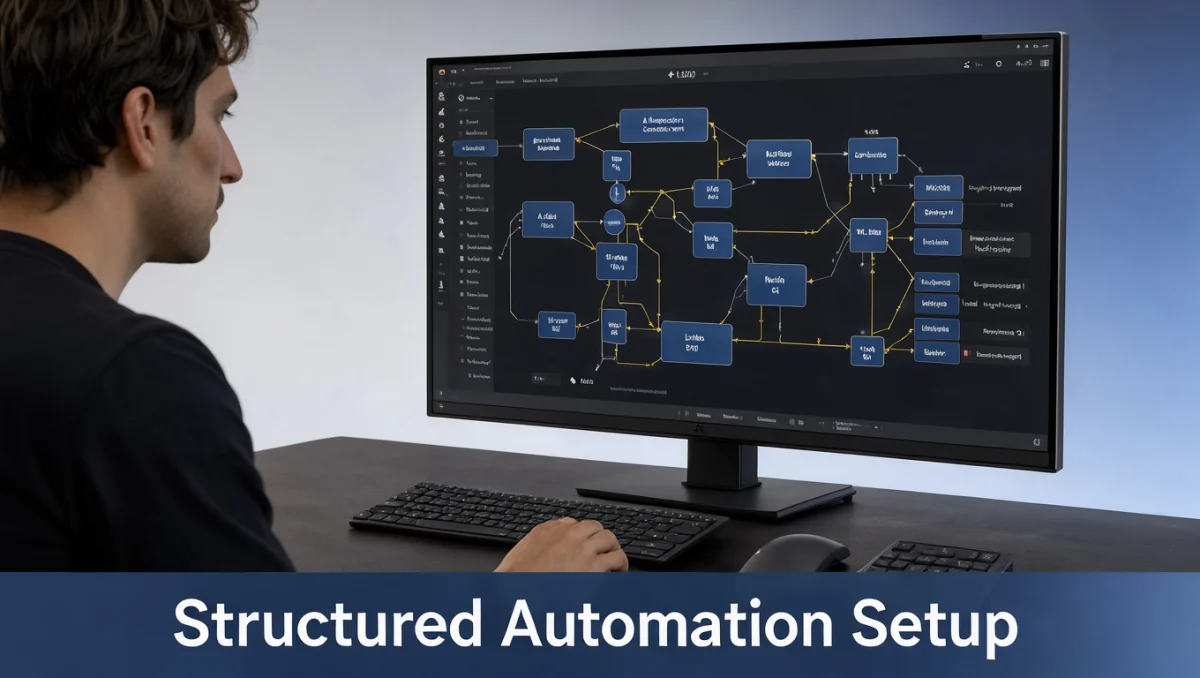
Building an automated path means translating business goals into sequential logic. Learning how to build a customer journey with Customer.io involves five phases, moving teams from conceptual diagrams to active delivery.
3.1. Defining User Milestones and Lifecycle Stages
Begin by mapping the stages a customer moves through from first interaction onward. A typical journey has distinct checkpoints: initial registration, core product adoption, habit formation, and renewal. Outlining these stages on paper prevents overcomplicating the logic inside the automation interface.
Determine the primary conversion goal for each milestone. If an onboarding stage aims to drive profile completion, the journey must recognize when that event occurs so users do not receive redundant reminders.
3.2. Mapping Triggers and Event Attributes
Choose whether the journey starts from an event trigger, a segment membership change, or a timestamped attribute. Event triggers fire immediately when an action occurs, which suits transactional verification or instant welcome sequences. Segment triggers monitor ongoing conditions and enroll users once they match defined criteria.
Attach specific event attributes to triggers whenever context matters. For example, an event tracking an invoice creation can pass monetary amounts or project tags to personalize later message steps.
3.3. Structuring Journey Branches and Delays
Use decision branches to create divergent paths based on user responsiveness and data properties. When a user reaches a branch, the platform checks whether they performed an expected action within a set time window.
Add deliberate delays between touchpoints to prevent message fatigue. Automation platforms support time windows, quiet hours, and relative delays. Verify in the official documentation how delay calculations behave across subscriber time zones.
3.4. Designing Message Touchpoints and Content
Assign a communication channel to each step along the active branch. Multi-channel sequences can coordinate in-app notifications, push alerts, SMS messages, and emails according to user preferences and urgency.
Populate content templates with dynamic Liquid syntax to pull relevant user data into message bodies. Always configure fallback values for attributes so missing fields do not leave awkward blank spaces in live messages.
3.5. Reviewing Entry and Exit Conditions
Set strict exit rules so customers leave the workflow as soon as they reach the final goal or take an action that makes the sequence irrelevant. Exit conditions keep customers from receiving promotional onboarding tips after they have already moved on to advanced usage.
Check frequency capping settings to limit how many automated messages a single customer can receive across all concurrent journeys in one calendar day.
4. Best Practices
Build modular journeys rather than one monolithic campaign. Smaller, targeted workflows focused on specific milestones are easier to troubleshoot, update, and analyze than a sprawling journey with dozens of nested branches.
Maintain a clear naming schema for every element in your workflow. Label branches with the exact logic they test and name message steps by their objective. This habit lets teammates understand workflow intent without digging into individual rule parameters.
For independent software reviews and digital tool analysis, Best Coupon Blogs offers structured perspectives on workflow planning. Always test your logic with dedicated internal test profiles before activating user enrollment.
5. Common Mistakes to Avoid
A frequent error is neglecting to define clear exit conditions. Without exit rules, users who complete the desired goal keep receiving nudges, which creates confusion and damages brand trust.
Another misstep is setting delays that are too short. Rushing follow-up messages before a user has reasonable time to explore your product causes high unsubscribe rates. Leave enough breathing room between communication points.
Failing to account for null attribute values also causes template rendering errors. Make sure every dynamic tag includes default text so incomplete user records do not disrupt outgoing message formatting.
6. Who Should Use Customer.io
Customer.io suits some operational profiles well and fits others poorly:
- Product-led growth teams: Well suited to organizations that need messages triggered by granular in-app software events and product engagement metrics.
- Digital marketers with technical support: Helpful for teams working alongside engineers who can implement custom event tracking and API payloads.
- Lifecycle managers: Valuable for specialists building multi-step retention sequences that span several communication channels.
- Not ideal for basic newsletter publishers: Unnecessary for bloggers or solo creators who only need calendar broadcasts and static email lists without behavioral tracking.
7. Frequently Asked Questions
What data preparation is required before starting a journey?
Teams need an established user identifier structure, clean attribute names, and reliable event tracking. Coordinating with your engineering team on how custom events transmit into the platform ensures your decision branches work correctly from the start.
How should teams structure entry conditions for lifecycle workflows?
Entry conditions should rely on specific event triggers for immediate interactions, or on segment membership for status-based campaigns. Precise entry filters ensure that only users who meet your business criteria enter the automated sequence.
How do exit rules prevent redundant messaging?
Exit rules check whether a user has fulfilled the journey goal or changed status while moving through delays. When an exit condition is met, the platform removes the user immediately, preventing unnecessary future notifications.
What steps help diagnose journey logic issues?
Reviewing historical profile activity logs shows exactly which path a contact traversed and why specific branch conditions passed or failed. Testing logic against known test accounts helps isolate misconfigured filters before wide delivery.
8. Final Verdict
Building effective customer journeys requires disciplined data planning, modular branching, and careful exit management. Customer.io delivers deep functionality for event-driven lifecycle management, provided your organization maintains consistent tracking infrastructure.
| Criterion | Score /10 | Reason |
|---|---|---|
| Features | 8.5 | Advanced behavioral triggers, multi-channel orchestration, and granular branching capabilities. |
| Ease of Use | 7.0 | Requires technical familiarity with event tracking architectures and data schemas. |
| Pricing and Value | 7.5 | Buyers must evaluate contact volume structures on the official pricing page. |
| Integrations | 8.0 | Connects with diverse databases, data warehouses, and analytics pipelines. |
| Audience Fit | 8.5 | Excellent match for product-led businesses and lifecycle communication specialists. |
| Support | 7.5 | Technical setup calls for consulting official documentation and self-guided resources. |
| Competitive Position | 8.0 | Stands out in data-driven automation compared with conventional broadcast tools. |
Overall score: 7.9/10
If you have questions about structuring marketing automation platforms, contact the editorial team at https://bestcouponblogs.com/contact/ or follow bestcouponblogs on LinkedIn at https://www.linkedin.com/company/bestcouponblogs/.