bestcouponblogs may earn a commission when you buy through links on this page, at no extra cost to you. This does not affect our ratings.
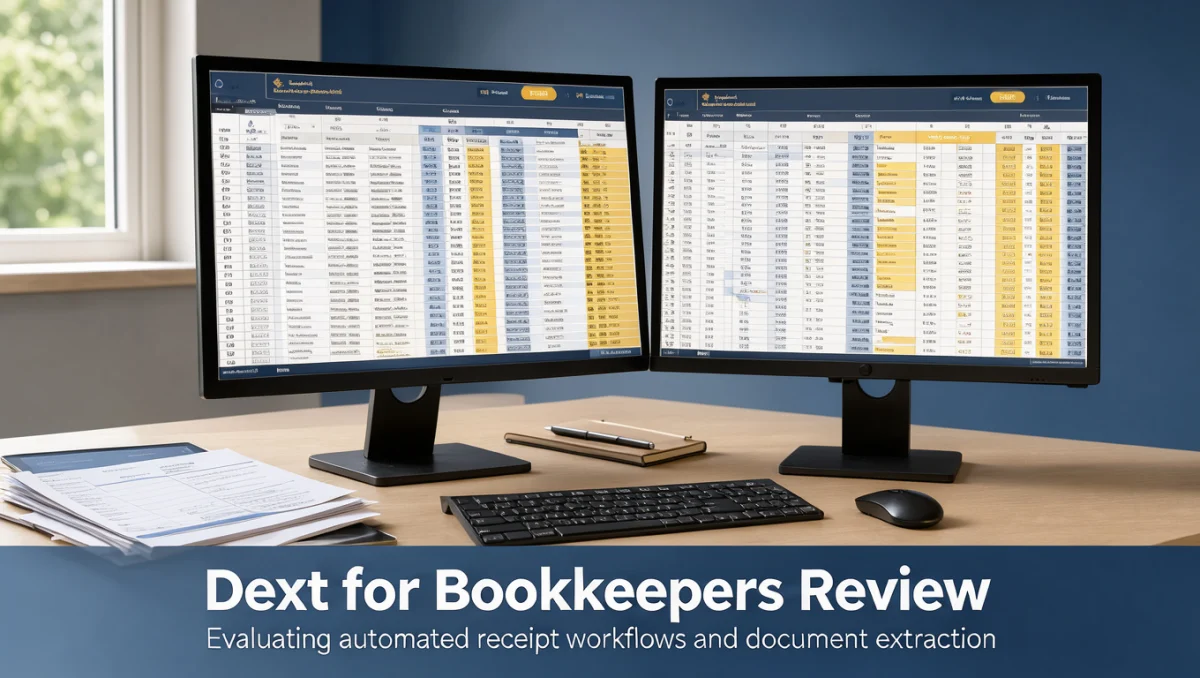
Bookkeeping firms juggling paperwork from many clients often hit a wall long before the ledger is updated. Manual keying of receipts slows every close, and errors creep in when volumes climb. Dext for bookkeepers is built to sit in front of the ledger, capturing and structuring source documents so practitioners can focus on verification rather than typing. At Best Coupon Blogs, we test how such tools help accountants keep general ledgers accurate without data entry fatigue.
Choosing document extraction software means weighing workflow fit, client collaboration and subscription cost together. Practitioners comparing options in our Accounting section will find that automation pays off most where receipt volume is high. This guide walks through the main strengths, the operational trade-offs and the checks to run before committing to Dext in 2026.
Quick verdict: Dext earns a bestcouponblogs score of 8.7 / 10. It suits bookkeeping practices handling receipts and paper records across many clients. It is less suitable for sole proprietors who want an all-in-one ledger and invoicing tool without any external software.
| Metric | Details |
|---|---|
| bestcouponblogs score | 8.7 / 10 |
| Best for | Bookkeepers and accounting firms managing multi-client document collection |
| Not ideal for | Sole operators needing native general ledger and invoicing capabilities |
| Key strengths | Document data extraction, receipt capture, client submission organization |
| What to check before buying | Confirm user seat pricing, client account limits, and general ledger connection support |
1. How bestcouponblogs Reviewed Dext
We assessed the platform against seven criteria: features, ease of use, pricing and value, integrations, audience fit, support and competitive position. Plans, prices and limits change frequently, so treat our notes as a starting checklist and confirm current details on the official website before purchase. This article was researched and drafted with AI assistance, then reviewed and edited by the bestcouponblogs Editorial Team.
2. What Dext is and who it serves
Dext is document capture and data extraction software that acts as a pre-accounting layer between business clients and formal ledgers. It was designed to lift manual paperwork from bookkeepers and small businesses. Rather than replacing a general ledger, it captures source documents such as vendor receipts, bills and purchase orders and prepares them for posting.
The main audience is professional bookkeepers, outsourced accountancy firms and growing finance teams. Independent service firms looking after many client entities benefit most, since they need organised repositories where paperwork can be matched against bank statements. Where a practice already runs separate accounting software, this type of tool addresses the administrative friction between the two.
3. What Dext helps you do
3.1. Document data extraction and receipt ingestion
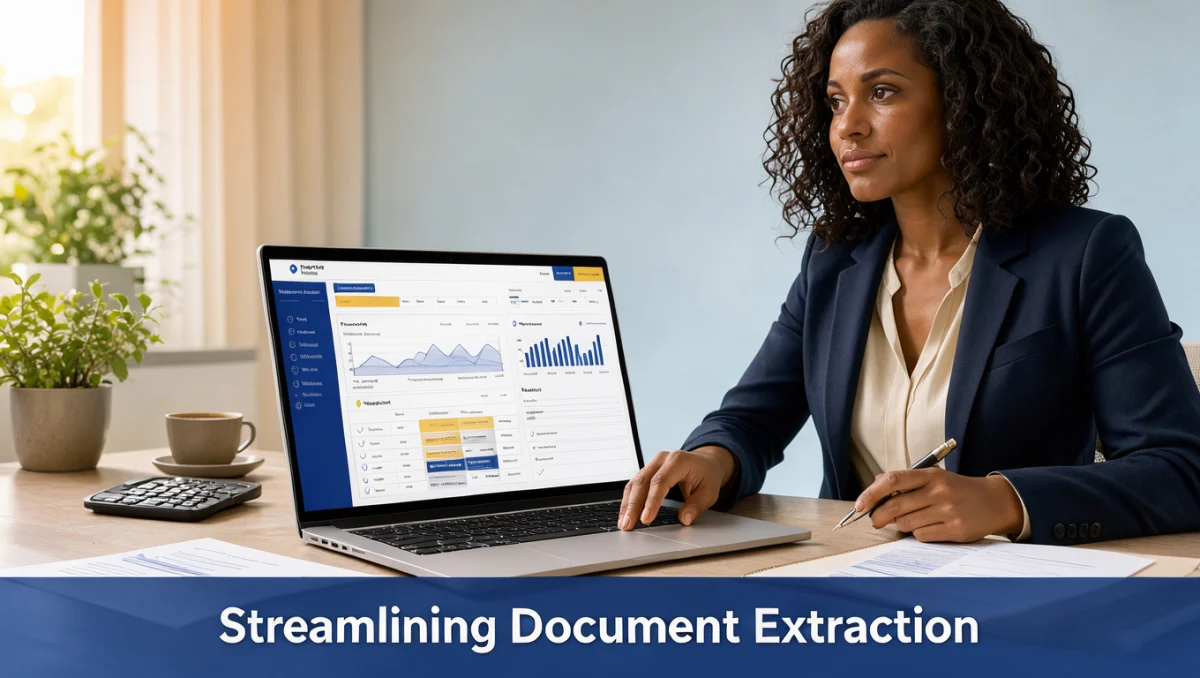
The core function of document automation is pulling vendor names, dates, currency amounts and tax totals from receipts and supplier invoices. Staff who would otherwise type physical receipts into a ledger by hand can upload digital files or scan items to create structured records. Teams evaluating this feature should test difficult samples, including handwriting, folded edges and mixed tax rates, to check capture reliability.
3.2. Multi-client management and workflow oversight
Bookkeeping practices run several client businesses at once, so each needs its own workspace. The platform sorts submissions into client-specific queues, letting bookkeepers review source records before they move on. Practitioners should check how client records are separated and whether permissions allow junior staff to prepare records while senior managers approve them.
3.3. Document archive and audit trail preparation
Clear digital records protect clients during tax reviews and statutory reconciliations. Pre-accounting software keeps digitised images alongside extracted figures, giving an accessible record of business expenses. Prospective adopters should confirm on the official Dext website how long records stay archived and how retrieval works during a formal audit.
4. Ease of use and learning curve
Pre-accounting platforms offer two distinct experiences: one for professional bookkeepers and one for end clients. For accountants, the workflow resembles a verification queue in which line items are checked against source documents. Learning review conventions, field mapping and tax code assignment takes an initial adjustment period.
Client adoption is a separate consideration. Small business clients must submit paperwork consistently for the system to work. If capture feels difficult, submission compliance drops and bookkeepers are left chasing missing documents. Firms should test how easily non-technical owners can forward electronic bills or upload photos.
5. A two-week evaluation plan for Dext
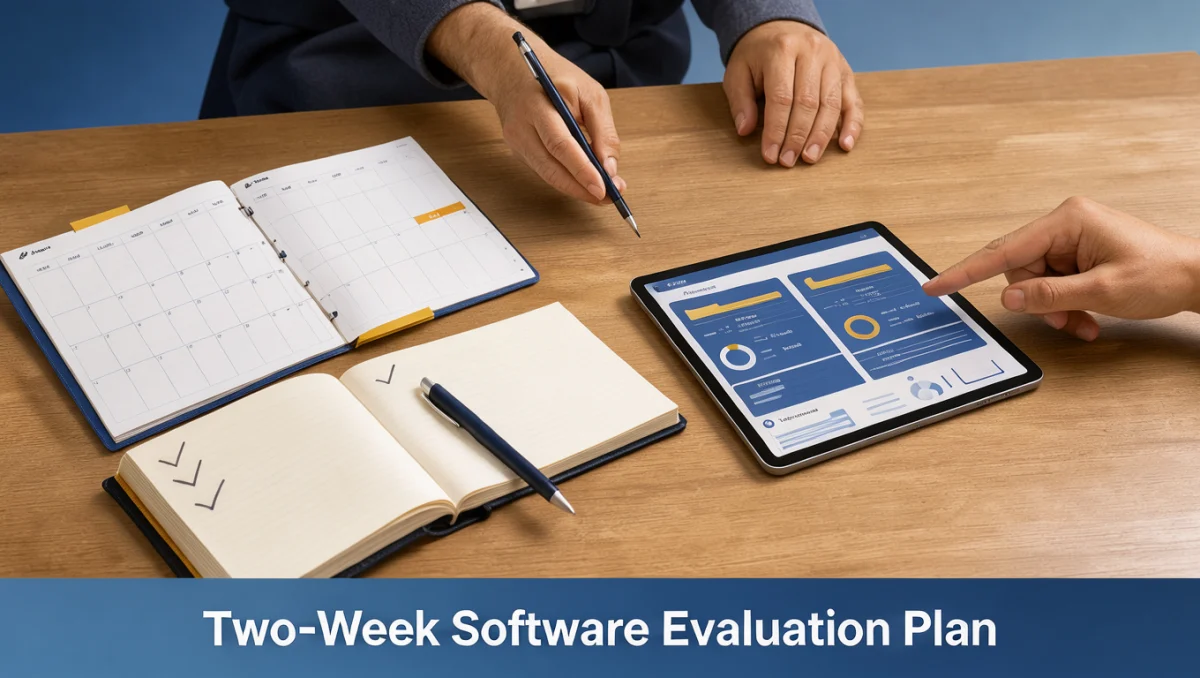
- Days 1–3: Account configuration and workflow mapping. Create test client profiles and review folder structures. Upload a sample batch of standard vendor receipts, utility bills and purchase invoices to assess extraction speed and field detection accuracy.
- Days 4–7: Ledger matching and team assignment. Connect test documents to your standard chart of accounts. Have staff categorise transactions, assign tax rates and log any extraction errors on non-standard layouts.
- Days 8–14: Client simulation and process review. Simulate client submissions by emailing digital invoices and sending receipts through typical mobile channels. Check how duplicate submissions are flagged and verify final data exports before deciding on practice-wide rollout.
6. Where Dext shines and where it may fall short
| Area | Shines when | May fall short when |
|---|---|---|
| Document extraction | Firms process large batches of receipts and standard supplier bills | Receipts carry complex handwritten notes or heavily faded print |
| Client paperwork collection | Clients need simple, direct channels to submit receipts promptly | Clients refuse to adopt digital submission workflows altogether |
| Workflow segregation | Practice managers assign distinct client files to different team members | Sole proprietors need only single-company basic bookkeeping |
| Pre-accounting buffer | Bookkeepers want a review step before posting to ledgers | A business wants an all-in-one tool without secondary ledger software |
7. Dext compared with similar tools
| Tool | Best for | Core focus |
|---|---|---|
| Dext | Bookkeepers and accounting firms | Pre-accounting data extraction and receipt management |
| Hubdoc | Small businesses seeking simple document storage | Bill fetching and receipt management |
| AutoEntry | Practices handling varied document types | Data entry automation for bills, receipts and bank statements |
8. Who should use Dext
| User group | Recommendation | Operational consideration |
|---|---|---|
| Freelance bookkeepers | Recommended | Streamlines receipt collection when managing several distinct client ledgers |
| Mid-sized accounting practices | Recommended | Provides centralised management across multiple staff and extensive client lists |
| Small business owners without an accountant | Proceed with caution | Does not replace a complete bookkeeping system or general ledger software |
| Enterprise corporations | Not ideal | Often require bespoke enterprise resource planning with built-in document capture |
| Students and academic researchers | Not ideal | Designed for commercial accounting workflows and client record management |
9. Pricing at a glance
- Confirm on the official Dext pricing page whether the subscription charges per active client account or by document processing volume.
- Check the plan comparison table to see which tiers include multi-user staff permissions and client collaboration access.
- Verify whether premium processing or specialised extraction types require supplementary monthly fees.
10. Frequently asked questions
Should bookkeepers adopt dedicated document capture software?
Practices handling high transaction volumes benefit from dedicated document tools because manual entry adds overhead and error risk. Pre-accounting software digitises source records, standardises approval workflows and creates organised documentation trails for client reconciliations.
What should be prepared before deploying Dext in a practice?
Prepare an up-to-date chart of accounts, standard tax codes and a representative sample of client receipts. Clear internal guidelines on document verification help team members review extracted data consistently during onboarding.
How should firms test receipt extraction accuracy before purchasing?
Collect diverse paperwork samples, including thermal receipts, multi-page vendor bills and digital invoices from various suppliers. Running these files through the platform highlights extraction strengths and identifies layouts that need manual intervention.
Can Dext work without external accounting software?
Pre-accounting platforms focus on document ingestion, verification and data capture rather than general ledger reporting. Because the system does not natively produce tax returns or balance sheets, bookkeepers should keep a separate ledger for finalised entries.
11. Final verdict
| Criterion | Score /10 | Reason |
|---|---|---|
| Features | 8.8 | Comprehensive extraction tools, review queues and multi-client organisation |
| Ease of Use | 8.2 | Clear review queue, though client onboarding requires deliberate training |
| Pricing and Value | Confirm before buying | Confirm current subscription tiers and document limits on the official pricing page |
| Integrations | Confirm before buying | Confirm ledger compatibility and data exchange options on the official integrations page |
| Audience Fit | 9.2 | Built specifically to solve paperwork bottlenecks for bookkeeping practitioners |
| Support | Confirm before buying | Confirm available support channels and response standards on the official website |
| Competitive Position | 8.6 | Strong positioning in automated pre-accounting against general document storage options |
| Overall score | 8.7 | Calculated average of scored criteria |
Dext delivers focused value for professional practices that need structured receipt management and organised pre-accounting workflows. Sole traders seeking an all-in-one basic accounting package should look elsewhere, but bookkeeping firms managing multiple client accounts will find meaningful efficiency in its document handling. For more independent software breakdowns, visit the Best Coupon Blogs homepage and explore our full evaluation directory.
Have a question about choosing software? Send it to the bestcouponblogs team through our contact page or follow bestcouponblogs on LinkedIn for new reviews and comparisons.