Before we begin, a quick note: Best Coupon Blogs may earn a commission when you buy through links on this page, at no extra cost to you, and this does not influence our ratings. Still, a housecall pro vs service fusion decision deserves a careful look, because the right field service platform can quietly determine whether your crews run on time and your invoices get paid.
Plumbers, electricians, HVAC technicians and general contractors all face the same daily challenge: coordinating dispatchers, technicians and customers across scattered job sites. The two platforms below handle that coordination differently, and the differences matter more than the feature checklists suggest.
Our Evaluation Approach
We assessed both products against seven criteria: features, ease of use, pricing and value, integrations, audience fit, support and competitive position. Plans and limits change frequently, so treat our observations as a starting point and confirm current details on each vendor's official site. This article was drafted with AI assistance and then reviewed and edited by the Best Coupon Blogs Editorial Team.
Quick Recommendation
Your choice depends mainly on company structure, job complexity and how your office assigns technicians. Housecall Pro focuses on fast everyday field work: simple dispatching, quick customer text updates and on-site invoicing. Service Fusion suits operations where dispatchers juggle multi-stage jobs, detailed estimates and long service histories.
If your technicians mostly handle residential repairs and urgent calls, the leaner workflow of Housecall Pro keeps overhead low. If you manage commercial agreements with multi-part service plans and need tight operational oversight, Service Fusion gives your office the control it needs.
| Tool | Best for | Core strength | Consider it if |
|---|---|---|---|
| Housecall Pro | Residential service businesses and growing trade teams | Fast dispatching, direct customer updates and job invoicing | You want technicians productive with minimal onboarding |
| Service Fusion | Commercial contractors and structured multi-vehicle fleets | Detailed job management, multi-step dispatching and operational oversight | Your office needs formal project management and deep tracking |
Scheduling and Dispatching
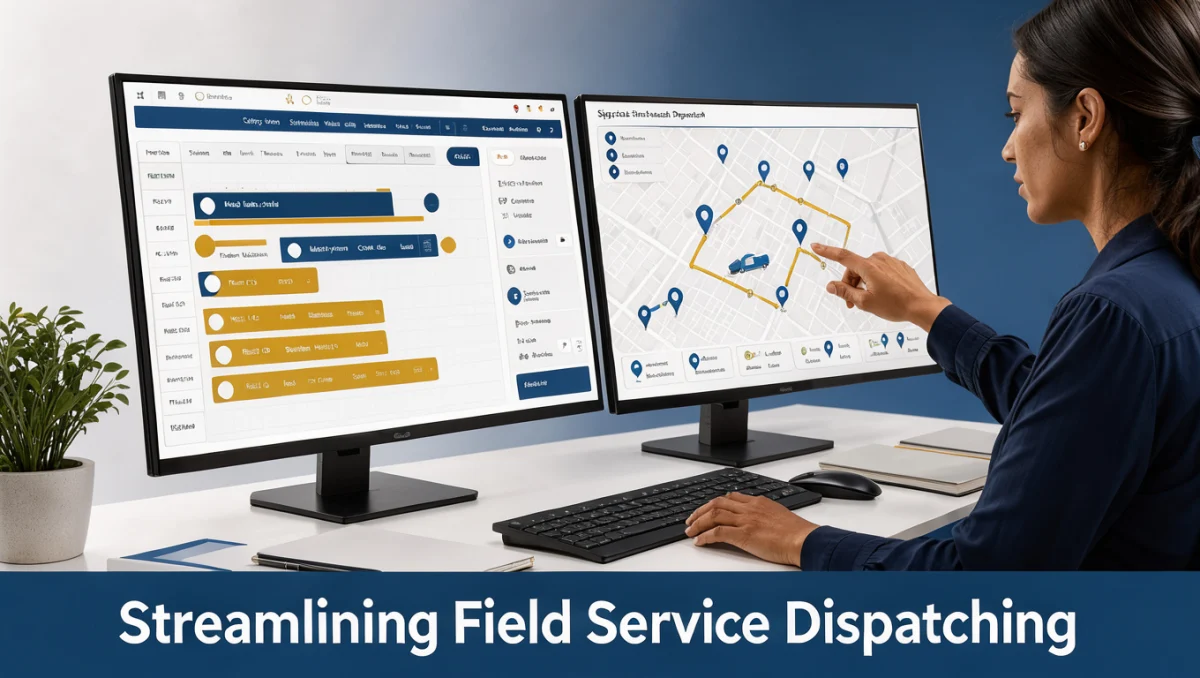
Dispatching sits at the center of any customer service operation, since it decides how quickly emergency calls and routine maintenance get assigned. Good scheduling shows technician availability, travel time and job status in real time, which prevents double bookings and late arrivals.
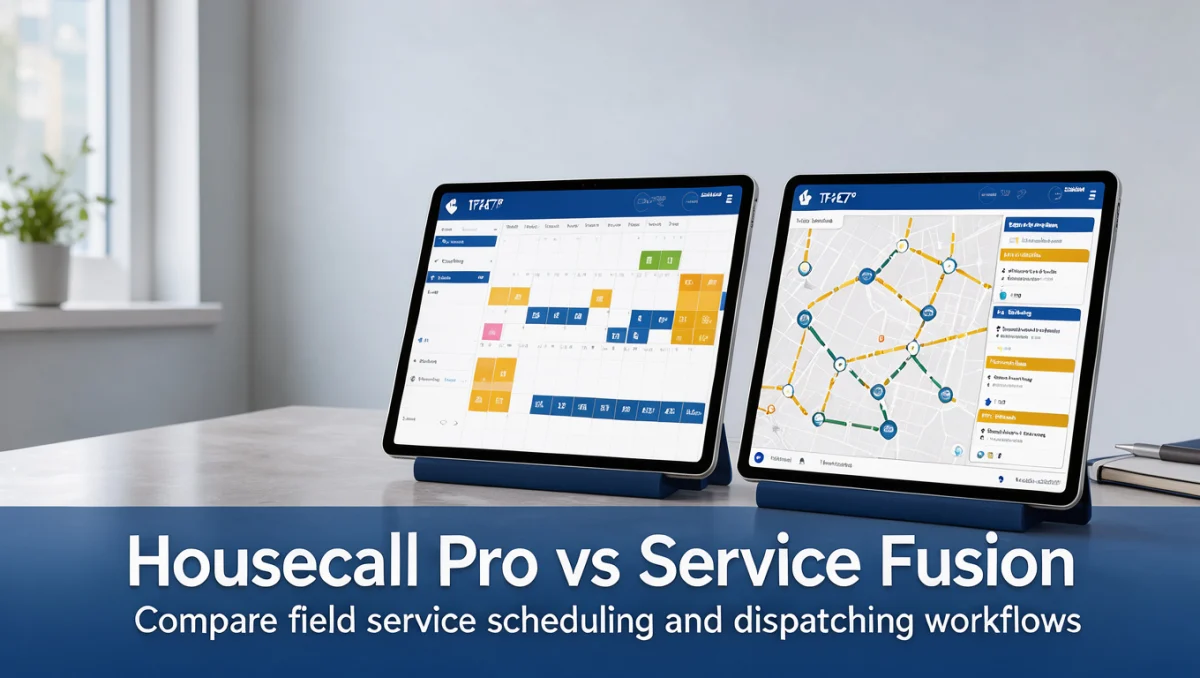
Housecall Pro builds its scheduling around visual drag-and-drop calendars that let office managers assign calls in seconds. Service Fusion relies on a structured dispatch board with granular detail on assignments, vehicle locations and job requirements across complex shifts. Before committing, verify in each vendor's documentation how overlapping appointments and last-minute schedule changes are displayed.
Customer Communication and Service Records
Strong customer service depends on reliable records and proactive updates that keep homeowners and property managers informed. Most field service tools offer appointment reminders, arrival alerts and complete customer histories that help technicians prepare for each visit.
Housecall Pro puts heavy emphasis on customer touchpoints, including text notifications and digital estimate approvals that speed up confirmation. Service Fusion maintains detailed customer profiles that link past work orders, parent-child accounts for commercial properties and recurring service agreements. Consider whether your clients are mostly individual homeowners who want quick updates or property management firms that need multi-site documentation.
Invoicing, Payments and Job Costing

Billing in field service software connects the job site to the accounting ledger, so every labor hour and material charge gets captured. Missing materials on a work order cuts directly into profit, which makes billing transparency a key evaluation factor.
Housecall Pro lets technicians generate digital invoices as soon as a job wraps up, present clear pricing options and collect card payments on site. Service Fusion focuses on job costing controls, allowing back-office staff to track labor hours, equipment expenses and parts allocations before finalizing bills. Confirm on the official websites how payment processing accounts are set up and how transactions flow into your bookkeeping software.
Comparison Across Our Evaluation Criteria
Core Features
Both platforms cover the essentials: job scheduling, customer tracking, invoicing and reporting. Housecall Pro prioritizes practical field tasks such as on-site invoicing and instant messaging, while Service Fusion adds structured dispatch grids and deeper commercial account management.
Ease of Use
Usability determines how fast technicians adopt the software and how many errors occur during busy days. Housecall Pro offers a clean layout that needs little training. Service Fusion presents a dense, data-rich interface that rewards dedicated dispatchers but takes longer to learn.
Pricing and Value
Field service vendors structure subscriptions around features, user counts or vehicle capacity. Check the official pricing pages of both products to find base fees, charges for extra users and any setup costs that apply to your team size.
Integrations
Linking field operations to your general ledger prevents double data entry and keeps financial reports accurate. Confirm which accounting systems, inventory add-ons and payment gateways connect natively on each vendor's site, and which ones require third-party connectors that add cost.
Audience Fit
Housecall Pro suits residential specialists such as carpet cleaners, plumbers and electricians who want quick mobile adoption. Service Fusion suits multi-crew contractors and commercial service teams that need formal dispatch records and multi-location tracking.
Support
Onboarding help and ongoing support matter a great deal when an entire crew moves to a new platform. Review each vendor's support channels, onboarding programs and response commitments before deciding.
Competitive Position
Against alternatives like Jobber and ServiceTitan, Housecall Pro positions itself as an accessible, efficient system for modern trade businesses. Service Fusion positions itself as a capable operations hub for mid-market field teams without enterprise-level complexity.
How to Decide
The right platform depends on your company's scale, service mix and comfort with software. Work through these steps:
- Map your client base: determine whether most revenue comes from residential calls or commercial maintenance agreements.
- Assess office staffing: decide whether you have full-time dispatchers or whether technicians handle much of their own routing.
- Audit bookkeeping needs: confirm how you track parts, labor margins and sales tax so the software matches what your accountant requires.
- Confirm plan terms: check the official Housecall Pro and Service Fusion sites for current tiers, user limits and contract commitments.
Frequently Asked Questions
When should a business choose Service Fusion?
Contractors managing commercial properties, multi-trade divisions or fleets that require detailed job tracking often choose Service Fusion. Its dispatch layout and structured account records support formal service contracts and complex project documentation across many technicians.
When is Housecall Pro the better fit?
Service businesses that prioritize simple scheduling, fast technician onboarding and modern customer communication usually find Housecall Pro a good match. Visual dispatching and straightforward mobile invoicing keep residential operations moving.
What costs should contractors plan for beyond the base subscription?
Budget for payment processing fees, hardware for technicians, accounting integration connections and any paid onboarding or training. Reviewing each platform's official pricing schedule helps you avoid surprises during rollout.
How do user licensing structures differ?
Vendors charge differently: some bill per technician, some per administrative seat, and others offer flat packages for set fleet sizes. Consult each vendor's official plan comparison to calculate the monthly cost for your active workforce.
Final Verdict
Both Housecall Pro and Service Fusion replace paper-based workflows with organized digital systems. Housecall Pro delivers an agile, user-friendly platform for residential teams that want fast customer approvals and simple scheduling. Service Fusion offers structured dispatching and job management built for commercial contractors handling complex assignments.
| Criterion | Score /10 | Reason |
|---|---|---|
| Features | 8.5 | Both provide comprehensive dispatching, work order tracking and field invoicing. |
| Ease of Use | 8.3 | Housecall Pro offers an intuitive interface; Service Fusion prioritizes detailed dispatch information. |
| Pricing and Value | 7.8 | Subscription tiers must be verified on official sites to confirm seat limits and processing terms. |
| Integrations | 7.9 | Standard accounting links exist, but specific connectors should be confirmed directly with vendors. |
| Audience Fit | 8.6 | Each platform targets a clearly distinct audience: residential providers versus commercial fleets. |
| Support | 7.5 | Assistance channels and onboarding packages vary by selected tier. |
| Competitive Position | 8.4 | Both hold defined positions within the trade contractor and field management market. |
Overall score: 8.1/10
For residential service companies seeking rapid field adoption and streamlined billing, Housecall Pro is the sensible choice. For commercial contractors and fleet operators who need structured dispatching and detailed job records, Service Fusion is the stronger path.
Questions about choosing field service software? Reach out through the Best Coupon Blogs contact page at https://bestcouponblogs.com/contact/, or follow us on LinkedIn at https://www.linkedin.com/company/bestcouponblogs/.