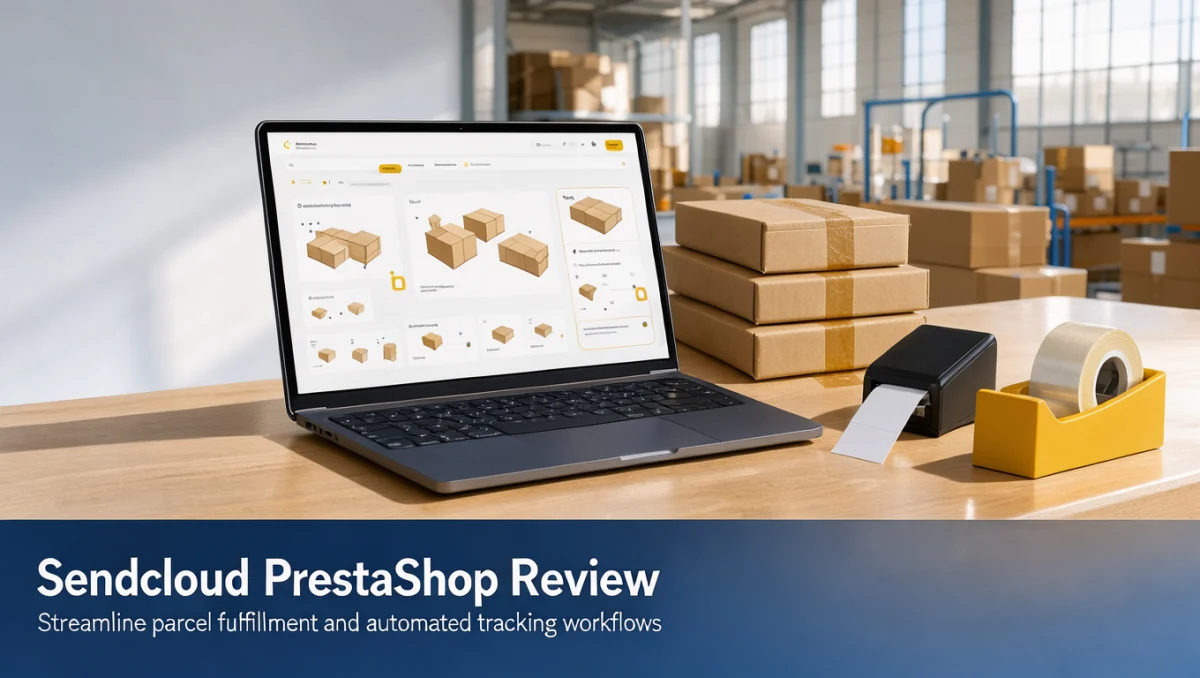
Shipping can quickly become the bottleneck of an online store, especially when orders arrive faster than your team can process them. A well-chosen sendcloud prestashop setup brings carrier connections, label printing and customer updates into one workflow, so staff spend less time switching between portals. The following review, produced by Best Coupon Blogs, walks through how the tool works, what it offers store managers, and how to confirm it fits your fulfillment needs.
Delivery reliability shapes how shoppers judge a brand after checkout. Pairing your storefront with a dedicated shipping tool affects that experience directly, as well as the daily workload of your support staff. Before linking any external service to an open-source storefront, evaluate carrier coverage, tracking features and return handling against the volume you actually ship each month.
Our verdict: Sendcloud PrestaShop earns 7.6 out of 10. It works well for merchants who want to automate label creation and handle international parcels without retyping data. It is less suitable for stores that rely only on regional couriers outside the supported networks, or for businesses that need fully on-premise logistics infrastructure.
| Evaluation Metric | bestcouponblogs Summary |
|---|---|
| bestcouponblogs score | 7.6 / 10 |
| Best for | Merchants running European and cross-border stores who want one place to manage several carriers. |
| Not ideal for | Businesses shipping only through independent local couriers that are not part of the integrated European networks. |
| Key strengths | Automatic order sync, centralized label creation, branded tracking alerts, and self-service returns. |
| What to check before buying | Confirm carrier availability in your origin country and check plan volume limits on the official Customer Service resources and vendor site. |
1. How bestcouponblogs Reviewed Sendcloud PrestaShop
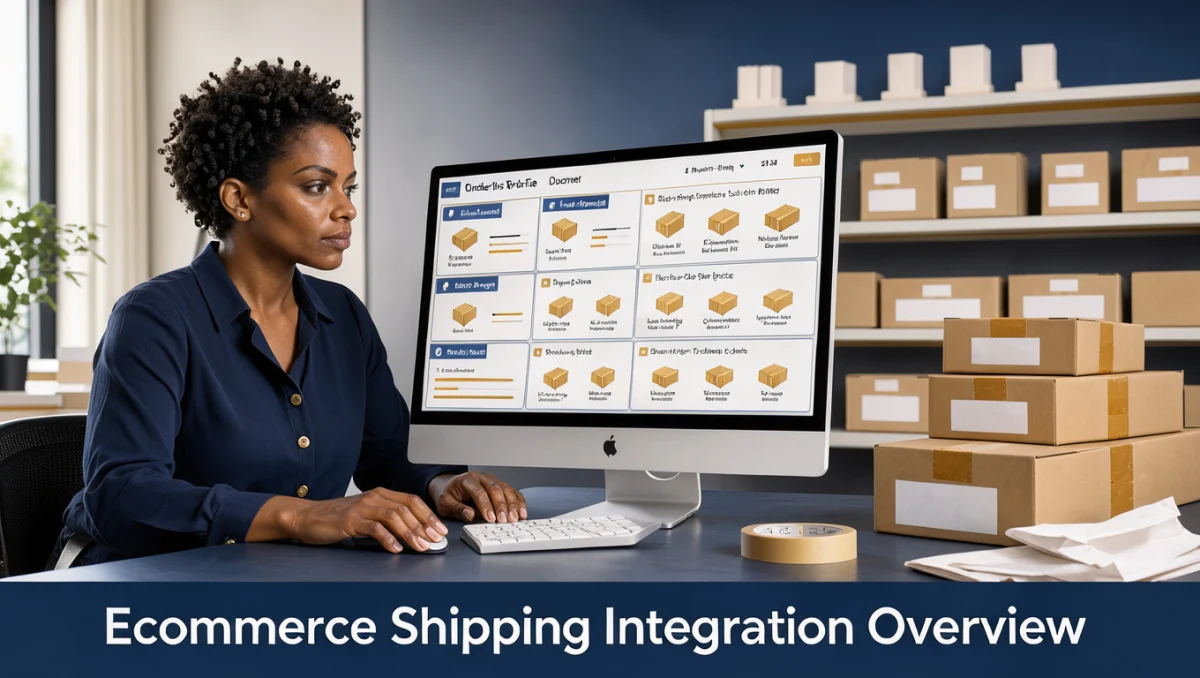
We assessed the tool against seven criteria: features, ease of use, pricing and value, integrations, audience fit, support, and competitive position. Plans, prices and limits change frequently, so we flag which details to verify on the official website before purchasing. This article was researched and drafted with AI assistance, then reviewed and edited by the Best Coupon Blogs Editorial Team.
2. What Sendcloud PrestaShop Is and Who Needs It
Sendcloud PrestaShop is a shipping management integration that links the PrestaShop platform to multiple carriers. Tools in this category remove the need to copy delivery addresses by hand, produce shipping labels in batches, and send parcel tracking numbers back to customer accounts automatically.
Merchants dispatching orders every day often juggle several carrier portals at once. A shipping engine that connects to the store lets your team compare services, process orders faster and keep buyers informed throughout transit.
Who This Integration Serves
Store managers handling moderate to high volumes across many destinations gain the most. If your packing station sends parcels to several countries, a single dashboard with multiple carrier options removes much of the fulfillment friction.
Owners who want clear delivery experiences without building courier software from scratch will find the integration practical. By contrast, a single-location shop that ships only a few local parcels each month may be well served by the store's built-in shipping modules.
3. Core Features
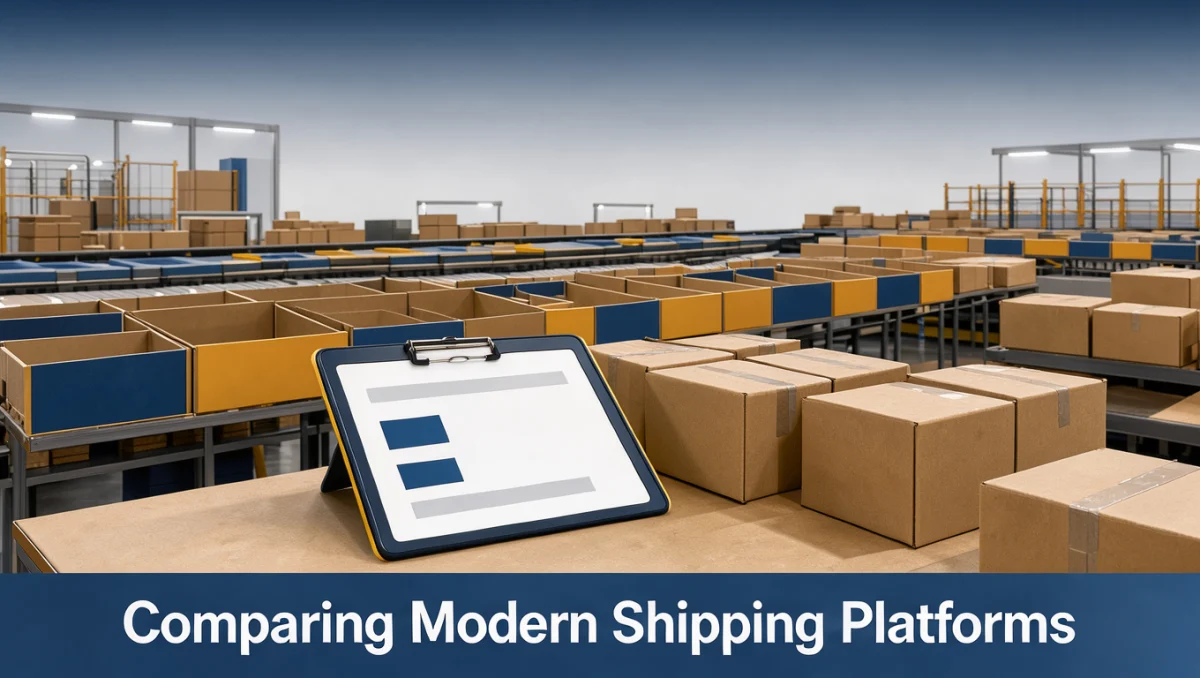
A fulfillment platform should support every stage of the parcel journey, from checkout selection to delivery confirmation. When assessing sendcloud prestashop capabilities, look at how the software handles daily warehouse tasks and customer-facing touchpoints.
Order Synchronization
After setup, new store orders appear in the shipping dashboard automatically. Delivery addresses, chosen shipping methods and item quantities sync without manual input. This continuous transfer reduces transcription mistakes, cuts delays caused by wrong addresses, and lets warehouse staff work through the queue without entering the main store back office.
Label Printing and Batch Processing
Creating shipping labels is one of the most time-consuming parts of ecommerce fulfillment. The platform lets packing teams generate labels for several carriers from one screen. High-volume warehouses can group shipments and print multiple carrier labels at once, speeding up packing and dispatch.
Automated Tracking Notifications
Keeping shoppers informed reduces incoming status questions. The platform sends tracking emails whenever a parcel changes status with the carrier. Store owners can adapt these templates to match their branding and include order details and estimated delivery dates.
Self-Service Return Portals
Returns can consume a surprising number of staff hours. Dedicated shipping software offers online return portals where shoppers start a return, choose a drop-off option and print their own return label. This workflow makes returned stock easier to track and gives shoppers clear instructions.
4. Ease of Use and Setup Workflow
Installing the module requires standard administrator access to your PrestaShop back office. Merchants download the official connector or find it in the module catalog, activate it, and then create an authenticated link to their fulfillment account using secure access keys.
Connecting carrier accounts means reviewing negotiated courier contracts or choosing rates offered by the platform. You map your storefront shipping options to specific carrier services, so that when a customer selects standard or express delivery at checkout, the matching label is assigned automatically.
Warehouse staff usually see a clean interface centered on order lists and packing queues. Filtering orders by destination country, carrier or fulfillment status keeps dispatch manageable, even for temporary staff during peak sales seasons.
5. Pros and Cons
Knowing both the strengths and the limits of a shipping tool helps merchants make balanced decisions. The practical advantages and trade-offs are summarized below.
Pros
- Brings several national and cross-border carriers into one centralized shipping interface.
- Removes manual address entry through direct order synchronization from PrestaShop.
- Sends automated tracking updates that keep customers informed in transit.
- Includes return portal features that simplify reverse logistics for staff.
- Supports batch label generation to speed up warehouse dispatch.
Cons
- Carrier options and discounted label rates depend heavily on the merchant's origin location.
- Stores with heavily customized checkout flows may need custom development to map special delivery rules.
- Support response times and account manager access vary by subscription tier, so confirm them on the vendor website.
6. Sendcloud PrestaShop vs Similar Shipping Platforms
Choosing a logistics tool means comparing alternatives that offer multi-carrier shipping. Each one approaches carrier connectivity and warehouse workflows with its own regional or functional focus.
| Shipping Platform | Core Market Positioning | Primary Focus | Consideration Factor |
|---|---|---|---|
| Sendcloud | European multi-carrier shipping management | Mid-sized stores seeking automated fulfillment across European parcel networks | Verify carrier coverage in your specific dispatch region |
| ShipStation | Global order fulfillment and label generation | Multi-channel merchants selling across many marketplaces and storefronts | Compare carrier connectivity for regional European delivery versus international routes |
| EasyPost | Developer-first shipping infrastructure and API | Technical teams building custom logistics and tracking systems from code | Requires development resources compared with pre-built storefront connectors |
| Shippo | Simplified small-business shipping and label creation | Growing direct-to-consumer shops seeking accessible label generation | Evaluate whether international carrier options match your destination markets |
ShipStation concentrates on multi-channel inventory and marketplace aggregation, while Sendcloud emphasizes deep operational integration with European parcel couriers. For PrestaShop stores based in Europe or targeting European shoppers, carrier alignment is usually the most decisive factor.
7. Who Should Use Sendcloud PrestaShop
Different business models gain different benefits from dedicated shipping software. The profiles below help clarify whether this platform fits your setup.
Independent Ecommerce Merchants
Small shop owners who pack orders by hand regain hours each week. Automating labels and removing manual address copying cuts costly delivery failures, freeing solo founders to focus on products and marketing.
Growing Retail Brands
Retailers with dedicated warehouse staff benefit from batch processing and carrier flexibility. During seasonal peaks, the ability to switch carriers or print hundreds of labels at once prevents bottlenecks.
Cross-Border Online Retailers
Stores shipping to many international destinations need several carrier partnerships to keep rates competitive. Managing customs data, carrier rules and localized delivery methods from one dashboard makes international distribution far more manageable.
Who Should Consider Other Options
Storefronts delivering only with private vehicle fleets, hyper-local bike couriers or freight haulers will find standard parcel software unnecessary. Likewise, businesses that sell only on domestic marketplaces without a standalone storefront should look at marketplace-native fulfillment tools.
8. How to Choose the Right Plan
Subscription tiers for shipping software usually scale with monthly package volume, advanced automation and support availability. To pick the most cost-effective tier, confirm your operational needs before committing.
| What to Check on the Official Website | Why It Matters |
|---|---|
| Monthly shipment allowances | Exceeding volume thresholds may trigger overage fees or require a tier upgrade. |
| Supported carrier direct accounts | Some tiers limit whether you can connect your own pre-negotiated carrier contracts. |
| Return portal customization levels | Branded return portals and custom return rules may sit in higher-tier plans. |
| Automation rules and shipping filters | Condition-based carrier assignment may require an upgraded tier. |
| Customer support channels | Check whether phone support or dedicated onboarding requires a higher plan. |
Vendors adjust feature placement across plans from time to time. Review the official pricing page to confirm which automation options match your monthly parcel volume before committing to an annual or monthly plan.
9. Frequently Asked Questions
What technical requirements apply before installing shipping software on PrestaShop?
You need administrator access to your PrestaShop back office and a hosting environment running a supported server configuration. Check the official module compatibility documentation to confirm your store version supports the latest connector release.
How do shipping platforms handle custom carrier contracts?
Many platforms let businesses either use built-in carrier rates or connect their own shipping accounts. Check the vendor documentation to see whether bringing your own courier contract requires a specific subscription tier.
What should store managers review about international customs documentation?
Cross-border shipments require customs declaration forms alongside shipping labels. Confirm on the official portal whether customs documents are generated automatically from your PrestaShop product attributes.
How does an external shipping module affect website speed?
Shipping integrations exchange data with external servers in the background. When configured properly, label processing and order synchronization happen outside the shopper's browsing session, so storefront page speed is not affected.
When should an online store consider upgrading its fulfillment software?
Consider a change when manual fulfillment causes shipping delays, when return inquiries absorb too much staff time, or when expansion into new international markets calls for localized carriers.
10. Final Verdict
Sendcloud PrestaShop gives online merchants an organized way to run their shipping operations. By automating order sync, label printing and tracking updates, the integration removes repetitive manual tasks that slow growing ecommerce businesses.
| bestcouponblogs Evaluation Criterion | Score / 10 | Reason |
|---|---|---|
| Features | 8.2 / 10 | Covers the full workflow, from order import and label batching to tracking and returns. |
| Ease of Use | 7.8 / 10 | Simple dashboard for warehouse teams, though initial carrier mapping needs careful setup. |
| Pricing and Value | 7.0 / 10 | Verify package volume thresholds and feature distribution on the official pricing page. |
| Integrations | 7.5 / 10 | Connects reliably with the PrestaShop core, while carrier access depends on your operating region. |
| Audience Fit | 8.4 / 10 | Suits European and cross-border merchants managing daily parcels across several couriers. |
| Support | 6.8 / 10 | Support access varies by subscription level, so verify it before onboarding your store. |
| Competitive Position | 7.6 / 10 | Holds a distinct position in European ecommerce logistics alongside international fulfillment tools. |
Overall bestcouponblogs Score: 7.6 / 10
For merchants aiming to modernize warehouse dispatch, Sendcloud PrestaShop offers a practical bridge between your online store and courier networks. Verify your monthly parcel volume, review supported carriers in your dispatch country, and test the automated tracking workflow to make sure your fulfillment runs smoothly.
If you have questions about choosing ecommerce software or want more advice on fulfillment workflows, contact the editorial team through Best Coupon Blogs or follow us on LinkedIn at https://www.linkedin.com/company/bestcouponblogs/.