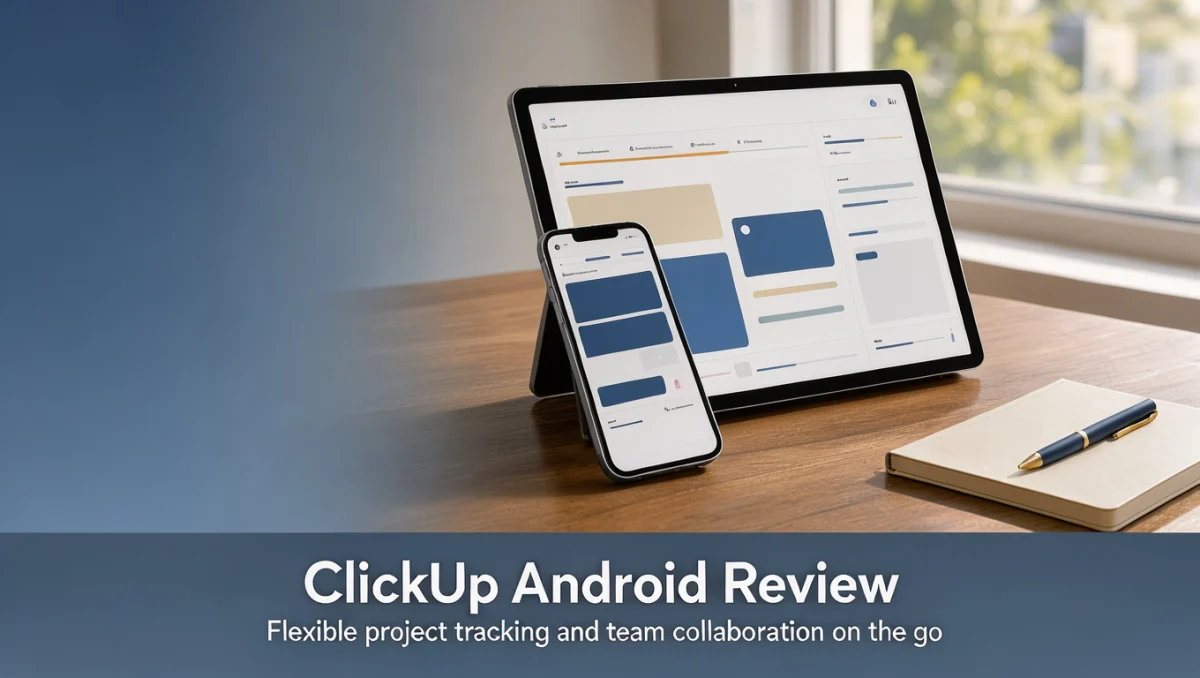
Work no longer happens only at a desk. Distributed teams need to check project progress, reply to task comments and adjust deadlines from a phone, and that is where clickup android comes in. This review looks at how the mobile app extends a work management platform, which teams gain the most from it, and what to confirm before committing to an ongoing subscription.
Best Coupon Blogs tests productivity software across different working environments so buyers can match a tool to real operational goals. Choosing a platform means weighing feature depth against ease of use and total cost, and that trade-off becomes clearer once you see how the app behaves in daily routines, including AI-assisted drafting and prioritization that many teams now expect.
Quick verdict: With an overall score of 7.9/10, clickup android suits teams that need broad customization across cross-functional work. It fits fast-moving groups managing complicated multi-department projects, but it is less suited to solo users who only want a simple personal checklist without any setup effort.
| Metric | Details |
|---|---|
| bestcouponblogs score | 7.9/10 |
| Best for | Teams running complex cross-department projects that need detailed customization |
| Not ideal for | Solo users who only need straightforward personal checklists |
| Key strengths | Flexible task views, centralized document organization and multi-department workflow adaptability |
| What to check before buying | Confirm mobile feature availability and seat requirements on the official pricing page |
1. How Best Coupon Blogs Reviewed ClickUp
This assessment examines what ClickUp is designed to do, who it serves and how it stacks up against similar tools. We used seven criteria: features, ease of use, pricing and value, integrations, audience fit, support and competitive position. Plans and prices change frequently, so treat the points below as a starting checklist and verify current details on the official website. The article was researched and drafted with AI assistance, then reviewed and edited by the Best Coupon Blogs Editorial Team.
2. What ClickUp Is and Who Uses It
ClickUp is an all-in-one productivity and project management platform built to replace a patchwork of separate work apps. It brings task tracking, document collaboration, goal monitoring and operational dashboards into one shared workspace. Instead of switching between disconnected tools, teams organize their activity in a hierarchy of spaces.
The platform serves early-stage startups, creative agencies, software development groups and mid-sized companies alike. Because task dependencies, time logging and resource oversight drive how work gets done, project managers use it to keep complex initiatives visible without adding specialized tools.
3. Core Work Management Features
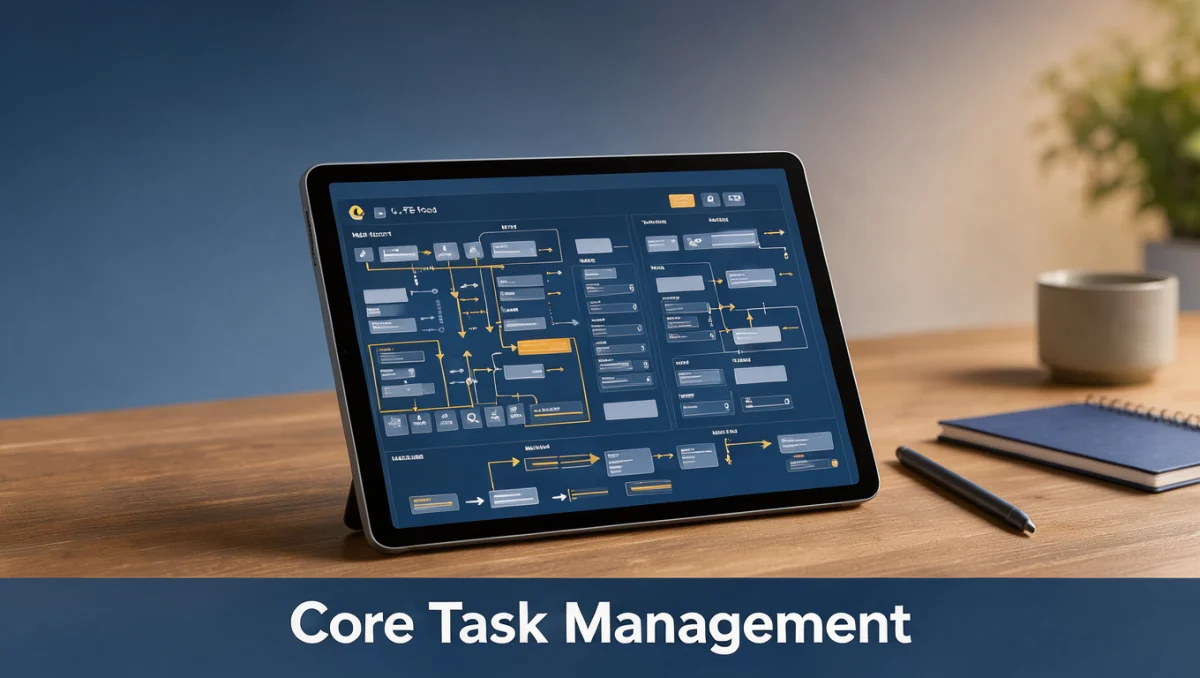
Project software depends on a few foundational capabilities to coordinate distributed teams. Understanding these groupings helps buyers judge whether the structure fits their daily rhythm.
Task tracking and assignment
Task creation and status tracking sit at the heart of the platform. Users can assign action items to several collaborators, set due dates, mark priorities and split projects into subtasks. Custom statuses let organizations map the software to their real processes, whether that means tracking a deployment pipeline or a content review cycle.
Collaborative documents and notes
Built-in documentation lets team members co-write meeting agendas, process guidelines and project specifications without leaving the workspace. Documents can be nested beside related task lists, so reference material stays attached to the deliverables it supports.
Visual organization and reporting
The platform offers several views of project progress, including list layouts, card boards, calendars and Gantt charts. Dashboards pull progress metrics from across spaces, giving managers a high-level view of how resources are distributed.
4. Ease of Use and Learning Curve
Because the platform offers deep customization, new users often face an adjustment period. Configuring custom fields, hierarchy levels and status sequences takes careful planning before inviting teammates in.
Teams that invest time in setup usually adopt the tool more smoothly. Smaller organizations that want simplicity out of the box may find the extensive settings demanding during the early rollout. Weighing administrative flexibility against immediate usability is essential when shortlisting software.
5. Pros and Cons of ClickUp
Reviewing the structural strengths and operational trade-offs helps buyers choose a tool that matches their team culture.
Key advantages
- Extensive customization across task views, custom fields and workflow statuses.
- A centralized workspace that unifies tasks, shared documents and operational dashboards.
- A flexible hierarchy that accommodates both small projects and company-wide portfolio management.
- Frequent feature updates that keep pace with changing collaboration habits.
Operational considerations
- Initial setup requires administrative planning to avoid configuration clutter.
- Dense interface options can create a steep learning curve for non-technical members.
- Mobile interfaces naturally show a condensed subset of the fuller desktop layouts.
6. ClickUp Compared With Similar Tools
Understanding how ClickUp positions itself against established alternatives helps buyers find the right operational fit.
| Platform | Target Audience | Core Positioning | Consideration Factor |
|---|---|---|---|
| ClickUp | Teams seeking extensive workspace customization | All-in-one productivity and project management | Requires dedicated administrative planning |
| Asana | Organizations prioritizing structured workflow tracking | Intuitive team coordination and timeline tracking | Favors established team processes over deep field tweaking |
| Monday.com | Cross-functional business teams wanting visual tables | Visual work management and operational dashboards | Structured board-centric setup |
| Trello | Individuals and small teams wanting simple kanban | Lightweight card-based project organization | Limited built-in portfolio complexity |
Asana mainly serves organizations that value clear workflow structure and cross-departmental accountability. Its interface is designed for quick onboarding across large teams that need dependable coordination without heavy visual customization.
Monday.com focuses on visual operations, offering colorful board-based tools suited to marketing, HR and general business workflows. Trello offers an approachable card-based system that works well for smaller teams that want straightforward kanban coordination without multi-tier project hierarchies.
7. Who Should Use ClickUp
Suitability depends on organizational structure, technical comfort and how much collaboration happens day to day.
Growing startups and operations teams
Startups juggling shifting priorities benefit from changing workflows without switching software. Custom statuses and flexible list hierarchies handle fast development sprints alongside routine operational checklists.
Agencies and client service firms
Service firms can separate workspaces by client or project while keeping resource oversight centralized. Dashboards help account managers track deliverable timelines across several client commitments at once.
Teams that may not need a complex platform
Solo entrepreneurs or micro-teams that only need basic daily to-do lists may find the multi-tier structure overcomplicated. For simple personal reminders, minimalist task apps usually allow faster capture without any workspace setup.
8. How to Choose the Right Plan
Subscription tiers differ in administrative control, reporting depth and permission settings. Compare your requirements against the tier details on the official ClickUp pricing page before committing.
| What to check on the official pricing page | Why it matters |
|---|---|
| User seat minimums and billing cadence | Seat minimums and annual discounts shape total yearly software spending. |
| Guest access and external permissions | Working with freelancers requires granular access controls to protect internal discussions. |
| Automation allowances | Workflow automation triggers are often capped by monthly volume depending on tier. |
| Activity history retention | Long-term auditing and archiving rules determine how far back edit history stays accessible. |
9. Frequently Asked Questions
How should teams evaluate mobile productivity tools before buying?
Check whether the mobile app offers reliable offline access, responsive notifications and readable layouts for field staff. Test how easily team members can update task progress or attach files from a handheld device, so remote colleagues stay aligned with central milestones.
What hidden costs come with collaborative task platforms?
Beyond the per-seat subscription, organizations should budget for setup time, team training and periodic workspace upkeep. Naming one or two internal administrators to set naming conventions and manage permissions helps prevent clutter and keeps data consistent.
How should project managers determine how many seats they need?
Audit active team members, occasional contributors and external collaborators before choosing an annual tier. Confirm on the official ClickUp plan comparison page how guest and view-only roles are billed, since seat classification directly affects the monthly software budget.
When should an organization move from basic task lists to structured project management?
Consider the switch when handoffs between departments start breaking down or deadlines get missed. Once projects bring cross-functional dependencies, shared documents and milestone deadlines, a centralized platform provides the visibility that basic checklists cannot sustain.
10. Final Verdict on ClickUp Android
| Evaluation Criterion | Score /10 | Reasoning |
|---|---|---|
| Features | 8.5/10 | Offers a broad set of task views, custom fields and centralized document tools. |
| Ease of Use | 7.0/10 | Deep configurability creates a steeper onboarding curve for non-technical members. |
| Pricing and Value | 7.5/10 | Multi-tier subscriptions let businesses scale capabilities as needs grow. |
| Integrations | 8.0/10 | Connects with wider business software to sync data across departments. |
| Audience Fit | 8.5/10 | Well suited to cross-functional teams that need adaptable coordination structures. |
| Support | 7.5/10 | Provides standard documentation, community resources and direct customer assistance. |
| Competitive Position | 8.0/10 | Holds strong ground against alternatives by emphasizing functional flexibility. |
Overall Score: 7.9/10
ClickUp provides an adaptable work management environment that can consolidate a fragmented software stack into one coordinated hub. The breadth of settings demands careful initial configuration, but teams that need granular workflow control will value the flexibility. For current subscription tiers, feature allocations and system compatibility, check the official ClickUp website.
If you have questions about choosing productivity software or want to discuss team onboarding, contact us at https://bestcouponblogs.com/contact/ or connect with our editorial team on LinkedIn at https://www.linkedin.com/company/bestcouponblogs/.
See More Artificial Intelligence