Affiliate disclosure: We may earn an affiliate commission when purchases occur via our links, without added cost to you. This policy never compromises our objective software scores.
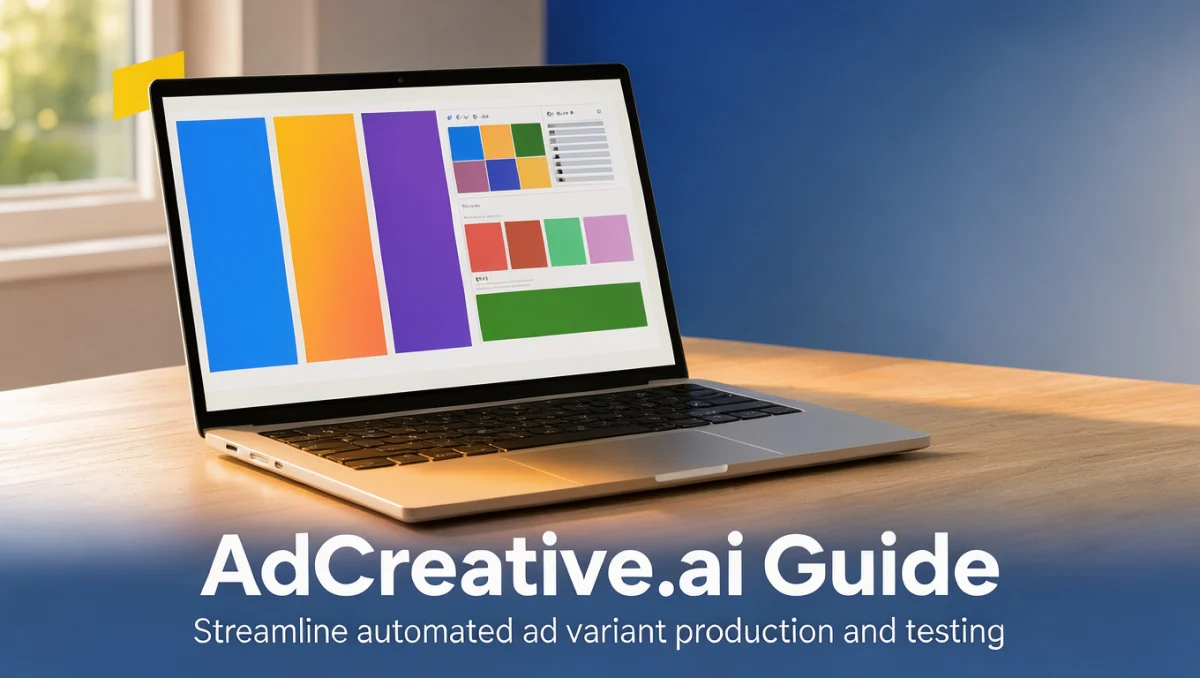
Harnessing an actionable adcreative ai guide allows media buyers, agency leads, and growth teams to bypass creative gridlocks. Rather than wasting hours repositioning elements manually, AdCreative.ai uses smart layouts to assemble sales-oriented marketing collateral at scale. In this breakdown, Best Coupon Blogs evaluates setup steps, operational procedures, and realistic use cases for automated advertising engines.
Unlike open-ended design utilities that require precise manual manipulation, conversion-focused software depends upon defined datasets, clear brand guardrails, and programmatic variations. Exploring tools in the Artificial Intelligence category helps advertisers distinguish high-converting systems from basic canvas alternatives while retaining strong quality benchmarks.
Core takeaway: Earning an overall rating of 7.7/10, AdCreative.ai shines for growth teams and e-commerce operators who must deploy dozens of formatted variations swiftly. Those requiring intricate vector art should seek traditional graphic suites.
| Metric Tested | Overview |
|---|---|
| Editor Score | 7.7 / 10 |
| Target Audience | Marketers handling multi-platform campaigns with established brand identity guidelines |
| Less Suitable For | Artists seeking manual vector sketching or non-standard illustrated layouts |
| Primary Advantage | Accelerated batch creation with centralized branding palettes |
| Purchase Tip | Review official portal terms for active brand quotas and credit consumption rules |
Review Framework and Criteria
Our review process scrutinizes AdCreative.ai against practical deployment needs rather than marketing claims. We examine tools across seven standardized parameters: functional scope, user friendliness, overall investment value, third-party connectivity, target fit, documentation support, and market alternative performance. Because software packages update continuously, always verify present allowances directly with the developer before subscribing.
Foundational Setup for Programmatic Design
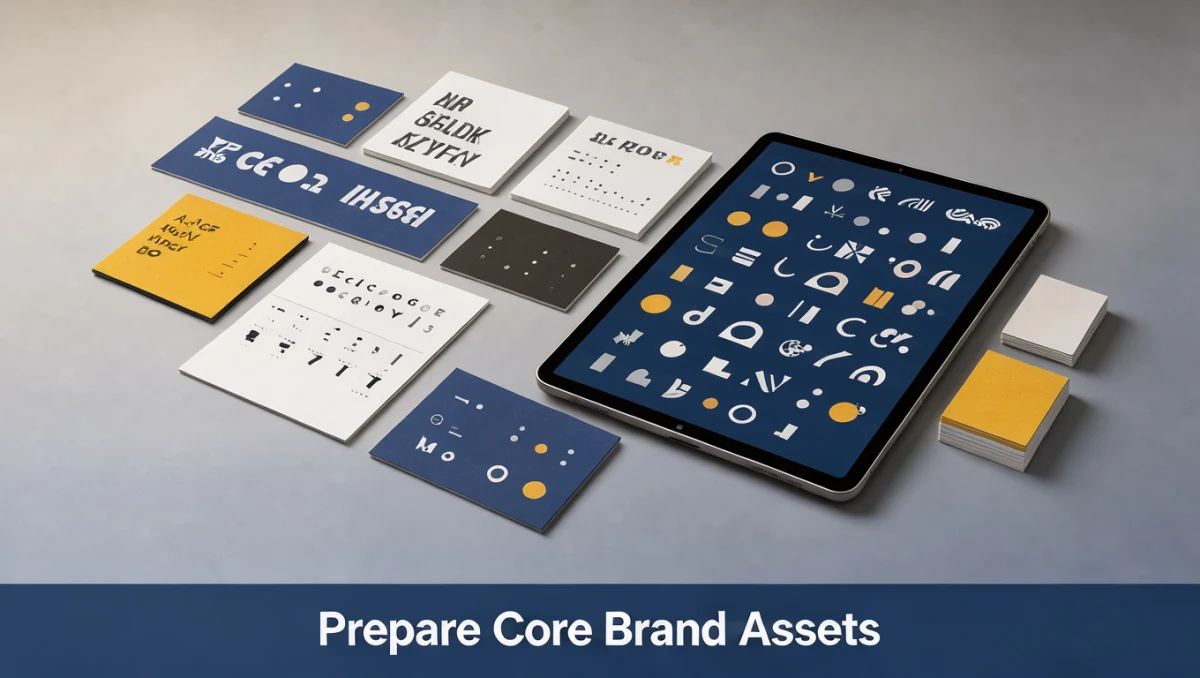
Successful automated asset building starts long before clicking the generation trigger. Clean, well-structured visual source files directly determine the polish of your downstream banners. Balancing algorithmic production with seasoned human judgment guarantees high-performing creatives.
Auditing Core Identity Elements
Organize your visual toolkit prior to building new workspaces. High-fidelity inputs keep dynamic banners crisp across mobile and desktop placements alike.
- Vector and PNG Marks: Use sharp, transparent logos to avoid awkward boxy borders on shaded backgrounds.
- Exact Palette Hex Codes: Catalog exact hex values for dominant, secondary, and accent colors to preserve visual cohesion.
- Approved Typefaces: Select compliant font families or standard web alternatives that match corporate style guides.
- Clean Product Cutouts: Store transparent, centered packshots alongside relevant contextual background photos.
Placement Demands and Dimensions
Every digital destination imposes unique focal framing, text bounds, and aspect ratios. Modern engines output square, landscape, and vertical formats simultaneously, making advance orientation mapping crucial. Planning these targets early avoids cut-off headlines on mobile device feeds.
Complete Walkthrough for Banner Assembly
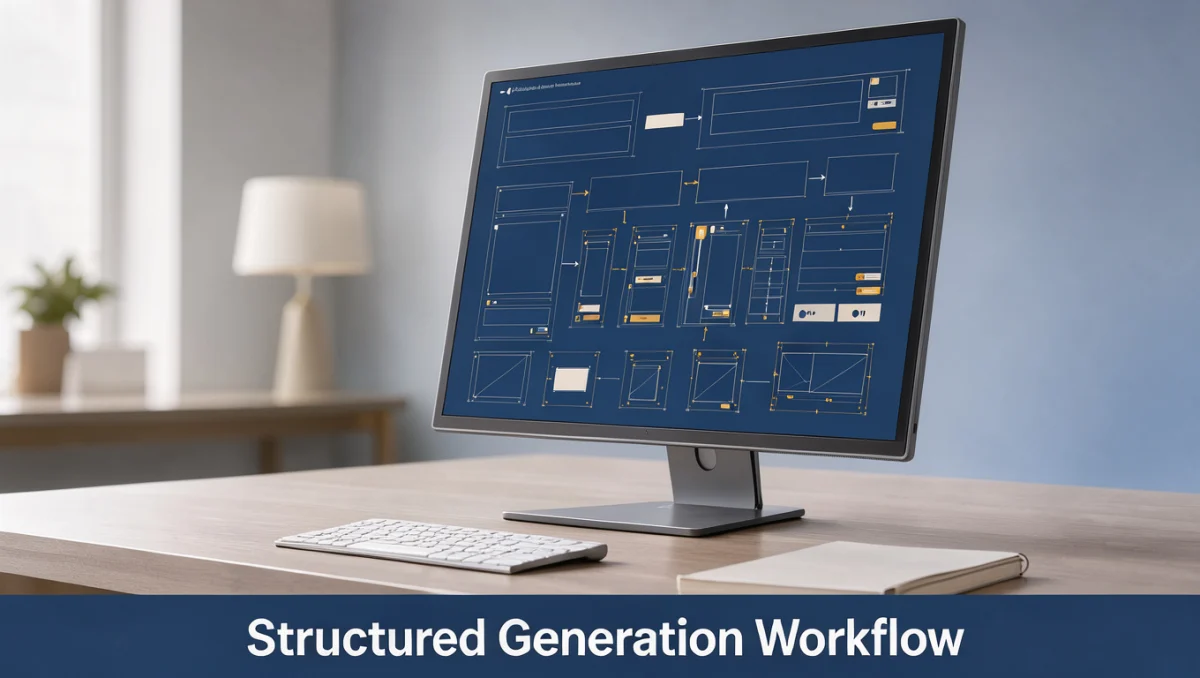
Adhering to a standardized generation routine cuts unnecessary credit expenditures and preserves aesthetic standards across social touchpoints.
Configuring Your Brand Environment
Start by populating your central account workspace. Input official company names, corporate hex codes, and transparent master logos into the baseline configuration. The engine references these parameters across all future project generations, maintaining strict visual harmony.
Defining Dimensions and Objectives
Pick the precise dimension packages required for your paid placements. Typical campaigns require distinct sets for feed squares, portrait stories, and display headers. Align your promotional intent within the project prompt, as direct-response initiatives demand prominent action buttons, while brand awareness goals highlight products.
Writing Direct Marketing Copy
Supply direct value points, clear headers, and unambiguous action verbs. Keep copy length disciplined to prevent awkward line breaks in tight layouts. Although built-in writing tools can spark inspiration, always edit outputs to safeguard your authentic brand tone.
Uploading Isolated Product Cutouts
Select clean, high-contrast imagery that commands immediate visual attention. Center-aligned shots with uncluttered perimeters adjust best across changing banner dimensions. Strong separation between products and canvas backdrops enhances legibility on mobile viewports.
Filtering and Finalizing Batches
Review the completed algorithmic generation run critically. Check typography hierarchy, balance, and container spacing rather than blindly downloading entire batches. Export the strongest designs for your media distribution campaigns.
Tactics for Conversion-Focused Creatives
Generating bulk collateral only pays off if banners deliver real click-through engagement. Following disciplined production principles keeps automated graphics compelling.
Prioritizing Readability and Balance
Mobile audiences scroll feeds rapidly, making stark visual contrast vital. Action buttons must pop instantly against dominant background layers. Never place tiny body copy across complex background photography without applying a subtle dark or light scrim.
Crafting Focused Copy Blocks
Algorithmic containers rely on rigid padding parameters. Overloading fields forces font sizes downward, destroying impact. Champion a single compelling problem or unique value proposition per layout instead of assembling cluttered paragraphs.
Executing Structured Split Tests
Vary only one creative variable at a time during performance iterations. Test two unique headlines against an identical background visual, or keep copy constant while swapping packshot perspectives. Systematic creative tests isolate what truly triggers consumer action.
Costly Production Mistakes to Sidestep
Many teams make avoidable mistakes during their initial automated campaigns, leading to wasted budget and muddy visual assets.
Cramming Excessive Text
Attempting to explain comprehensive product features inside a tiny banner destroys visual appeal. Keep graphical text reserved for punchy hooks, shifting nuanced explanations into the accompanying post caption.
Deploying Subpar Visual Inputs
Feeding blurred cutouts or low-res artwork into automated platforms ruins output clarity across high-density retina displays. Pull assets exclusively from master design archives to safeguard visual sharpness across every variant.
Ignoring User Interface Safe Zones
Vertical placements on mobile apps overlay proprietary interface elements like usernames, audio icons, and captions near screen margins. Keep critical text and calls to action positioned safely toward central coordinates to prevent platform obstructions.
Market Competitors and Solution Match
Selecting the optimal production software requires balancing budget realities, skill levels, and throughput objectives across available tools.
| Platform | Target Audience | Primary Capability | Ideal Scenario |
|---|---|---|---|
| AdCreative.ai | Media buyers needing fast multi-size ad output | Conversion-driven automated banners | Prioritizing rapid variations based on strict brand rules |
| Canva | General business operators and content creators | Manual drag-and-drop template editor | Requiring complete canvas liberty, slide decks, or print materials |
| Bannerbear | Developers and technical marketing teams | Programmatic API asset generation | Automating graphics directly through custom backend workflows |
Common User Questions
How should teams evaluate generation credit structures?
Examine whether credits deduct during the draft generation phase or solely upon completed asset downloads. Since software limits differ across tiers, confirming credit rollover policies prevents unexpected costs during heavy campaign testing.
Which supplemental expenses should advertisers prepare for?
Factor in budgets for premium stock imagery, tailored photoshoot production, external copywriting aids, and channel media spend. Creative generation tools handle design layouts, but source photography and paid distribution require distinct operating budgets.
When does creative automation fit an organization best?
Automated software offers massive returns whenever internal teams spend disproportionate hours resizing identical designs for varied channels. Conversely, brands centered on hand-painted graphics or unique vector animations gain greater value from standard design software.
What core materials are required before platform onboarding?
Gather transparent PNG/vector logos, exact hexadecimal color references, brand typography rules, and high-resolution product cutouts. Staging these files ahead of time ensures immediate deployment and clean initial outputs.
Assessment and Summary
This operational analysis demonstrates how algorithmic creative generation cuts operational drag while sustaining brand consistency across ad networks. By organizing brand parameters, respecting mobile safe areas, and running structured creative experiments, marketers can scale campaigns smoothly without ballooning production timelines.
| Assessment Category | Score | Key Factors |
|---|---|---|
| Features | 8.0 / 10 | Generates multi-ratio direct-response layouts and headlines via brand libraries |
| Usability | 8.5 / 10 | Intuitive configuration paths empower non-designers to produce polished assets |
| Pricing & Value | 7.0 / 10 | Examine official portal tiers to determine unit economic viability per export |
| Integrations | 7.5 / 10 | Review platform listings to verify supported ad network connections |
| Target Relevance | 8.5 / 10 | Well aligned with performance media buyers and direct-to-consumer businesses |
| Customer Care | 7.0 / 10 | Consult current support documentation and response paths before enrollment |
| Competitive Standing | 7.5 / 10 | Delivers an efficient alternative to traditional hands-on canvas design suites |
Final Score: 7.7 / 10
For performance agencies and fast-scaling direct-to-consumer operations needing steady streams of fresh ad variations, AdCreative.ai delivers practical automation. Teams needing bespoke artistic illustrations, client slide presentations, or manual print typography should consider traditional layout tools instead. Review present workspace permissions and download terms on the official site prior to purchasing your subscription.