bestcouponblogs may earn a commission when you buy through links on this page, at no extra cost to you. This does not affect our ratings.
Many business owners and finance teams want to know what is Dext because they are tired of retyping figures from paper receipts and vendor bills. At Best Coupon Blogs, we examine bookkeeping technology objectively to show how software eases everyday administrative friction.
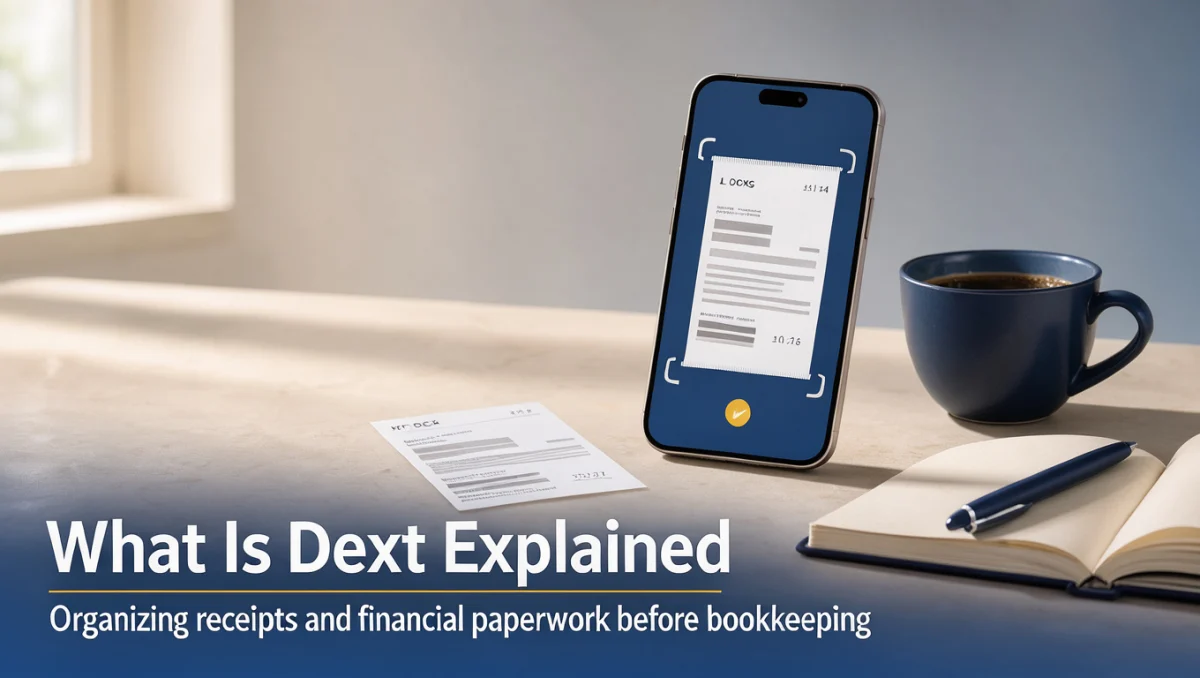
Dext is a document capture and pre-accounting platform. It pulls transaction details out of paperwork and moves organized data into your financial records. Knowing its exact scope shows whether an extraction tool will strengthen your Accounting processes or simply add another layer to manage.
In short: Dext collects paperwork such as vendor receipts, invoices, and bank statements, extracts the key transaction data, and organizes it for bookkeeping systems. It mainly serves small business operators, bookkeepers, and accounting practices that want to eliminate manual receipt entry and paper clutter.
| Category | Details |
|---|---|
| Software category | Document capture and pre-accounting software |
| Main job | Extracting and organizing financial paperwork for bookkeeping |
| Typical users | Small business owners, bookkeepers, and accounting firms |
| Similar tools | Hubdoc, AutoEntry, Expensify |
1. How Best Coupon Blogs Put This Guide Together
This guide pairs what the software is built to do with the Best Coupon Blogs buying framework, so you can choose what suits your business. Plans, prices, and limits change often, so we flag what to confirm on the official website before purchasing. This article was researched and drafted with AI assistance, then reviewed and edited by the Best Coupon Blogs Editorial Team.
2. What Dext does
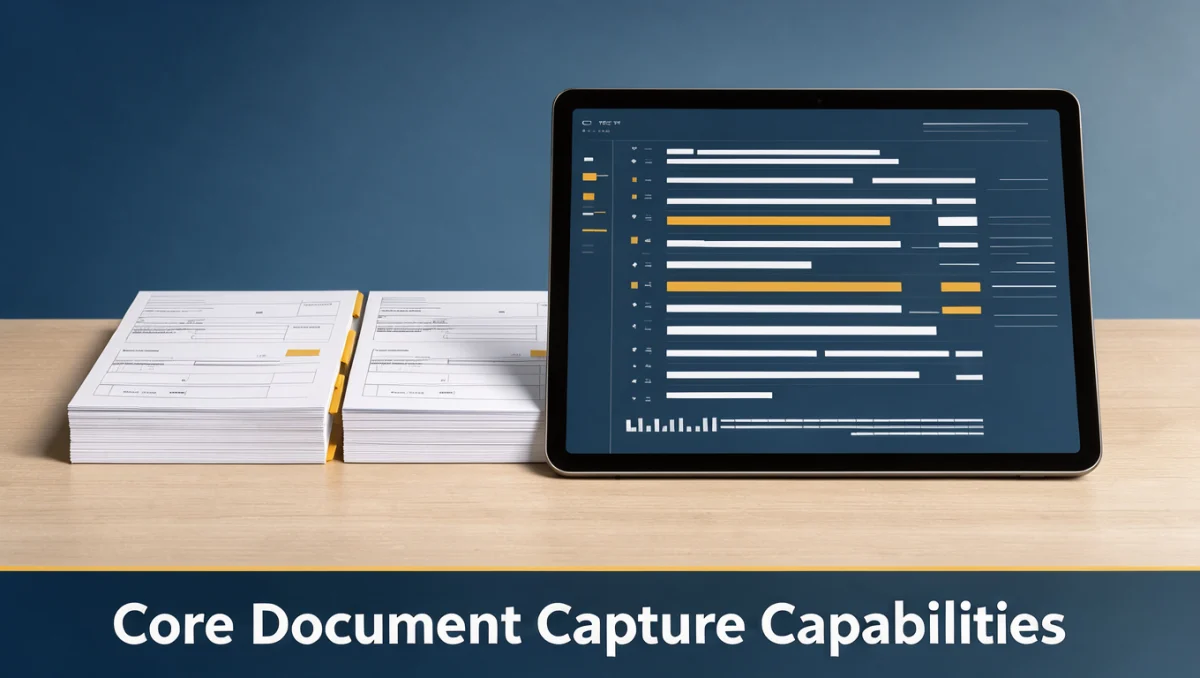
When you ask what is Dext in practical terms, the platform concentrates on the pre-accounting stage of financial administration. Pre-accounting covers gathering, reading, and checking transaction paperwork before those figures reach your main balance sheet.
2.1. Document capture and ingestion
Users send receipts, bills, and paperwork into one central digital queue. Instead of filing paper receipts in physical folders, businesses upload documents as transactions happen during the month.
2.2. Automated data extraction
The system scans uploaded files to identify key financial fields such as supplier names, invoice dates, currency values, and tax amounts. This converts static document images into structured digital information without manual transcription.
2.3. Categorization and approval management
Incoming paperwork is sorted into standard account codes and project tags. Teams can review line items, match documents against bank records, and verify expense details before publishing transactions to permanent business ledgers.
2.4. Audit-ready document archiving
Source paperwork is stored alongside transaction records, creating a searchable repository of original receipts and vendor bills. This supports financial compliance and simplifies year-end review.
3. Where Dext fits in your workflow
Document capture tools sit between daily spending and general ledger software. They act as a filter that cleans transaction records before formal bookkeeping begins.
| Business task | How this type of software helps | What you still do yourself |
|---|---|---|
| Collecting staff receipts | Centralizes digital submissions into one inbox | Setting expense policies and submission deadlines |
| Reading vendor invoices | Extracts totals, dates, and vendor names automatically | Verifying that line items match delivered goods |
| Tracking sales tax | Separates tax figures from net payment amounts | Confirming correct tax jurisdiction rules with an advisor |
| Publishing records | Sends verified entries directly to bookkeeping software | Reconciling monthly bank statements against the ledger |
| Handling audit requests | Maintains stored digital copies of original receipts | Answering specific legal or accounting audit queries |
4. Key terms explained
Pre-accounting software uses specific terminology that describes how paperwork moves through digital channels.
- Pre-accounting: The administrative process of gathering, digitizing, and categorizing paperwork before formal ledger entries are created.
- Optical character recognition: The scanning method that reads printed text on receipts and converts visual characters into editable digital data.
- General ledger: The master financial record containing all debit and credit transactions for a business.
- Audit trail: A verified historical record linking ledger entries directly back to source receipts or supplier bills.
- Chart of accounts: The standardized list of categories a business uses to classify income, expenses, assets, and liabilities.
5. Who uses it and who does not need it
Understanding fit helps you avoid paying for extra software layers that complicate simple operations.
- Who uses it: Small business operators handling high volumes of paper receipts each month.
- Who uses it: Bookkeeping professionals who collect source paperwork from multiple clients.
- Who uses it: Companies with field staff who incur recurring travel and supplier expenses.
- Who does not need it: Solo freelancers with minimal monthly transactions who record expenses in simple spreadsheets.
- Who does not need it: Businesses with fully digital billing that already feeds automated ledger entries.
- Who does not need it: Organizations operating without separate bookkeeping software or external accounting support.
6. How to get started
Adopting a document capture tool works best with methodical preparation so it aligns smoothly with your financial records.
- Assess your monthly receipt volume to determine whether manual data entry causes meaningful delays.
- Review the official Dext website to confirm current plan tiers and supported file submission methods.
- Set clear internal categories by aligning your existing chart of accounts with your digital receipt inbox.
- Test uploads with common receipt types to evaluate scanning accuracy on standard vendor paperwork.
- Consult your accountant or bookkeeper to confirm publishing workflows before finalizing any software change.
7. Frequently asked questions
7.1. What separates document capture software from a standard accounting system?
Document capture platforms focus on collecting paperwork, reading text, and organizing source documents. Primary accounting software maintains the official general ledger, tracks bank accounts, and produces formal financial statements. Pre-accounting software feeds clean data into the ledger rather than replacing it.
7.2. Which technical skills are needed to operate receipt extraction platforms?
Basic familiarity with taking photos, sending emails, and managing digital files is usually enough for daily submissions. Advanced bookkeeping expertise is generally unnecessary for uploading receipts, though setting up account categories and tax treatment benefits from professional guidance.
7.3. How does digital receipt storage help with tax compliance?
Digital storage keeps accessible copies of original paperwork linked to specific expenses. Having legible source documents on hand simplifies retrieval when tax authorities or external auditors ask you to verify business expenses.
7.4. Which business sizes benefit most from dedicated capture tools?
Businesses processing dozens or hundreds of paper receipts and vendor invoices each month gain the most. Sole operators with very few transactions often manage documentation adequately with standard recordkeeping and no specialized capture software.
8. Bottom line
Dext tackles a clear administrative bottleneck by automating how businesses gather, read, and organize source financial paperwork. For firms buried in paper receipts and repetitive manual ledger entry, dedicated extraction technology creates structured archives and cleaner books.
Organizations with minimal paperwork or fully automated invoice feeds should check their actual document volume before committing to another subscription. Visit the official Dext website for current plan details, and work with your accounting professional to make sure any new capture tool fits your overall financial compliance strategy.
Have a question about choosing software? Send it to the Best Coupon Blogs team through our contact page or follow Best Coupon Blogs on LinkedIn for new reviews and comparisons.