bestcouponblogs may earn a commission when you buy through links on this page, at no extra cost to you. This does not affect our ratings.
Teams juggling several departments often need a single place to plan and monitor work. Wrike task management is built for that purpose, offering structured coordination, shared visibility, and configurable intake for complex organizations. Choosing a platform in the Collaboration & Productivity category means weighing rigorous governance against everyday ease of use, and our analysis at Best Coupon Blogs looks at how the software handles assignments, deadlines, and layered hierarchies without leaning on marketing claims.
Project leaders regularly struggle to keep high-level portfolio oversight aligned with detailed tracking across distributed groups. A capable work management system should show clear dependencies, keep accountability records, and give everyone shared visibility across parallel initiatives. The sections below explain what the platform delivers in typical operational scenarios and which factors deserve a close look before you commit budget.
Quick verdict: With an overall score of 7.8 / 10, Wrike suits multi-layered teams and structured departments that need hierarchical organization and disciplined workload oversight. It is less suitable for solo freelancers or small groups who want minimal setup and simple checklists.
| Evaluation Metric | Summary Details |
|---|---|
| bestcouponblogs score | 7.8 / 10 |
| Best for | Cross-functional departments and operational teams managing complex dependencies across ongoing business initiatives |
| Not ideal for | Solo operators or very small teams seeking lightweight, informal to-do lists without configuration overhead |
| Key strengths | Hierarchical folder and space structuring, cross-tagging items across multiple projects, and cross-departmental workflow visibility |
| What to check before buying | Confirm specific seat minimums, advanced reporting requirements, and administrative controls on the official website |
1. How Best Coupon Blogs Reviewed Wrike
This review examines what Wrike is designed to do, who it serves, and how it stacks up against comparable tools, using the seven bestcouponblogs criteria: features, ease of use, pricing and value, integrations, audience fit, support, and competitive position. Plans, prices, and limits change frequently, so we highlight what to verify on the official website before purchasing. This article was researched and drafted with AI assistance, then reviewed and edited by the bestcouponblogs Editorial Team.
2. What Wrike Is and Who It Serves
Wrike is a collaborative work management and task coordination platform that helps teams plan, track, and carry out work across shared business environments. Work is organized through a hierarchy of spaces, folders, projects, and individual tasks, with several ways to visualize timelines, monitor progress, and handle incoming requests. Developed by Wrike, Inc., the platform targets coordination problems in mid-sized organizations and enterprise departments where several functional groups share workflows.
The software tackles common operational friction: scattered communication, competing priorities, and unclear ownership. Teams running concurrent campaigns, product release cycles, or recurring internal requests often lose track when information lives in disconnected spreadsheets and message threads. Wrike keeps status updates, file attachments, and assignment histories inside each work record so institutional knowledge stays intact.
Structured work platforms differ fundamentally from basic to-do apps. Simple list tools focus on personal completion habits, while enterprise systems enforce accountability, cross-functional dependencies, and permission boundaries. Organizations considering Wrike should assess whether their teams are ready to adopt a formal information structure.
3. Core Features of Wrike Task Management
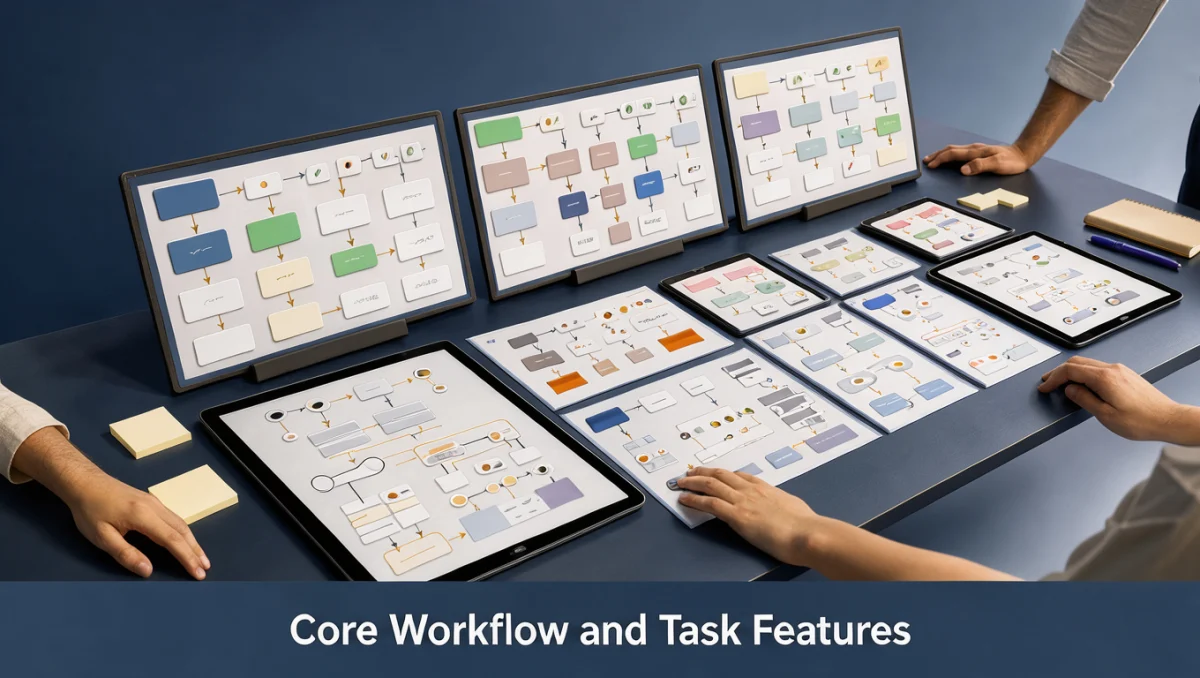
Robust task platforms give project managers a central place to assign duties, track milestones, and plan resource allocation. In Wrike, these functions rest on configurable data structures that adapt to different departmental methods.
3.1. Hierarchical Organization and Cross-Tagging
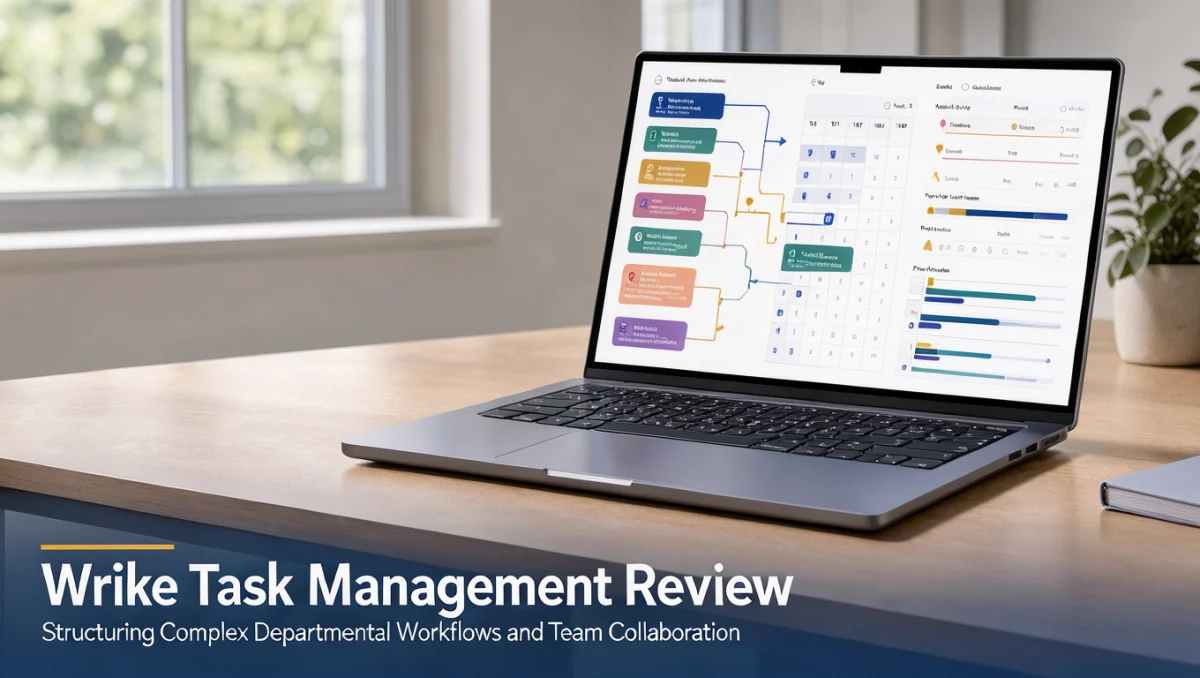
Wrike arranges information into spaces, sub-folders, projects, and actionable tasks. A key characteristic is the ability to place one task in several folders or projects without duplicating the underlying data. For example, a design asset request can appear both in a marketing campaign folder and in a creative production queue, with status changes updating everywhere at once.
3.2. Multiple Work Views
Teams need different perspectives depending on their focus, so Wrike offers several ways to visualize work:
- Interactive Gantt Charts: Show task timelines, baseline schedules, and dependency links, so changing one deadline recalculates downstream work.
- Kanban Boards: Support stage-based tracking, letting team members drag assignments across status columns such as intake, review, and approved.
- Spreadsheet-Style Tables: Present row-and-column views suited to bulk-editing attributes, reviewing owners, and checking target dates.
- Calendar Displays: Map campaign cadences and delivery schedules across shared monthly or weekly views.
3.3. Work Intake and Request Processing
Ad-hoc requests disrupt operational teams that lack standard intake procedures. Wrike includes customizable request forms that capture requirements, files, and target dates up front. When a stakeholder submits a form, the platform can generate tasks in designated project folders and route them to specific team queues based on form fields.
3.4. Proofing and Document Collaboration
Reviews often stall when feedback is spread across separate channels. Wrike includes proofing tools that let team members comment directly on images, documents, and creative drafts. Reviewers can mark specific areas of a file, mention colleagues for clarification, and keep version histories within the associated task card.
4. Ease of Use and Learning Curve
Enterprise task platforms inevitably trade architectural flexibility against immediate accessibility. Wrike offers deep customization, but that depth creates an onboarding curve requiring deliberate administrative planning and user training.
New users often find multi-tier folder hierarchies and nested spaces confusing at first. Without strict naming conventions and governance rules, duplicate spaces or ambiguous folder paths can appear. Teams used to flat, single-board tools need to adjust to item attributes, custom statuses, and parent-child task relationships.
Organizations can shorten adoption by appointing a dedicated workspace administrator before rollout. Standard folder templates, universal workflow statuses, and limited menu options for casual users help prevent cognitive overload and keep teams focused on deliverables.
5. Pros and Cons of Wrike Task Management
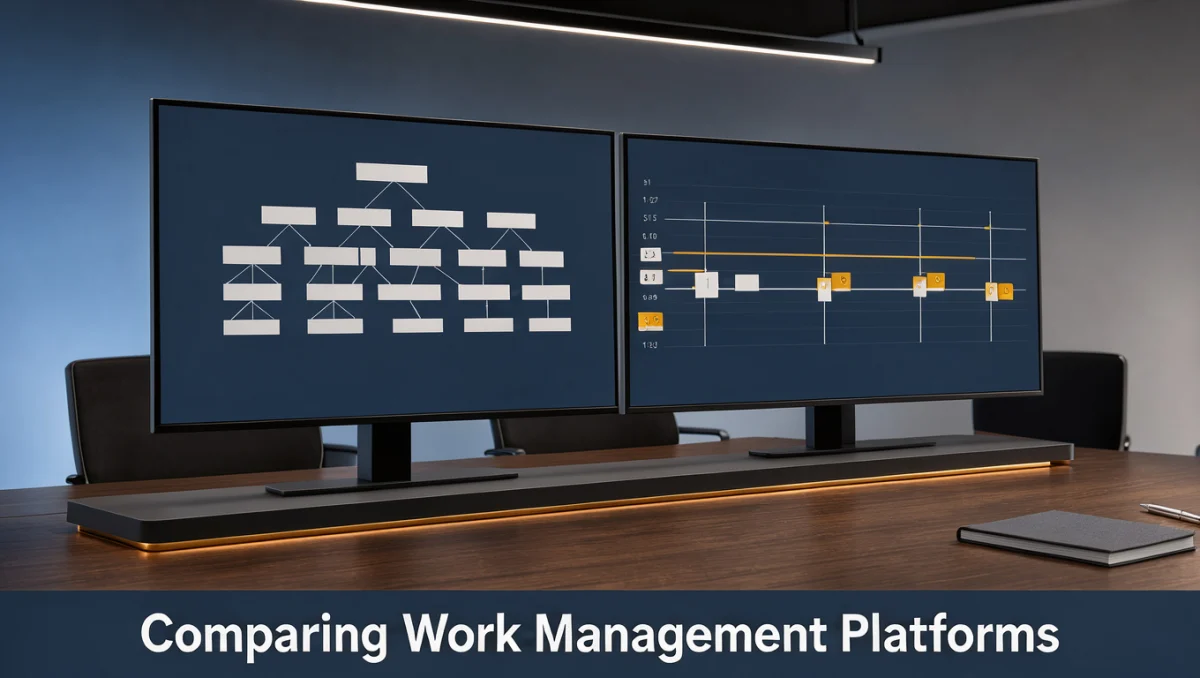
Evaluating enterprise software means weighing both operational advantages and built-in design constraints. Best Coupon Blogs focuses on practical trade-offs rather than generic promotional highlights.
5.1. Advantages
- Detailed Structural Hierarchy: Spaces, folders, and sub-projects give clear governance for complex organizations running dozens of concurrent initiatives.
- Cross-Project Visibility: Cross-tagging avoids data duplication while letting distinct functional groups monitor shared initiatives from their own workspaces.
- Structured Intake Systems: Dynamic request forms streamline inbound work so tasks include necessary specifications before work begins.
- Flexible Project Views: Quick switching between Gantt charts, Kanban boards, and tables accommodates varied team preferences.
5.2. Limitations
- Initial Administrative Overhead: Setting up spaces, permissions, and custom workflows takes significant upfront planning compared with lightweight list apps.
- Steep Learning Curve: Occasional users and non-technical stakeholders may find the interface dense during onboarding.
- Configuration Discipline Required: Without firm internal standards, folder hierarchies can become cluttered and hard for new staff to navigate.
6. Wrike vs Similar Tools
Choosing the right work management platform means understanding how leading options differ in organizational complexity, user experience, and structural governance.
| Platform | Target Audience Positioning | Core Architectural Focus | Primary Consideration |
|---|---|---|---|
| Wrike | Mid-sized to enterprise cross-departmental operations | Deep hierarchical folders and multi-project cross-tagging | Requires administrative governance and onboarding effort |
| Asana | Cross-functional teams wanting clean task coordination | Project-oriented lists, boards, and visual timeline links | Focuses on user-friendly tracking with structured templates |
| Monday.com | Teams seeking highly visual, custom board layouts | Customizable column-based boards with colorful status tracking | Prioritizes visual workflow adaptability across teams |
| Smartsheet | Organizations deeply aligned with spreadsheet models | Grid-first operational sheets with formula-driven data | Appeals to leaders who prefer grid modeling over kanban |
| ClickUp | Teams wanting extensive built-in tools in one environment | Multi-tier hierarchy with broad internal customizability | Requires careful permission setup to manage feature density |
Compared with Asana, Wrike puts more weight on deep folder governance and structured enterprise request routing, while Asana emphasizes intuitive project tracking and fast team adoption. Monday.com builds its interface around visual, color-coded board columns, suiting teams that want visual boards without rigid data trees. Smartsheet fits departments running financial, logistical, or tracking operations mainly through grid formulas, whereas Wrike is geared toward cross-functional project and asset delivery.
7. Who Should Use Wrike
Software effectiveness depends on organizational structure, so confirming team fit before deployment matters.
- Marketing and Creative Teams: Departments handling intake requests, multi-stage asset approvals, and ongoing content calendars benefit from request forms and built-in proofing.
- Project Management Offices (PMOs): Central operations groups needing dependency mapping, baseline tracking, and cross-project portfolio consolidation will find the hierarchical governance valuable.
- Professional Services and Agency Teams: Client-facing teams balancing internal deadlines with external deliverables can set up dedicated client spaces while keeping internal operations separate.
- Teams That Should Avoid Wrike: Solo operators, micro-businesses, and small creative studios with flat workflows often find Wrike overly complex. These users usually do better with lightweight task lists or basic Kanban boards that need no structural setup.
8. How to Choose the Right Plan
Wrike offers several subscription tiers for different team sizes and organizational needs. Plans in this category typically scale with seat counts, administrative controls, and advanced workflow capabilities. Buyers should confirm exact limits and plan inclusions on the official Wrike website to make sure the budget covers their requirements.
| What to Check on the Official Page | Why It Matters for Your Budget |
|---|---|
| Minimum Seat Thresholds | Some tiers require purchasing a minimum batch of users, which raises the baseline cost for smaller teams. |
| Advanced Reporting and Dashboards | Cross-departmental analytics and executive dashboards are often limited to higher-tier business plans. |
| Custom Statuses and Workflows | Standard plans may cap how many custom status workflows you can build for specialized departmental pipelines. |
| Proofing and Approval Features | Digital asset review and formal approval stamping may be bundled only in specific plans or as add-ons. |
| Administrative and Security Controls | Single sign-on, advanced permission roles, and audit logging usually sit in enterprise-specific packages. |
9. FAQ
How should teams prepare their data before migrating to Wrike?
Teams should audit existing projects, archive completed assignments, and document standard workflow statuses before migrating. Writing down folder hierarchies and naming rules in advance keeps the new workspace from getting cluttered during import. Appointing an internal workspace administrator helps keep the structure consistent across departments.
What is the difference between a folder and a project in Wrike?
A folder is an organizational container for grouping related tasks or sub-folders, without specific start and finish dates. A project includes defined start and due dates, designated owners, and status tracking to measure completion. Tasks can live within either structure depending on operational context.
How can organizations encourage cross-departmental adoption?
Organizations should introduce standardized project templates, simplify dashboard views, and run guided training focused on everyday actions. Limiting complex administrative settings for casual users reduces visual distraction and keeps people focused on completing assignments.
What should project leaders budget for beyond base user subscriptions?
Buyers should account for possible onboarding consulting fees, integration maintenance, internal administrative training hours, and premium add-on modules. Reviewing the official pricing terms helps teams anticipate the indirect investments needed for a smooth rollout.
10. Final Verdict
Wrike offers an adaptable and structurally rigorous environment for mid-sized teams and complex departments that have outgrown simple to-do apps. Its folder hierarchy, cross-tagging, and request management give clear organizational oversight across simultaneous initiatives. Companies, however, must be ready to invest time in workflow design and user training to get past the natural onboarding curve.
| Criterion | Score / 10 | Reason |
|---|---|---|
| Features | 8.8 / 10 | Deep hierarchy, multiple views, request intake, and proofing tools |
| Ease of Use | 7.2 / 10 | Powerful but with a noticeable onboarding curve for casual users |
| Pricing and Value | 7.5 / 10 | Solid value for structured teams, though seat minimums and add-ons affect cost |
| Integrations | 7.8 / 10 | Connects with common business tools to keep work flowing across systems |
| Audience Fit | 8.2 / 10 | Strong for cross-functional departments, weaker for solo or very small teams |
| Support | 7.0 / 10 | Adequate guidance, with deeper help typically reserved for higher tiers |
| Competitive Position | 8.0 / 10 | Differentiated by governance depth against simpler and more visual rivals |
Overall bestcouponblogs Score: 7.8 / 10
For structured organizations managing multi-team operational dependencies, Wrike is a dependable work management foundation. Teams seeking lightweight, immediate task lists should evaluate simpler alternatives first. For further software guidance or specific operational questions, readers can contact our team at https://bestcouponblogs.com/contact/ or connect with bestcouponblogs on LinkedIn at https://www.linkedin.com/company/bestcouponblogs/.