Some links on this page may earn Best Coupon Blogs a commission at no extra cost to you. That never changes how we rate products.
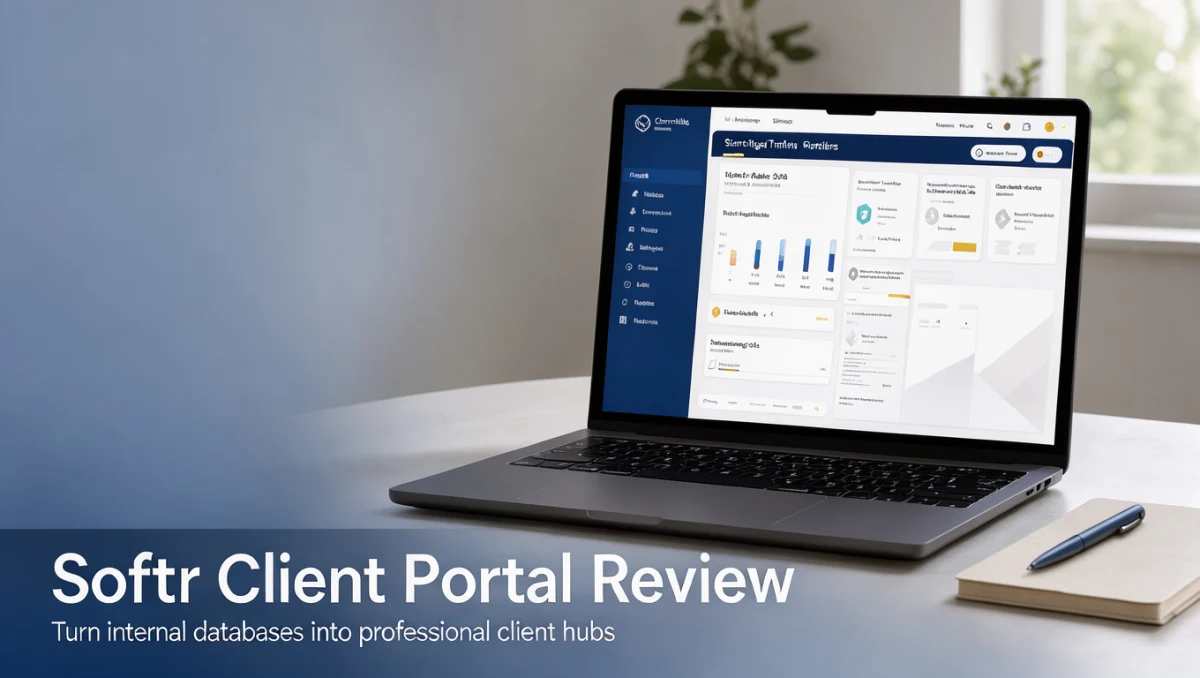
Client communication often sprawls across email chains, shared drives, and scattered spreadsheets. A softr client portal offers a no-code alternative: a login-protected space that sits on top of the business records your team already maintains. Operations leaders use it to swap repetitive status emails for organized self-service dashboards that clients can check anytime.
Getting external collaboration right depends on three things: precise access control, consistent branding, and reliable data syncing. With a softr client portal, teams without developers can define user directories, document libraries, and live project boards. Clients review their own accounts, submit updates, and download deliverables without waiting on a reply.
Quick verdict: Scoring 7.9/10 in our review, Softr suits service businesses, consultancies, and agencies that already track work in spreadsheets or relational tables and want client-facing login areas. Teams that need fully custom front-end code or complex multi-tenant database logic may find the relational structure restrictive.
| Evaluation Metric | Summary Details |
|---|---|
| Best Coupon Blogs score | 7.9/10 |
| Best for | Agencies, consultants, and service providers seeking structured self-service hubs |
| Not ideal for | Organizations requiring self-hosted databases or custom backend server scripting |
| Key strengths | Authentication management, pre-built layout blocks, relational data display |
| What to check before buying | Confirm user authentication limits and database connector permissions on the official site |
1. How Best Coupon Blogs Reviewed Softr
This review examines what Softr is built to do, who it serves, and how it stacks up against comparable tools. We applied seven criteria: features, ease of use, pricing and value, integrations, audience fit, support, and competitive position. Plans, prices, and usage limits change frequently, so we flag what to verify on the official website before committing. This article was researched and drafted with AI assistance, then reviewed and edited by the Best Coupon Blogs Editorial Team.
2. What Is Softr and Who Is It For?
Softr is a no-code web application builder for creating portals, internal tools, and public directories linked directly to existing databases. Instead of commissioning developers to write software from scratch, business operators assemble pages from pre-designed blocks that query and display live data. Teams looking for ways to give clients clear visibility into ongoing deliverables often start their search in the Collaboration & Productivity category.
The platform is aimed at companies that already run on relational tables or cloud spreadsheets. When clients need to see invoices, project milestones, task lists, or digital assets, Softr acts as the secure front end. External users sign in through dedicated authentication flows and see only the records tied to their profile or organization.
2.1. Target User Profiles
Service agencies are the primary audience. Design studios, marketing shops, and software development firms use client hubs to track revisions, present approval pipelines, and store shared contracts. Rather than paying development teams to build custom portals, operations managers assemble client views from prebuilt components.
Professional services firms, including accounting groups, legal advisory practices, and independent consultants, also rely on these portals. They need client login dashboards where customers upload confidential paperwork, review timelines, and submit requests without seeing anyone else's records.
3. Core Features of Softr Client Portals
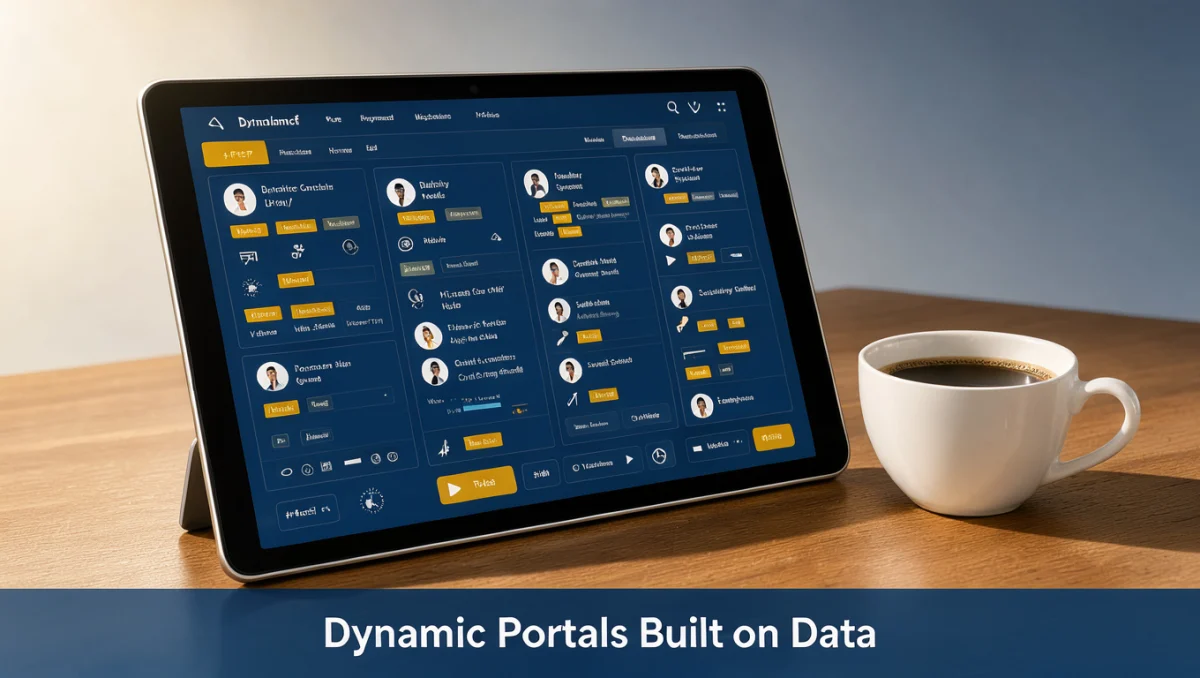
Softr organizes information into modular visual components. Understanding these building blocks helps team leads map internal workflows onto customer-facing screens.
3.1. Authentication and User Access Controls
Access controls determine which client sees which database row. Softr offers role-based configurations that match a logged-in user's email address or company identifier with the corresponding records in the connected database.
Administrators can define membership tiers and view permissions. A vendor representative might review purchase orders, while an executive client reviews invoice approvals. Buyers should check the official Softr website to confirm how authentication records are structured and managed across subscription tiers.
3.2. Dynamic Data Blocks and Layouts
Pages are built from pre-made functional blocks such as dynamic lists, kanban cards, calendars, and table summaries. Each block maps to specific database fields, so information displays cleanly without manual CSS work.
When a team member updates a project status in the backend database, the change appears on the client portal right away. Clients can filter task lists, search past deliverables, and open detailed views for individual milestones.
3.3. Client Data Input and Form Submissions
Collaboration requires two-way communication. Portals include forms that let clients open support tickets, submit change requests, or upload signed contracts.
Submitted entries flow directly into the central data source. Teams can configure editing permissions so clients update their contact details or project notes, while critical administrative fields stay locked.
3.4. Custom Branding and Domain Management
A client portal should feel like an extension of your agency or consultancy. Branding tools let operators apply color palettes, upload logos, choose font pairings, and point portals to custom subdomains.
Hosting a client login area under your own domain reinforces trust and professionalism. Confirm in the official Softr documentation which styling controls and custom domain options require a higher subscription tier.
4. Ease of Use and Learning Curve
Softr favors visual assembly over traditional programming. Non-technical founders and operations staff can publish structured portals by connecting database tables and dragging layout blocks into place.
The learning curve centers on database structure. If your tables lack clear relationships between user emails, project IDs, and task entries, setting up dynamic visibility rules may require reorganizing your data first. Once the relational structure is sound, the interface editing feels intuitive.
5. Pros and Cons of Softr Client Portals
Judging any no-code platform means weighing development speed against design flexibility. Softr shortens deployment time but operates within clear structural boundaries.
5.1. Advantages
- Fast deployment of authenticated client areas without a dedicated web development team.
- Direct synchronization with existing cloud spreadsheets and relational database tables.
- Granular permission settings that hide sensitive records from unauthorized client accounts.
- Clean responsive layouts that work across desktop and mobile screens.
- Straightforward form handling that routes customer updates into existing team databases.
5.2. Limitations
- Visual customization is limited to pre-defined block styles and templates.
- Complex multi-layered relational queries require careful schema planning up front.
- Client actions beyond standard form submissions and updates typically need third-party workflow automation.
6. Softr vs Similar No-Code Portal Platforms
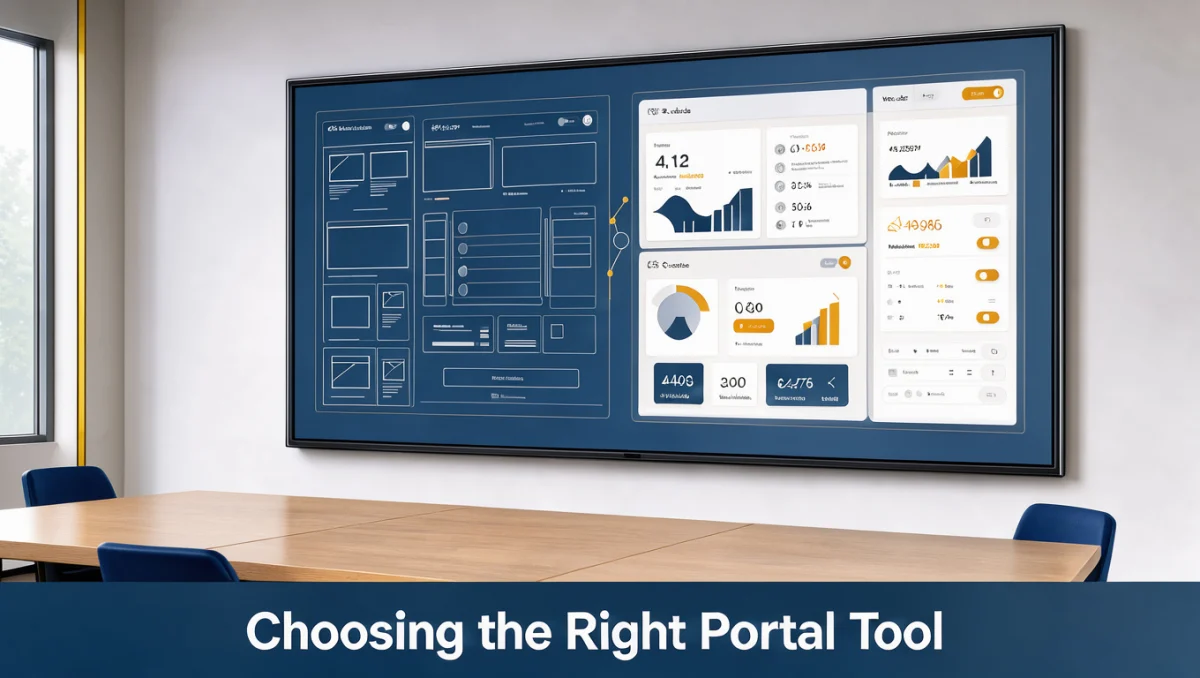
Choosing a portal builder means comparing Softr with established alternatives. Each platform suits different database setups and user experience goals.
| Platform | Target Audience | Primary Strength | Consider If |
|---|---|---|---|
| Softr | Agencies and service consultancies | Fast assembly on cloud databases | Your team manages operations via external spreadsheets |
| Glide | Internal operations and field teams | Mobile-first data management | Your users access records primarily on mobile devices |
| Stacker | Enterprise operational teams | Complex relational workflows | Your business manages deep enterprise permissions |
| Bubble | Technical product builders | Complete database and logic freedom | Your project requires custom programmatic workflows |
Stacker targets teams that need deep enterprise workflows, while Glide focuses on mobile-first operational apps. Bubble offers full programmatic flexibility at the cost of a steeper learning curve. Softr sits in the middle, offering quick setup for external client dashboards.
7. Who Should Use Softr Client Portals?
Softr fits several business types, provided your database structure supports per-user permission logic.
7.1. Freelancers and Boutique Consultancies
Solo operators and small consultancies gain an organized way to deliver files, timelines, and proposals. Instead of juggling disconnected shared folders, consultants offer professional login portals that build client confidence.
7.2. Marketing and Creative Agencies
Agencies managing multiple brand accounts need real-time deliverable tracking. Giving each client an isolated view of creative review stages reduces status meetings and simplifies approval records.
7.3. Organizations Not Suited for Softr Portals
Enterprises that require self-hosted database infrastructure, custom server-side scripts, or strict on-premise deployment should look beyond no-code portal builders. Businesses whose data outgrows standard cloud spreadsheet limits will also find template-driven architectures constraining.
8. How to Choose the Right Plan and Implementation Strategy
Picking a subscription depends on your total user count, sync frequency, and branding requirements. Buyers should check each factor against official vendor documentation.
| Evaluation Element | Why It Matters | Where to Confirm |
|---|---|---|
| External User Limits | Client seat counts determine ongoing operational costs | Official Softr pricing page |
| Data Source Connections | Determines which cloud databases sync with your portal | Official Softr integrations list |
| Custom Subdomain Support | Ensures client portals match your primary agency domain | Official Softr plan details |
| Field-Level Permissions | Protects internal notes from client observation | Official Softr documentation |
9. Frequently Asked Questions
9.1. What business data works best with a client portal setup?
Structured operational records work best, such as project delivery milestones, support ticket logs, downloadable invoices, and shared digital assets. Teams that keep clean relational links between client profiles and project tables get the smoothest rollout.
9.2. How do teams prevent clients from viewing another customer's records?
Access rules match the logged-in user's email against client identifier columns in your database. Setting block-level and page-level visibility filters ensures each account only queries rows assigned to its profile or organization.
9.3. What should buyers check regarding database connectors?
Confirm which database platforms connect natively with the portal on the official vendor website. Check record limits, refresh intervals, and read-write permissions so that client interactions sync back to internal databases without delay.
9.4. How does a no-code client portal differ from a full web application?
No-code portals rely on pre-designed blocks and external database backends, so no server programming is needed. Custom web applications offer complete programmatic freedom but require ongoing engineering, maintenance budgets, and deployment pipelines.
10. Final Verdict on Softr Client Portal
Softr client portal software provides a dependable bridge between backend business records and external client communication. For service providers, turning spreadsheets into authenticated, branded dashboards removes communication bottlenecks and strengthens client trust.
Measured against the independent criteria used by Best Coupon Blogs, the platform balances quick setup with clean operational displays. Here is our assessment across seven benchmarks.
| Criterion | Score /10 | Evaluation Reason |
|---|---|---|
| Features | 8.0/10 | Strong layout blocks, dynamic forms, and granular user visibility rules |
| Ease of Use | 9.0/10 | Intuitive drag-and-drop block configuration with minimal setup complexity |
| Pricing and Value | 7.5/10 | Accessible for growing agencies, though buyers must verify external user limits |
| Integrations | 7.5/10 | Effective with supported cloud databases; confirm your database requirements |
| Audience Fit | 8.5/10 | Tailored for service agencies, consultancies, and collaborative professional teams |
| Support | 7.0/10 | Self-guided documentation is broad; confirm direct support channels on the official site |
| Competitive Position | 8.0/10 | A leading choice among no-code builders focused on external client interfaces |
Overall Best Coupon Blogs Score: 7.9/10
If your service team keeps clean project records in cloud databases and needs a professional self-service client dashboard, a softr client portal is a practical choice. Teams with bespoke code requirements should consider full development frameworks instead.
Readers with specific operational questions or deployment queries can reach our editorial staff through Best Coupon Blogs contact page or follow Best Coupon Blogs on LinkedIn.