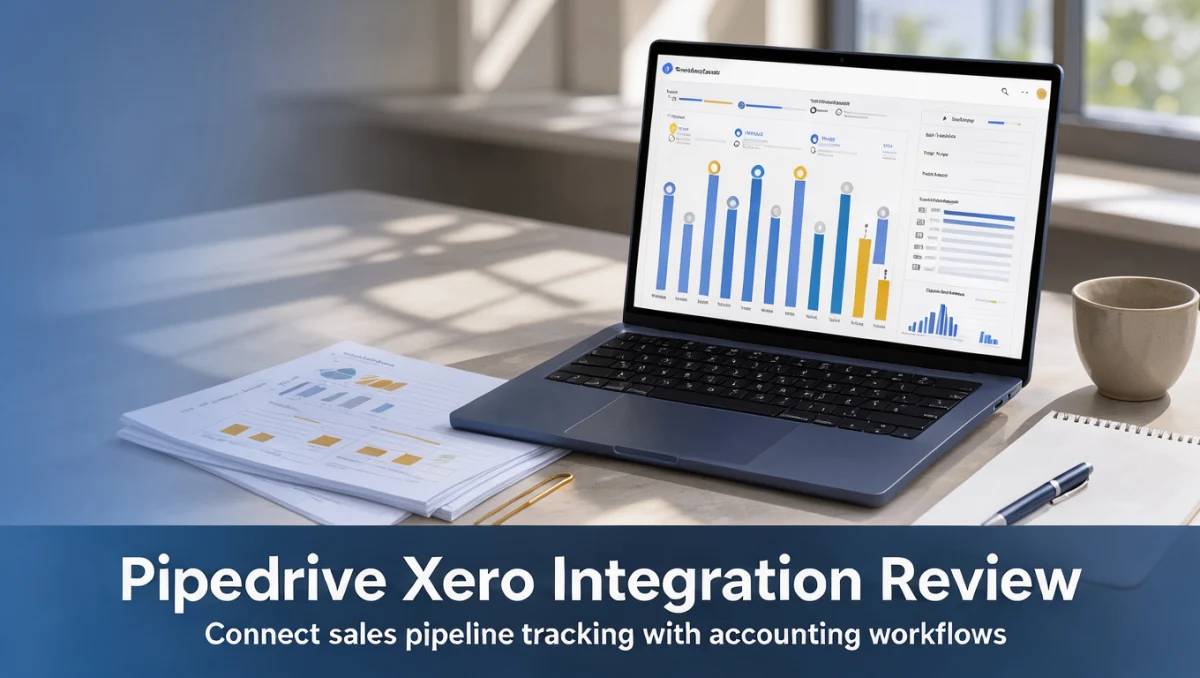
Manual re-entry of closed deals into accounting software slows billing and invites errors. A pipedrive xero integration addresses this gap by moving deal details, customer records and line items from the sales pipeline into the ledger, so commercial and finance teams work from the same information.
Linking customer pipeline stages with cloud bookkeeping changes how revenue records travel between sales representatives and bookkeepers. Companies that handle quotes, project billing and recurring client services gain consistent financial visibility across departments. Before adopting this workflow, buyers should weigh administrative permissions, contact matching, currency handling and subscription terms on the official product pages. Coverage from Best Coupon Blogs is designed to help growing businesses judge whether a connected setup fits their daily operations.
Quick verdict: Earning an overall score of 8.1/10, the pipedrive xero integration suits commercial teams that want structured billing created straight from closed sales deals. It is less suited to solo operators who send occasional simple receipts and do not need pipeline stage tracking.
| Evaluation Summary | Details |
|---|---|
| bestcouponblogs score | 8.1/10 |
| Best for | Sales teams and service businesses that need fast invoice drafting from won deals |
| Not ideal for | Sole proprietors managing infrequent basic payments without structured sales stages |
| Key strengths | Automated invoice creation, synchronized contact records, visible invoice payment status in deal views |
| What to check before buying | Confirm user access tiers and required add-ons on the official Pipedrive and Xero pricing pages |
1. How bestcouponblogs Reviewed the Pipedrive Xero Integration
This review examines what the connection is designed to do, who it serves and how it compares with similar tools. We used seven bestcouponblogs criteria: features, ease of use, pricing and value, integrations, audience fit, support and competitive position. Plans, prices and limits change frequently, so we flag what to confirm on each vendor's website before purchasing. This article was researched and drafted with AI assistance, then reviewed and edited by the bestcouponblogs Editorial Team.
2. What Is the Pipedrive Xero Integration and Who Is It For?

The connection bridges Pipedrive, a visual deal pipeline platform, with Xero, a double-entry cloud accounting platform. Pipedrive guides sales leads through activity stages, manages customer interactions and forecasts closing timelines. Xero handles bank reconciliation, accounts receivable and payable ledgers, and financial reporting.
Once linked, team members generate invoices inside the customer pipeline without opening the accounting platform. Account details, product line items and payment notes move between systems to keep bookkeeping accurate. Businesses in client consulting, agency work, commercial trade and business services use this workflow to prevent data entry mistakes.
2.1. Target User Profiles
Commercial teams that want structured visibility over client accounts gain clear operational benefits from connected records. Project managers confirming contract deliverables can track whether invoices remain in draft, await approval or are fully paid. Accountants keep strict authority over the general ledger, because sales staff work within pipeline records rather than editing accounting records directly.
3. Core Features of the Workflow

Connecting pipeline management with general ledger tools aims to remove redundant data entry between commercial and bookkeeping teams. Reviewing these core functions shows whether connected records meet daily administrative needs.
3.1. Invoice Creation from Won Deals
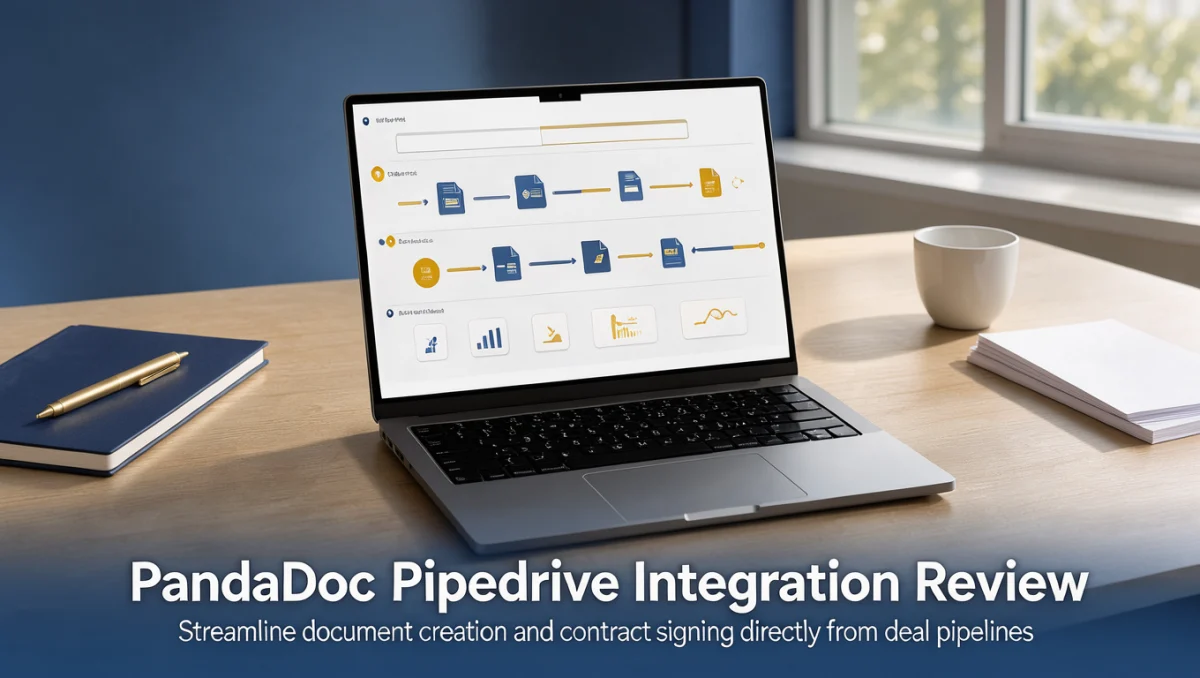
Sales representatives can draft invoices directly from deal cards once an agreement reaches a completion milestone. Deal values, itemized descriptions, quantities and customer addresses populate the accounting record without retyping. Teams choose whether drafted records arrive as drafts, awaiting approval or approved invoices, based on company authorization rules.
3.2. Contact and Organization Record Matching
Synchronizing customer profiles keeps contact records consistent between sales files and financial ledgers. When a deal converts, the system links the customer profile to existing ledger contacts or prompts creation of a matching contact. This prevents duplicate client profiles from cluttering customer history.
3.3. Payment Status Visibility in Deal Views
Commercial representatives often need to know whether a client has paid before delivery work begins. The connection shows ledger invoice statuses, such as draft, sent or paid, directly inside deal timelines. Representatives can track financial milestones without sending administrative queries to the finance department.
3.4. Product Catalog and Line Item Alignment
Standardizing product descriptions and pricing units ensures that sales agreements match ledger line items. When deals contain itemized services or physical inventory components, those items map to predefined account codes in bookkeeping files. Financial managers protect tax categorizations and ledger accuracy through this consistent mapping.
4. Ease of Use and Learning Curve
Adopting integrated workflows introduces initial setup steps for administrators and accounting staff. Linking authorization tokens between the two software accounts requires administrator privileges on both platforms to establish reliable communication.
For daily pipeline operators, creating billing records from deal views requires little adjustment compared with manual copying. Sales staff see simple action buttons within active deal cards, which keeps training overhead low. However, staff must learn company naming standards and contact formatting rules so records sync cleanly without errors.
5. Pros and Cons of Connected Pipelines
Understanding strengths and operational limits helps organizations decide whether linking the platforms meets their workflow expectations.
5.1. Operational Advantages
- Reduces manual typing errors between commercial agreements and financial ledger software.
- Speeds billing delivery by letting representatives generate invoice drafts once a deal is complete.
- Gives commercial teams transparent invoice status updates without access to core bank ledgers.
- Keeps contact books organized across departments with matched client records.
5.2. Practical Limitations
- Complex billing schedules involving milestone retentions or progress draws may require manual ledger adjustments.
- Tax compliance, currency rules and inventory tracking depend on configuration settings that qualified accountants should oversee.
- Account permissions and connection stability require ongoing supervision by administrative account owners.
6. How the Connected Systems Compare with Alternative Approaches
Organizations evaluating commercial workflows often compare a dedicated connection against centralized systems or other software pairings.
| Operational Setup | Target Environment | Workflow Focus |
|---|---|---|
| Pipedrive and Xero | Growing commercial teams and service companies | Visual deal stages linked directly with cloud accounting ledgers |
| HubSpot and QuickBooks | Inbound marketing teams and mid-sized businesses | Marketing automation coupled with broad enterprise ledger tracking |
| Zoho CRM and Zoho Books | Firms seeking a single vendor ecosystem | Unified database sharing across operational modules |
| Freshbooks Standalone | Freelancers and small agencies | Direct client invoicing without separate pipeline stages |
Businesses in specialized sales environments often prefer dedicated pipeline tools paired with dedicated accounting platforms over all-in-one suites. This lets commercial teams focus on visual prospect management while bookkeepers keep dedicated accounting controls.
7. Who Should Connect Pipedrive and Xero?
Organizational size, deal volume and administrative structure determine whether linking these tools delivers enough productivity gains.
7.1. Small and Mid-Sized Service Firms
Agencies, consultancies and commercial contractors that manage multi-step negotiations benefit substantially from synchronized records. Sending invoice drafts directly from closed agreements shortens administrative cycles and reduces delayed-billing disputes.
7.2. Independent Freelancers
Solo professionals who send only a few invoices each month may find a separate CRM workflow redundant. Sole operators often find the invoicing tools inside their bookkeeping software sufficient for straightforward billing.
7.3. High-Volume E-Commerce Retailers
Retailers processing hundreds of consumer purchases daily need point-of-sale or shopping cart connectors rather than relationship-based pipeline trackers. Enterprise distributors with complex supply chains should review inventory-focused enterprise resource planning tools instead.
8. How to Choose the Right Plan and Configuration
Subscription costs depend on user seat counts, pipeline tiers and bookkeeping access levels. Buyers should review requirements on the official product pages before committing funds.
| What to Check on Official Websites | Why It Matters |
|---|---|
| User permission controls per tier | Determines which staff members can create invoice drafts or view billing data |
| Supported currencies and tax settings | Ensures compliance for international cross-border sales contracts |
| Included add-on connectors | Clarifies whether third-party synchronization tools are needed for custom fields |
| Contact limits and data retention terms | Prevents unexpected upgrades as client databases grow |
9. Frequently Asked Questions
9.1. How should businesses prepare contact records before connecting platforms?
Administrators should audit client records in both systems, merge duplicate entries and standardize company names. Consistent email addresses and tax identification numbers prevent duplicate contacts from being created during synchronization.
9.2. What should teams discuss with an accountant before setting up billing links?
Team leaders should consult an accountant on chart of accounts mapping, sales tax categories and invoice draft approvals. Professional guidance ensures commercial invoices record revenue under the correct financial categories.
9.3. Why do some companies prefer invoice drafts over automatic sending?
Reviewing drafts lets financial controllers verify customer credit limits, payment terms and tax exemptions before official invoices go out. This step protects ledger integrity while relieving commercial staff of bookkeeping duties.
9.4. How can businesses track international transactions across these platforms?
Organizations dealing in foreign currencies should verify multi-currency settings on the official pricing pages of both vendors. Requirements for multi-currency handling vary by software tier.
10. Final Verdict
The pipedrive xero integration offers an effective bridge between visual deal tracking and double-entry accounting. By letting sales representatives draft billing records without accessing core accounting files, companies protect financial governance while shortening invoicing delays. Buyers should evaluate user counts, permission structures and accounting guidelines on each provider's official website to set up a sustainable system.
| Criterion | Score /10 | Reason |
|---|---|---|
| Features | 8.5/10 | Strong alignment between deal cards, contact records, line items and invoice generation. |
| Ease of Use | 8.5/10 | Intuitive invoice drafting actions inside familiar deal stages reduce staff training time. |
| Pricing and Value | 7.5/10 | Cost efficiency depends on seat counts and tier prerequisites across both platforms. |
| Integrations | 8.0/10 | Dependable data flow between sales and finance, with options to extend through custom connectors. |
| Audience Fit | 8.5/10 | Excellent match for B2B service firms, agencies and growing commercial teams. |
| Support | 7.5/10 | Administrative teams should check support channels and resolution times with each provider. |
| Competitive Position | 8.2/10 | A respected combination for businesses pairing dedicated pipeline tracking with cloud accounting. |
Overall score: 8.1/10
For questions about our software evaluation methodology, readers can write through Best Coupon Blogs or follow Sales coverage for related guides.