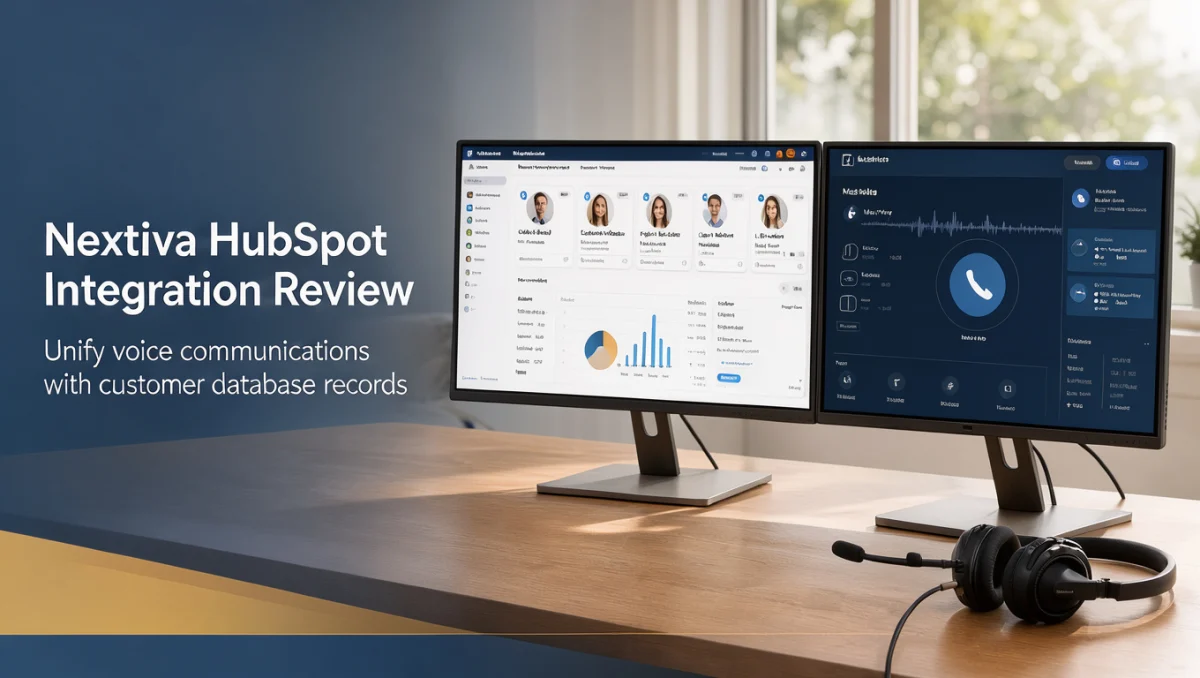
Linking cloud calling with a CRM helps service and sales staff keep every phone conversation tied to the right customer. For teams that qualify prospects or resolve support issues by phone, the nextiva hubspot integration can cut down on repetitive admin work and keep context intact between handoffs.
Telephony sits at the heart of client engagement, while the customer database tracks every touchpoint from first marketing contact through renewal. Before choosing a setup, buyers should weigh admin workload, license structure, and how customer data is handled. Our editors test how these two systems work together so teams can pick a configuration that matches their scale.
Quick verdict: With a bestcouponblogs score of 7.9 out of 10, this pairing suits growing service desks and outbound sales groups that want voice records stored directly on prospect timelines. It is less suitable for solo operators or businesses that rarely take phone calls.
| Evaluation Criterion | bestcouponblogs Assessment |
|---|---|
| bestcouponblogs score | 7.9 / 10 |
| Best for | Growing outbound sales teams and customer support desks that need voice records attached to prospect timelines |
| Not ideal for | Freelancers and micro-businesses that handle most client contact through email or text |
| Key strengths | Voice interaction tracking, automatic activity timeline updates, and dialing straight from database records |
| What to check before buying | Confirm user credential mapping and license prerequisites directly on the official vendor sites |
1. How bestcouponblogs Reviewed Nextiva
This review examines what Nextiva is built to do, who it serves, and how it stacks up against similar tools. We used the seven bestcouponblogs criteria: features, ease of use, pricing and value, integrations, audience fit, support, and competitive position. Plans, prices, and limits change frequently, so we flag what to verify on the official website before buying. This article was researched and drafted with AI assistance, then reviewed and edited by the bestcouponblogs Editorial Team.
2. What Nextiva Is and Who It Is For
Nextiva is a business communications platform for voice calls, video meetings, and team messaging. Organizations adopt it to replace traditional analog desk phones with software-based call distribution, interactive voice response, and collaborative audio tools. Paired with a customer tracking database, it becomes a central hub for every conversation with a client.
Typical users include account managers, customer service agents, inside sales representatives, and distributed office teams who rely on dependable call paths to reach prospects and maintain relationships. Teams browsing Collaboration & Productivity tools should first decide whether their call volume justifies linking the phone system to customer records.
3. Core Features of the Nextiva HubSpot Integration
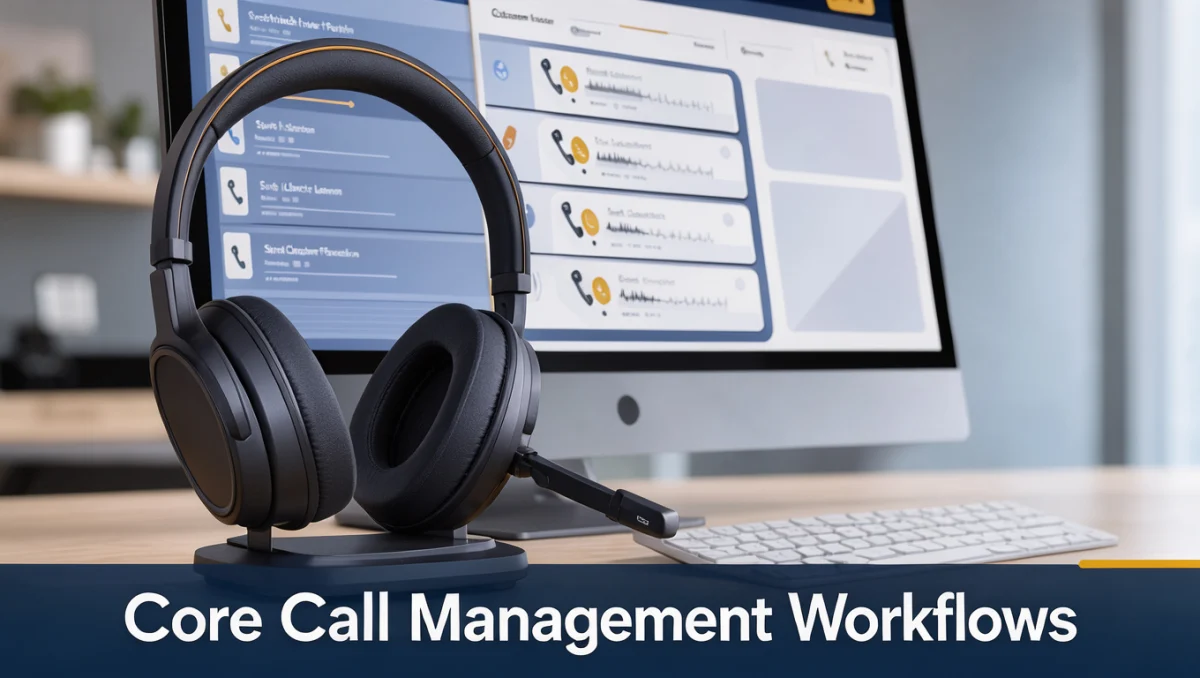
Connecting Nextiva with HubSpot ties call activity to contact profiles, which reduces manual record upkeep. Teams use the combined setup so sales and service reps can focus on conversations instead of data entry.
Call Logging and Activity Timeline Sync
Call logging automatically records inbound and outbound calls on the matching contact timeline. Reps do not need to write down timestamps or durations by hand. Completed calls are attributed to the active lead or account, preserving history for future team members.
Click-to-Call Dialing from Contact Records
Click-to-dial lets team members start a call straight from a contact profile inside the CRM. This reduces dialing errors and speeds up outreach during high-volume sales sprints. Reps click a phone number on screen to place the call through their communications software.
Incoming Caller Identification and Screen Pops
Screen pops show relevant contact details the moment an inbound call reaches an agent's workstation. If the caller exists in the database, the rep sees purchase history, open tickets, and recent notes before answering. This preparation lets agents tailor the conversation and avoid asking redundant questions.
4. Ease of Use and Learning Curve
Phone platforms connected to a central database need some initial administrative setup to match user extensions with CRM seats. Administrators must make sure user permissions line up across both environments so call records attach to the correct owners.
For frontline agents, the learning curve is generally modest because core call controls sit inside familiar contact windows. New reps usually learn to place calls, leave disposition notes, and review recent customer records within a few training sessions. The Best Coupon Blogs team recommends assessing staff computer proficiency when planning any communications software rollout.
5. Pros and Cons of the Nextiva HubSpot Integration
Weighing operational advantages against procedural hurdles helps buyers decide whether this connection fits their standard processes.
Operational Advantages
- Consolidates client voice histories within central contact timelines, preventing knowledge gaps across department handoffs.
- Reduces dialing friction by letting users place calls directly from prospect profiles.
- Surfaces key account context before an incoming call is answered, improving first-response quality.
- Gives managers centralized visibility into team calling activity across marketing and service records.
Operational Limitations and Mitigations
- Contact sync depends on clean phone number formatting in customer profiles; teams can address this by enforcing database hygiene rules.
- Credential setup requires matching individual email accounts across both systems, which managers should document during onboarding.
- Unstable network connectivity can degrade call quality, so offices should verify available bandwidth before deployment.
6. Nextiva vs Similar Tools
Knowing how communications platforms position themselves helps organizations invest in software that matches their size and workflow complexity.
RingCentral
RingCentral builds its platform around broad enterprise collaboration, offering voice, video, and advanced global routing for multi-location businesses. Companies with extensive international operations or complex call-center routing often evaluate it alongside other cloud telephony providers.
Vonage
Vonage focuses on customizable business telephony and programmable voice for development teams. Businesses that need flexible voice architecture or custom developer interfaces frequently consider its voice toolset.
8×8
8×8 targets organizations that need global voice connectivity combined with integrated contact center features. Companies running multinational contact centers and managing regional compliance requirements often weigh its operating model against competing vendors.
7. Who Should Use Nextiva with a CRM
The right communications software depends on company size, inbound inquiry volume, and how teams work day to day.
Outbound Sales and Business Development Teams
Sales development reps making dozens of discovery calls each day benefit from dialing directly from lead records. Eliminating manual dialing saves minutes in every outreach block, and automatic logging gives managers clear visibility into pipeline activity.
Customer Support and Retention Departments
Inbound service agents benefit from instant screen pops showing existing tickets and account notes. Seeing past conversation history as soon as a call is accepted helps agents resolve complaints faster and reduce customer frustration.
Distributed Professional Service Offices
Accounting firms, real estate agencies, and consulting teams working from separate locations can keep centralized call records across shared customer files. Any staff member can step in to help a client with full awareness of recent phone discussions.
Who Should Consider Alternative Setups
Solo entrepreneurs, side-project founders, and micro-teams with low call volume usually do not need database-linked telephony. Businesses that communicate with clients entirely through chat or email can skip the added cost and admin upkeep of an interconnected voice system.
8. How to Choose the Right Plan for Your Team
Business telephony subscriptions typically charge per user, and feature access varies between basic and advanced tiers. Buyers should review plan comparison documents carefully to confirm the necessary synchronization tools are included.
| What to check on the official website | Why it matters for your investment |
|---|---|
| Integration eligibility by subscription tier | Some vendors restrict customer database connectivity to specific mid-level or upper-tier packages. |
| Required user license parity | Certain platforms require every database user to hold a matching telephony seat to log calls properly. |
| Available administrative management controls | Centralized user assignment tools simplify onboarding and offboarding as staffing changes. |
| Hardware and telephone compatibility requirements | Checking softphone options against physical desk equipment prevents unexpected hardware costs during deployment. |
| Contract term flexibility and billing intervals | Comparing monthly and annual payment terms affects cash flow planning for growing organizations. |
9. Frequently Asked Questions
What factors determine whether connecting a phone system to customer records makes financial sense?
Organizations should compare each representative's daily call volume against the subscription cost of integrated licenses. When team members spend significant time logging notes or searching for account histories manually, centralized connectivity saves measurable labor hours that can justify the expense.
How should an organization evaluate data synchronization requirements before purchase?
Review whether your sales and support workflows need bidirectional contact updates, automatic call transcript attachments, or only basic timeline notes. Comparing these needs against vendor documentation ensures you do not buy an integration level that lacks critical data fields.
What steps help ensure successful user adoption across customer-facing departments?
Set clear, standardized procedures for how reps disposition completed calls and where conversation notes should be entered. Group training sessions before go-live help staff feel comfortable placing calls from the customer database instead of reverting to personal devices.
How does phone number standardization affect call record matching?
Customer databases rely on consistent phone number formats to link incoming numbers to existing profiles. Automated formatting rules or data entry guidelines prevent duplicate contact records when numbers are entered with or without regional area codes.
10. Final Verdict on the Nextiva HubSpot Integration
Unified communications software is a major operational commitment that shapes daily customer outreach and retention. Organizations that combine voice tools with organized customer tracking build an accountable environment for relationship management.
| Evaluation Criterion | Score / 10 | Reason for Score |
|---|---|---|
| Features | 8.4 / 10 | Offers dependable call logging, record-based dialing, and caller identification workflows for sales and support. |
| Ease of Use | 7.9 / 10 | The frontline interface is intuitive for agents, though initial admin user setup requires careful coordination. |
| Pricing and Value | 7.1 / 10 | Buyers must confirm license tier prerequisites on the official website to ensure costs match expected call volume. |
| Integrations | 7.5 / 10 | Prospective customers should review official integration catalogs to confirm field mapping compatibility with their database setup. |
| Audience Fit | 8.8 / 10 | Delivers strong value for structured sales development groups and dedicated customer retention centers. |
| Support | 7.3 / 10 | Organizations should review published vendor support policies and service agreements to set proper deployment expectations. |
| Competitive Position | 8.0 / 10 | Holds a dependable place among established business telephony platforms serving growing commercial teams. |
Overall bestcouponblogs score: 7.9 / 10
For organizations focused on outbound business development and centralized customer service records, the nextiva hubspot integration offers a practical bridge between voice interaction and historical data. Smaller operations with modest phone needs should first confirm whether a standalone communication tool is enough before moving to interconnected business software.
Readers with specific software questions can reach out through https://bestcouponblogs.com/contact/ or follow Best Coupon Blogs on LinkedIn at https://www.linkedin.com/company/bestcouponblogs/ for ongoing software evaluations. For more software guides, visit our Collaboration & Productivity section.