Best Coupon Blogs may earn a commission when you buy through links on this page, at no extra cost to you. This does not affect our ratings.
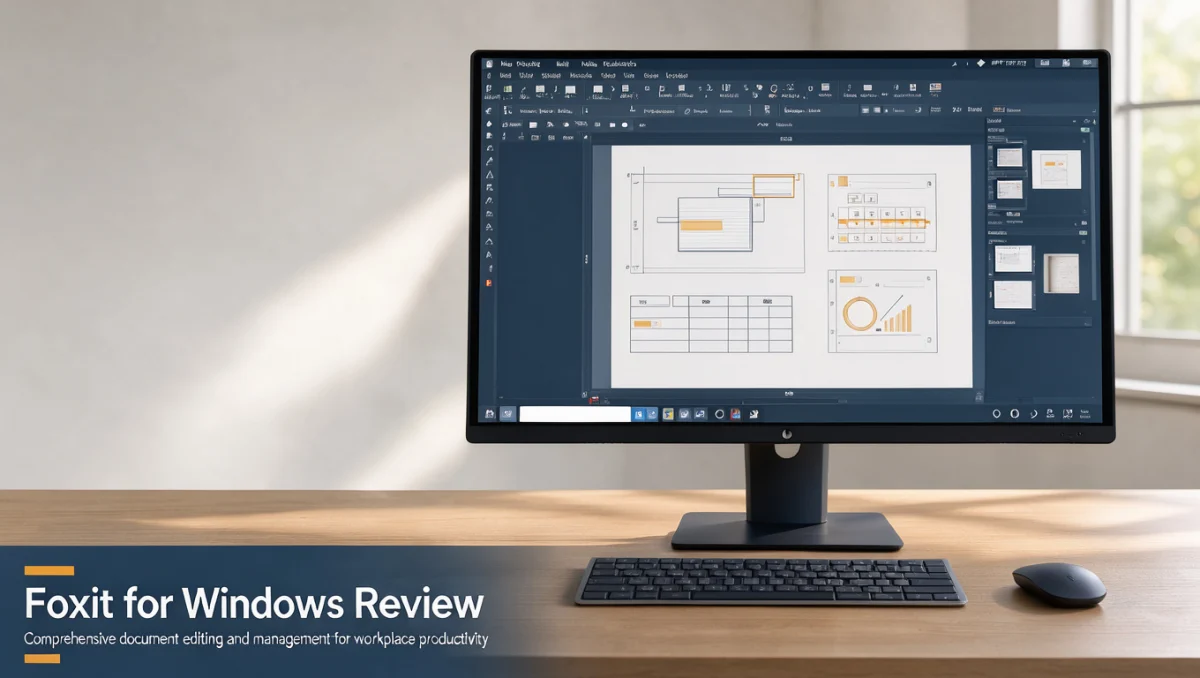
People searching for a foxit download windows option are usually professionals and students who need a reliable desktop program for reading, changing and organizing digital files. Picking PDF software means weighing everyday document tasks against license structure, install simplicity and how well a team can share work. Our review at Best Coupon Blogs focuses on practical use, so you can judge whether this tool suits your priorities in 2026.
Modern document tools now go well past simple viewers. Many include digital signing, form handling and file organization in one place. Before installing anything on a Windows machine, check the feature range, responsiveness and how faithfully pages keep their layout. That way you avoid software that adds clutter without solving real problems.
Quick verdict: Scoring 7.8/10, Foxit works well for office staff, small business administrators and students who need solid PDF editing, annotation and form tools on Windows. It is a weaker fit for people who only open files now and then and never need to change page structure or control access.
| Metric | Details |
|---|---|
| bestcouponblogs score | 7.8/10 |
| Best for | Professionals and teams who need structured PDF editing, file assembly and form management |
| Not ideal for | Casual readers who want a bare-bones viewer without advanced editing |
| Key strengths | Document editing, form creation, annotation tools and navigation controls |
| What to check before buying | Confirm current license tiers, maintenance renewal terms and seat management rules on the official vendor site |
1. How bestcouponblogs Reviewed Foxit
This review looks at what Foxit is built to do, who it serves and how it compares with similar tools. We rated it on seven bestcouponblogs criteria: features, ease of use, pricing and value, integrations, audience fit, support and competitive position. Plans, prices and limits change often, so we flag what to confirm on the official website before buying. This article was researched and drafted with AI assistance, then reviewed and edited by the bestcouponblogs Editorial Team.
2. What Foxit Is and Who It Is For
Foxit is a dedicated PDF and electronic document application built to read, create, modify, organize and secure digital files. It serves individual knowledge workers, academic users and organizational teams who handle standard document formats every day.
In routine business work, document software has to handle everything from small text fixes to compiling long contracts. People who manage legal paperwork, corporate reports and research papers depend on such tools to keep layouts intact across different devices. The platform suits users who need to adjust page arrangements on their own, build fillable forms and merge scattered files into one package.
Organizations often choose a dedicated document tool to avoid the layout shifts common in word processors. A purpose-built utility delivers consistent rendering, reliable page boundaries and dependable print output for important records.
3. Core Document Management Features
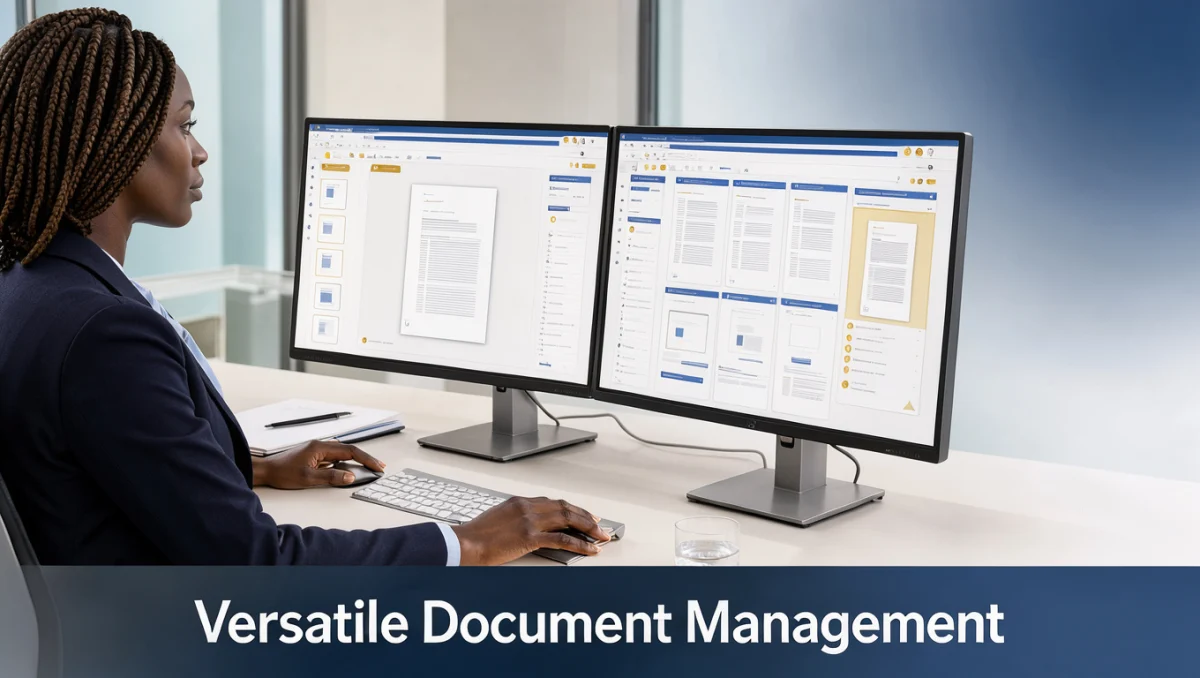
Judging document software means looking at how its main functions handle everyday office tasks. Foxit groups its tools by stage in a document's life, from assembly to final distribution.
3.1. Document Creation and Page Organization
Assembly tools let you combine separate source files, split large manuals into chapters and reorder pages by dragging thumbnails. You can rotate misplaced scans, pull out exhibits for outside sharing and insert blank pages for added notes. These steps spare you from regenerating source files in the original authoring program whenever a small structural fix is needed.
3.2. Text and Object Editing
Direct editing tools let you rewrite sentences, adjust font attributes and move graphics right on the rendered page. Paragraph reflow helps keep the layout balanced when you add a phrase or update an outdated contact line. This is especially useful for teams revising older manuals or marketing material when the original template files are no longer available.
3.3. Annotation and Review Workflows
Review tools include highlighters, strikeout formatting, sticky notes, stamps and drawing tools that make feedback easier to manage. Several reviewers can leave comments on a shared draft, which speeds up sign-off on contract language or research submissions. A central comment panel lets you sort notes by author, date or status.
3.4. Form Design and Data Capture
Interactive form tools let you build fillable intake sheets, questionnaires and surveys. Creators can place text boxes, radio buttons, checkboxes and dropdown menus, and set up calculations for automatic totals. Recipients can complete these forms electronically without printing anything.
4. Ease of Use and Learning Curve
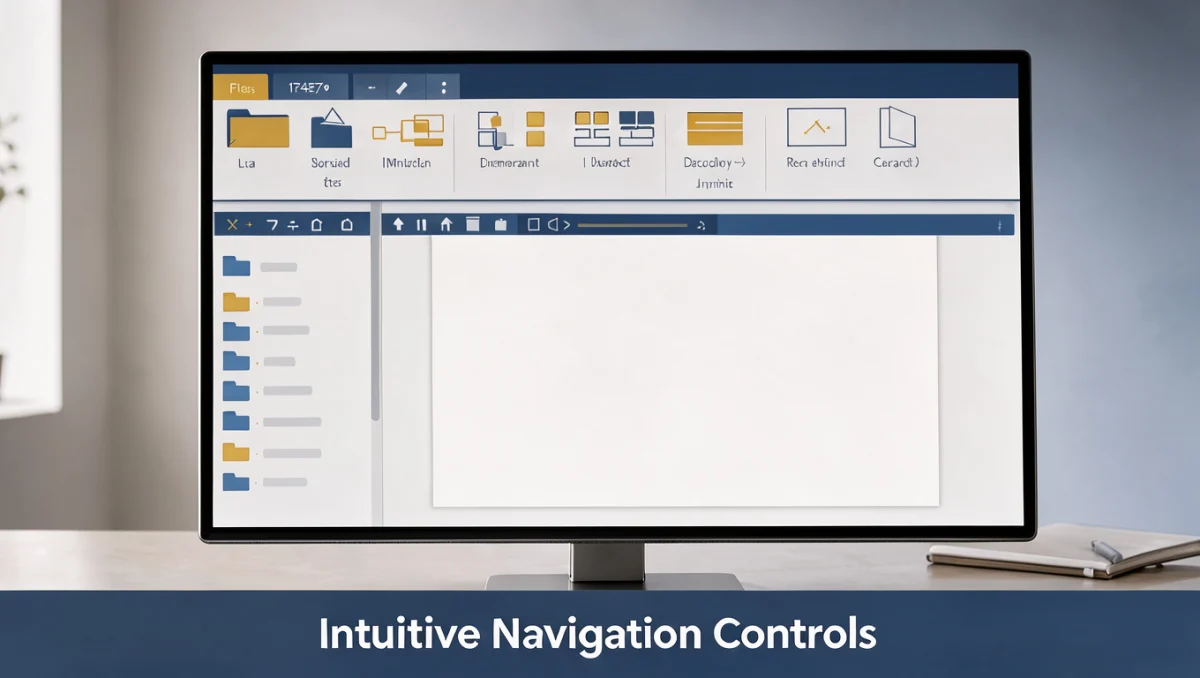
How an interface is organized strongly affects whether people adopt a desktop application. Foxit uses a ribbon-style layout that groups editing tools, form controls and review features into contextual tabs.
Anyone used to standard office suites will recognize the arrangement, which reduces the early learning effort. Common actions such as printing, searching for terms and adjusting zoom stay within easy reach at the top of the screen. Deeper settings, such as form calculation scripts or specialized color profiles, sit in secondary menus and may take non-technical staff a while to get comfortable with.
Performance stays steady during everyday editing, though very large technical drawings or thousand-page dossiers demand more system resources. Toolbar customization lets you pin frequently used tools to a quick-access area, so the workspace fits your daily routine.
5. Pros and Cons of Foxit
Weighing the benefits against the limits helps you decide whether the software fits how you work.
- Pros:
- Versatile tools for changing text, graphics and page layouts.
- Form-building tools that support automated data entry fields.
- Familiar ribbon navigation that reduces staff training time.
- Broad annotation tools suited to multi-party draft reviews.
- Cons:
- Advanced settings and form scripting take time to learn.
- Very dense graphic archives may slow older computers.
- License terms and deployment limits need careful checking before rollout.
6. Foxit vs Similar PDF Software
Seeing where Foxit sits among other Collaboration & Productivity tools helps buyers choose the right profile.
| Solution | Target Audience | Primary Focus | Consideration Factor |
|---|---|---|---|
| Foxit | Office staff, legal administrators, academic researchers | Balanced document creation, editing and form processing | Review administrative seat management policies |
| Adobe Acrobat | Enterprise departments, creative agencies, print production | Industry-standard document publishing and pre-press preparation | Compare long-term enterprise subscription commitments |
| Nitro PDF | Corporate teams wanting straightforward desktop document workflows | Simple document conversion and team review | Check organizational volume licensing limits |
Adobe Acrobat remains the long-standing benchmark for publishing and graphic arts workflows. Alternatives like Foxit and Nitro PDF focus more on speeding up everyday office document work. Many organizations pick Foxit for practical editing needs without the added complexity of production-oriented software.
7. Who Should Choose Foxit
Knowing your requirements helps confirm whether Foxit fits your workflow.
7.1. Small Business Owners and Office Administrators
Administrative staff who manage invoices, customer agreements and operating handbooks benefit from straightforward restructuring tools. Merging monthly statements or compiling multi-page proposals can be done without outside formatting utilities.
7.2. Legal and Compliance Teams
Professionals revising contracts need precise annotation records, redaction tools and page numbering. Foxit provides structured review workspaces where several stakeholders can check terms, record sign-offs and keep an audit trail.
7.3. Students and Academic Researchers
Research work involves extensive reading, margin notes and highlighting across thesis drafts and journal articles. Gathering reference collections into indexed volumes makes academic review projects easier to manage.
7.4. Users Who Should Consider Simpler Options
If you only need to open read-only brochures or fill in the occasional form, dedicated authoring software isn't necessary. Modern web browsers and lightweight default readers handle basic viewing without an extra installation.
8. How to Choose the Right Plan
Before buying a foxit download windows package, review the vendor's operational details to avoid surprise licensing limits.
| What to Check | Why It Matters |
|---|---|
| Perpetual vs Subscription Licensing | Software providers handle maintenance and version upgrades differently depending on the purchase model. |
| Included Administrative Controls | Managing installs across several office computers requires a centralized licensing dashboard. |
| Technical Support Channels | Access to direct troubleshooting varies by agreement tier and organization size. |
| Cloud Collaboration Features | Confirm whether shared review services need a dedicated online account or a separate server. |
9. Frequently Asked Questions
How should buyers check system requirements before installing?
Review processor compatibility, RAM and operating system version on the vendor site to avoid technical slowdowns. Complex documents with heavy vector artwork need more memory, so confirming your hardware meets the baseline keeps page navigation and rendering smooth.
What decides whether a team needs a subscription or a perpetual license?
Budget preferences drive the choice. Perpetual licenses involve a single upfront cost but may not include major version upgrades, while subscriptions spread costs over time and keep features current. Compare the upgrade path details on the official Foxit site before deciding.
Can document templates be standardized across a growing office team?
Standardizing interactive forms, default stamps and corporate header templates keeps external communication consistent. Shared form fields simplify customer intake and prevent mismatched data across departments.
How can a team switch smoothly from an existing document reader?
Map everyday tasks such as markup, print settings and signature placement before rollout to avoid workplace disruption. A small pilot group helps administrators spot training needs before a company-wide deployment.
10. Final Verdict
| Criterion | Score /10 | Reason |
|---|---|---|
| Features | 8.5 | Offers a full set of document assembly, editing, annotation and form creation tools. |
| Ease of Use | 8.0 | Uses a ribbon interface familiar to office software users, though deeper options take exploring. |
| Pricing and Value | 7.5 | Flexible deployment paths, but check official terms against corporate IT budgets. |
| Integrations | 7.0 | Supports common document repositories, though external system connections need verification. |
| Audience Fit | 8.5 | Serves office administrators, legal teams and students who often alter digital documents. |
| Support | 7.0 | Self-guided documentation is readily available, while direct technician access depends on license terms. |
| Competitive Position | 8.0 | A practical operational alternative to traditional enterprise publishing software. |
Overall Score: 7.8/10
Foxit offers a capable, balanced environment for managing digital documents on Windows workstations. It provides the page editing, comment tracking and form authoring tools that modern office work requires. Before buying, check the official Foxit pricing page to confirm tier boundaries, multi-seat licensing rules and support terms.
Have questions about choosing productivity software for your workplace? Send them to the editorial team at Best Coupon Blogs or follow our latest software updates on LinkedIn.