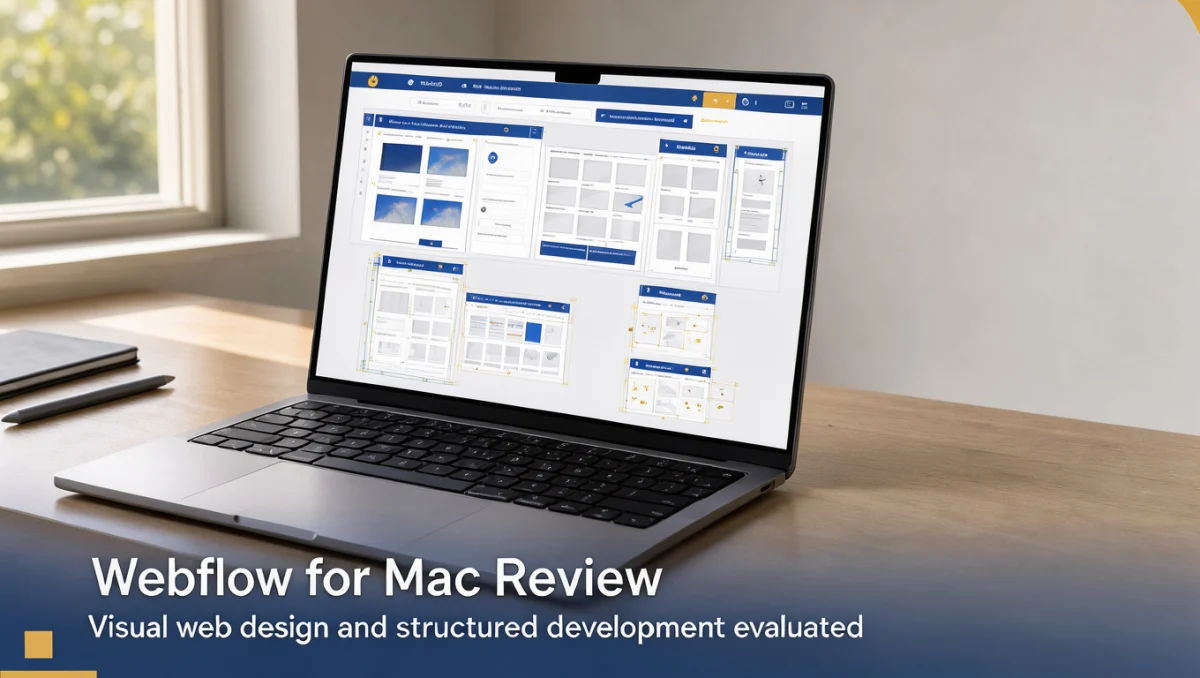
Before you commit budget, it helps to know exactly what webflow for mac does well and where it asks more of you. Best Coupon Blogs may earn a commission when you buy through links on this page, at no extra cost to you, and this never changes our ratings.
Visual builders promise design freedom, but they also add setup complexity and recurring fees. The goal here is simple: help designers, agencies, and marketing teams decide whether a visual, code-backed platform matches how they actually work.
Quick verdict: We score it 8.0/10 for creative professionals who want precise layout control without hand-writing stylesheets. It suits client builds and structured content collections well, but it is a poor fit for anyone who just wants a pre-made template live in an afternoon.
| Metric | Summary |
|---|---|
| Best Coupon Blogs score | 8.0/10 |
| Best for | Designers and agencies that need fine-grained control over layout, styling, and client content |
| Not ideal for | Hobbyists who want ready-made layouts and have no interest in box models or style hierarchies |
| Key strengths | Visual CSS controls, structured collections, custom breakpoints, and clean asset handling |
| What to check before buying | Plan limits, export rights, seat counts, and domain rules on the official Webflow pricing page |
1. How Best Coupon Blogs Reviewed Webflow for Mac
We assessed the platform against seven criteria: features, ease of use, pricing and value, integrations, audience fit, support, and competitive position. Plans and prices change frequently, so treat any figure here as a starting point and confirm current details on the vendor's website before purchasing. This article was researched and drafted with AI assistance, then reviewed and edited by the Best Coupon Blogs Editorial Team.
2. What Webflow Is and Who It Serves
Webflow combines a visual web design tool, a content management system, and a publishing environment. You assemble pages on a canvas that maps directly to HTML and CSS concepts such as positioning, margins, padding, and type hierarchy.
Its main users are web designers, creative agencies, digital marketers, and in-house teams that need tight control over brand presentation. Because design and code generation happen in one place, teams can build custom sites without passing files through a separate engineering handoff.
The model is close to real web architecture, so getting good with it means learning web fundamentals first. Teams coordinating handoffs between designers, copywriters, and editors may also want to compare options in the Collaboration & Productivity category.
3. Core Visual Development and Site Management Features
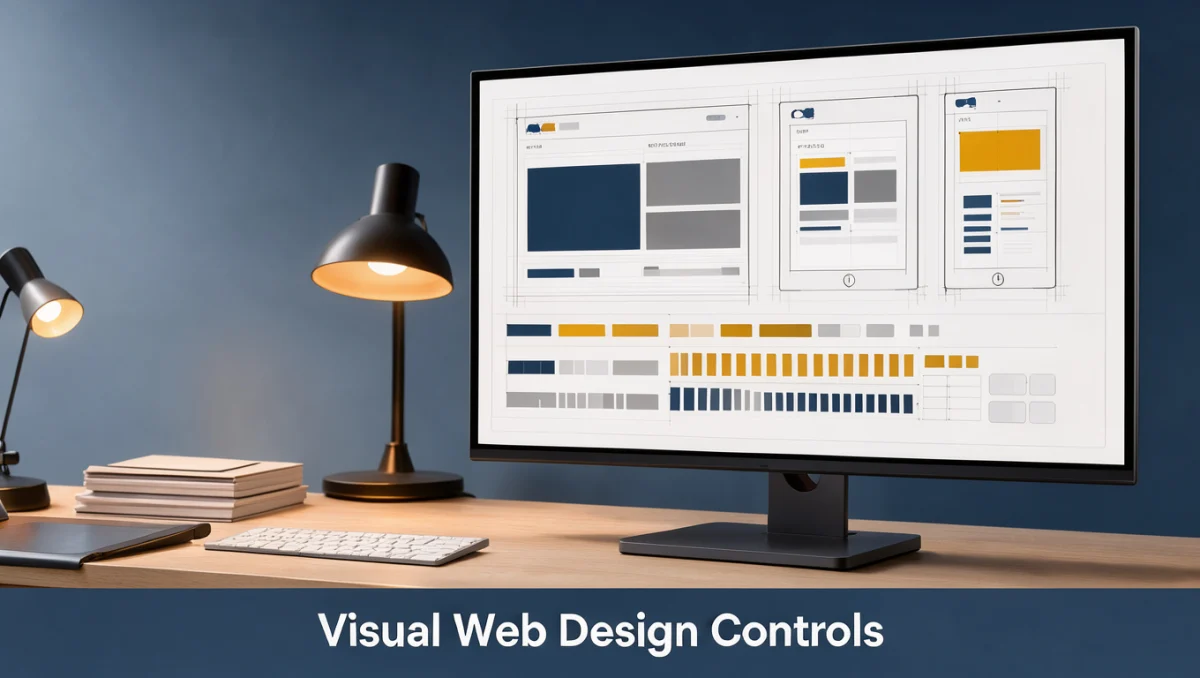
The core toolset centers on visual site creation, structured content collections, and animated interactions.
3.1. Visual Canvas and Styling Engine
The canvas lets you place sections, containers, grids, and flexbox layouts. Styling controls mirror standard CSS properties, so you can adjust typography, backgrounds, spacing, and positioning visually while the platform writes clean code behind the scenes.
Custom breakpoints let you tailor styling for desktop and smaller screens, and responsive edits respect cascade inheritance across elements.
3.2. Structured Content Management
Collections let you build dynamic databases for blog posts, team directories, portfolios, or product catalogs. You map template-page layout elements to collection fields, so every new record picks up consistent formatting automatically.
Separating layout from content means non-technical team members can draft and update copy without corrupting the page design.
3.3. Interactions and Motion Triggers
The motion engine ties animations to page events such as scroll position, pointer movement, clicks, and page load. You can animate opacity, scale, and transforms without writing script handlers.
Before relying heavily on complex motion for client work, check performance guidance so animations stay smooth across the devices your audience uses.
4. Ease of Use and Learning Curve
How quickly you pick this up depends on your background in design systems and web architecture. The platform mirrors box models and cascading styles, which feels natural to trained designers but presents a steep start for newcomers.
Anyone expecting quick drag-and-drop template swaps may get frustrated by inheritance rules, layout behavior, and nested containers. Plan on investing time in foundational layout tutorials before tackling client projects.
Teams that set up shared component libraries and design tokens early tend to build pages much faster on ongoing initiatives.
5. Pros and Cons
Professional creative software always involves trade-offs between flexibility and operational overhead.
5.1. Key Advantages
- Granular control over visual styling, layout models, and responsive breakpoints.
- Visual translation of HTML and CSS concepts into structured, clean output.
- Dynamic collections that separate page structure from editorial entries.
- Reusable component systems that keep styling consistent across multi-page client sites.
5.2. Practical Limitations
- Steep learning curve for creators new to box models and class inheritance.
- Hosting and workspace plan structures are separate and need careful review on the official website.
- Advanced custom logic may require checking third-party script compatibility or external embed setup.
6. Webflow vs. Similar Tools
Knowing where a tool sits in the market helps you match it to your technical skill level.
| Platform | Target Audience | Primary Focus | Consider When |
|---|---|---|---|
| Webflow | Designers and creative agencies | Visual CSS layout and structured content databases | You need bespoke, production-ready sites with clean code |
| WordPress | Publishers, bloggers, and enterprise teams | Open-source content management and plugin ecosystems | You want self-hosted data ownership and a large plugin library |
| Squarespace | Small business owners and creatives | Curated templates and integrated admin tools | Quick setup matters more than deep style and code control |
| Wix | General entrepreneurs and DIY builders | Free-form drag-and-drop site assembly | You want absolute positioning without managing layout models |
Compared with WordPress, Webflow removes database maintenance but puts more weight on front-end construction. Against consumer builders like Squarespace and Wix, it asks for more architectural understanding in exchange for much finer layout control.
7. Who Should Use Webflow
Choose a site builder based on your team's profile and long-term maintenance capacity.
7.1. Recommended User Groups
- Designers and agencies: Studios building bespoke sites for commercial clients benefit from precise layout control and client editing modes.
- Digital marketing teams: In-house marketers can launch landing pages quickly and iterate without waiting for developer sprints once global components exist.
- Product managers: Teams building visual prototypes and marketing hubs get production-level visual fidelity.
7.2. When to Consider Alternatives
- Solo operators who need a site today: If you need a simple company brochure in an afternoon, a templated builder will likely be more practical.
- Large publishing networks: Editorial sites with complex author permissions and legacy archives often fit open-source publishing platforms better.
8. How to Choose the Right Plan
Visual builders usually split costs between collaborative editing seats and live site hosting. Work out your total spend by checking current offerings on the official Webflow pricing page.
| What to check | Why it matters |
|---|---|
| Workspace seats versus site hosting | Editing permissions and live domain hosting are often priced separately, which shapes your total team budget. |
| Collection record allowances | Dynamic entries are subject to plan thresholds, so estimate your expected content volume before launch. |
| Form submission limits | Sites capturing leads should confirm monthly submission allowances to avoid workflow interruptions. |
| Code export permissions | If you plan to host elsewhere, confirm which tiers allow asset and stylesheet export. |
| Traffic and bandwidth thresholds | High-traffic properties should review bandwidth allowances to avoid unplanned upgrades. |
9. Frequently Asked Questions
How should teams prepare for the learning curve?
Spend time on core web design principles, including CSS grid, flexbox, and class inheritance. Starting with guided tutorials and simple layout replicas helps you see how canvas settings translate into web box models before taking on client work.
What drives total software cost?
Expect to pay for editing seats, live site hosting, custom domain registration, and any external scripts or form processors. Map out your collaborator count and domain count on the official pricing page before setting an annual budget.
How does visual content management help marketing teams?
It separates styling rules from text and media. Marketers can publish articles, case studies, and team profiles without accidentally changing responsive layouts or breaking design components.
Should client handoff influence the choice?
Yes. Decide whether clients will maintain their own pages or retain your agency. Then confirm on the official site whether client editors can change text without access to master layout controls.
10. Final Verdict
Webflow for Mac delivers professional-grade visual layout control and bridges visual design with clean front-end code.
| Criterion | Score /10 | Reason |
|---|---|---|
| Features | 8.5/10 | Comprehensive visual CSS styling, structured collections, and flexible responsive breakpoints provide deep design control. |
| Ease of Use | 7.0/10 | Requires a solid grasp of web box models and layout inheritance, so beginners face a steep initial curve. |
| Pricing and Value | 7.5/10 | Separate pricing for seats and hosting means you should audit the official website to keep costs efficient. |
| Integrations | 7.5/10 | Embed support allows custom code, but verify external platform connectivity against official documentation. |
| Audience Fit | 9.0/10 | Strongly aligned with design agencies, freelance developers, and brand teams that need custom presentation. |
| Support | 7.5/10 | Extensive documentation and community forums help, with direct support options detailed on the official site. |
| Competitive Position | 8.5/10 | Holds a clear advantage for production-grade visual construction over basic template builders. |
Overall score: 8.0/10
For design studios and growing companies that prioritize bespoke layouts and responsive precision, the platform offers excellent creative control. Review current hosting and seat limits on the official vendor site to choose a plan that fits your scale.
Have questions about visual development platforms or want personalized guidance? Contact our team at https://bestcouponblogs.com/contact/ or connect with us on LinkedIn at https://www.linkedin.com/company/bestcouponblogs/.
See More Collaboration & Productivity