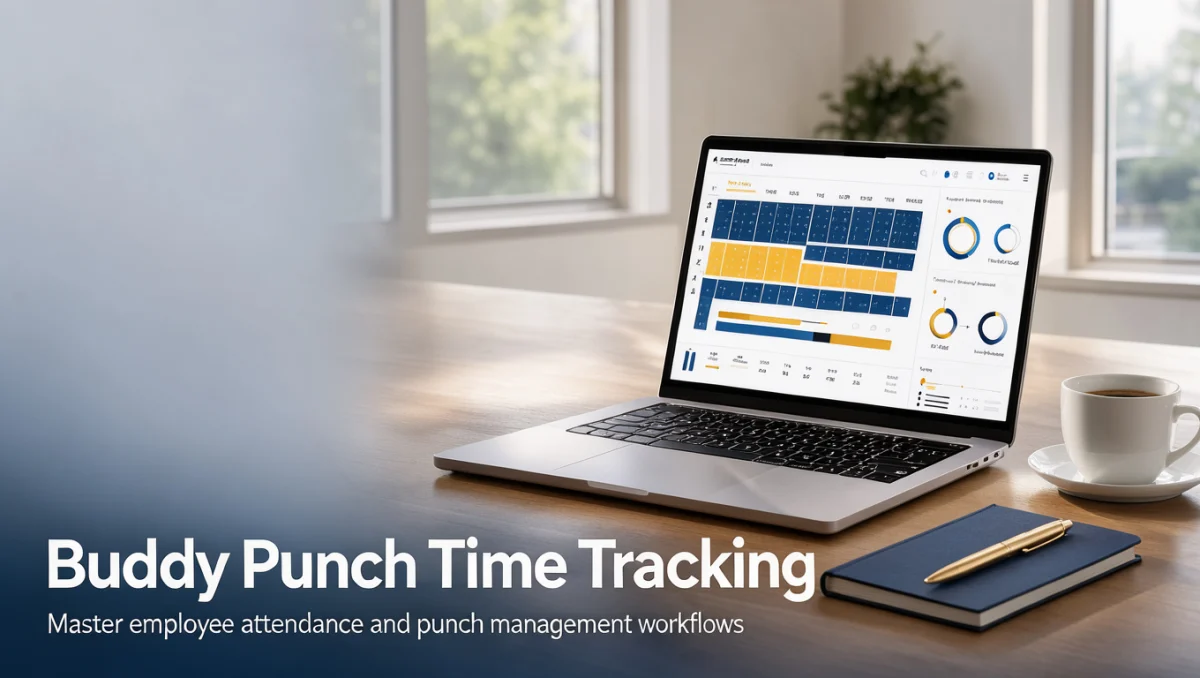
Accurate attendance begins before anyone clocks in. Managers who want to know how to track employee hours with buddy punch should first write down their rules for rounding, meal breaks and who signs off on timesheets. Clear policies keep staff confused less often and make it obvious how punch data feeds into pay.
Think through a typical week before rollout. Crews spread across several job sites face different tracking needs than office staff at fixed desks. Decide early which supervisors may edit timecards, so approvals do not stall during the pay cycle. You can also explore related tools in Collaboration & Productivity to see how accountability fits into your wider team routines.
Setting Up Your Attendance Workflow

Work through the setup in a fixed order so that records are trustworthy from the first shift. The sequence below covers configuration, profiles, daily punching, live monitoring and final approvals.
Step 1: Configure Organization Settings and Punch Rules
In the admin console, define company-wide work hours, break parameters and pay period frequency. Choose whether employees must log meal breaks manually or whether standard breaks are deducted automatically based on shift length.
Also set location and device rules that match your safety and verification standards. Many platforms let you restrict punching to designated premises or specific login methods. Review these choices with stakeholders before granting anyone access.
Step 2: Establish User Profiles and Manager Permissions
Create each staff profile with the employee's full legal name, department and direct supervisor. Accurate reporting lines make sure review notifications reach the right person.
Grant permissions at a granular level so supervisors can view and edit only their own direct reports. Separate administrative tiers protect sensitive wage information and spread approval duties across department leads.
Step 3: Implement Daily Punch-In and Punch-Out Routines
Train staff to record arrival, departure and mandatory meal intervals at the exact moment each change happens. Consistent, real-time punching is the single biggest factor in reliable time data.
Ask employees to add a short note whenever a shift runs long or an off-schedule site visit occurs. Context recorded during the day settles disputes far more easily than memory at the end of the period.
Step 4: Monitor Live Attendance and Daily Logs
Check the active attendance board several times a day to confirm coverage across departments. Real-time visibility lets managers spot unscheduled absences and move tasks around before client deliverables slip.
Fix missed punches as soon as they are noticed rather than waiting for payroll day. Prompt corrections keep the attendance archive accurate and legally sound.
Step 5: Audit Timesheets and Process Approvals
At the close of each pay period, audit all logged hours, break deductions and paid time off. Compare scheduled hours with actual punches to catch unauthorized overtime or unexplained gaps.
After corrections are final, supervisors approve the timesheets in the system, which locks the records against further unauthorized edits. Verified data then moves into your payroll pipeline for on-time pay.
Best Practices for Accurate Time Records
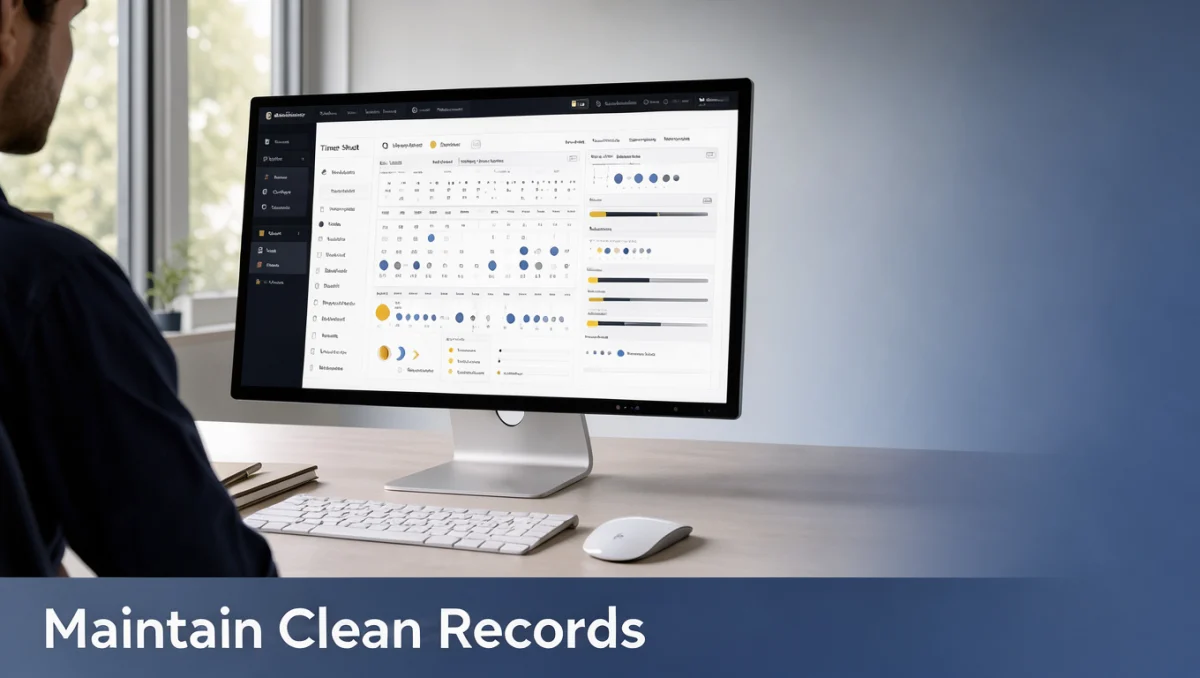
Clean attendance data depends on steady habits long after the initial setup. These practices help you stay compliant and keep staff confident in the system.
- Define unambiguous overtime rules: Make it clear whether work beyond scheduled hours needs pre-approval.
- Set a strict punch correction window: Require adjustment requests for forgotten punches within one business day.
- Separate scheduling from attendance logging: Publish shifts in advance so workers know their commitments before punching in.
- Keep digital audit logs: Record a supervisor's reason every time a manual edit changes an original punch.
- Consult payroll professionals: Have a certified payroll specialist or legal adviser set overtime thresholds that match local labor rules.
Regular supervisory audits prevent last-minute payroll scrambles and reduce friction between staff and management.
Common Time Tracking Mistakes to Avoid
Teams moving from spreadsheets or paper timecards often run into problems that undermine attendance integrity. Watch for the pitfalls below.
| Operational Mistake | Potential Risk | Preventative Action |
|---|---|---|
| Postponing punch edits until payroll day | Faulty memory leads to disputed hours and payroll delays | Require daily or weekly timesheet reconciliation by shift supervisors |
| Granting excessive administrative privileges | Accidental changes to historical timecard records | Limit editing rights strictly to authorized department heads |
| Neglecting break compliance parameters | Breaches of statutory rest period rules | Build automated alerts or standard meal deductions into the workflow |
| Failing to cross-check hours against budgets | Unexpected labor cost overruns | Compare scheduled and logged hours mid-week |
Frequently Asked Questions
What should an employer prepare before introducing time tracking software?
Write down attendance guidelines, disciplinary policies for missed punches and the management approval structure. Documented rules help staff understand why hours are recorded digitally and how adjustments are handled.
How can administrators handle missed punches efficiently?
Set a standard request process in which employees submit the missing timestamp with a brief explanation. Supervisors verify the request against the schedule before approving it, which keeps a complete audit trail.
What drives the total cost of an attendance platform?
Costs usually depend on the number of active user seats, administrative tiers and optional modules such as advanced scheduling or automated payroll exports. Confirm current pricing and user minimums on the official vendor website before subscribing.
Should companies consult an accountant when configuring overtime?
Yes. A qualified accountant or certified payroll specialist should confirm that overtime rules match applicable labor laws. Misconfigured formulas can create compliance risks and back-pay liabilities.
Final Verdict on Tracking Time with Buddy Punch
Reliable attendance tracking needs dependable software paired with disciplined procedures. Buddy Punch suits businesses that want organized punch monitoring, shift supervision and structured timesheet approvals without heavy complexity.
| Criterion | Score /10 | Reason |
|---|---|---|
| Features | 8.2 | Dedicated shift recording, break logging and timesheet tools built for hourly teams. |
| Ease of Use | 8.5 | Intuitive interface that lets employees and supervisors punch and review with minimal training. |
| Pricing and Value | 7.2 | Check the official pricing page for current per-user rates and base fees. |
| Integrations | 7.0 | Connectivity depends on vendor data bridges, so review available payroll export formats directly. |
| Audience Fit | 8.4 | Especially effective for small to mid-sized businesses managing hourly staff and structured shifts. |
| Support | 7.1 | Confirm assistance channels and response times on the vendor website. |
| Competitive Position | 7.6 | Solid against standard shift trackers, while larger platforms serve full enterprise HR suites. |
Overall score: 7.7/10
For small business owners, shift managers and office administrators handling hourly staff, Buddy Punch offers a practical way to retire paper timesheets and tighten attendance oversight. Teams with complex project billing or enterprise-wide talent needs may prefer broader enterprise software.
Questions about choosing the right time tracking system? Contact the team at Best Coupon Blogs through https://bestcouponblogs.com/contact/ or follow bestcouponblogs on LinkedIn at https://www.linkedin.com/company/bestcouponblogs/.