Affiliate note: bestcouponblogs may earn a commission when you buy through links on this page, at no extra cost to you. Our ratings are not affected.
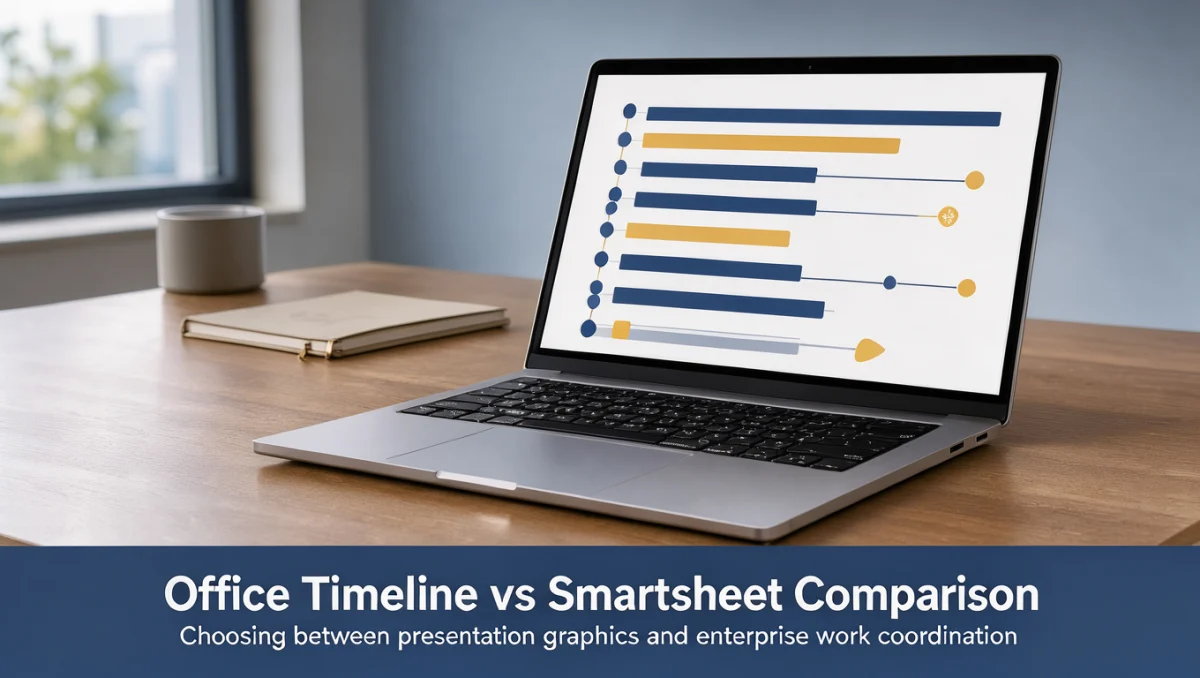
Deciding between Office Timeline and Smartsheet comes down to a single question: are you building polished milestone visuals for leadership, or running daily work across several departments? Each product targets a different stage of project communication, so the right pick depends on how your team plans, reports, and delivers. At Best Coupon Blogs, we judge software by how well it fits real workflows rather than by marketing promises.
Both products display timelines and give project visibility, yet their design goals diverge sharply. One turns schedule data into clean presentation slides, while the other works as an operational workspace with spreadsheet logic, task assignments, and structured sheets.
Quick verdict: Smartsheet earns an overall bestcouponblogs score of 7.9 / 10 for enterprise work coordination, making it the stronger choice for cross-functional teams that need continuous task tracking. Office Timeline suits professionals whose main deliverable is a clear roadmap for clients and executives. Teams hunting for one lightweight tool should map their operational needs carefully before committing.
| Evaluation Criterion | bestcouponblogs Summary |
|---|---|
| bestcouponblogs score | 7.9 / 10 overall across core functional categories |
| Best for | Teams prioritizing executive milestone presentations or structured operational tracking |
| Not ideal for | Organizations wanting one tool that handles deep relational databases and instant slide creation equally well |
| Key strengths | Dedicated presentation visuals for milestones, flexible tabular workflows for project coordination |
| What to check before buying | Confirm user access models, update frequencies, and report export workflows on official vendor pages |
1. How bestcouponblogs Reviewed Office Timeline and Smartsheet
This review examines what Office Timeline and Smartsheet are built to do, who they serve, and how they stack up against similar tools. We apply seven bestcouponblogs criteria: features, ease of use, pricing and value, integrations, audience fit, support, and competitive position. Plans, prices, and limits change frequently, so we flag what to verify on the official websites before purchasing. This article was researched and drafted with AI assistance, then reviewed and edited by the bestcouponblogs Editorial Team.
2. Short Answer: Main Differences Between Office Timeline and Smartsheet
The core split is visual reporting versus day-to-day work execution. Project managers reporting progress to steering committees often reach for presentation visualizers, while operations leads who coordinate team activity rely on collaborative work environments. Comparing office timeline vs smartsheet shows that each tool serves a distinct stage of project communication.
Office Timeline acts as a specialized graphics engine that builds Gantt charts, swimlanes, and milestone schedules for presentations. Smartsheet operates as an enterprise work coordination system offering grid views, cards, Gantt views, forms, and automated alerts for operational workflows.
| Tool | Best for | Core strength | Consider if |
|---|---|---|---|
| Office Timeline | Project managers presenting to executive leadership and external clients | Polished presentation visuals and milestone slide generation | Your main goal is briefing stakeholders with clean visual summaries |
| Smartsheet | Teams coordinating complex initiatives across multiple operational groups | Flexible tabular data management and team work coordination | Your priority is tracking ongoing team tasks, assignments, and operational data |
3. Core Features Comparison
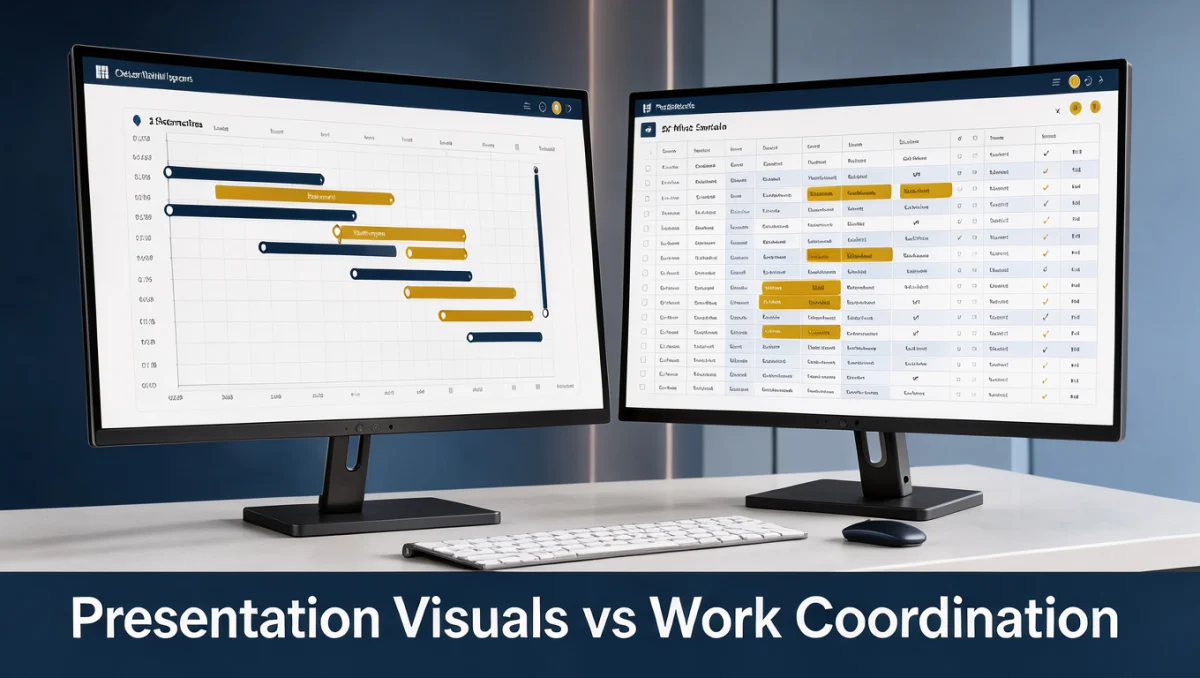
Comparing these solutions means weighing presentation output against ongoing task tracking. Your requirements determine whether visual formatting controls or operational work management take priority.
3.1. Schedule Visualization and Presentation Readiness
Office Timeline concentrates on visual clarity for audiences who need quick status overviews. Users can group tasks into swimlanes, highlight major milestones, customize color palettes, and format time scales for executive meetings. The main output is a polished timeline image or slide that drops neatly into a boardroom briefing.
Smartsheet provides Gantt views and calendar perspectives drawn directly from underlying operational sheets. These formats show dependencies and critical-path schedules clearly, but they reflect functional project management layouts rather than graphic-design slides. Teams needing presentation-ready graphics should review how each platform exports visual assets on its official product pages.
3.2. Collaboration and Team Task Execution
Smartsheet excels at shared operational workflows where multiple members update task progress, upload documents, log notes, and submit status forms. It works as an active workspace where daily activity happens across cross-functional groups within the broader Collaboration & Productivity space. Automated notifications remind assignees of approaching deadlines and pending approvals.
Office Timeline, by contrast, is primarily an authoring tool for project communicators rather than an operational team hub. Project leads curate the data, adjust the visual style, and distribute the finished graphic. Teams that need collaborative daily task updates should note that schedule maintenance stays with the primary visual creator.
4. Ease of Use and Learning Curve
Software adoption depends on familiar interaction models and interface complexity. Both tools lean on familiar concepts but demand different learning investments from staff.
Office Timeline uses a wizard-style interface that walks users through timeline creation, milestone selection, and layout styling. Professionals comfortable with office presentation tools typically grasp the controls quickly, since the focus stays on visual design rather than database architecture.
Smartsheet uses a spreadsheet-style interface that feels intuitive to anyone comfortable with rows, columns, and formulas. However, building interconnected sheets, intake forms, cross-sheet formulas, and automated routing rules introduces a steeper curve for team administrators. Organizations should estimate how much configuration time their admins can dedicate during rollout.
5. Pricing and Value Considerations
Subscription models for work management software vary widely across seat types, administrative permissions, and billing intervals. Buyers should check official vendor pricing documentation to confirm how commercial terms match their user roster.
- Confirm license requirements on official pricing pages for team members who only view timelines versus those who create them.
- Review whether collaborator permissions need paid licenses, or whether external stakeholders can interact with shared sheets at no added cost.
- Compare annual billing commitments with monthly subscriptions to avoid unexpected overhead.
- Examine whether governance controls or advanced automation features are restricted to specific tiers.
6. Integrations and Workflow Connectivity
Workflow efficiency depends on how smoothly project data moves between scheduling systems, reporting dashboards, and presentation software. Prospective buyers should explore official integration directories before committing to an ecosystem.
Office Timeline focuses its connectivity on importing data from project management platforms and spreadsheet files to generate presentations. Users often pull data from scheduling databases to avoid manually drawing milestone slides.
Smartsheet maintains a broader enterprise integration ecosystem linking operational data with business intelligence dashboards, cloud storage providers, and corporate communication tools. Buyers should confirm in official documentation whether specific connectors require enterprise agreements or third-party middleware.
7. Audience Fit and Practical Use Cases
Choosing the right platform means assessing who creates the data and who consumes the final deliverable. Aligning team roles with software strengths keeps the investment productive.
7.1. Executive Communicators and Client Consultants
Consultants, program managers, and directors briefing executive committees benefit from the dedicated visual controls in Office Timeline. When presenting to leadership, excessive task granularity distracts, whereas clean milestone swimlanes highlight progress, deliverables, and strategic decisions.
7.2. Operations Managers and Cross-Functional Delivery Teams
Operations directors and project coordinators managing active field work find stronger alignment with Smartsheet. The platform supports complex schedules, document tracking, automated reminders, and multi-department intake processes that go well beyond presentation graphics.
8. Support and Vendor Ecosystem
Vendor assistance, documentation quality, and knowledge-base resources directly affect troubleshooting speed during critical project cycles. Buyers should verify support provisions through official channels before finalizing any agreement.
Many business software providers tier customer support by contract size, reserving priority assistance for enterprise agreements while offering self-guided documentation to standard accounts. Prospective customers should review official service descriptions to understand response times, community forum availability, and guided onboarding options.
9. Competitive Position
Both tools hold distinct market positions because their functionality barely overlaps. Office Timeline occupies a specialized niche built around presentation aesthetics, competing alongside diagramming tools and slide add-ins. Smartsheet competes directly with enterprise work management and collaborative spreadsheet platforms such as Asana, Monday.com, and Wrike.
Because their purposes differ, some organizations run both tools side by side: operational project data lives in a collaborative tracking sheet, while executive summaries are periodically exported into a dedicated timeline visualizer for leadership presentations.
10. How to Decide Between the Two Tools
Making the final call means examining operational priorities, reporting cadences, and user distribution. Work through these steps to identify the right investment for your organization.
- Define the primary output: Decide whether your main deliverable is an executive presentation slide or an ongoing operational task list.
- Audit team roles: Count how many people must update task statuses versus how many only review executive summaries.
- Evaluate existing tools: Check whether you already use a work management platform that needs a visual presentation layer, or whether your team lacks centralized task tracking altogether.
- Review official terms: Visit both official product pages to verify how seat models, file exports, and administrative governance align with your budget.
11. Frequently Asked Questions
What factors determine whether a team needs dedicated timeline software?
Teams need dedicated timeline software when their main goal is presenting strategic progress to executives who prefer visual roadmaps over dense operational tables. If standard project charts require heavy manual reformatting before leadership meetings, specialized timeline tools save significant preparation time.
Why do some organizations choose to deploy both tools together?
Organizations deploy both when operational workflows demand robust daily tracking while executive stakeholders expect polished presentation visuals. Smartsheet coordinates task execution across delivery teams, while Office Timeline converts milestones into presentation-ready graphics for board meetings and client reviews.
What should project leaders check before choosing a presentation-focused tool?
Project leaders should confirm data import compatibility on the official website to understand how external spreadsheet data flows into timeline templates. Verifying export formats and visual customization options ensures the software matches company branding requirements.
How should buyers evaluate ongoing software costs across these categories?
Buyers should estimate total ownership costs by reviewing official pricing pages for administrative seat minimums, viewer permissions, and add-on module charges. Comparing these figures against the actual number of active editors prevents paying for unnecessary administrative licenses.
12. Final Verdict and bestcouponblogs Score
The choice between Office Timeline and Smartsheet depends on whether your organization values visual presentation excellence or comprehensive collaborative work management. Smartsheet serves teams that need operational coordination, while Office Timeline serves professionals focused on executive milestone communication.
| Criterion | Score /10 | Reason |
|---|---|---|
| Features | 8.0 | Smartsheet provides comprehensive work management; Office Timeline delivers deep visual presentation controls. |
| Ease of Use | 8.5 | Both tools use familiar presentation and tabular paradigms that reduce onboarding friction. |
| Pricing and Value | 7.5 | Buyers must weigh licensing requirements carefully against creator and viewer distributions on official sites. |
| Integrations | 7.0 | Connectivity varies by platform architecture, so buyers should verify ecosystem compatibility. |
| Audience Fit | 8.5 | Each platform serves its target audience effectively without unnecessary functional overlap. |
| Support | 7.5 | Service provisions follow standard industry structures that buyers should verify on official channels. |
| Competitive Position | 8.0 | Both solutions hold clear positions in the presentation graphics and work execution markets. |
Overall bestcouponblogs Score: 7.9 / 10
For independent software reviews or questions about choosing tools, send your inquiry through the official Best Coupon Blogs contact page or follow team updates on the bestcouponblogs LinkedIn organization profile.