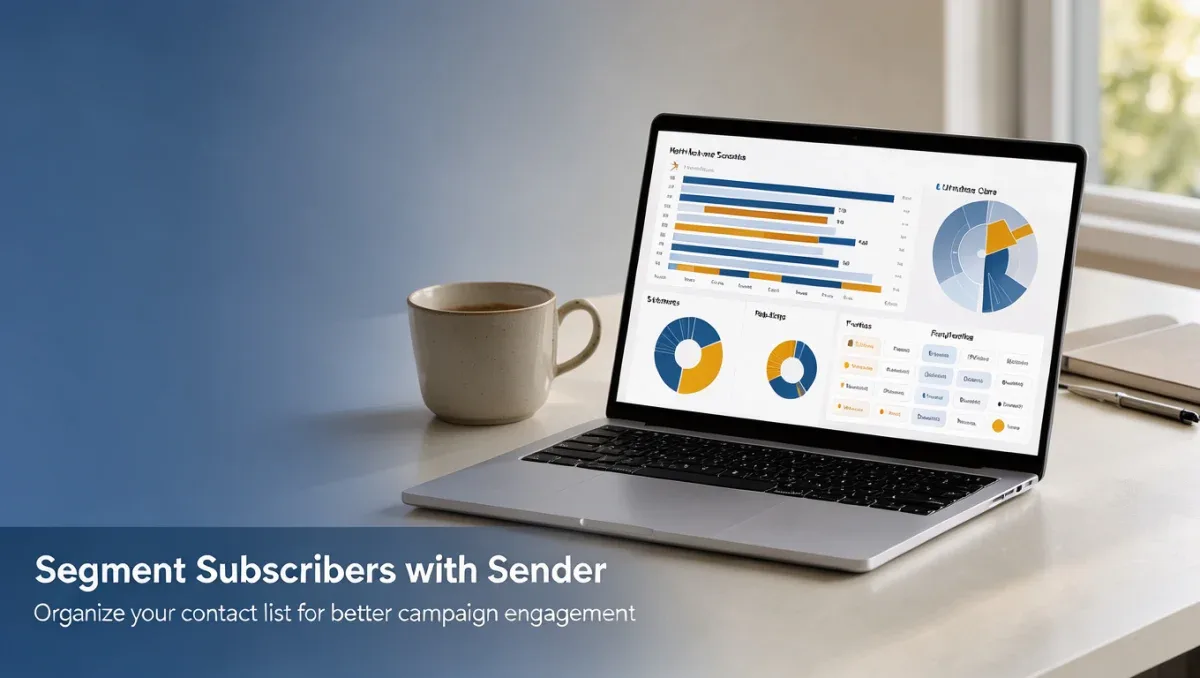
Building a well-organized subscriber list is the foundation of effective outbound messaging. When you learn how to segment email subscribers with sender email marketing, you turn a crowded contact database into focused groups that receive messages matching their actual interests and behaviors.
Sorting contacts by real activity and profile details helps teams avoid sending the same message to everyone. Recipients who get relevant content are less likely to disengage, and cleaner lists support stronger inbox placement across every campaign.
Why Grouping Subscribers Pays Off

Generic blasts tend to produce uneven results. Splitting your audience into logical groups lets you tailor offers, timing, and frequency to each segment, which reduces message fatigue and improves response rates over time.
Segmentation also gives you visibility. When each group has its own performance data, it becomes easier to spot which audiences respond well and which need a different approach.
What to Prepare First
Accurate sorting depends on good inputs. Gather the subscriber attributes you plan to use before setting up any grouping rules, so you avoid gaps that could cause messages to reach the wrong people.
- Purchase history, signup dates, and summaries of past campaign interactions
- Administrator access to create contact groups and apply tags
- Clear definitions for each subgroup, such as new subscribers, repeat buyers, and dormant profiles
- Consent records showing permission to send promotional messages to each segment
A Step-by-Step Segmentation Workflow

Working through the process in a fixed order keeps your rules predictable and prevents overlapping audiences. Check the official Sender documentation to confirm where each grouping control is located in your account.
- Set your criteria. Decide whether to divide contacts by demographics, signup source, or engagement pattern so each target group has a distinct purpose.
- Check your data capture. Make sure signup forms collect the fields you need for sorting, such as industry, location, or product preferences.
- Apply grouping rules. Configure filters that place contacts into the right group automatically when they meet your conditions, so new subscribers flow into the correct stream from day one.
- Separate inactive contacts. Move accounts with no interaction over an extended period into a retention group. This protects your sender reputation and keeps active groups healthy.
- Review group boundaries. Confirm that sequences do not overlap, so individuals are not receiving conflicting or repeated messages on the same day.
Your First 30 Days of Segment Management
Consistent monitoring in the first month sets good habits. Use the schedule below as a guide for checking how contacts move between groups.
| Week | Routine to build | Why it matters |
|---|---|---|
| Week 1 | Inspect data capture rules and test new subscriber categorization | Confirms new records land in the correct groups right away |
| Week 2 | Monitor send engagement across newly created segments | Surfaces early response trends and flags unexpected filtering gaps |
| Week 3 | Audit inactive criteria and re-engagement triggers | Keeps disengaged contacts from pulling down deliverability averages |
| Week 4 | Consolidate weak segments and adjust targeting filters | Removes unnecessary complexity before the list grows further |
Common Mistakes to Avoid
Most segmentation problems come from creating too many rules or neglecting list upkeep. Keeping your structure practical prevents most operational bottlenecks.
- Too many micro-segments: Maintaining dozens of tiny audiences creates unnecessary work. Start with three or four primary groups.
- Stale profile data: Preferences change over time, so periodic profile confirmation messages are worth scheduling.
- Relying only on open rates: Email clients can distort open data, so pair opens with click behavior and site activity.
- Missing unsubscribe checks: Confirm that global suppression rules apply instantly to every custom group.
When to Ask for Help
Some situations call for support from a marketing specialist or platform representative. Consider reaching out if you encounter any of the following:
- Mismatches between external database records and your main marketing platform
- A noticeable drop in deliverability after restructuring broad contact categories
- Questions about data privacy compliance across international markets
- Automated sync scripts creating duplicate profiles across multiple segments
Frequently Asked Questions
How much weekly maintenance does audience segmentation require?
Basic segmentation usually takes about an hour each week to review list growth, confirm tagging, and archive disengaged contacts. Teams running high-volume campaigns or complex automations may need more time for performance reviews and database reconciliation.
What should I do if subscribers appear in the wrong segment?
Start by reviewing the filter conditions and custom field definitions that control group entry. Adjusting the rule logic fixes future assignments, and existing errors can be corrected with a manual batch update for the affected contacts.
Do I need a technical consultant to set up basic segments?
Most small businesses can build functional segments on their own using standard demographic and engagement attributes. Outside help is most useful when connecting third-party customer databases or managing complex multi-system synchronization.
How should I handle subscribers who never engage?
Create a dormant segment to keep unengaged contacts out of regular sends. Run a gentle re-engagement sequence, then remove profiles that stay inactive after a set period to protect your delivery reputation.
Next Steps
Clear segmentation practices give all of your outbound communication a reliable base. Continue improving your database structure with these actions:
- Review your current contact list to find natural audience divisions based on recent activity.
- Write down criteria defining what qualifies a contact as active, specialized, or dormant.
- Check the official Sender knowledge base for current platform guidelines and filter setup.
- Schedule a monthly review to check segment sizes and remove inactive addresses.
Have a question about choosing software? Reach out to the Best Coupon Blogs team through our contact page, or browse our Marketing category for new reviews and comparisons.