bestcouponblogs may earn a commission when you buy through links on this page, at no extra cost to you. This does not affect our ratings.
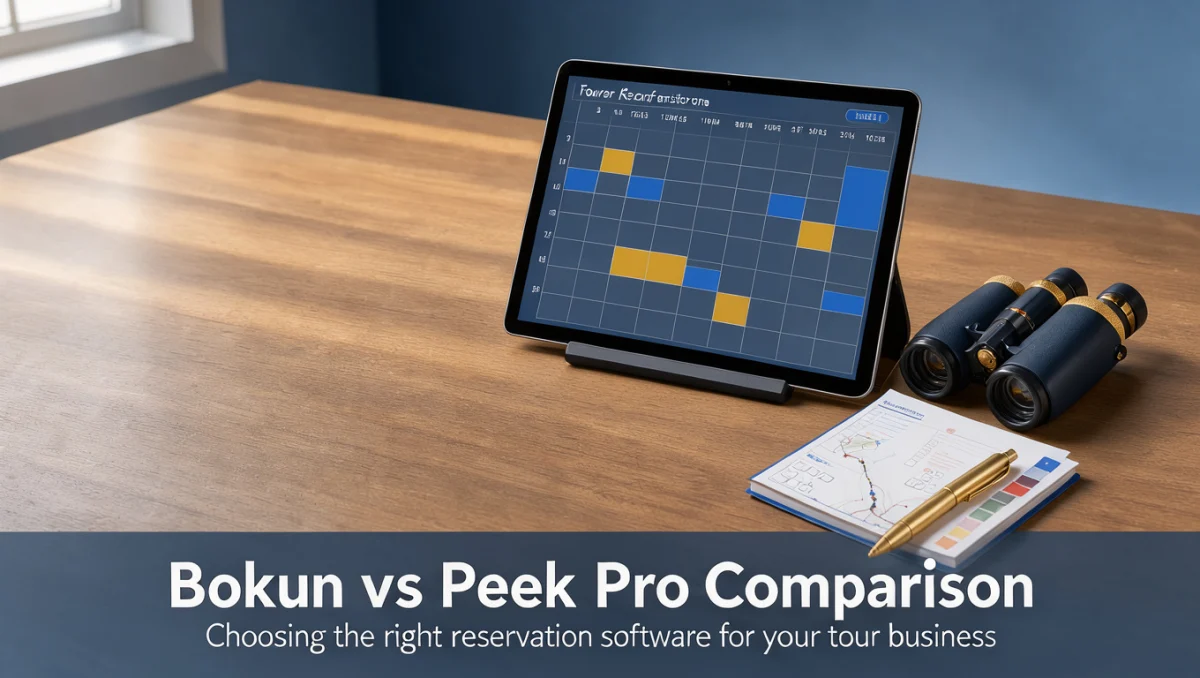
Choosing between bokun vs peek pro is a common step for tour companies, activity providers and excursion operators upgrading their reservation workflows in 2026. Both products centralize departure calendars, customer records, live availability and online checkout. The right pick depends on how each system handles daily schedules, reseller channels and back-office routines, so the decision rests on your operational priorities rather than on a single feature list. Our independent review at Best Coupon Blogs looks at where each platform fits best.
Operators typically weigh front-facing booking speed against behind-the-scenes administration. One platform leans toward inventory syndication and partner resale reach, while the other focuses on detailed back-office controls, automated guest messaging and point-of-sale support at physical check-in desks. Before deciding, compare your company size, guide scheduling needs and existing distribution contracts.
Quick verdict: Bokun vs Peek Pro earns an overall rating of 8.0 / 10. Bokun suits tour providers that prioritize wide online distribution and marketplace partnerships, whereas Peek Pro serves activity operators who need granular back-office scheduling, automated guest workflows and front-desk management. Neither is a strong match for a solo operator who only needs basic invoicing without timed-slot scheduling.
| Evaluation Metric | Summary Details |
|---|---|
| bestcouponblogs score | 8.0 / 10 overall across operational categories |
| Best for | Tour operators, attraction managers and activity businesses running real-time schedules |
| Not ideal for | Freelancers or service providers who need simple recurring billing without activity calendars |
| Key strengths | Online reservation flows, calendar availability sync and customer communication tracking |
| What to check before buying | Booking fee structures, payment gateway terms, hardware compatibility and channel setup policies |
1. How bestcouponblogs Reviewed Bokun vs Peek Pro
This review examines what each product is designed to do, who it serves and how it stacks up against comparable tools. We assessed seven bestcouponblogs criteria: features, ease of use, pricing and value, integrations, audience fit, support and competitive position. Plans, prices and limits change frequently, so we flag the details you should confirm on each official website before purchasing. This article was researched and drafted with AI assistance, then reviewed and edited by the bestcouponblogs Editorial Team.
2. Short Answer: Bokun vs Peek Pro at a Glance
The decision between Bokun and Peek Pro usually comes down to whether your business values open marketplace distribution or deep operational management for activities. Operators who want direct links to regional resale partners and international online travel agencies often lean toward Bokun. Operators with complex on-site equipment, varied staff rotas and heavy front-desk check-in volume more often select Peek Pro.
Reservation platforms in the Office Software category handle many tasks, including manifest generation, digital waivers and payment processing. Because booking fee models and contract terms change, confirm current transaction fees and hardware requirements directly with each vendor before committing.
| Software Tool | Best for | Core Strength | Consider If |
|---|---|---|---|
| Bokun | Tour operators focused on third-party resale channels and regional supplier networking | Inventory distribution and travel agency connectivity | Your growth depends heavily on online travel agencies and cross-selling with local partners |
| Peek Pro | Activity centers, rental companies and experience operators managing complex daily operations | Back-office scheduling, guest management and point-of-sale functionality | Your daily operation requires custom booking questions, waiver management and detailed resource assignments |
3. Comparing Core Booking and Manifest Management

Tour reservation systems must keep availability accurate across booking widgets, phone reservations and partner networks at the same time. Both Bokun and Peek Pro offer central calendar scheduling that prevents double bookings, displays guide assignments and generates live passenger manifests for each departure.
Bokun organizes departure schedules around cross-vendor availability, letting suppliers bundle products with other regional operators. Tour managers can view participant rosters, adjust cutoff times and track ticket redemptions from one dashboard. Teams running recurring walking tours, day excursions and multi-attraction passes benefit from clear calendar views that reflect both direct and external sales.
Peek Pro approaches scheduling with strong resource allocation. The platform ties time slots to specific vehicles, tour guides or equipment, automatically reducing available capacity when an asset is assigned elsewhere. Activity centers running zip lines, boat rentals or escape rooms benefit from real-time asset locking, which keeps bookings from exceeding available gear.
4. Distribution Channels and Online Travel Agency Synchronization
Distribution capability determines how effectively an experience provider sells seats across several digital storefronts without manual inventory updates. Both platforms sync with major online travel agencies, pushing seat availability to connected channels as it changes.
Bokun includes an integrated partner marketplace where operators negotiate direct terms with other travel suppliers and local concierges. This lets complementary businesses, such as a shuttle service and a museum tour, cross-sell tickets to each other. Availability updates flow across connected reseller networks so departure capacity stays consistent.
Peek Pro connects to leading third-party resellers through channel management tools that feed availability from the central schedule into partner systems. The workflow prioritizes protecting direct booking revenue by optimizing website conversion widgets, while keeping external resale volume running smoothly.
5. Guest Communication, Digital Waivers and Check-In Workflows
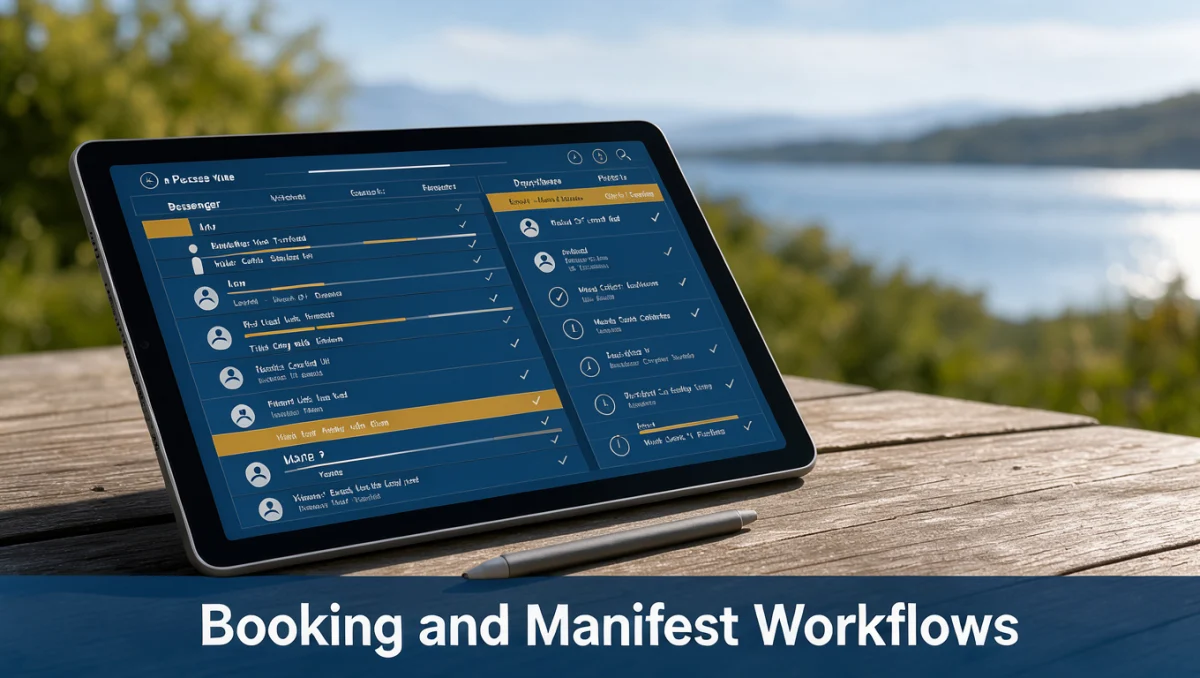
How customers arrive and get prepared for their trip directly affects the daily workload of tour staff. Reservation software reduces that load by sending automated confirmations, collecting liability releases and speeding up arrivals.
Bokun provides automated email notifications, ticket delivery and mobile ticket scanning for tour guides at the departure point. Operations teams can review check-in status on daily manifests, track passenger arrival times and scan ticket barcodes with handheld devices during boarding.
Peek Pro puts significant weight on guest lifecycle automation. The platform collects digital waivers and links completed releases to each reservation before arrival. On-site staff can use point-of-sale features to add extras, collect remaining balances and check in participants from front-desk terminals.
6. Criteria Evaluation: bestcouponblogs Rating Breakdown
6.1. Features: 8.0 / 10
Both solutions offer full reservation workflows, real-time calendars, participant manifests and distribution channel management. Peek Pro provides deeper resource and equipment management for complex activity centers, while Bokun offers broad marketplace networking for collaborative distribution. Buyers should confirm specific add-on capabilities on the official product pages.
6.2. Ease of Use: 8.5 / 10
Both platforms design customer checkout flows to minimize friction on mobile and desktop. Administrative interfaces need initial training to configure departure schedules, seasonal pricing tiers and manifest settings. Once onboarding is complete, daily manifest viewing and check-in work intuitively for front-line guides and counter staff.
6.3. Pricing and Value: 8.0 / 10
Tour booking software generally uses recurring subscriptions, booking percentage fees or customer-paid convenience fees. Buyers should verify exact transaction percentages, local payment gateway charges and offline booking policies on the official Bokun and Peek Pro pricing pages to calculate true operating costs.
6.4. Integrations: 7.5 / 10
Connecting reservation data to accounting systems, email marketing tools and third-party travel resellers matters for growing companies. Both platforms maintain relationships with major travel platforms and business services, though operators should confirm compatibility with their local payment processor and email provider before signing.
6.5. Audience Fit: 8.5 / 10
Audience alignment is strong across the tour and activity sector. Bokun suits operators who depend on partner resale networks and international distributor connections. Peek Pro fits businesses managing complex on-site equipment, rentals and multi-station check-in environments. Neither tool suits businesses outside the timed-event and tour sector.
6.6. Support: 7.5 / 10
Onboarding help, technical guidance and operational assistance vary by subscription level and booking volume. Tour businesses operating on weekends and holidays should verify live support hours, emergency response channels and setup assistance on the official websites before launching seasonal operations.
6.7. Competitive Position: 8.0 / 10
In the experiential travel technology sector, Bokun and Peek Pro hold distinct, established positions alongside alternatives such as FareHarbor and Checkfront. Bokun has an edge in open marketplace collaboration, while Peek Pro delivers comprehensive on-site operational controls for experiential activity venues.
7. How to Decide Between Bokun and Peek Pro
Choosing the right booking system means evaluating your main sales channels, operational complexity and front-desk staffing. Use this framework when assessing both systems:
- Map your sales channels to see whether direct website sales, local cross-promotions or large third-party travel sites generate most of your revenue.
- Audit your physical resource needs, noting whether tours require specific equipment, vehicle limits or guide certifications that must be tracked dynamically.
- Review front-desk requirements, checking whether staff need fast digital waiver collection, point-of-sale hardware integration or retail merchandise tracking at check-in.
- Calculate total software costs by modeling monthly transaction fees, customer booking fees and gateway expenses across low-season and peak-season departure volumes.
- Schedule live demonstrations with sales representatives from both vendors and ask them to configure your most complex departure schedule and manifest layout.
8. Frequently Asked Questions
How should an operator evaluate total booking fees between these tools?
Tour businesses should check whether transaction fees are charged to the business or passed to consumers as online booking fees. Ask directly about merchant processing rates, credit card gateway compatibility and any charges on phone or offline bookings by reviewing each provider's official fee schedule.
What operational signs show an activity business needs resource management?
Businesses that often run short of specific gear, double-book vehicles or leave tours without certified guides need dedicated resource management. When departure times depend on shared physical assets rather than only total headcount, platforms with automated equipment allocation help prevent costly errors.
Can a business switch reservation platforms without disrupting current bookings?
Migrating reservation tools requires planning departure cutoffs and importing future manifests. Operators usually pick a transition date, close future dates on the old system and transfer existing reservations to the new schedule, either manually or through import tools, before connecting live payment widgets.
What should tour managers verify about hardware compatibility?
Operations teams should confirm ticket scanning hardware, mobile device support and physical point-of-sale receipt printers on the official vendor support pages. Making sure existing mobile devices and front-desk card readers work properly prevents unexpected hardware costs during rollout.
9. Final Verdict and Next Steps
| Criterion | Score / 10 | Reason |
|---|---|---|
| Features | 8.0 / 10 | Strong reservation schedules, manifest management and digital customer flows across both tools |
| Ease of Use | 8.5 / 10 | Streamlined guest booking interfaces combined with structured administrative calendar controls |
| Pricing and Value | 8.0 / 10 | Competitive commercial models that require careful checking of transaction fees and booking charges |
| Integrations | 7.5 / 10 | Reliable sync with major online distribution platforms and standard business services |
| Audience Fit | 8.5 / 10 | Clear operational alignment for guided tours, activity operators and experience rental venues |
| Support | 7.5 / 10 | Structured onboarding help with ongoing resources that depend on service tier |
| Competitive Position | 8.0 / 10 | Distinct market positioning, serving distribution networks and venue management respectively |
Overall score: 8.0 / 10
For operators running guided excursions, boat charters and regional tours that want to grow reseller distribution, Bokun offers valuable connections to travel agency networks and local partners. For activity venues, rental operations and experiential facilities that need digital waiver collection, physical resource management and robust front-desk point-of-sale tools, Peek Pro is an excellent operational choice. Visit the official Bokun and Peek Pro websites to review current transaction pricing, arrange custom demonstrations and confirm feature availability for your organization.
Have questions about choosing software for your operations? Send your inquiries to the team at Best Coupon Blogs, or follow bestcouponblogs on LinkedIn for ongoing updates on enterprise software evaluations.