bestcouponblogs may earn a commission when you buy through links on this page, at no extra cost to you. This does not affect our ratings.
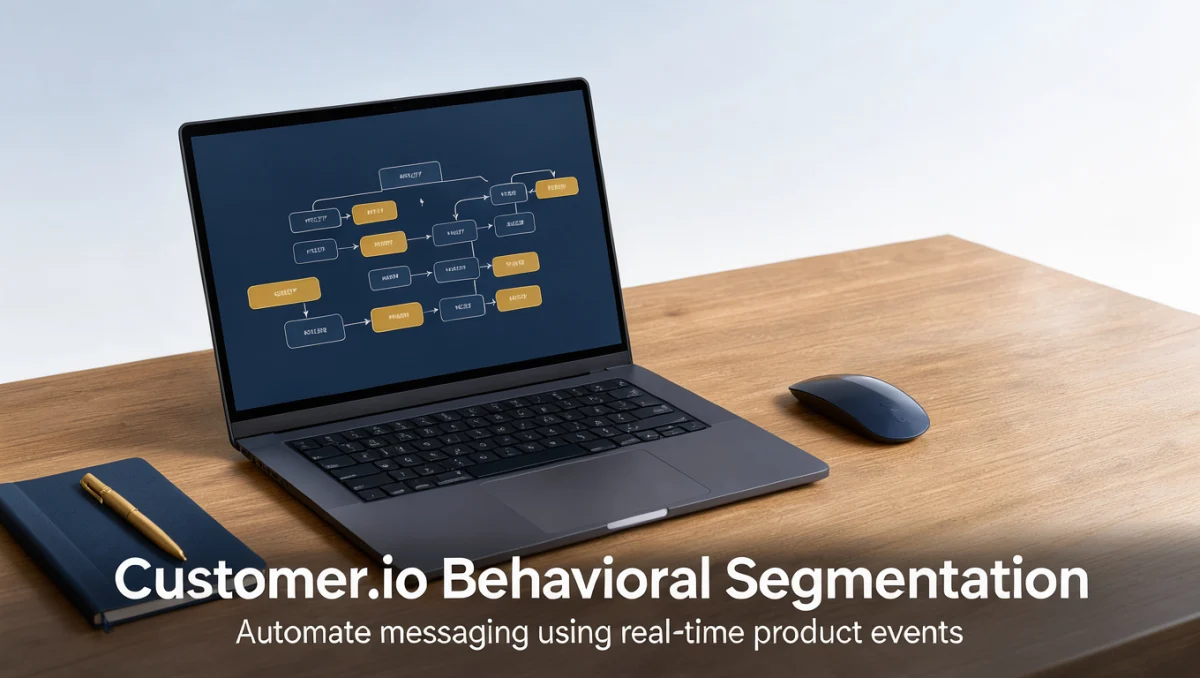
Audience grouping has shifted away from fixed demographic fields. Today, product teams want to act on what users actually do inside an app, such as hitting a setup milestone, adopting a new feature, or going quiet for weeks. customer io behavioral segmentation is built around exactly that shift, so this review examines how raw event streams become automated communication.
At Best Coupon Blogs, we evaluate marketing automation software to help buyers match a tool to their product architecture. Choosing an event-driven platform means weighing how flexibly data can be ingested, how precisely audiences can be filtered, and how easily campaigns can be maintained over time.
Quick verdict: Customer.io receives an overall bestcouponblogs score of 7.7/10 for its structured event-based messaging and adaptable segment logic. It suits product-led companies that need messages tied to granular app activity, and it is a weaker fit for teams that only want simple newsletter sends without any technical data setup.
| Evaluation Factor | Details |
|---|---|
| bestcouponblogs score | 7.7/10 |
| Best for | Teams that want message delivery connected directly to in-app user activity |
| Not ideal for | Organizations wanting basic scheduled email blasts without tracking custom events |
| Key strengths | Event-driven workflow triggers, dynamic audience grouping, and multi-channel campaign coordination |
| What to check before buying | Review data ingestion volume and workspace parameters on the official Customer.io website |
1. How bestcouponblogs Reviewed Customer.io
This review covers what Customer.io is designed to do, the audience it targets, and how it stacks up against comparable tools. We applied the seven bestcouponblogs criteria: features, ease of use, pricing and value, integrations, audience fit, support, and competitive position. Plans, pricing, and limits change frequently, so we flag the details you should confirm on the official website before purchasing. This article was researched and drafted with AI assistance, then reviewed and edited by the Best Coupon Blogs Editorial Team.
2. What Customer.io is and who it serves
Customer.io is an automated messaging and engagement platform that delivers targeted communication through email, mobile push, SMS, and in-app channels. It is developed by Customer.io, an independent company focused on behavioral communication infrastructure. Rather than depending only on uploaded contact lists, the platform ingests events and user attributes and fires messages when customers perform or skip specific actions.
The platform is aimed mainly at product-led businesses, software companies, subscription apps, and digital marketplaces that have registered user accounts. When evaluating tools on Best Coupon Blogs, reviewers note that modern communication software has to combine deep logic with everyday usability. Customer.io suits teams where marketers and engineers work together on behavioral triggers, onboarding series, and retention loops.
3. Core features of behavioral messaging
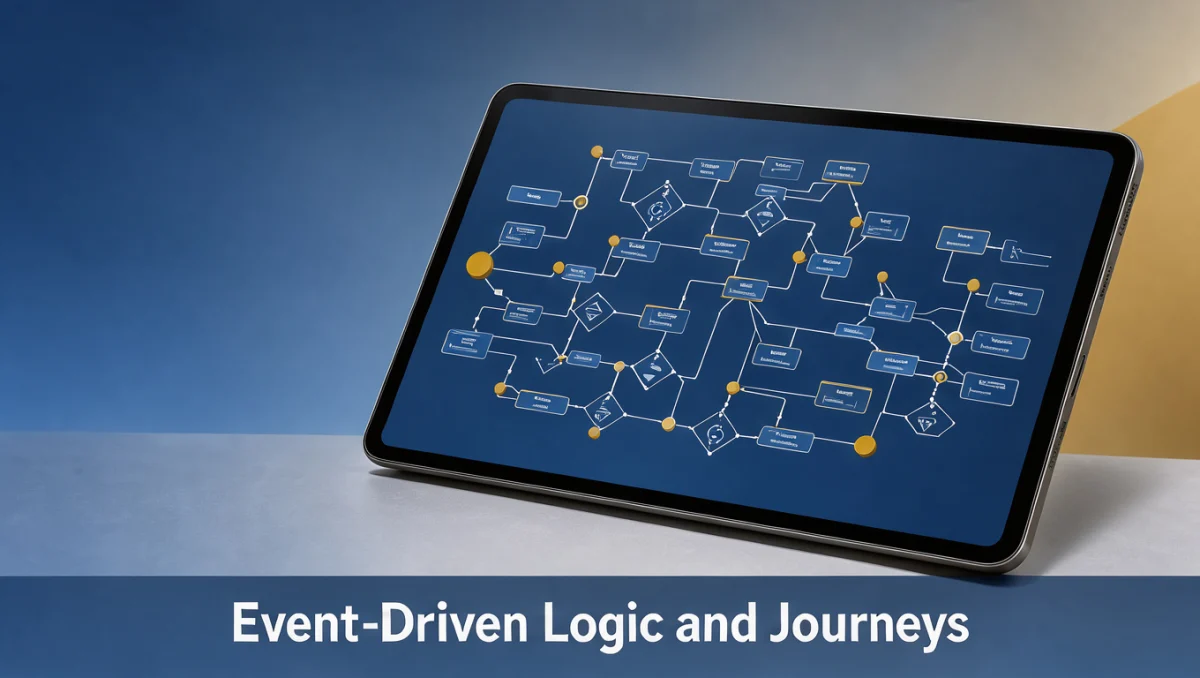
Behavioral automation depends on turning raw interaction data into targeted messages. The groups below describe how audience data becomes automated communication.
3.1. Dynamic audience segmentation
In event-driven software, segmentation runs through continuous recalculation instead of static list building. Applying customer io behavioral segmentation lets teams define conditions based on performed events, event frequency over time, and profile attributes. When a user completes an onboarding milestone, the system places them in the matching cohort and starts the relevant message flow automatically.
The same logic works in reverse. If an account stays inactive for a set period, segment rules register the missing events and can trigger re-engagement. Making these dynamic groups work well requires agreeing on clear naming conventions for custom events before any workflows are built.
3.2. Automated campaign workflows
Visual workflow builders let marketers map customer journeys with branching logic, delay timers, and exit conditions. Inside a behavioral messaging platform, an event such as account registration or cart creation can start a sequence of educational messages. If the customer completes the target action partway through, branching rules can take them out of reminder messages and into feature tutorials.
3.3. Multi-channel message orchestration
Modern customer messaging goes well beyond email. Behavioral platforms act as a central hub for coordinating email, push notifications, text messages, and webhooks. Running these channels through a single journey prevents conflicting messages from reaching a user across mobile and inbox.
4. Ease of use and learning curve
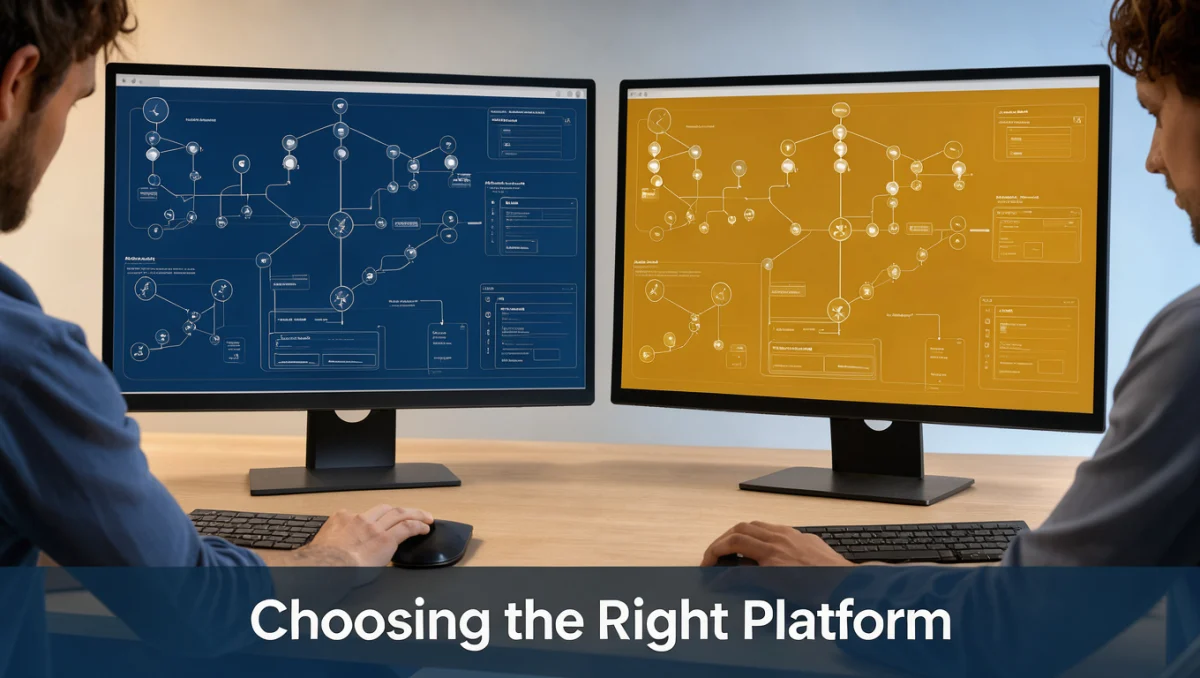
Event-driven marketing platforms ask for more technical understanding than traditional newsletter systems. Building effective behavioral triggers means coordinating user identification calls, tracking custom event payloads, and defining property data types. Marketing teams without engineering support may hit an early setup barrier when configuring custom event schemas.
Once tracking is in place, the everyday interface for drafting content and adjusting branching rules is approachable for campaign managers, and visual flow builders make complex logic paths easier to follow. Still, teams should budget enough onboarding time so product managers and marketers share a common understanding of how event properties map to customer segments.
5. Pros and cons of Customer.io
Assessing any customer messaging platform means weighing operational strengths against structural trade-offs. Prospective buyers should consider the following general product characteristics.
5.1. Pros
- Audience membership recalculates automatically as new event data arrives from product systems.
- Multi-channel orchestration keeps email and mobile touchpoints in sync.
- Visual workflow builders support branching paths based on user actions or inactivity.
- Granular event property filtering enables contextual message personalization.
5.2. Cons
- Initial deployment requires developer involvement to instrument event tracking properly.
- Complex behavioral logic can become hard to audit if internal naming conventions lack governance.
- Not designed for teams that only need basic contact list management without event data.
6. Customer.io vs similar tools
Knowing where Customer.io sits in the wider marketing technology landscape helps buyers choose the right category of software for their stack.
6.1. Traditional email marketing services
Platforms such as Mailchimp and Campaign Monitor grew up around contact lists and scheduled broadcasts. Although they have added automated sequences, they mainly group contacts into static audiences. Customer.io, by contrast, is built on event streams in which user actions drive messaging in real time.
6.2. Enterprise marketing clouds
Enterprise suites like Braze and Iterable deliver multi-channel engagement for large consumer brands managing heavy mobile app volumes. Customer.io targets growth-oriented digital products and web applications that want event-driven architecture without the long deployment cycles typical of large enterprise suites.
7. Who should use Customer.io
Different organizations have different requirements for customer messaging platforms. Here is how several user types fit this category.
7.1. Product-led software businesses
Digital products with self-serve onboarding benefit directly from behavioral segmentation. When account activation depends on users reaching specific milestones, event-triggered messages can offer guidance based on what each user has already done.
7.2. Mobile application operators
Teams running subscription apps or mobile utilities need in-app notifications, push alerts, and onboarding emails to work together. Event-driven platforms let mobile marketers trigger reminders when session frequency drops below target levels.
7.3. Support and customer service teams
Strong retention depends on good coordination between automated lifecycle flows and support operations. Looking through resources in Customer Service shows that proactive onboarding messages can cut inbound support volume by explaining features before users get stuck.
7.4. Groups that should look elsewhere
Organizations that publish editorial newsletters or run local retail promotions without authenticated user accounts seldom need event tracking infrastructure. For these cases, traditional newsletter tools offer faster setup and lower maintenance.
8. How to choose the right plan
Subscription software usually structures its tiers around profiles, message volume, and data management features. Use this checklist before picking a plan.
| What to check | Why it matters |
|---|---|
| Profile and contact calculation | Many platforms bill on total stored profiles or monthly active profiles, which changes overall running costs. |
| Data retention windows | Historical event logs can be kept for different lengths of time across plans, affecting how far back behavioral triggers can look. |
| Workspace and team permissions | Multi-product businesses often need separate workspaces to keep staging environments and product brands apart. |
| Dedicated sending infrastructure | High-volume senders should confirm whether dedicated sending addresses are included or need separate arrangements. |
9. Frequently asked questions
9.1. What is the difference between an event and an attribute in behavioral segmentation?
An attribute is a static or slowly changing user property, such as account creation date, subscription status, or company name. An event is a timestamped action that happened at a specific moment, such as completing a task or viewing a billing page. Combining the two lets segmentation rules target users who hold a particular status and recently completed an action.
9.2. How technical does a team need to be to implement behavioral targeting?
Engineering help is essential during initial integration, since developers need to install tracking libraries, configure identity calls, and verify event payloads. Once events flow correctly into the database, non-technical staff can manage campaigns, build dynamic segments, and write messages in visual workflow builders.
9.3. What happens to messages when customer data streams are delayed?
Behavioral platforms process triggers in order as data arrives. If tracking events are delayed during ingestion, time-sensitive onboarding messages may fire later than planned. Teams should audit tracking pipelines regularly to confirm data moves reliably from production systems to the messaging platform.
9.4. How should a business prepare customer data before moving to a new messaging platform?
Document an event dictionary covering naming standards, required properties, and user identifiers. Clean the existing contact database by removing duplicate profiles and invalid email addresses before migrating. Clear tracking documentation prevents broken triggers and makes segment creation easier for the whole team.
10. Final verdict
| Criterion | Score /10 | Reason |
|---|---|---|
| Features | 8.8 | Flexible dynamic segment logic, event-driven triggers, and multi-channel campaign builders cover full customer journey automation. |
| Ease of Use | 7.2 | Visual flow editing is straightforward, but initial event schema planning and data mapping require technical familiarity. |
| Pricing and Value | 7.0 | Value depends heavily on profile counts and data ingestion levels, which buyers must verify on the official website. |
| Integrations | 7.5 | Connecting product data warehouses and tracking pipelines requires careful evaluation against organizational infrastructure needs. |
| Audience Fit | 8.5 | Well-aligned for web applications, subscription software, and digital products built on user activity metrics. |
| Support | 7.0 | Teams should check available support channels, documentation quality, and onboarding guidance directly on official channels. |
| Competitive Position | 8.0 | Holds a distinct role as an agile, event-first messaging engine bridging standard newsletter tools and enterprise clouds. |
| Overall score | 7.7 | Customer.io delivers reliable event-driven messaging infrastructure for businesses ready to connect their product data to marketing workflows. |
Customer.io is a dependable choice for product-led organizations that want communication driven by customer milestones. Confirm exact profile tiers and data specifications on the official Customer.io website before settling on your deployment plan.
Have questions about choosing customer communication software? Reach out through our contact page or connect with our editorial team on social channels.