Best Coupon Blogs may earn a commission when you buy through links on this page, at no extra cost to you. This does not affect our ratings.
Screening candidates in a structured, repeatable way helps organizations manage hiring risk while keeping their processes consistent. Background screening platforms let businesses request records, confirm past employment, and review candidate history through organized digital workflows. At Best Coupon Blogs, we evaluate screening tools on compliance readiness, operational clarity, and how well they adapt to different workflows.
Employment screening demands careful attention to legal standards, documented candidate authorization, and review criteria applied the same way to every applicant. Checkr is built around modern workforce verification, giving HR teams and hiring managers one place to start requests, collect applicant disclosures, and track progress to completion.
Quick verdict: Checkr earns an overall Best Coupon Blogs score of 7.9 out of 10. It suits growing teams and distributed workforces that want automated candidate intake, though organizations needing manual investigative fieldwork or specialized international clearances should look at dedicated investigative agencies.
| Metric | Assessment |
|---|---|
| Best Coupon Blogs score | 7.9 / 10 |
| Best for | Hiring teams and operations managers who want structured candidate screening workflows |
| Not ideal for | Organizations that need manual field interviews or specialized offline archival research |
| Key strengths | Candidate data collection flows, clear status tracking, and structured record categorization |
| What to check before buying | Confirm required verification types and turnaround times on the official Checkr website |
1. How Best Coupon Blogs Reviewed Checkr
This review examines what Checkr is designed to do, who it serves, and how it compares with similar tools. We used the seven Best Coupon Blogs criteria: features, ease of use, pricing and value, integrations, audience fit, support, and competitive position. Plans, prices, and limits change often, so we flag what to confirm on the official website before purchasing. This article was researched and drafted with AI assistance, then reviewed and edited by the Best Coupon Blogs Editorial Team.
2. What Checkr Is and How It Fits Hiring Workflows
Checkr is an employment background check technology company offering automated screening for employers hiring employees, independent contractors, and gig workers. Organizations use it to verify criminal records, driving histories, and employment credentials. Many modern hiring platforms now include automated analysis, part of a broader push across software sectors, including Artificial Intelligence, to improve operational efficiency.
3. Before You Start with Checkr

Before placing any screening orders, employers need a sound legal and procedural foundation. Proper preparation helps avoid regulatory penalties, supports fair hiring decisions, and speeds up order completion.
Set Consistent Hiring Criteria
Define clear screening criteria for each job function before ordering reports. Background check platforms return many kinds of records, from motor vehicle files to criminal filings. Document which roles justify driving checks, which positions involve financial custody and may warrant credit history where legally permitted, and which roles need only identity verification. Writing these rules down in advance ensures every applicant is treated the same way.
Understand Legal and Consent Requirements
Running an employment screening workflow means complying fully with consumer reporting laws and fair chance hiring rules. These regulations generally require employers to give candidates a clear, standalone disclosure and obtain signed authorization before running a report. If a check turns up adverse information, employers must follow the required notice steps and give candidates reasonable time to dispute inaccuracies before making a final decision.
Information Checklist Before Starting
Make sure your hiring team has the baseline details it needs before starting any candidate verification:
- Candidate full legal name and current contact details, including a valid email address
- Target job location and role classification, such as full-time employee or contractor
- Internal hiring policy guidelines defining the depth of screening for each role
- Internal team members assigned to review and decide on completed reports
4. Getting Started: How to Run a Background Check with Checkr
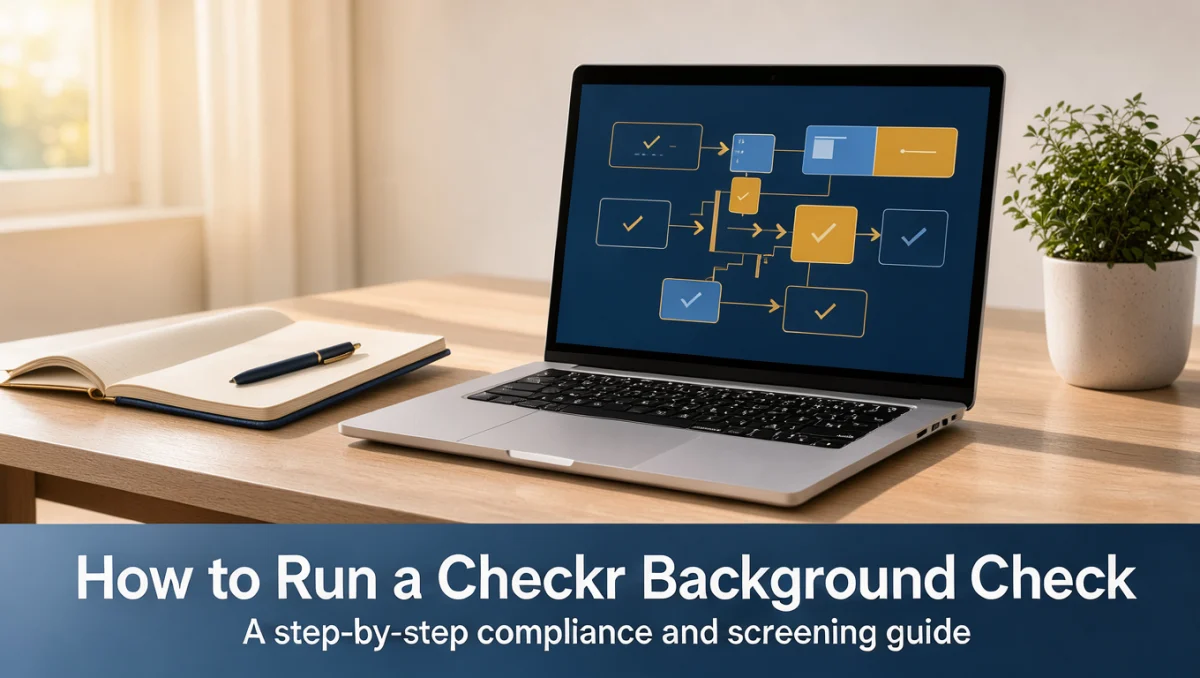
Running an employment check through Checkr follows a structured workflow. The process pairs your company's requests with candidate-supplied data so records match accurately.
Step 1: Set Up and Configure the Company Account
Start by configuring your company profile on the official Checkr platform. During setup, you identify your industry classification, verify your corporate identity, and assign internal team roles. Setting access permissions makes sure only designated hiring managers or compliance officers can view sensitive candidate records.
Step 2: Select the Screening Package for the Role
Once access is verified, the hiring administrator starts a new screening request. Rather than running identical checks on every applicant, choose screening components that match the role's responsibilities. An administrative desk position needs different verification than a commercial delivery driver or a healthcare provider.
Step 3: Enter Candidate Information and Send Invitation
Start the background check by entering the candidate's name, contact email, and primary work location. The platform sends the candidate a secure invitation. In this candidate-facing step, the applicant enters personal details such as date of birth and residential history, and electronically signs the required disclosure and consent forms.
Step 4: Monitor Verification Progress
After the candidate submits their information, the report moves into verification. Screening platforms work with county courts, federal databases, and state motor vehicle departments. Hiring administrators can watch status updates on the dashboard to see whether records are pending, in progress, or complete.
Step 5: Review Completed Reports and Handle Adjudication
When the report finishes, it becomes available for internal review. Checkr organizes findings into clear categories, highlighting records that meet defined criteria and flagging records that need individual review. If the report meets company hiring standards, the applicant moves forward. If potentially disqualifying records appear, employers must follow the multi-step adverse action process: issuing a pre-adverse notice and allowing the candidate to review the findings.
5. Best Practices for Accurate and Compliant Screening
Accurate data and fair assessment depend on disciplined screening practices across every department involved in hiring.
Keep Candidate Communication Transparent
Hesitation from candidates often slows verification. Applicants who receive an unexpected screening request may delay submitting their personal details. Hiring managers should raise background verification early in the interview process, explain that it is standard procedure, describe the steps involved, and help candidates complete the digital consent forms promptly.
Apply Individualized Assessment
Fair chance employment laws encourage, or in some places require, individualized assessment instead of blanket disqualification based on criminal records. Consider the nature and seriousness of any offense, how much time has passed, and the specific duties of the job. Individualized review protects both candidate rights and organizational integrity.
6. Common Mistakes to Avoid When Screening Candidates
Screening errors often come from operational shortcuts or unclear compliance oversight. Avoiding these common mistakes protects your hiring workflow.
- Ordering background checks before a conditional job offer where local fair chance ordinances prohibit it
- Failing to provide a standalone disclosure document separate from the general employment application
- Taking adverse action without sending the required pre-adverse notice and a copy of the report
- Applying inconsistent screening standards to candidates applying for the same job description
- Overlooking state-specific limits on reporting historical arrest or conviction records
7. Who Should Use Checkr for Employment Screening
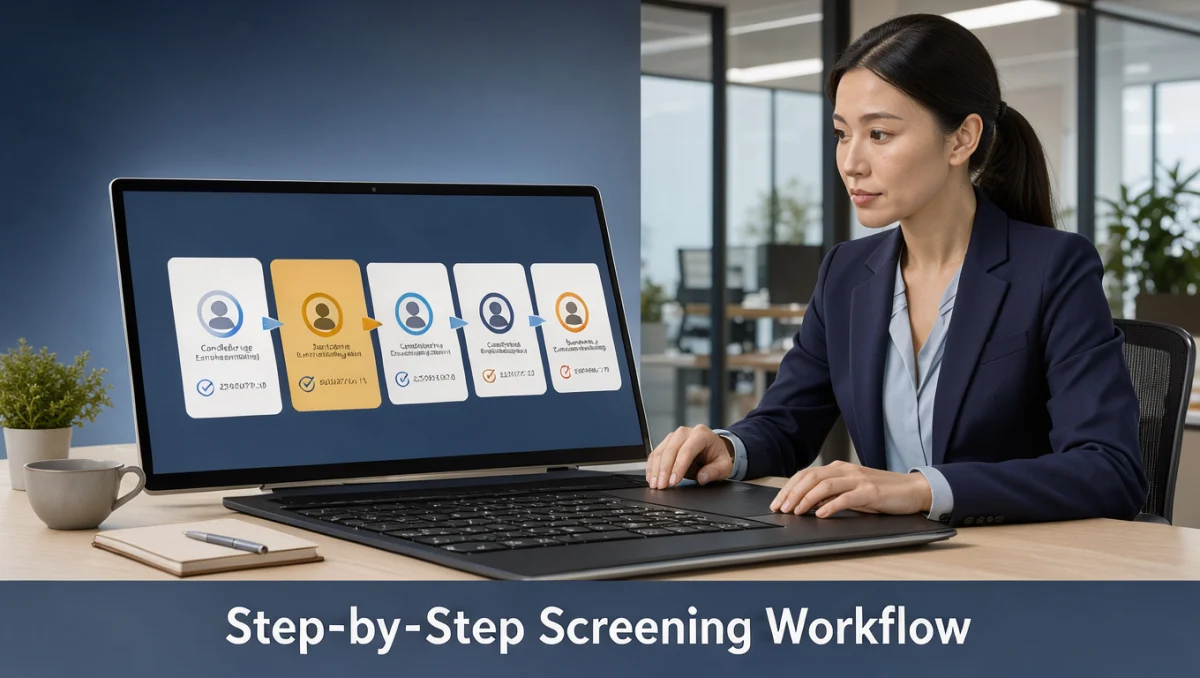
Checkr fits several hiring scenarios, though business structure affects how well it works with internal workflows.
Growing Small and Mid-Sized Businesses
Small business owners and emerging HR teams benefit from structured, digital candidate data collection. The automated applicant portal cuts down on back-and-forth, letting lean teams track screening status across several open positions without manual paperwork.
Distributed and Remote Workforces
Organizations hiring across multiple jurisdictions face varied state and local screening rules. Checkr offers geographic screening configurations that help distributed teams work through regional compliance differences.
Teams Not Suited for Checkr
Organizations that need hands-on investigative work, such as defense contractors or specialized financial forensic firms, often require custom fieldwork, human interviews, and international archival searches. Automated commercial screening platforms are not built to deliver that level of investigation.
8. Frequently Asked Questions
What should an employer check before configuring screening packages?
Hiring managers should compare each role's responsibilities against regulatory requirements and company risk policies. Confirming whether a position involves driving, handling finances, or accessing sensitive customer environments determines which verification components are needed.
How does candidate authorization work in digital background screening?
Candidates receive a secure digital notice asking for personal background details and electronic consent. Employment regulations require clear disclosure language, and the candidate's participation ensures that record matching relies on authorized identification.
What steps should hiring teams take if a report contains adverse information?
Organizations considering an adverse decision based on background records must follow statutory fair reporting procedures. This includes sending a pre-adverse action notice with a copy of the report, allowing time for the candidate to dispute the findings, and reviewing any explanation before issuing a final decision.
How do hiring teams manage multi-state screening compliance?
Multi-state employers should review regional background check rules, since several states and municipalities limit how far back criminal records can be reported. Compliance teams should confirm how the screening platform handles state-specific reporting rules in the official Checkr documentation.
9. Final Verdict on Running Checks with Checkr
Checkr offers an organized, technology-driven approach to workforce screening, simplifying candidate consent collection and report tracking for growing teams. By automating data entry and clearly categorizing findings, it helps modern hiring operations run background checks efficiently.
| Criterion | Score / 10 | Reason |
|---|---|---|
| Features | 8.4 / 10 | Strong candidate intake and record categorization |
| Ease of Use | 8.8 / 10 | Clear dashboard and guided candidate flow |
| Pricing and Value | 7.2 / 10 | Reasonable for growing teams; confirm current pricing on the official site |
| Integrations | 7.8 / 10 | Works with common hiring workflows |
| Audience Fit | 8.2 / 10 | Best for small to mid-sized and distributed teams |
| Support | 7.0 / 10 | Adequate; scope varies by plan |
| Competitive Position | 8.0 / 10 | Competitive among modern screening platforms |
Overall score: 7.9 / 10
For small to mid-sized businesses, startups, and organizations managing distributed teams, Checkr makes candidate verification easier through structured digital workflows. If your organization needs manual physical investigations or complex international clearances, compare specialized investigative services alongside modern screening platforms. For more guidance or software evaluation questions, contact our team at how to run a background check with checkr resources or follow our industry updates on Best Coupon Blogs on LinkedIn.