Our analysts often approach email software from a practical standpoint, and the campaign monitor app stands out for teams that treat newsletters as a branded visual product. Best Coupon Blogs publishes independent reviews, and this guide walks through how the platform handles design, audience segmentation, and automated sends.
How We Assessed the Platform
We evaluated the campaign monitor app against seven criteria: features, ease of use, pricing and value, integrations, audience fit, support, and competitive position. Subscription tiers and limits shift frequently, so treat our observations as a starting point and confirm current figures on the vendor's website. Our draft was produced with AI assistance and then reviewed and refined by the Best Coupon Blogs editorial team.
What the Platform Does and Who Uses It
At its core, the campaign monitor app is an email marketing and automation tool built to design, send, and measure visual campaigns. Its strengths lie in structured templates, organized contact databases, and sequenced messaging that reaches subscribers consistently.
Marketing departments, creative agencies, nonprofits, and growing businesses with strict visual guidelines tend to get the most from it. Companies that want uniform styling across recurring announcements and loyalty emails will find the template controls especially useful.
It also helps to separate outbound broadcasting from support operations. If you already rely on a Customer Service platform to handle individual inbound requests, the campaign monitor app complements that setup by handling scheduled outreach to large audiences rather than replacing it.
Core Features
Visual Template Building and Brand Controls
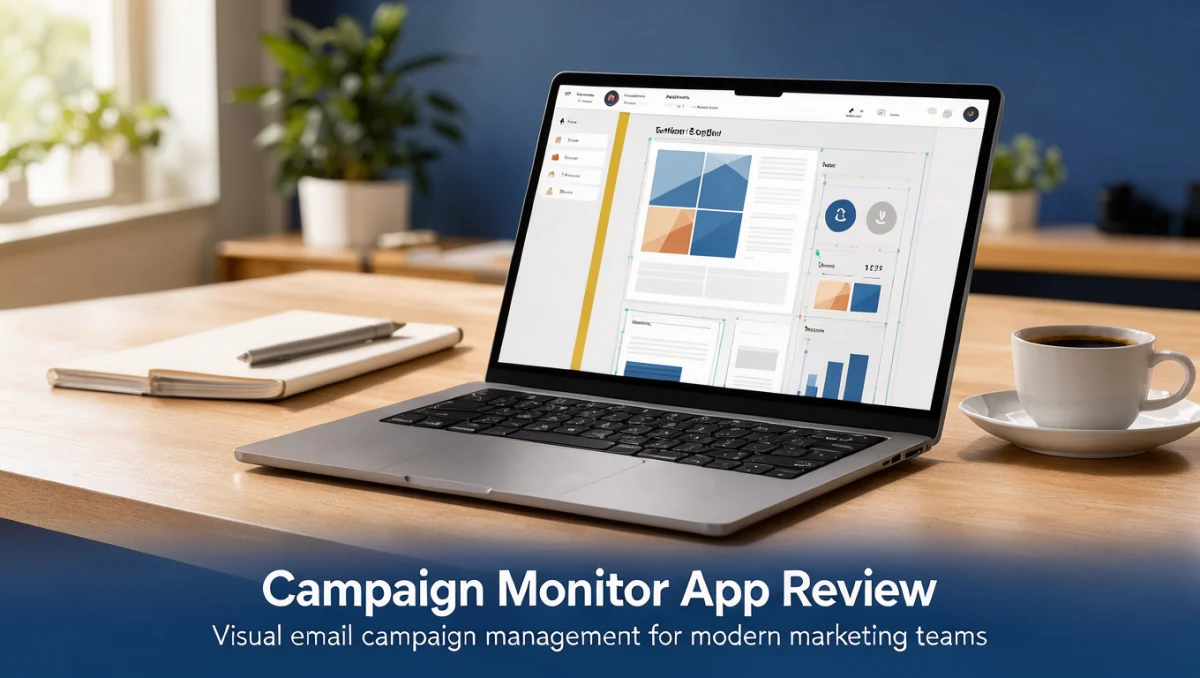
The drag-and-drop editor lets you arrange text, images, buttons, and multi-column sections. Design leads can define global colors, fonts, and image sizing so that every send matches brand standards.
Template locking is a valuable safeguard. Administrators can freeze structural elements while letting contributors edit copy and imagery, which makes it easier to hand off drafting to freelancers or regional staff without the layout breaking.
Audience Segmentation and List Care
Contacts can be grouped into lists, static segments, or dynamic filters based on custom fields, past engagement, or stated preferences. Suppression rules and unsubscribe handling help keep lists clean.
Segmenting by engagement is a practical habit: separating active readers from dormant contacts protects deliverability over time and keeps your sender reputation healthy.
Automated Journeys
Automation workflows trigger messages based on events such as a new sign-up, an approaching renewal date, or a click on an earlier email. Branching logic lets engaged subscribers move forward while non-responders receive a different follow-up.
Analytics and Testing
Reporting covers open rates, click activity, geographic patterns, and bounces. Click maps show which parts of a layout attract attention. A/B testing of subject lines, sender names, or body content lets you send the stronger variant to the rest of your audience after an initial test window.
Ease of Use

The interface is organized around a clear sequence: build the email, choose the audience, and confirm the send. Newcomers can usually produce a first campaign without extensive training.
Complexity rises with multi-branch automations and nested segment rules. The visual journey mapper helps, but anyone building conditional logic should test the trigger relationships carefully before activating a live sequence.
Strengths and Limitations
Advantages
- Design governance: Locked fonts, colors, and layout sections protect brand consistency across contributors.
- Approachable automation: Visual journey builders make nurture sequences easy to map and adjust.
- Agency-friendly structure: Multi-client administration keeps subscriber data separated under one console.
- Readable analytics: Click overlays and summary metrics make performance reviews quick for stakeholders.
Considerations
- Cost growth with contacts: Pricing typically scales with total contact counts, so list growth raises subscription costs.
- Limited deep analysis: Complex multi-attribute scoring or enterprise data queries often need an external business intelligence tool.
- Segmentation discipline: Overlapping tags across large lists require consistent housekeeping to avoid duplicate sends.
Comparing the Campaign Monitor App With Alternatives
| Platform | Primary Positioning | Best For | Key Consideration |
|---|---|---|---|
| Campaign Monitor | Design-focused email broadcasting and agency workspaces | Teams prioritizing polished layouts and controlled multi-user editing | Check subscriber tier jumps on the official pricing page |
| Mailchimp | Broad multi-channel marketing hub | Small businesses wanting all-in-one tools and storefront links | Review list structures and billing for duplicate entries |
| Constant Contact | Straightforward outreach with basic event and list tools | Community groups and local service firms with simple needs | Assess template flexibility against strict branding rules |
| Klaviyo | Data-driven automation built around purchase history | Direct-to-consumer merchants needing transaction-based triggers | Examine the technical setup needed for detailed event data |
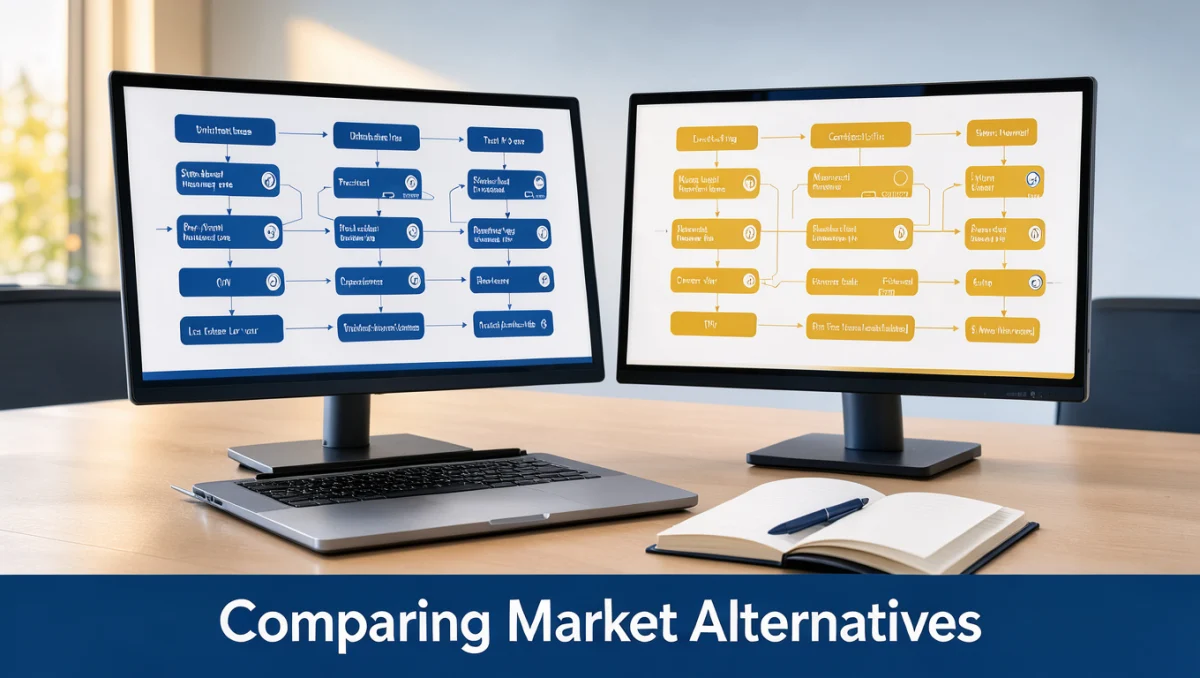
Mailchimp covers a wider range of marketing activities, including landing pages and social posting, while the campaign monitor app concentrates on polished newsletter design and structured agency workflows. Constant Contact suits simpler communication needs, whereas this platform offers more design sophistication and template locking. Klaviyo leans toward commerce, using transaction histories to drive retail messaging; the campaign monitor app is better suited to editorial and relationship-focused marketing.
Who Should Consider It
Strong Fits
- Creative agencies managing newsletters for several clients who need separate workspaces.
- In-house design teams enforcing a style guide through locked templates.
- Publishers and media groups sending regular editorial digests and benefiting from responsive layouts and click maps.
- Mid-sized nonprofits sending periodic donor updates to distinct supporter segments.
Consider Alternatives If
- You send occasional text-only updates to a small list and don't need design tooling.
- Your outreach depends on purchase history and product catalog feeds, which suggests a commerce-focused platform.
- You run cold outbound sales sequences to individual prospects, where dedicated sales engagement software is a better match than mass broadcasting.
Choosing the Right Plan
Vendors revise plans and allowances regularly, so verify the following on the official pricing page before subscribing.
| What to Check | Why It Matters |
|---|---|
| Subscriber count tiers | Costs rise as your list grows, so forecast growth before committing. |
| Monthly send limits | Some tiers cap outgoing emails per cycle, which affects frequent senders. |
| Automation depth | Multi-step branching may require a higher tier than simple welcome sequences. |
| User seats and roles | Confirm how many editors, reviewers, and admins each plan includes. |
| Template locking | Confirm which plan level enables structural lock settings if you delegate drafting. |
Frequently Asked Questions
How should I prepare contact data before moving over?
Audit your lists first. Export current subscribers, remove inactive or invalid addresses, and standardize custom fields such as renewal dates or locations. Clean CSV files prevent deliverability problems and make segmentation rules work correctly from the outset.
What costs should I expect beyond the subscription?
Budget for graphic assets, copywriting, and any third-party data synchronization tools. Depending on your technical skills, you may also want to pay a specialist to configure custom template code or domain authentication.
When is it time to move from newsletters to automation?
Automation pays off when onboarding, event follow-ups, or renewal reminders need to go out consistently without manual effort. If your team spends hours each week sending the same introductory emails to new contacts, a triggered sequence will save time.
Why do domain authentication records matter?
Mailbox providers check SPF, DKIM, and DMARC records to verify that a sender is legitimate. Setting these up through your domain host helps your messages land in inboxes rather than spam folders.
Final Verdict
The campaign monitor app is a capable, visually focused email platform for organizations that value brand presentation and controlled collaboration. Its template engine, locking controls, and multi-account structure make it especially practical for marketing departments and creative agencies.
| Criterion | Score / 10 | Reason |
|---|---|---|
| Features | 8.2 / 10 | Strong layout building, brand locks, and sensible segmentation. |
| Ease of Use | 8.7 / 10 | Intuitive canvas and clear navigation keep daily production smooth. |
| Pricing and Value | 7.2 / 10 | Value depends on keeping lists clean as subscriber counts grow. |
| Integrations | 7.0 / 10 | Connects with key business tools, though complex pipelines need checking. |
| Audience Fit | 8.5 / 10 | Well calibrated for design-led teams and multi-client agencies. |
| Support | 7.4 / 10 | Confirm real-time support availability for your plan. |
| Competitive Position | 7.9 / 10 | Holds a clear niche around editorial polish alongside broader marketing suites. |
| Overall | 7.8 / 10 | Average across seven standardized Best Coupon Blogs criteria. |
If strict brand presentation and collaborative drafting matter most to you, the campaign monitor app is a solid investment. Before signing, confirm subscriber tiers, send limits, and seat counts on the official pricing page so the plan fits your long-term budget. Questions for our editorial team can be sent through the Best Coupon Blogs contact page.