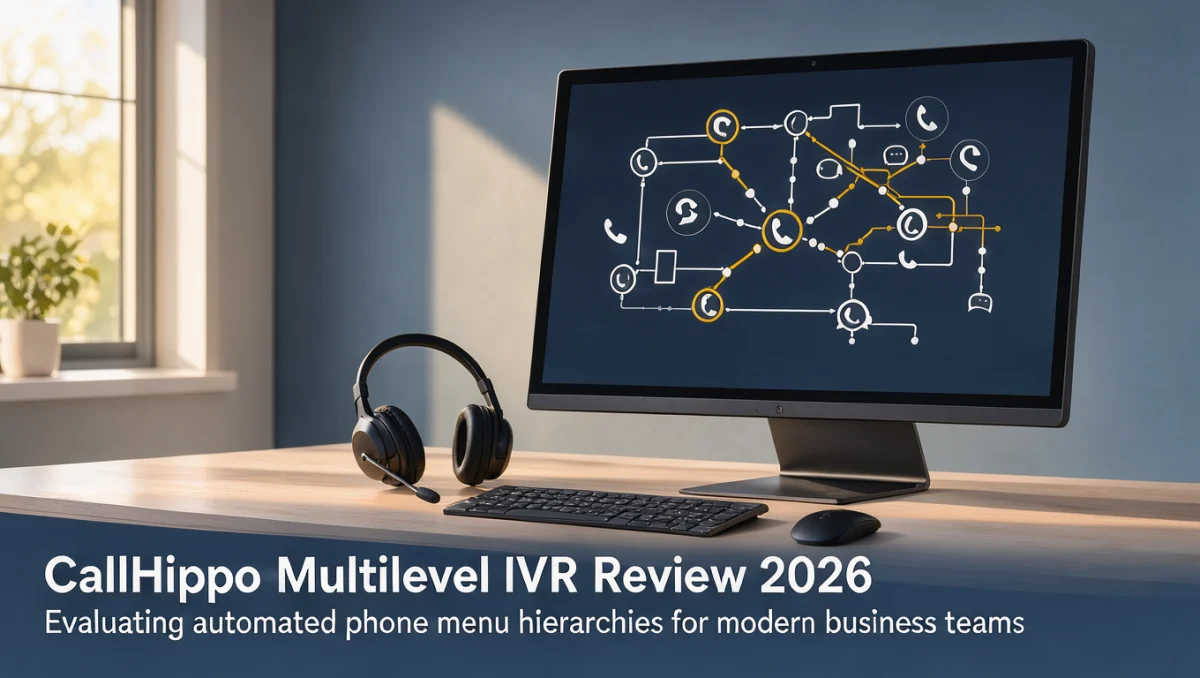
Multilevel IVR from CallHippo gives business teams an automated phone menu hierarchy that sends incoming calls to the right department or agent without an operator stepping in. Companies handling heavy call traffic depend on these layered voice trees to triage first-time inquiries and cut down on misdirected transfers across dispersed customer teams. At Best Coupon Blogs, we assess communication software by asking how its call-flow architecture fits everyday operational needs.
Picking an interactive voice response setup means weighing how complex the menus will be, when each team is available, and who manages the configuration. As organizations grow across time zones or split into specialized service groups, clear navigation paths help customers reach help quickly while keeping internal routing easy to maintain.
Quick verdict: CallHippo earns 7.7 / 10 from us. It works well for teams that need structured phone menus and automatic department routing across several queues. It is a weaker fit for solo operators who only take direct calls and want no automated answering layer.
| Evaluation Summary | Details |
|---|---|
| Best Coupon Blogs score | 7.7 / 10 |
| Best for | Teams that need structured phone menus and automatic department routing |
| Not ideal for | Solo operators who only need one direct personal line |
| Key strengths | Virtual telephony infrastructure, call routing workflows, automatic call distribution |
| Check before buying | Confirm which tiers include nested call menus and seat limits on the official CallHippo pricing page |
1. How Best Coupon Blogs Reviewed CallHippo
This review examines what CallHippo is built to do, who it serves, and how it stacks up against comparable tools. We used seven criteria: features, ease of use, pricing and value, integrations, audience fit, support, and competitive position. Plans, prices, and limits change frequently, so we flag what to confirm on the official website before purchasing. This article was researched and drafted with AI assistance, then reviewed and edited by the Best Coupon Blogs Editorial Team.
2. What CallHippo Is and Who It Suits
CallHippo is a virtual telephony and business phone system built to handle inbound and outbound voice traffic for organizations of different sizes. Instead of relying on legacy landline hardware, it provides communication infrastructure that lets sales teams, support desks, and operations departments manage calls through a computer interface and an internet connection.
In modern telephony, an interactive voice response system acts as the digital front door for customer conversations. Organizations deploy it to greet callers professionally, screen routine questions, and spread call volume efficiently across available representatives. Looking closely at how callhippo multilevel ivr menus are structured helps administrators decide whether the branching matches their internal departments.
The platform mainly serves growing businesses, sales organizations, support departments, and distributed call handling teams that need centralized oversight of voice conversations. Smaller companies moving away from personal mobile phones often adopt these systems to present a unified identity to outside callers.
3. Core Features of CallHippo Phone Systems
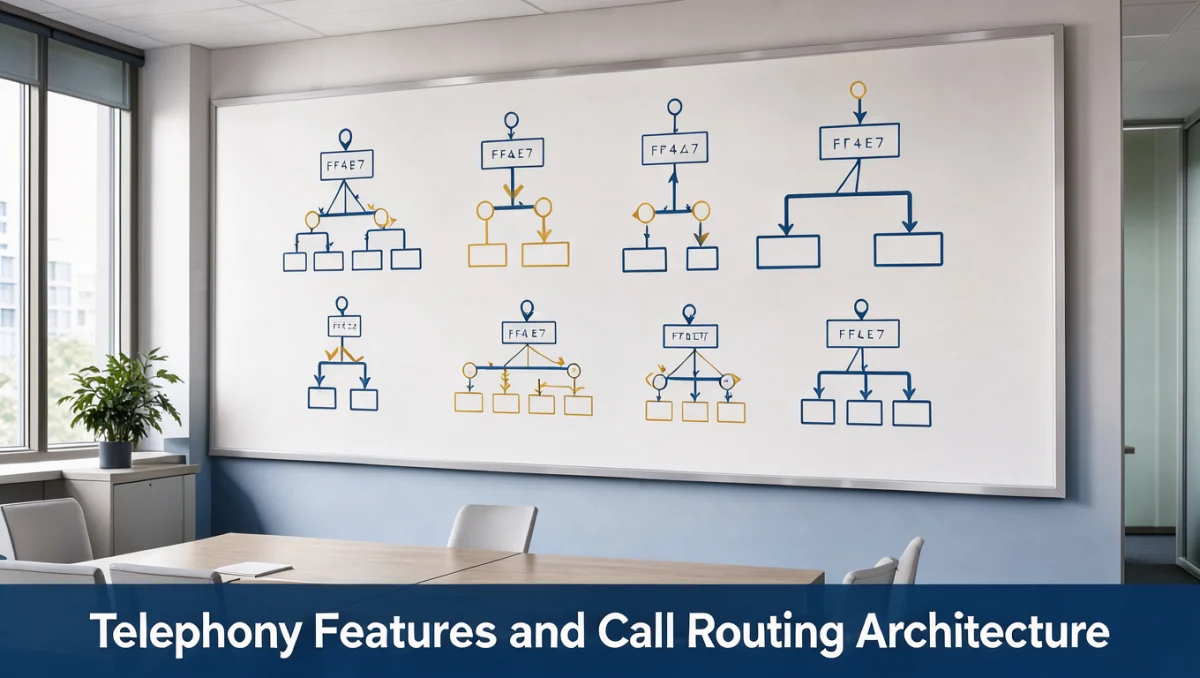
Virtual phone platforms typically offer several functional layers that handle a voice interaction from the first ring through post-call analysis. Reviewing each layer shows which daily communication tasks a team can handle.
3.1. Multilevel Interactive Voice Response Workflows
A multilevel IVR lets businesses build sub-menus beneath the primary voice options. A main menu might route callers to sales or support, while secondary tiers branch into product categories or language choices. Administrators set keypress actions that send callers to the correct extension, ring group, or external number based on their input.
3.2. Automatic Call Distribution and Ring Rules
Automatic call distribution works alongside voice menus to decide how inbound calls ring across active team members. Routing rules can ring an entire team at once, cycle through agents in a fixed order, or assign calls based on who is idle. This keeps caller wait times down and spreads incoming conversations fairly across available staff.
3.3. Call Monitoring, Recording, and Quality Management
The system gives supervisors oversight tools including call recording, live listening, and whisper coaching. Managers can review recorded conversations for training, check compliance with service guidelines, and coach newer representatives during live calls without the customer hearing the feedback.
3.4. Analytics and Call Activity Reporting
Reporting dashboards collect operational metrics such as total inbound volume, call duration, missed calls, and peak traffic windows. Leaders use these reports to forecast staffing needs, spot high-volume periods, and track how often callers abandon a phone menu before reaching an agent.
4. Ease of Use and Learning Curve
Setting up interactive voice response trees means balancing administrative flexibility against simple menu navigation. Configuring basic phone lines is fairly straightforward, but building intricate multi-tier branch logic requires careful workflow planning.
Administrators need to map every voice prompt, confirm that each digit leads to a valid destination, and set backup paths for invalid entries. A well-planned layout within customer service operations keeps callers from getting stuck in loops or hanging up out of frustration with long menus.
For day-to-day agents, the virtual telephony interface generally involves little friction. Answering calls, transferring conversations, and reviewing recorded logs follow familiar communication patterns, so team members can handle interactions without extensive technical training.
5. CallHippo Pros and Cons
Evaluating business communication software means weighing structural advantages against operational limits. Looking at both sides sets realistic expectations for implementation.
5.1. Advantages of CallHippo
- Structured call navigation: Multi-tier menus guide callers through logical department choices without a human operator.
- Centralized voice management: Inbound conversations, recordings, and team availability stay visible in one admin environment.
- Configurable routing paths: Queue assignment rules and ring groups adapt to different department workflows and changing shift schedules.
- Scalable team administration: Organizations can add extensions and reassign menu destinations as departments change.
5.2. Limitations of CallHippo
- Planning overhead: Complex branching structures require thorough workflow mapping before live menu trees go into service.
- Tier-dependent capabilities: Advanced routing options are often reserved for higher subscription tiers across telephony vendors.
- Network dependency: Voice quality depends entirely on a stable office internet connection and adequate local bandwidth.
6. CallHippo vs Similar Virtual Phone Systems
The business communications market includes several established telephony platforms, each aimed at different organizational priorities. Comparing common options shows how their positioning differs.
| Platform | General Market Positioning | Core Architectural Focus |
|---|---|---|
| CallHippo | Growing teams needing structured virtual phone workflows | Multi-tier call routing and distributed agent management |
| RingCentral | Enterprises seeking broad unified communications | Extensive multi-channel enterprise voice networks |
| Nextiva | Organizations balancing business phone service and team collaboration | Unified customer communication and voice management |
| Dialpad | Modern teams prioritizing voice intelligence and interaction analysis | Real-time transcription and voice analytics |
RingCentral has long targeted large enterprise deployments that need deep hardware compatibility and international reach. Nextiva focuses on combined customer communication suites for mid-sized organizations. Dialpad emphasizes modern digital interaction and automated transcription. CallHippo aims its system at growing businesses that want structured voice menus and practical call center routing without enterprise-grade physical telephone infrastructure.
7. Who Should Use CallHippo for Multilevel IVR
Looking at team size and customer call patterns clarifies whether multi-tier voice routing will create real value.
7.1. Small and Mid-Sized Businesses
Growing companies with distinct departments benefit from nested menus. Sending technical questions away from billing staff keeps specialized personnel focused on the work they were hired for.
7.2. Distributed Customer Support Desks
Support teams across regional offices can use multi-tier options to route callers by issue urgency or language preference, so inquiries reach suitable agents without friction.
7.3. High-Volume Outbound and Inbound Sales Teams
Sales departments handling both cold outreach and inbound campaign responses can separate lead qualification calls from general inquiries, protecting representative time for high-priority conversations.
7.4. When a Simpler System Is Preferable
Sole proprietors, freelance consultants, and very small partnerships seldom need multi-tier voice menus. For single-operator businesses, forcing callers through automated keypress options can cause frustration rather than professional clarity.
8. How to Choose the Right Plan
Telephony providers structure subscription tiers around administrative complexity, routing sophistication, and user count. Before committing, buyers should check the key service details on the official CallHippo website.
| What to Check on the Official Pricing Page | Why It Matters |
|---|---|
| Menu tier depth restrictions | Advanced multilevel branching is often reserved for higher subscription packages. |
| Per-user and number fees | Total monthly cost depends on seat allocations and any regional numbers added. |
| Inbound and outbound call rates | Usage charges vary by destination and call duration beyond the base subscription. |
| Recording retention windows | Storage limits for voice files affect compliance and training archive policies. |
| Department transfer rules | Confirm whether internal transfers between departments add balance deductions. |
9. Frequently Asked Questions
9.1. What is the main difference between single-level and multilevel IVR?
A single-level voice menu offers one set of options, such as pressing one for sales or two for billing. A multilevel system adds nested branches beneath those choices, letting callers reach sub-departments, specialized product lines, or regional representatives through secondary keypress selections.
9.2. How should a business prepare before configuring a voice menu tree?
Teams should draft a flowchart of every customer touchpoint on paper or a digital canvas before touching software settings. Mapping business hours, department extensions, fallback voicemail, and responses to invalid keypresses beforehand prevents broken routing paths during live setup.
9.3. What happens when a caller presses an invalid option in a phone menu?
Well-configured systems prompt the caller to re-enter a selection or automatically send the call to a general queue or operator extension. Administrators should verify these fallback rules in the dashboard so callers never face an unexpected disconnect.
9.4. How does call volume influence IVR menu structure decisions?
High call volume justifies deeper menu trees because automated filtering saves significant staff time. Low-volume businesses should keep menus shallow to avoid adding unnecessary barriers for callers who just want to reach a person.
9.5. Should a growing company consult its team before setting up call queues?
Yes. Department representatives understand the most common caller requests and peak shift hours. Frontline agents know typical questions best, which helps managers design intuitive menus that reflect realistic workflows.
10. Final Verdict on CallHippo Multilevel IVR
CallHippo offers a structured virtual telephony framework that helps growing organizations organize inbound caller flow and remove manual call distribution bottlenecks. Independent software analysis from Best Coupon Blogs stresses matching phone menu depth to actual staff capacity.
| Criterion | Score /10 | Reason |
|---|---|---|
| Features | 8.2 / 10 | Provides flexible call routing trees, queue management, and supervision tools. |
| Ease of Use | 8.0 / 10 | Clear call handling interfaces, though branching workflows require deliberate planning. |
| Pricing and Value | 7.2 / 10 | Buyers should verify official tier structures to confirm where advanced routing sits. |
| Integrations | 7.4 / 10 | Connects with standard customer relationship systems, subject to plan verification. |
| Audience Fit | 8.4 / 10 | Suits growing support desks and sales departments that need departmental call separation. |
| Support | 7.1 / 10 | Assistance access and channel availability must be confirmed on official vendor portals. |
| Competitive Position | 7.7 / 10 | Holds a distinct place for teams wanting virtual phone routing without enterprise complexity. |
Overall score: 7.7 / 10
For growing commercial teams and distributed support departments, an automated multi-tier phone tree is a practical way to streamline caller navigation. Buyers should review the official documentation to confirm where features sit and what fees apply before choosing a plan.