bestcouponblogs may earn a commission when you buy through links on this page, at no extra cost to you. This does not affect our ratings.
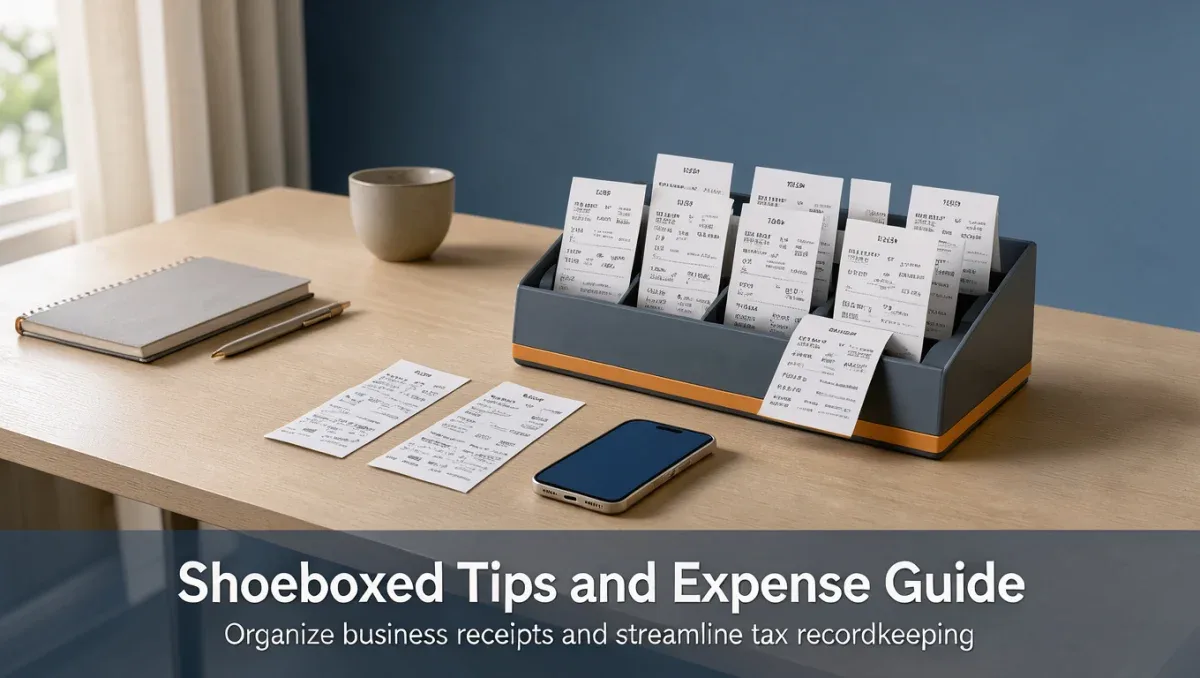
Shoeboxed tips can save freelancers and small business owners hours of frustration when shoeboxes of crumpled receipts need to become organized, tax-ready records. Here at Best Coupon Blogs, we examine how document management tools handle the work, where automation helps, and where a human still needs to step in.
Keeping paper expense records in order depends on steady habits, from the moment a receipt is captured through to filing. Following proven shoeboxed tips helps you prevent filing mistakes, hand your accountant clean records, and choose the right plan details directly on the official vendor site.
Quick answer: Get the most from Shoeboxed by building a weekly scanning routine, checking the extracted vendor and tax details before you archive paper, and confirming subscription processing limits on the official Shoeboxed pricing page so tax season does not slow you down.
- Digital systems need legible physical receipts to pull out financial data accurately.
- Subscription plans set document intake allowances, so checking plan limits before you buy is essential.
- Expense categories should follow the tax deduction guidance your accountant provides.
- Keep physical originals safely stored until year-end books and tax reconciliations are finished.
- Reviewing your digital ledger regularly stops small discrepancies from piling up across quarters.
1. How Best Coupon Blogs Put This Guide Together
This guide pairs what the software covered here is designed to do with the Best Coupon Blogs buying framework, so you can make a decision that fits your business. Plans, prices, and limits change often, so we point out what to confirm on the official website before you buy. This article was researched and drafted with the help of AI tools, then reviewed and edited by the Best Coupon Blogs Editorial Team.
2. Things to Know Before You Start
Before adopting Shoeboxed to digitize expense paperwork, teams should assess how receipt capture fits into their broader Accounting workflow. Document scanning platforms simplify receipt retention, but they depend heavily on clear source material and organized internal procedures.
- Receipt condition matters, because faded thermal ink or torn slips make character extraction harder.
- Processing times and mailbox turnaround vary, so check turnaround guidelines on the official Shoeboxed site.
- Expense records should always align with local tax agency requirements for digital recordkeeping.
3. Red Flags to Watch For
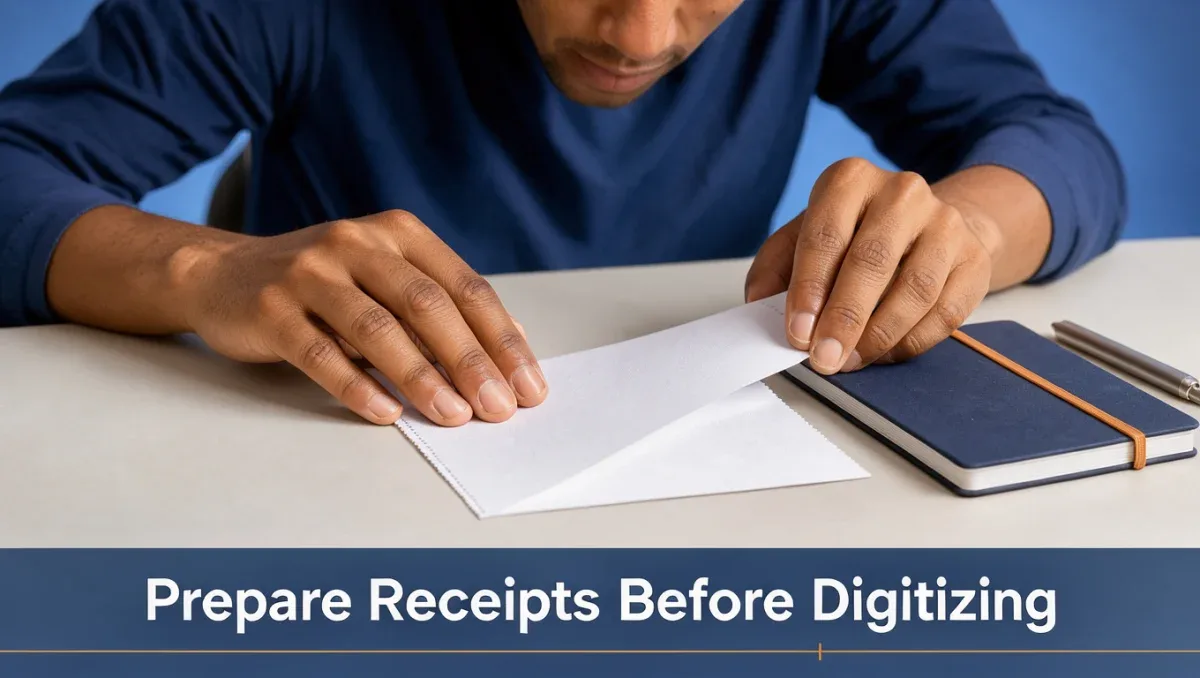
Moving paper records into digital databases carries specific risks if basic safeguards are ignored.
| Red flag | Why it matters | What to do instead |
|---|---|---|
| Submitting blurry or badly folded receipts | Character recognition can misread vendor totals or transaction dates. | Flatten receipts and capture images in balanced lighting. |
| Ignoring monthly envelope scanning volumes | Exceeding document caps can lead to unexpected processing delays. | Confirm intake volume limits on the official vendor pricing page. |
| Discarding original paper slips right away | Audits or discrepancies may require physical verification during review. | Store paper records in monthly envelopes until reconciliation ends. |
| Applying general expense categories without professional advice | Misclassified expenses may trigger deduction issues during tax reviews. | Consult an accountant to set standardized expense codes beforehand. |
4. Mistakes to Avoid
4.1. Mixing Personal Purchases With Business Expenses
Combining personal purchases with business receipts creates confusion during year-end reconciliation and raises audit risk. Keep dedicated business payment cards so every scanned slip represents a legitimate deductible operating cost.
4.2. Postponing Submission Until the Filing Deadline
Submitting months of accumulated receipts in one batch strains verification workflows and leaves little time to resolve extraction errors. Schedule regular weekly or monthly submissions to keep your ledgers current throughout 2026.
4.3. Overlooking Mileage and Travel Records
Relying only on paper receipts often causes professionals to forget business mileage, which can represent significant tax deductions. Keep consistent vehicle travel logs alongside your expense capture routine.
5. Questions to Ask Before You Commit
Before finalizing an account for receipt management, compare your operational needs against what the vendor offers.
- What monthly volume of paper envelopes or scanned documents matches our business pace?
- How does the system handle multi-page invoices or double-sided receipts?
- Which export formats fit the workflow our tax professional prefers?
- Are there extra processing considerations during peak tax filing periods?
- How does document archiving work if subscription requirements change later?
6. Good Habits That Save Time
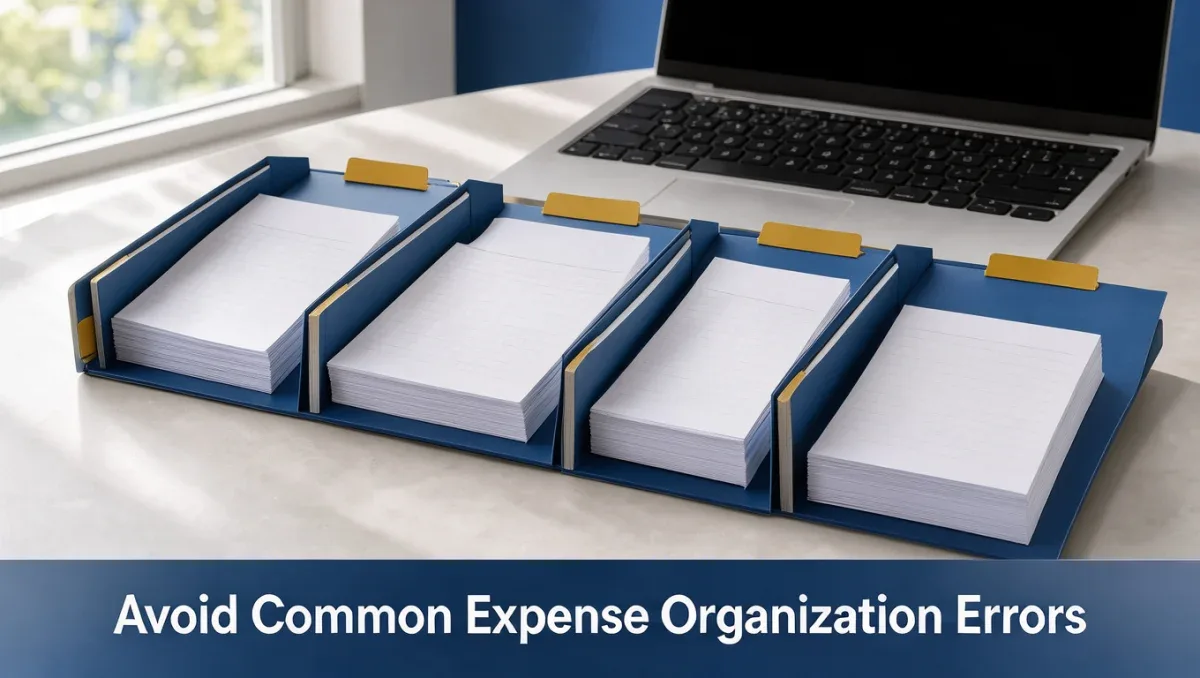
Disciplined daily habits protect data accuracy and take the stress out of tax season.
- Flatten receipts right away into dedicated sorting folders instead of leaving them in pockets or vehicles.
- Write brief purpose notes directly on unclear merchant slips before digitizing them.
- Review digitized data monthly against business bank statements to confirm nothing was missed.
- Export backup summary spreadsheets at the close of every fiscal quarter for secure offline archiving.
7. Frequently Asked Questions
7.1. Which Businesses Benefit Most From Shoeboxed?
Freelancers, sole proprietors, independent contractors, and mobile service providers who handle large volumes of paper receipts tend to find digitized workflows especially useful at tax time.
7.2. What Should I Check on the Official Shoeboxed Pricing Page?
Before subscribing, confirm the current envelope mail-in allowance, digital upload limits, and document retention rules directly on the official vendor site.
7.3. When Should a Business Consult an Accountant?
Talk to an accountant when setting up chart of accounts categories, establishing mileage tracking practices, and settling unclear merchant expense classifications.
7.4. How Can I Ensure Accurate Receipt Scans?
Capture images under flat, even lighting, keep all paper edges visible, and smooth out creases or faded thermal print before uploading.
8. Bottom Line
Effective shoeboxed tips come down to disciplined receipt intake, regular batch reviews, and close alignment with professional accounting advice. By treating document scanning as a structured routine rather than a last-minute chore, independent professionals can keep orderly financial records throughout 2026.
Have a question about choosing software? Send it to the Best Coupon Blogs team through our contact page or follow Best Coupon Blogs on LinkedIn for new reviews and comparisons.