bestcouponblogs may earn a commission when you buy through links on this page, at no extra cost to you. This does not affect our ratings.
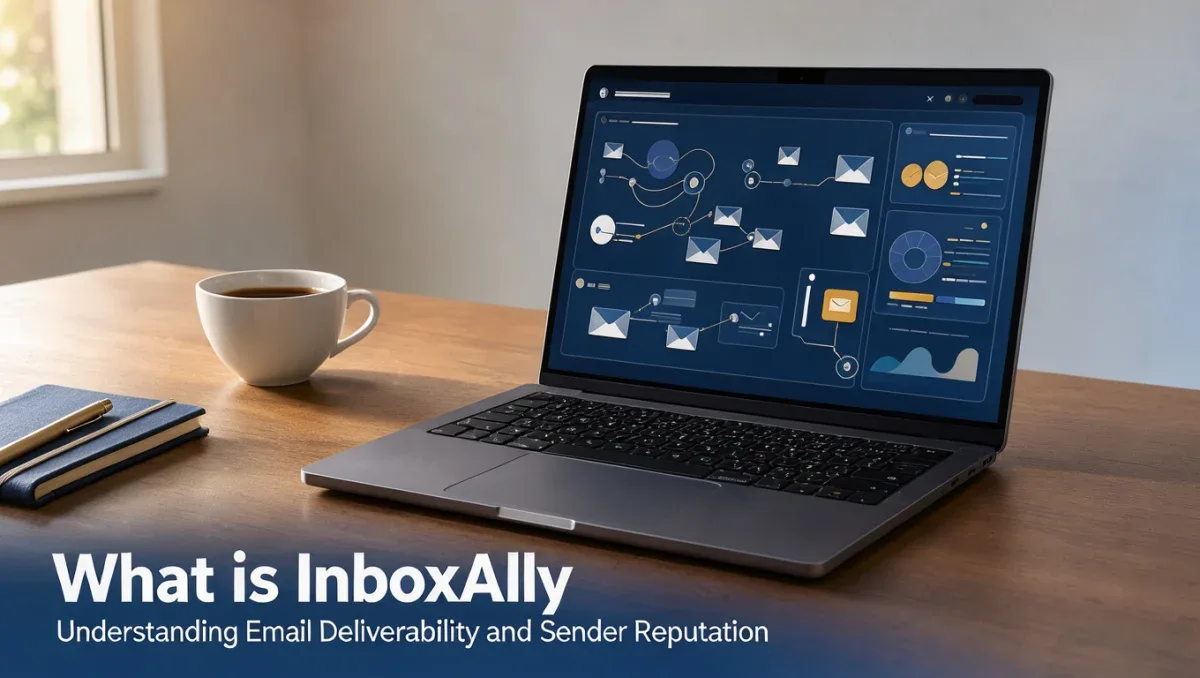
Wondering what is InboxAlly and why outreach teams talk about it? At Best Coupon Blogs, we treat email deliverability tools as specialized platforms that teach major mailbox providers to recognize a sender's messages as wanted, so they land in the primary inbox instead of the spam folder.
To see why such a tool exists, it helps to understand how internet service providers score incoming mail, how reader engagement shapes that score, and why protecting sender reputation has become central to any serious Marketing effort.
In short: InboxAlly is an email deliverability and warmup tool that aims to strengthen sender reputation by creating positive engagement signals with mailbox providers. It works on messages already in the mailbox, helping move them out of spam and flag them as important, which encourages automated filters to trust future business emails.
| Attribute | Details |
|---|---|
| Software category | Email deliverability and warmup platform |
| Main job | Improving inbox placement by simulating authentic reader engagement |
| Typical users | Outbound sales teams, agencies, and newsletter senders |
| Similar tools | Lemwarm, Warmup Inbox, Mailreach |
1. How Best Coupon Blogs Compiled This Guide
This guide sets out what the software is designed to do alongside the buying criteria we use at Best Coupon Blogs, so you can judge whether it suits your business. Pricing, plan limits, and features change frequently, so confirm current details on the vendor's official website before purchasing. This article was researched and drafted with AI assistance, then reviewed and edited by the Best Coupon Blogs Editorial Team.
2. What the Platform Does

Deliverability platforms concentrate on message placement across the large receiving networks. In contemporary marketing environments, sending cold outreach or high-volume newsletters without positive interaction signals can set off automated defenses.
- Sender reputation repair: Engaging with receiving mailboxes so filters learn that messages are expected correspondence.
- Spam folder recovery: Finding filtered messages and moving them back to primary tabs to signal recipient interest.
- Engagement generation: Opening messages, scrolling through content, and marking them as important to meet provider expectations.
- Seed list monitoring: Sending controlled test messages to different mailbox providers to measure where outgoing mail lands.
3. Where It Fits in Your Workflow

Deliverability tools do not replace customer relationship platforms or email marketing software. They run alongside sending systems to keep the sending domain healthy.
| Business task | How this type of software helps | What you still do yourself |
|---|---|---|
| Cold sales outreach | Prepares new sending domains to handle commercial volume safely | Writing relevant copy and building qualified prospect lists |
| Newsletter distribution | Monitors reputation dips when recipient lists show low activity | Creating valuable editorial content and managing unsubscribes |
| Domain migration | Builds trust on fresh mailboxes before shifting production volume | Configuring technical DNS records such as SPF, DKIM, and DMARC |
| Deliverability recovery | Helps repair reputation after sudden spam placement spikes | Pausing misconfigured campaigns and cleaning inactive addresses |
4. Key Terms Explained
Working with email deliverability requires familiarity with the vocabulary that defines sender reputation.
- Inbox placement rate: The percentage of sent messages that reach the primary inbox rather than the spam or junk folder.
- Seed list: A curated set of test email addresses spread across different mailbox providers, used to detect filtering behavior.
- Sender reputation: A trust score assigned to a sending domain and IP address by receiving networks, based on past sending habits and recipient reactions.
- Email authentication: DNS-based validation protocols that verify the sender's identity and help prevent domain spoofing.
- Spam complaint rate: How often recipients manually click the spam button after receiving a message.
5. Who Uses It and Who Does Not Need It
Deliverability management software addresses specific operational needs, but it is not essential for every organization.
- Who benefits: Outbound sales representatives sending personalized cold emails from newly registered domains.
- Who benefits: Lead generation agencies managing multiple client mailboxes at once.
- Who benefits: High-volume transactional senders working to restore damaged domain trust.
- Who does not need it: Internal communicators who send messages only to colleagues on the same domain.
- Who does not need it: Low-volume personal users who correspond only with established contacts.
- Who does not need it: Senders affected by strict blocklists caused by unlawful spamming practices.
6. How to Get Started
Adopting deliverability software involves careful technical checks and gradual reputation building.
- Verify domain records by confirming that DNS authentication protocols are fully working before any sending begins.
- Establish your baseline placement across major mailbox providers by reviewing the vendor's documentation on seed testing.
- Introduce simulated engagement gradually, keeping regular outbound volume conservative during the early domain phase.
- Monitor placement feedback and refine outreach copy so natural reader engagement stays high.
7. Frequently Asked Questions
How does deliverability software differ from manual testing?
Manual testing means asking colleagues or friends whether your email reached their inbox, which yields limited data across different providers. Automated platforms use structured seed networks to measure inbox placement consistently across multiple receiving systems without manual effort.
Do I need technical expertise to run deliverability software?
Basic knowledge of domain configuration helps, especially how DNS records connect to your mail host. Most platforms offer guided setup, but consulting your domain administrator is wise if your team has limited experience with authentication records.
Which team sizes typically benefit from this software?
Independent consultants running outbound campaigns, mid-sized agency teams managing outbound infrastructure, and larger enterprise sales departments all use deliverability tools. The value depends mainly on how much your revenue model relies on outbound email reaching the primary inbox.
Can deliverability tools fix a poor email list?
No. These platforms cannot offset outdated lists filled with invalid addresses or unengaged recipients. Purchased low-quality contact lists produce high bounce rates and spam complaints that overwhelm any automated reputation system.
8. Bottom Line
InboxAlly belongs to a category of software built for the realities of modern spam filtering. By generating interaction signals across seed mailboxes, such tools can help organizations build and protect their domain trust. To judge whether this platform fits your needs, assess your outbound email volume, verify your DNS records, and review the official InboxAlly website for current account structures and setup requirements.
Have a question about choosing software? Send it to the Best Coupon Blogs team through our contact page, or follow Best Coupon Blogs on LinkedIn for new reviews and comparisons.