bestcouponblogs may earn a commission when you buy through links on this page, at no extra cost to you. This does not affect our ratings.
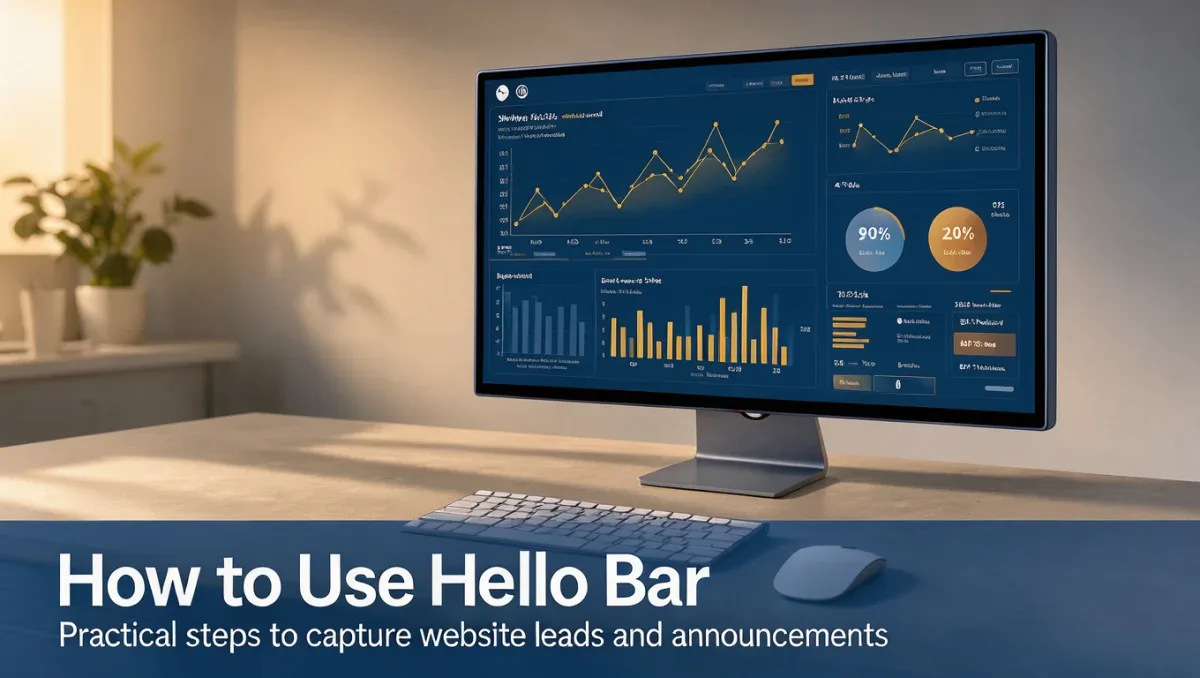
Getting real value from how to use hello bar starts with mapping how visitors move through your site and deciding which action matters most. Best Coupon Blogs, an independent evaluation platform, works with site owners and administrators to build lead capture workflows that are objective and easy to follow.
Hello Bar sits within the on-site notification and lead capture category. It lets you show alerts, gather subscriber emails, and send visitors to targeted landing pages from a single bar. Used with care, these banners support your core content instead of pulling attention away from it.
Quick answer: Work through four deliberate stages: pick one conversion goal, write tight message copy, set precise display rules, and check engagement data on a regular schedule. Timing messages to match what visitors are looking for keeps results steady and the browsing experience intact.
| Evaluation factor | Practical requirement |
|---|---|
| Who this guide is for | Website owners, content publishers, and digital teams that need clear on-site alerts |
| What you need before starting | Working website access, a defined campaign objective, and approved brand messaging |
| What you will have at the end | A repeatable workflow for launching and refining non-intrusive on-site message campaigns |
1. How Best Coupon Blogs Built This Guide
This guide pairs what the software covered here is designed to deliver with the Best Coupon Blogs buying framework, so you can choose what suits your business. Pricing, plans, and limits change frequently, so we highlight what to verify on the official website before purchasing. This article was researched and drafted with the help of AI tools, then reviewed and edited by the Best Coupon Blogs Editorial Team.
2. Before You Start
A solid on-site alert depends on preparation so campaigns run cleanly on every page. Confirm these core requirements before launching any lead capture campaign:
- Administrative access to your content management system or the script header, so you can insert tracking code.
- One primary campaign goal, such as collecting newsletter signups, announcing a shipping policy, or promoting a seasonal discount.
- Approved brand copy, including a concise headline and a clear call to action suited to your marketing initiatives.
- Target audience segments defined by device type, traffic source, or visitor behavior.
- A schedule with start and end dates for any time-sensitive promotion.
3. Step-by-Step Workflow
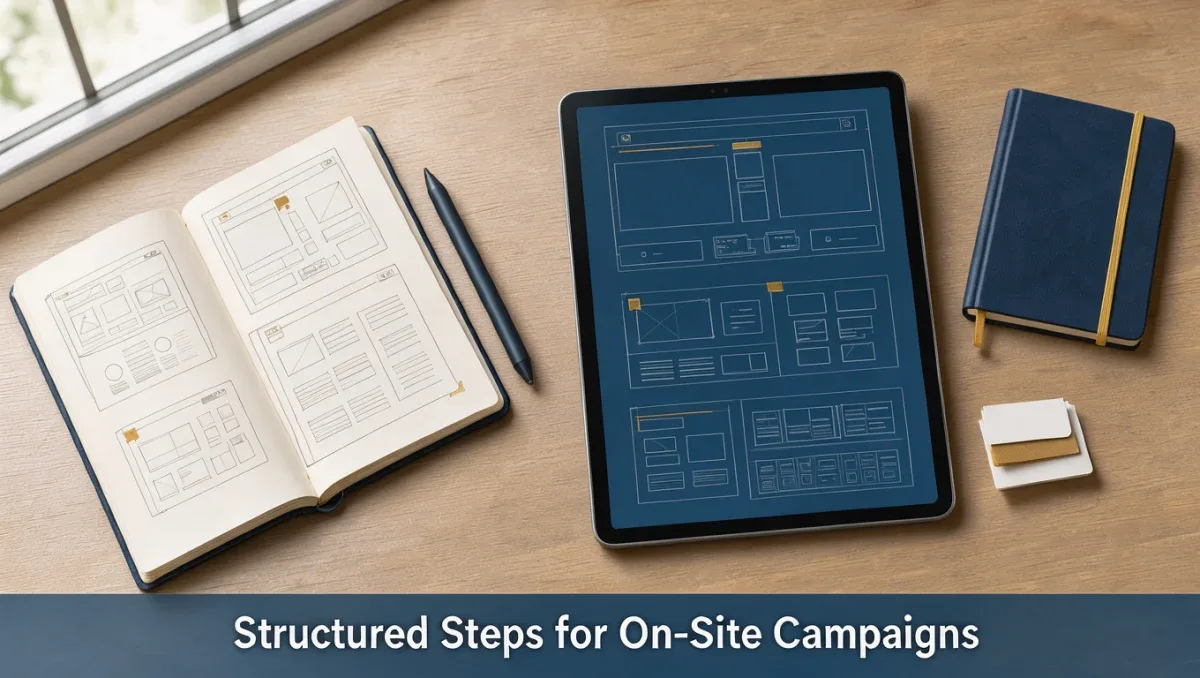
- Decide on the single action you want visitors to take. Showing several competing offers on one screen lowers conversion. Check the official Hello Bar website to confirm which campaign types are available.
- Write short copy centered on immediate value, and make sure the headline reads clearly on both desktop monitors and small mobile screens.
- Choose a visual format, such as a top banner, a full overlay, or a subtle corner slide-in, that matches how urgent your announcement is.
- Set placement rules that control where and when the bar appears, so it stays off irrelevant pages such as account or checkout screens.
- Link your lead form to your email list provider and confirm that contact details arrive accurately. Review the official Hello Bar documentation for current data connection requirements.
- Run a live test on a staging page or in a second browser to confirm the close button works and that interactions are being tracked.
4. Your First 30 Days
A disciplined routine lets on-site alert tools keep delivering value without annoying repeat visitors.
| Week | Routine to build | Why it matters |
|---|---|---|
| Week 1 | Launch one baseline announcement bar and confirm that submissions arrive | Verifies the technical setup before you add more complex message sequences |
| Week 2 | Compare response rates across device categories | Shows whether text formatting or layout needs adjusting for mobile readers |
| Week 3 | Test an alternative headline on high-traffic content sections | Reveals which message angle resonates best with incoming search visitors |
| Week 4 | Audit active alerts and retire outdated seasonal promotions | Protects credibility and stops returning customers from seeing stale offers |
5. Common Mistakes and How to Avoid Them
Lead generation tools work best when used with restraint. Watch for these common pitfalls:
- Showing alerts the moment a page loads: Interrupting visitors before they read anything drives up dismissals. Add a short time delay or a scroll trigger.
- Running several messages on the same URL: Competing banners add visual clutter and weaken trust. Limit each page template to one prominent notification.
- Skipping mobile viewport tests: Banners that cover primary navigation on smartphones frustrate shoppers and disrupt browsing.
- Writing vague calls to action: Generic labels such as Click Here perform worse than action-oriented phrases that state the exact outcome.
- Leaving expired promotions live: Outdated event notices undermine the professional image of your store or publication.
6. When to Ask for Help
Some situations call for outside advice or technical support. Consider bringing in a specialist in these cases:
- Custom script conflicts that stop notifications from loading consistently across different themes.
- Data sync problems between your capture forms and customer relationship management platforms.
- Compliance reviews of regional privacy rules and cookie consent banners, which need legal guidance.
- Performance plateaus where traffic is strong but conversions stay flat despite repeated copy revisions.
7. Frequently Asked Questions
What skills are needed to set up on-site announcement banners?
Basic familiarity with your website platform is enough for most setups. Adding script tags and editing text fields are straightforward publishing tasks. If your site uses specialized code repositories or strict security policies, a technical webmaster can simplify the initial embedding.
How should teams choose between header bars and full-screen overlays?
Header bars suit general updates, informational notices, and ongoing incentives because they stay visible without covering main content. Full overlays demand complete attention, so they fit critical time-limited events, exit-intent prompts, or high-value offers that need immediate focus.
What helps prevent notification fatigue among returning visitors?
Set frequency rules so that visitors who close an alert do not see the same message on later page views. Rotating campaign copy every few weeks and keeping the dismiss button prominent also helps maintain a pleasant experience across your site.
Why should mobile responsiveness be assessed separately from desktop layouts?
Mobile screens have limited space, so a header that looks compact on a desktop can push key body copy below the fold on a phone. Testing both viewports separately ensures text stays readable without blocking essential touch targets or navigation menus.
8. Next Steps
To set up an effective notification workflow, complete these foundational actions next:
- Review your main website analytics to find the three most visited pages where an alert bar would add immediate value.
- Draft two distinct copy variations that solve a specific visitor problem or answer a frequent question.
- Visit the official Hello Bar website to review current account tiers, usage guidelines, and integration documentation.
- Schedule a monthly review to audit alert performance and archive expired campaigns.
Have a question about choosing software? Send it to the Best Coupon Blogs team through our contact page, or follow Best Coupon Blogs on LinkedIn for new reviews and comparisons. Explore more guides in our Marketing section.