bestcouponblogs may earn a commission when you buy through links on this page, at no extra cost to you. This does not affect our ratings.
Many revenue teams ask whether is bitscale legit before trusting it with their prospecting pipeline. Bitscale is an outbound sales workspace that lets teams combine several data providers, run automated research steps and build personalized outreach lists without writing complex spreadsheet formulas. In this review, the editors at Best Coupon Blogs examine its workflows, core capabilities, drawbacks and the points to weigh before purchase.
Outbound campaigns depend on accurate contact data, since bad addresses bounce and waste sending capacity. Judging the platform comes down to three questions: how flexible its enrichment pipelines are, how easily your team can adapt to a spreadsheet-style interface, and whether the data points you need appear on the vendor's official plan documentation.
Our verdict: Bitscale earns an overall score of 7.7 out of ten. It suits outbound prospectors, growth marketers and sales development teams that want multi-source enrichment inside a flexible grid. It is less suitable for solo users who only need occasional single-source lookups, or for teams wanting a turnkey CRM with no configuration effort.
| Metric | Summary |
|---|---|
| bestcouponblogs score | 7.7 / 10 |
| Best for | Outbound sales teams and demand generation specialists that need multi-source contact enrichment and automated account research |
| Not ideal for | Teams looking for an all-in-one CRM suite or solo professionals needing only basic occasional email lookups |
| Key strengths | Flexible prospecting grid, waterfall enrichment orchestration, and programmable automated research workflows |
| What to check before buying | Review the official Bitscale pricing page for current credit consumption rules, data provider access tiers, and workspace collaboration limits |
1. How bestcouponblogs Reviewed Bitscale
We assessed what Bitscale is built to do, who it serves and how it stacks up against similar tools, applying our seven criteria: features, ease of use, pricing and value, integrations, audience fit, support and competitive position. Plans, prices and limits change frequently, so we flag what to confirm on the official website before buying. This article was researched and drafted with AI assistance, then reviewed and edited by the bestcouponblogs Editorial Team.
2. What Bitscale Is and Who It Is For
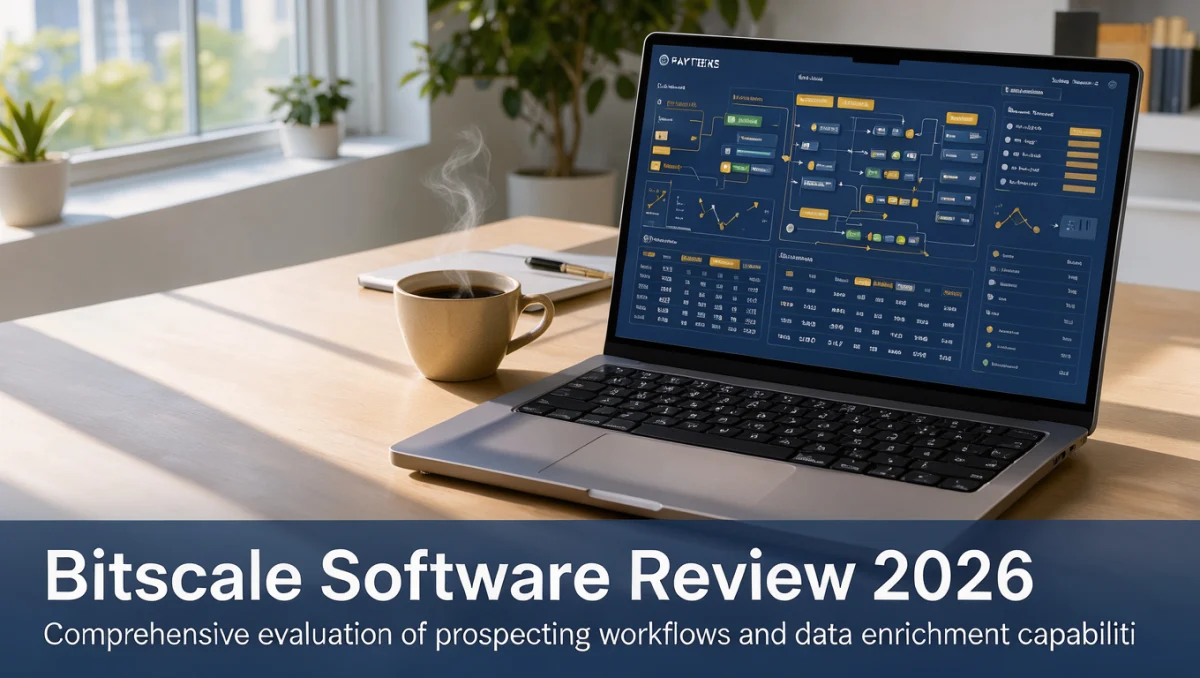
Bitscale is a specialized sales productivity platform that organizes lead research into an interactive data grid. Revenue teams use it to import prospect lists, query external contact sources, verify email deliverability and generate personalized talking points before pushing campaigns to email sequencers.
Sales pipelines often stall when reps spend hours copying company news, scanning executive profiles or testing email formats by hand. Bitscale targets this bottleneck by orchestrating waterfall lookups across several third-party data providers inside an interface that anyone comfortable with rows and columns will recognize.
2.1. Primary Problem Solved
Instead of buying separate data vendor subscriptions and manually merging CSV files, sales operations professionals can configure Bitscale to automate repetitive enrichment. When a prospect enters the table, automated columns trigger follow-up searches, surface verified email addresses, gather company metrics and draft custom outreach snippets.
2.2. Target Audience
The platform is built mainly for sales development representatives, account executives running personalized outbound motions, growth marketers testing multiple campaigns, and agencies generating leads for several clients. It fits teams that understand data structures and want granular control over enrichment logic.
3. Core Features and Workflow Capabilities

Bitscale structures outbound prospecting around modular data columns, letting users build custom enrichment pipelines. Understanding these functional areas helps buyers judge whether the platform matches their internal requirements.
3.1. Spreadsheet-Style Prospecting Grid
The foundation is an interactive database grid where each row represents a prospect or target company. Users can add records manually, import existing CSV files, or map web scrapers directly into designated columns. Because navigation mirrors traditional spreadsheets, setup is quicker for team members already comfortable with tabular data.
3.2. Waterfall Data Enrichment
No single data provider covers every industry and geography well. Bitscale's waterfall enrichment queries sequential suppliers until an accurate contact point or verified email turns up. This approach can improve match rates across diverse sectors without switching between separate tools.
3.3. Automated Account and Lead Research
Beyond basic contact details, outbound messages need situational context to earn attention. Bitscale supports automated research queries that examine public company attributes, hiring signals and recent announcements. Findings are stored in dedicated columns, so representatives can reference specific points while composing messages.
3.4. Dynamic Personalization Generation
Enrichment data becomes useful once it is turned into tailored copy. Bitscale's prompt-based columns review prospect attributes and produce custom opening lines, value propositions or relevant questions. Outbound specialists can then export the finished fields into their sequencing software.
4. Ease of Use and Learning Curve
Because Bitscale uses a tabular workspace, anyone who regularly works in spreadsheets will recognize the basic navigation right away. Adding columns, mapping fields and filtering records follow conventional productivity software logic.
Building advanced multi-step enrichment sequences, however, has a noticeable learning curve. Configuring waterfall dependencies requires understanding conditional logic, API rate limits and data formatting. Teams new to how external lookups consume credits may be confused at first when building complex automation trees.
Teams that assign an operational lead to build baseline templates usually onboard more smoothly. Once standard prospecting grids are set up, everyday reps can upload lists and start enrichment runs without touching the underlying technical parameters.
5. Pros and Cons of Bitscale

Evaluating any prospecting tool means weighing operational flexibility against usability trade-offs. The points below summarize the practical advantages and limitations to consider.
5.1. Advantages of Bitscale
- Consolidates multi-source data discovery into a single operational interface.
- Enables flexible waterfall enrichment logic to maximize prospect match rates.
- Provides customizable prompt columns for programmatic email personalization.
- Reduces manual copy-and-paste research across search engines and social platforms.
- Offers spreadsheet-style table customization suitable for complex campaign workflows.
5.2. Limitations and Considerations
- Requires careful initial setup and an understanding of multi-step logical operations.
- Credit consumption scales with query volume, so active budget monitoring is necessary.
- Depends on third-party provider response speeds for real-time table population.
- Lacks full native CRM pipeline management, requiring downstream software connections.
6. Bitscale vs Similar Tools
The sales intelligence market spans everything from all-in-one enterprise data platforms to specialized enrichment engines. Comparing Bitscale with well-known alternatives clarifies where it sits.
6.1. Bitscale and Clay
Clay is an established enrichment platform popular with growth engineers and sales operations teams that build highly customized outbound logic. Both platforms use a spreadsheet-first approach to manage multi-source waterfall enrichment. Clay emphasizes extensive custom development and community templates, while Bitscale focuses on making outbound prospecting grids accessible to sales representatives.
6.2. Bitscale and Apollo.io
Apollo.io offers a large proprietary B2B database alongside email sequencing, dialers and pipeline management. It suits teams wanting an all-inclusive prospecting suite with built-in outreach. Bitscale, by contrast, works as an orchestration engine that queries multiple external sources rather than relying mainly on one internal database, giving teams more control over data vendor selection.
6.3. Bitscale and ZoomInfo
ZoomInfo is an enterprise sales intelligence suite with deep organizational charts, intent signals and governance tools for large revenue teams. It relies on proprietary verified datasets within standardized dashboards. Bitscale appeals to agile growth teams that prefer building lightweight, customized research flows without large annual enterprise commitments.
7. Who Should Use Bitscale
The right sales technology depends on team structure, technical comfort and outreach volume. Here is how the platform fits common business profiles.
7.1. Recommended User Groups
- Outbound Sales Development Teams: Teams running targeted account-based prospecting benefit from multi-step enrichment and automatic personalization.
- Growth Marketers and Demand Generation Specialists: Professionals testing messaging across several segments can quickly validate contact accuracy and campaign viability.
- Lead Generation Agencies: Agencies managing distinct client requirements can configure bespoke enrichment workflows without locking into a single data vendor.
- Startup Founders and Small Business Operators: Early-stage teams running outbound sales can automate prospect qualification before investing in heavy sales infrastructure.
7.2. When Another Solution Is Preferable
- Solo Practitioners Needing Simple Lookups: Individuals who need only a handful of verified emails a month may find tabular orchestration unnecessarily complex.
- Teams Seeking All-in-One CRM and Dialers: Organizations wanting contact storage, call recording and pipeline stages in one product should consider comprehensive CRM platforms.
8. How to Choose the Right Plan
Sales automation vendors update subscription tiers, credit models and feature packaging often. Rather than relying on static pricing tables, buyers should check specific criteria on the vendor's site before committing money.
| What to Check | Why It Matters |
|---|---|
| Credit allocation rules | Many enrichment tools consume distinct credits per provider lookup, which directly dictates monthly operating costs. |
| Included data provider access | Certain data vendors or waterfall layers may require higher tiers or dedicated third-party API keys. |
| Seat and collaboration allowances | Team workflows need multiple editors, so confirm whether members require paid seats or can access shared workspaces. |
| Export and integration limits | Verify whether sending rows to external sales engagement tools involves row limits or extra configuration. |
| Overage charging policies | Knowing how the system handles depleted monthly credits prevents unexpected account freezes during active campaigns. |
9. Frequently Asked Questions
How should teams evaluate whether Bitscale fits current outbound workflows?
Map out your existing prospect research steps, list the contact attributes outreach requires, and assess whether automating those steps in a tabular interface saves meaningful time compared with current procedures.
What should buyers review regarding third-party data accuracy?
Because enrichment tools query external providers, match rates and accuracy vary by geography, seniority and industry. Confirm which data suppliers are supported and run test lists before committing broad resources.
How do enrichment credits affect the total cost of ownership?
Enrichment platforms often separate subscription fees from consumption credits. Multi-provider waterfalls and advanced research queries burn credits faster, so budget for your expected monthly usage patterns.
What technical expertise is needed to run spreadsheet-based sales tools?
Basic familiarity with column mapping, CSV imports and conditional logic is enough for standard campaigns. Designing complex multi-layered enrichment flows with prompt engineering benefits from dedicated sales operations guidance.
10. Final Verdict
Bitscale is a functional, modern option for sales development teams that want to move beyond manual prospecting. By orchestrating multi-source lookups inside a clear spreadsheet structure, it gives users considerable control over contact discovery and account personalization.
| Criterion | Score / 10 | Reason |
|---|---|---|
| Features | 8.2 / 10 | Strong waterfall enrichment, automated research and prompt-based personalization |
| Ease of Use | 7.6 / 10 | Familiar grid interface, but advanced workflows take time to learn |
| Pricing and Value | 7.4 / 10 | Credit-based consumption requires active budget monitoring |
| Integrations | 7.2 / 10 | Works alongside downstream sequencers, though lacks native CRM depth |
| Audience Fit | 8.4 / 10 | Well suited to outbound teams and agencies that want configurable enrichment |
| Support | 7.0 / 10 | Adequate guidance, with complex setups benefiting from internal expertise |
| Competitive Position | 7.8 / 10 | Differentiated as a flexible orchestration layer versus all-in-one suites |
bestcouponblogs overall score: 7.7 out of ten.
For sales organizations running active outbound campaigns that need enriched contact details and customized messaging, Bitscale is a legitimate, adaptable addition to the modern sales stack. Before purchasing, review the official Bitscale pricing page to verify credit allowances, data access options and team collaboration rules.
Have questions about choosing sales enablement software? Reach out through our contact form at https://bestcouponblogs.com/contact/ or follow the bestcouponblogs team on LinkedIn at https://www.linkedin.com/company/bestcouponblogs/ for ongoing software evaluations.