We may receive affiliate compensation if you purchase via links on this site, without any added expense to your balance. Our reviews maintain strict objectivity.
Companies often explore an aircall phone download when upgrading from ad-hoc voice setups to organized call center operations. At Best Coupon Blogs, our testing methodology analyzes how cloud phone platforms deliver routing controls, unified lines, and call supervision without unsubstantiated hype.
Adopting telephony software demands weighing operational simplicity against comprehensive call handling capacity. Assessing how well this software coordinates inbound and outbound queues helps decision-makers determine suitability before committing capital.
Quick verdict: Scoring 7.9 out of 10, this platform suits customer support teams and outbound sales reps needing shared voice distribution. However, individual professionals needing solo lines or firms dependent on physical desk equipment will find it less optimal.
| Metric | Summary Details |
|---|---|
| bestcouponblogs score | 7.9/10 |
| Best for | Growing support and sales teams handling collaborative inbound and outbound voice conversations across multiple agents |
| Not ideal for | Sole proprietors requiring only a personal second line or companies prioritizing physical desk phone hardware deployments |
| Key strengths | Dedicated voice calling infrastructure, collaborative call distribution, shared inbox workflows, and structured call logging |
| What to check before buying | Confirm user minimums, regional number availability, and software client prerequisites directly on the official Aircall website |
Our Method for Evaluating Aircall
Our review applies the rigorous seven-point benchmark established by our publication: tool functions, user experience, total cost and value, software connectivity, operational match, customer service, and market standing. Because terms, pricing, and caps change over time, check current details on the vendor site before enrolling. This piece was prepared with automated assistance and vetted by our staff writers.
Platform Overview and Ideal Audience
This software functions as a cloud telephony and call center hub engineered to unite voice workflows across service desks and commercial teams. Unlike personal calling utilities, it prioritizes joint telephone management, automatic caller distribution, and centralized call tracking.
Modern teams in Customer Service rely heavily on dedicated telephony software to eliminate neglected inquiries and distribute inbound volume fairly across agents. It delivers greatest value to workplaces treating inbound calls as a collaborative team process rather than independent phone conversations.
Key Functionality and Calling Tools
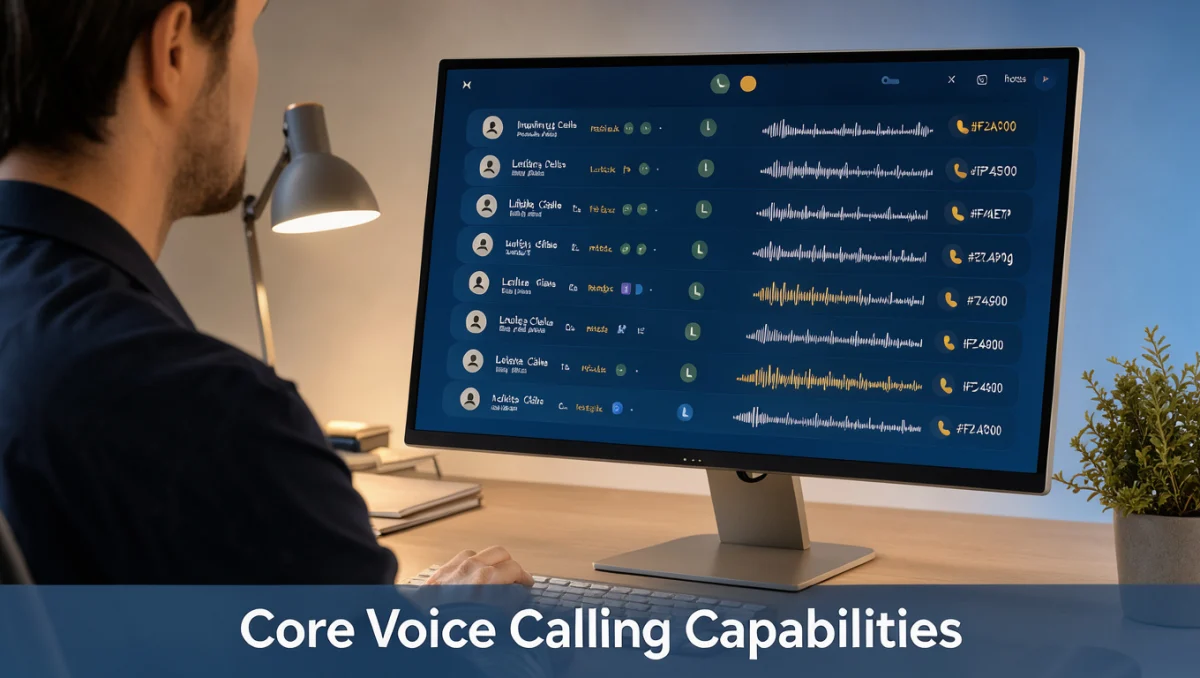
Business communication platforms differ primarily in routing precision, team coordination options, and managerial oversight. The application focuses exclusively on voice communications and operational queue handling.
Inbound Flow and Queue Distribution
Custom call paths send incoming contacts to chosen departments or specific representatives according to working hours and agent availability. Interactive automated menus guide callers directly to appropriate departments without manual operator assistance.
Dynamic cascading patterns and group ringing ensure balanced handling across available personnel. When incoming traffic rises, automated queues hold callers in place until an agent is available, safeguarding call flow during high-volume periods.
Shared Team Lines and Call Collaboration
Joint inboxes give entire teams visibility into incoming calls, voicemails, and pending inquiries on one unified corporate number. Agents can delegate records to peers, insert internal context notes directly on call files, and mark items resolved to stop duplicate follow-ups.
Warm handoff features let representatives brief a teammate privately before transferring the customer. This collaborative setup preserves conversation context and spares callers from repeating information across departments.
Managerial Oversight and Live Coaching
Support managers require direct insight into live interactions to protect communication standards. Supervisory features allow managers to listen in on calls quietly, whisper live coaching tips directly to agents, or join conversations during escalations.
Live metric boards summarize vital numbers including answered rates, unanswered calls, and queue wait times. These real-time overviews help managers rebalance staffing according to peak volume hours.
Agent Experience and Platform Learning Curve
By centering on voice operations rather than bloated suites containing chat, project management, and video conferencing, this tool minimizes agent onboarding friction. Staff members navigate an uncluttered interface showing a dialer, customer directory, and call history log.
For administrators, configuring simple schedules and assigning lines is straightforward. However, establishing complex multi-tier menus and routing cascades demands deliberate planning to prevent broken call paths or infinite loops.
Evaluating Key Benefits and Trade-offs
Primary Advantages
- Streamlined softphone interface lets representatives take notes, place calls, and assign tasks with minimal distraction.
- Centralized shared phone numbers ensure customer inquiries receive prompt coverage despite varying agent shifts.
- Supervisory controls empower team leads with coaching tools, live listening, and performance tracking.
- Separates business customer communications cleanly from personal mobile devices.
Core Drawbacks
- Call performance depends entirely on stable internet with low latency; weak local connections degrade audio quality.
- Firms seeking built-in internal team chat and video meetings need to run third-party software alongside this voice dialer.
- Single users needing basic outbound capability will find multi-agent call routing unnecessarily elaborate.
Competitive Market Comparison
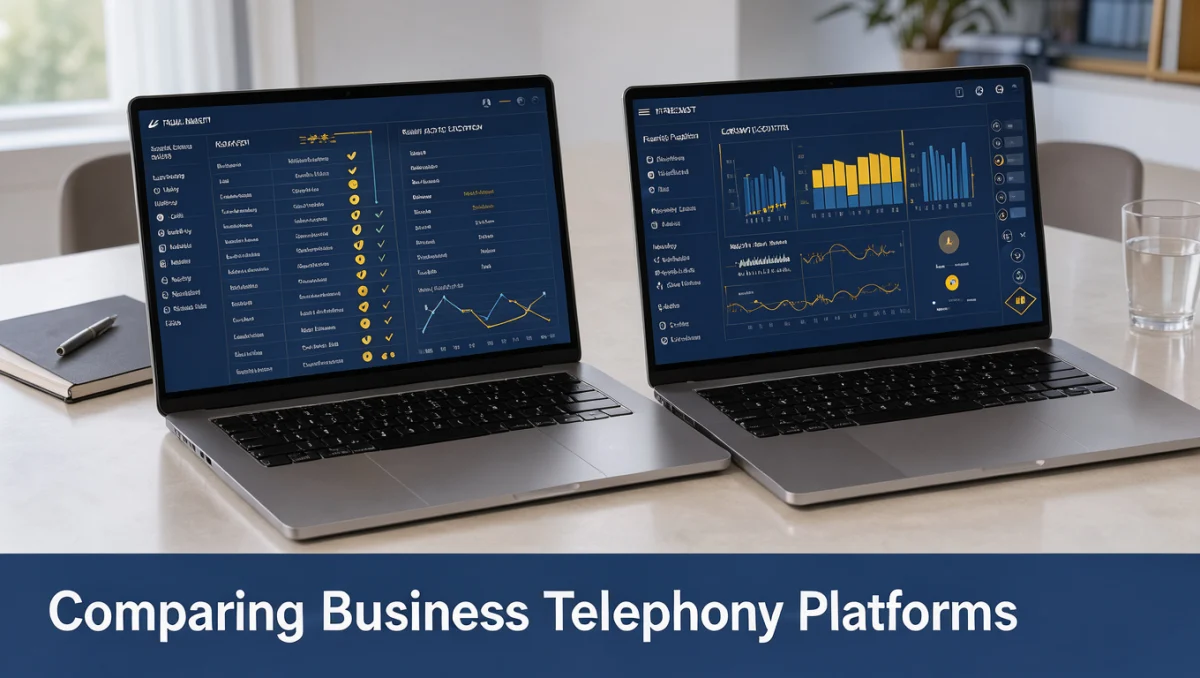
The business phone market offers specialized solutions for distinct communication requirements. Here is how this platform compares with popular alternatives:
| Software | Market Positioning | Primary Focus | Consider When |
|---|---|---|---|
| Aircall | Collaborative call center software | Dedicated voice calling, shared inboxes, and routing | Your priority is streamlined voice operations for customer support and sales teams |
| RingCentral | Unified business communications suite | Voice, video meetings, team messaging, and fax | Your organization requires enterprise PBX hardware support and video collaboration in one contract |
| Dialpad | AI-oriented communication platform | Voice, video, messaging, and automated transcription | Your operations prioritize automated voice transcription and unified cross-channel messaging |
| Nextiva | Customer experience and business phone platform | Voice service combined with customer relationship tools | Your business seeks integrated survey tools and multi-channel customer tracking alongside voice lines |
Target Use Cases and Suitability
Matching this platform to your business depends on call frequency, organizational layout, and team habits.
- Support Representatives: Teams relying on group queues, collaborative notes, and warm call transfers will benefit significantly from shared inboxes.
- High-Volume Sales Reps: Outbound commercial teams gain productivity through fast dialing workflows and immediate post-call logging.
- Scaling Companies: Businesses upgrading from scattered mobile devices to unified company phone numbers gain credibility and consistency.
- Solo Operators (Not Recommended): Independent entrepreneurs seeking a single line will find call center queue systems far too complex for their scope.
- Desk Phone Environments (Not Recommended): Offices requiring traditional desk phones at every desk must review hardware specifications carefully prior to adoption.
Selecting the Best Plan for Your Needs
Subscription tiers offer varying capabilities, minimums, and usage rates. Checking essential prerequisites ahead of purchase prevents unexpected expenses.
| What to Check on the Official Site | Why It Matters |
|---|---|
| Minimum user seat requirements | Certain business telephony tiers enforce minimum user counts, which changes overall monthly expenditure for small teams. |
| Included calling minutes and destination rates | International toll charges and outbound call rates vary by country, directly influencing variable monthly overhead. |
| Advanced routing and monitoring availability | Features like live call whispering and custom analytics dashboards may sit on advanced plan tiers. |
| Regional phone number coverage | Local and toll-free number availability differs across geographical territories and requires regulatory address verification. |
Common Questions Answered
What network adjustments are required before setting up a VoIP solution?
Voice applications need dependable bandwidth, low jitter, and stable upload rates. Companies should check router capabilities, run hardwired ethernet connections for primary calling desks, and configure network firewalls to allow real-time voice packets through without delay.
What extra costs should be planned beyond the subscription price?
Aside from recurring license fees, teams should factor in monthly phone number rentals, outbound usage minutes, long-distance calling fees, and quality headsets equipped with noise-dampening microphones.
When should an organization invest in supervisory call features?
Live coaching and listening become necessary when training new representatives or maintaining rigorous service benchmarks. Smaller teams handling inquiries independently may find standard routing rules sufficient without real-time oversight tools.
How do team numbers differ from individual direct lines?
A direct personal line rings only one person, leaving callers stranded during absences or busy hours. In contrast, a shared team line directs inbound calls to multiple available agents, letting any online colleague pick up, log details, and handle follow-up.
Assessment Summary and Final Score
| Evaluation Criterion | Score /10 | Reasoning Summary |
|---|---|---|
| Features | 8.0/10 | Provides focused voice call handling, routing, queues, and shared inboxes, though lacks native video conferencing suites. |
| Ease of Use | 8.5/10 | Intuitive desktop dialer interface minimizes training time for inbound and outbound calling agents. |
| Pricing and Value | 7.0/10 | Requires careful evaluation of seat minimums and usage rates to determine overall balance for smaller groups. |
| Integrations | 8.0/10 | Connects operational call workflows with standard business databases, requiring buyers to verify specific tier dependencies. |
| Audience Fit | 8.5/10 | Well-tailored for sales and customer support teams needing structured, collaborative voice call distribution. |
| Support | 7.5/10 | Assistance structures depend on chosen subscription tiers, meaning onboarding depth should be verified beforehand. |
| Competitive Position | 7.5/10 | Maintains a focused position in pure voice operations against broad unified communication suites like RingCentral. |
Overall Score: 7.9/10
This platform delivers a dependable, voice-centric environment for support groups and sales professionals wanting organized call distribution without unnecessary platform clutter. Potential subscribers should check plan minimums, network prerequisites, and geographic number availability directly on the provider's official portal.
For further advice on software platforms, connect with our review team via our site contact form or follow our updates on LinkedIn.