Voiceover production used to mean booking talent, reserving a studio and losing days to post-production. Today, a growing number of teams generate narration straight from a script. Here we look at how murf ai dubbing handles that job, where it performs well, and what to confirm before paying for it.
How the Platform Approaches Voice Replacement
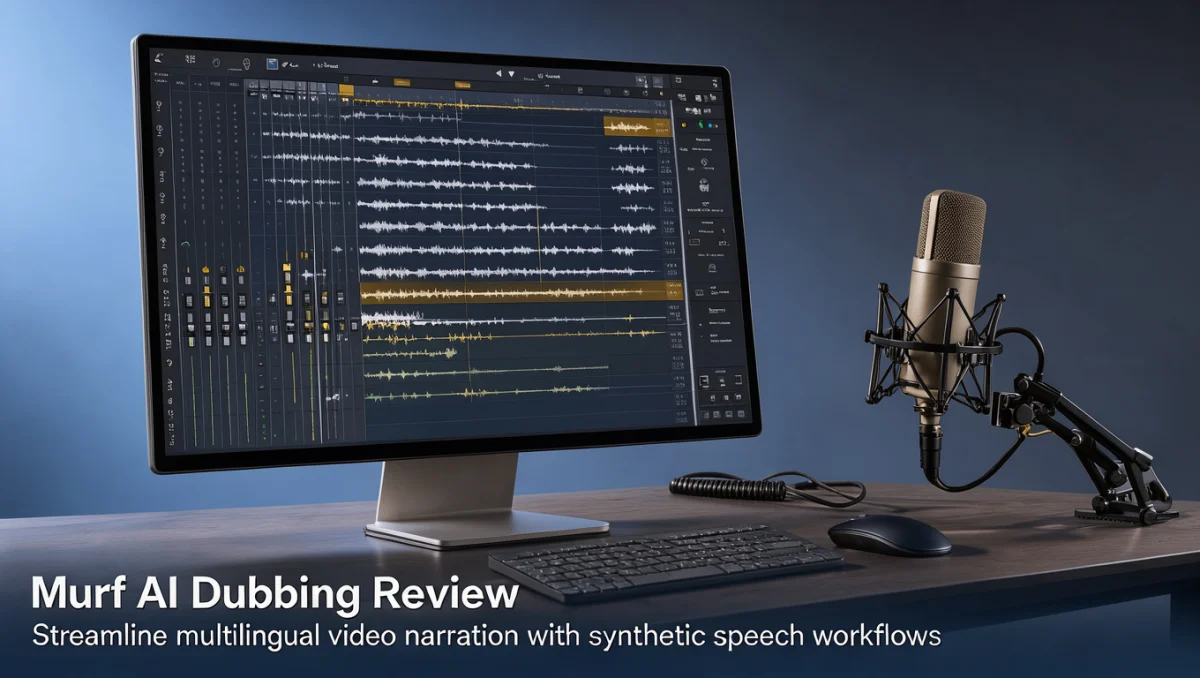
The software centers on converting written text into speech, then aligning that speech with video. It is not a full video editor. Instead, it works as a focused audio workspace where you paste script blocks, choose a voice profile for each speaker, and preview the result against your footage. For instructional designers and marketing staff who update material often, this removes the need to re-record entire segments whenever a line changes.
Key Capabilities Worth Understanding
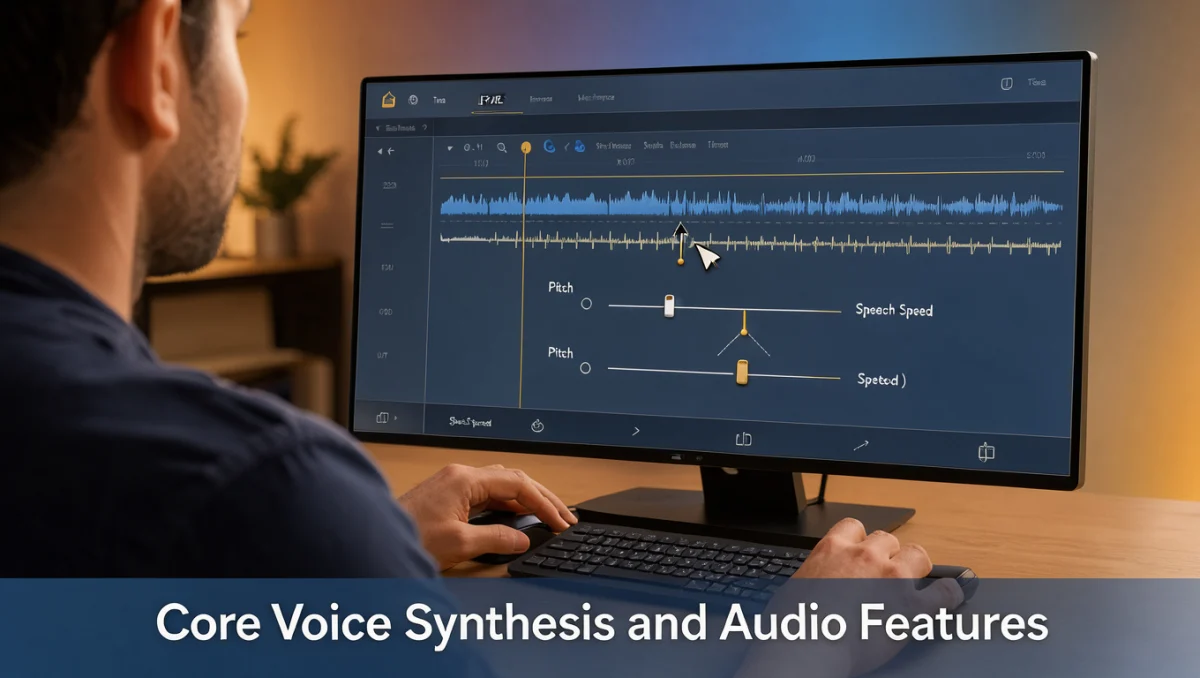
Script-Driven Voice Generation
Each script block can carry its own voice, which makes it simple to build dialogue-style explainers or keep a single narrator consistent across a long course. Editors preview phrasing before rendering, so problems surface early.
Control Over Pace, Pitch and Emphasis
Synthetic speech can sound mechanical if left untouched. The timeline controls let you adjust speed, shift pitch, insert pauses and emphasize selected words. These adjustments are most valuable when narration must land on a specific on-screen animation or slide change.
Timeline Alignment with Video
Importing footage into the workspace lets you watch voice tracks play alongside the picture. You can move audio segments, set text block boundaries and balance narration volume against background music, reducing the back-and-forth between separate audio and video applications.
Localization Through Scripts
For overseas versions, translate the script, review the wording, and then render the new voice track. Working from text rather than swapping audio files gives global teams a chance to check terminology and brand phrasing before anything is generated.
Ease of Use
The interface resembles everyday web productivity tools. Projects are built from text blocks and script rows with a synced preview window. Someone comfortable with basic scriptwriting can usually produce a usable narration track in their first session, with no sound engineering background. Visual markers for emphasis, pauses and volume make basic balancing straightforward.
Complexity rises with long, multi-speaker scripts set against fast edits. Matching synthetic cadence to rapid cuts or on-screen actions takes patient work with punctuation, phonetic spelling and spacing. The core tools are easy to reach, but producing natural human rhythm requires careful listening and repeated adjustment.
Strengths and Limitations
Strengths
- Consistent narration quality: Synthetic voices avoid the room echo, mic clipping and background noise common in home recordings.
- Fast revisions: Changing one sentence means editing one line of text, not rebooking a voice artist.
- Multi-speaker scenes: Different voices can be assigned to individual blocks within one project.
- Built-in music mixing: Volume ducking and layered background audio cover basic mixing without a separate audio workstation.
Limitations
- Limited emotional range: Scripts that call for intense sadness, urgency or spontaneous humor still tend to sound too composed.
- Pronunciation fixes: Brand names, foreign terms and technical acronyms often need respelling or manual pauses.
- Timing overhead in translation: Languages with longer sentences may need trimming so speech does not run past the visuals.
How It Compares With Similar Tools
| Platform | Core Audience | Distinctive Strength | Key Consideration |
|---|---|---|---|
| Murf AI | Corporate trainers, marketers, e-learning creators | Script editing with visual timeline alignment | Strong for slide decks, instructional content and product overviews |
| ElevenLabs | Audiobook publishers, game designers, storytellers | Expressive emotional delivery and vocal styling | Better suited to narrative and character performance |
| Descript | Podcasters, interviewers, content repurposers | Transcript-based editing of recorded media | Built around editing real recordings rather than pure synthesis |
| Speechify | Listeners, professionals, personal productivity users | Text-to-speech reading of documents | Focused on personal listening rather than timeline dubbing |
If your work starts with a script for a presentation, a script-first synthesis tool fits well. If it starts with recorded interviews you need to trim, a transcript-based editor is the better match. Deciding which starting point is more common in your workflow will point you to the right category.
Who Should Consider It
Corporate Training Teams
Training teams that revise modules alongside software releases can update a narration block and re-render it, keeping audio consistent across versions without scheduling sessions.
Product Marketers and SaaS Teams
Walkthroughs, feature announcements and short social clips can be voiced quickly. Teams can test several vocal styles and pacing options against screen captures without waiting on outside contractors.
Freelancers and Agencies
Producers delivering explainer videos can use synthetic narration for client drafts, locking script flow and timing before committing to a final voice, which saves revision rounds.
Who Should Look Elsewhere
Dramatic films, story-driven games and emotionally charged audio drama still depend on live performers for authentic tension, vocal breaks and real laughter. Projects that require lip-synced re-dubbing of on-camera actors need dedicated visual re-dubbing tools instead.
Choosing a Plan
Voice tools typically differ by generation allowance, voice quality tier, commercial usage rights and team features. Confirm the current details on the official pricing page before subscribing.
| Check on the Official Site | Why It Matters |
|---|---|
| Monthly or annual generation limits | Caps determine how many finished audio minutes you can render before buying add-ons. |
| Commercial and broadcast rights | Licenses decide whether audio can appear in client work, paid ads or monetized content. |
| Team seats and shared workspaces | Collaboration and role management are often limited to higher-tier plans. |
| Export formats and quality | High-resolution video and lossless audio support smooth handoff to professional editors. |
| Language and accent availability | Some regional or premium voices may sit in specific plan categories. |
Frequently Asked Questions
How can I tell if a synthetic voice suits my brand?
Run representative passages of your own script through several voice samples. Training content generally calls for clear, measured delivery, while social ads may need brighter energy. Judge each sample against the tone your audience expects.
What costs apart from the base subscription should I plan for?
Budget for extra seats, rendering beyond your monthly allowance and any professional translation review. Costs grow if several regional teams need access or if projects regularly exceed quotas. Check user access and asset retention rules on the official site.
Should translations be checked before generating foreign-language audio?
Yes. Have a native speaker review translated text first. Automated translation can mangle technical phrasing or produce lines too long for the video timing. Fixing the text before rendering saves time and keeps the sync intact.
How do I keep pacing right when replacing narration?
Watch sentence length and add pauses between major ideas so viewers can keep up. Slow slightly for tutorials and keep a conversational rate for promotional pieces. Compare the audio draft against the raw video to check that transitions have enough room.
Final Verdict
For business communicators, online educators and video editors who want clean narration without studio overhead, murf ai dubbing is a dependable and well-organized option. Technical pronunciations and dramatic moments still need manual tuning, but the platform handles structured scripts, timing and basic mixing efficiently.
| Criterion | Score | Reasoning |
|---|---|---|
| Features | 8.0 / 10 | Solid voice generation, timeline control and mixing |
| Ease of Use | 8.5 / 10 | Approachable for non-specialists |
| Pricing and Value | 7.5 / 10 | Depends heavily on generation volume and rights needed |
| Integrations | 7.0 / 10 | Works mainly as a standalone workspace |
| Audience Fit | 8.5 / 10 | Strong for training, marketing and explainers |
| Support | 7.5 / 10 | Adequate for routine production needs |
| Competitive Position | 8.0 / 10 | Clear niche in structured script-to-voice work |
Overall score: 7.9 / 10
For marketing teams and instructional designers producing educational modules, product demos and corporate presentations, this is a practical, time-saving voiceover option. Estimate your monthly generation volume and language needs, then confirm pricing directly on the vendor's official site before subscribing.
Questions about choosing voiceover software for your workflow? Reach our editorial team at https://bestcouponblogs.com/contact/ or connect with bestcouponblogs on LinkedIn at https://www.linkedin.com/company/bestcouponblogs/.
See More Artificial Intelligence · Best Coupon Blogs