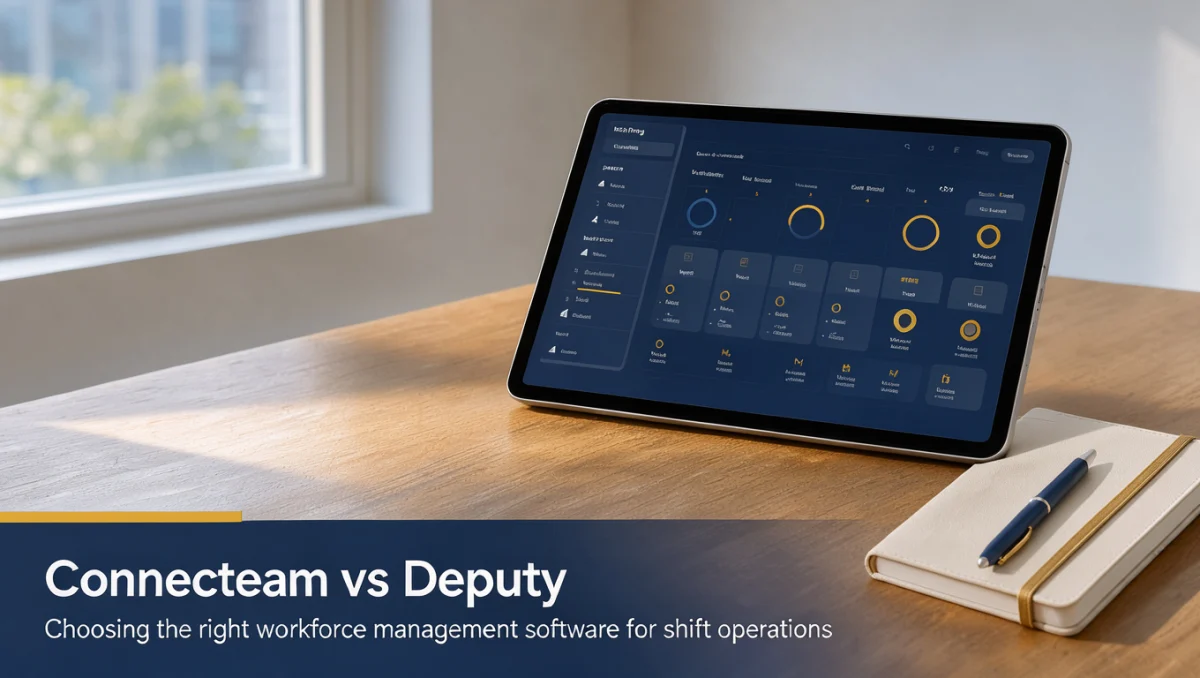
Many businesses that coordinate hourly and field workers end up comparing connecteam vs deputy before committing to a platform. Both tools help managers handle shifts and attendance, yet their core design reflects different operational priorities. Choosing well means understanding how each one handles daily scheduling, communication, and oversight.
Frontline operations rarely run on a single tool. Schedules, time tracking, task lists, and team messages often sprawl across spreadsheets, group chats, and paper forms. Evaluating these platforms starts with recognizing where that sprawl causes friction and which system addresses your biggest gaps.
Connecteam is built as a broad hub for deskless teams. It brings scheduling, digital forms, checklists, and internal messaging into one mobile-friendly workspace, which suits companies that want to replace bulletin boards and scattered chat threads. Deputy focuses more tightly on shift planning, availability, and hourly attendance, making it a strong match for businesses where rostering precision drives daily performance.
| Tool | Best for | Core strength | Consider if |
|---|---|---|---|
| Connecteam | Frontline teams that need scheduling, checklists, and messaging in one place | Unified app for shifts, forms, and team communication | You want to retire paper logs and separate messaging groups |
| Deputy | Shift-based businesses that depend on roster planning and attendance | Specialized shift building and hourly availability management | Your biggest challenge is complex shift patterns and clock-in accuracy |
Feature scope is the clearest dividing line. Connecteam bundles operational modules, so supervisors on job sites or cleaning crews can collect incident reports and daily logs inside the same app that shows shift times. Deputy keeps its attention on scheduling logistics, with template rosters, open-shift publishing, shift swaps, and clock-in records that feed payroll. Both include basic announcements, but neither is a full replacement for a dedicated project tool.
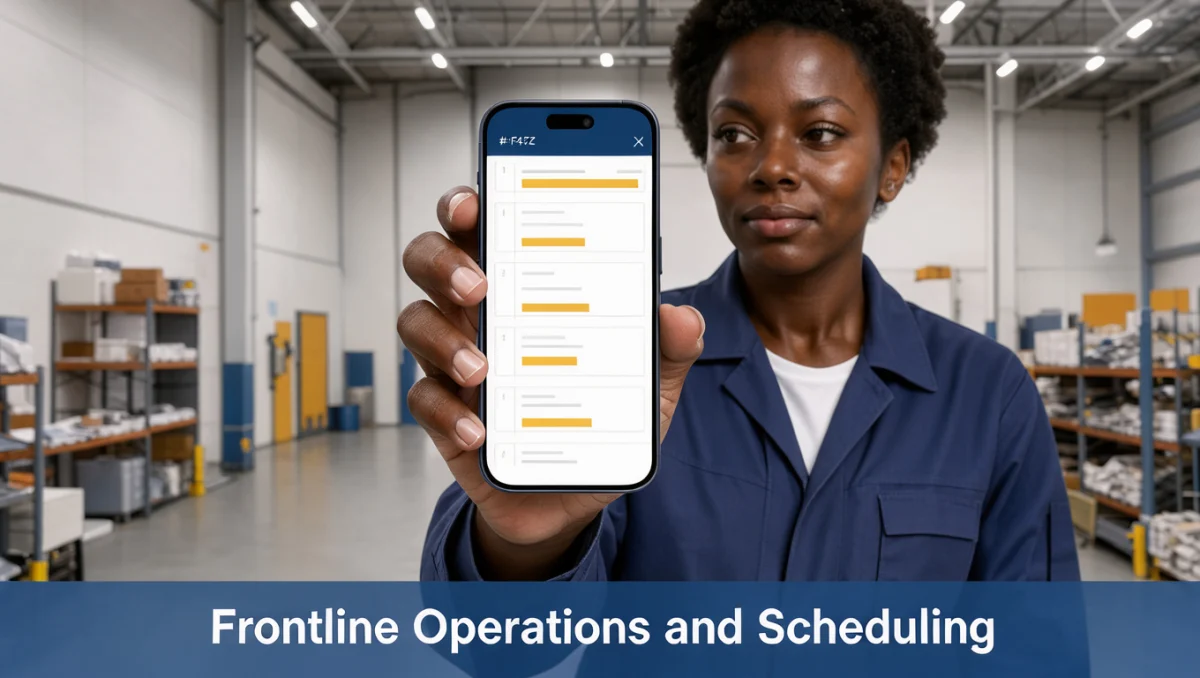
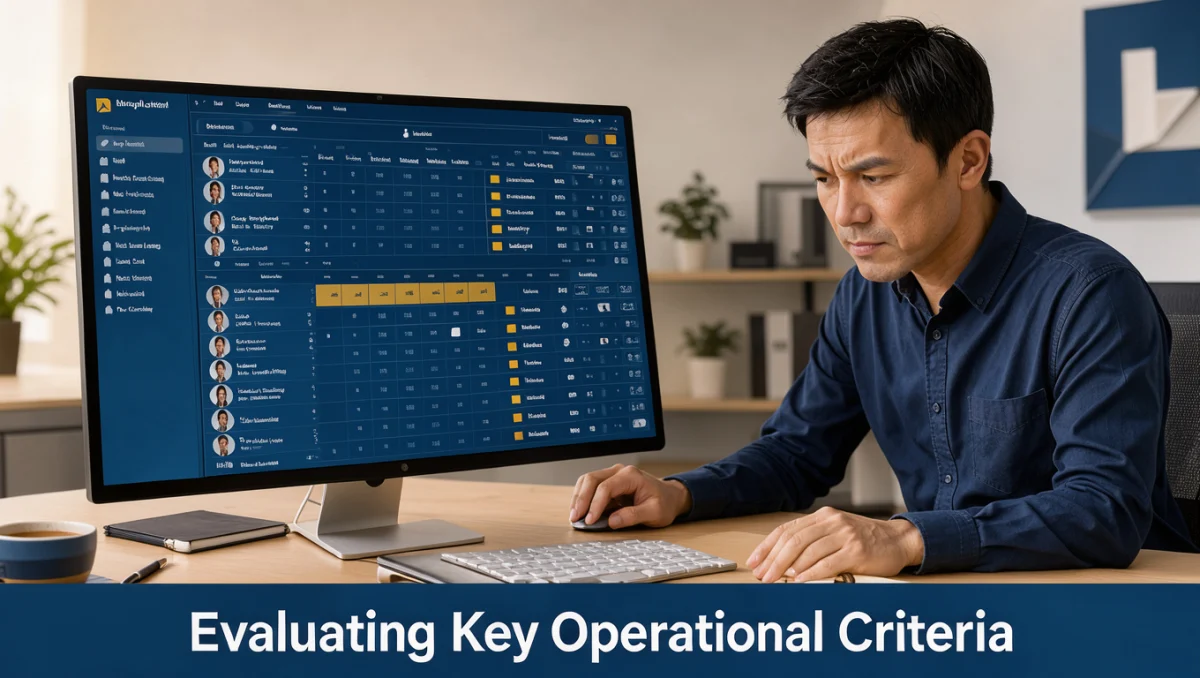
Ease of use depends on who is tapping the screen. Connecteam's employee app resembles consumer smartphone apps, letting workers check upcoming shifts, clock in, and complete checklists quickly. Its admin side requires some setup to organize groups and permissions across multiple modules. Deputy offers a clean roster calendar with drag-and-drop assignment and a fast view of coverage gaps, and its worker app stays focused on viewing shifts, requesting leave, and claiming open slots.
Pricing models differ in structure. Connecteam packages its capabilities into operational hubs, so the total cost depends on which bundles you select and how many seats you need. Deputy typically bills per user and offers modules separately, which suits businesses that only need scheduling or only need attendance. In both cases, seasonal hiring can change monthly costs quickly, so confirm seat rates, billing intervals, and any minimum thresholds on each vendor's official pricing page.
Payroll connectivity matters for both tools. Approved hours need to move cleanly into accounting or payroll software to avoid manual re-entry and errors. Deputy is designed to push hours, shift differentials, and attendance into external payroll and point-of-sale environments, which is valuable for retail and restaurant operators tracking labor against sales. Connecteam supports timesheet review, overtime tracking, and payroll export so administrators can approve hours before they leave the system. Check each vendor's integration directory to confirm compatibility with your exact payroll provider.
Audience fit often settles the decision. Connecteam suits deskless operations such as security firms, commercial cleaners, contractors, and home care providers, where shift details sit alongside addresses, safety protocols, and daily checklists. Deputy suits shift-heavy environments such as bars, restaurants, retail stores, hospitality venues, and urgent care clinics, where filling shifts fast and tracking punctuality matter more than training content or operational forms.
Support expectations should be checked against your rollout size. Both vendors offer self-serve documentation and ticketing channels, but live help can vary by plan tier and account size. If you are onboarding dozens or hundreds of distributed workers, confirm onboarding assistance before signing.
Competitively, Connecteam positions itself against frontline suites such as Homebase, When I Work, and Sling by covering forms, tasks, and chat alongside scheduling. Deputy stays competitive by going deep on scheduling, wage compliance, and point-of-sale connectivity without adding extra tools that many shift operators do not need.
How to Decide Between Connecteam and Deputy
Start by listing the operational problems you need to solve. If managers struggle with coverage gaps, last-minute absences, and manual roster edits, a dedicated scheduling platform addresses those directly. If supervisors spend their days texting staff, chasing paper inspection forms, and sharing schedule screenshots, an all-in-one deskless platform fixes the underlying breakdown.
Next, audit the software you already pay for. If you already have an internal messaging system and an operating procedures database, adding Connecteam may duplicate features. If you have no frontline communication or task tool at all, Deputy alone will leave those gaps open.
Finally, run a short pilot with a few supervisors and a sample of frontline workers. Time how long it takes managers to build recurring schedules and approve timesheets, and check whether workers can view shifts, clock in, and request time off without constant help.
| Operational scenario | Recommended approach | Key factor |
|---|---|---|
| Field services that need forms and tasks alongside scheduling | Connecteam | One mobile app covering checklists, chat, and shifts |
| Hospitality or retail that needs roster planning and punctuality tracking | Deputy | Specialized shift building and hourly availability tools |
| Remote office staff working through corporate email | Neither tool | Desktop project management systems fit better |
| Organizations with strict payroll connection requirements | Compare official export lists | Confirm exact payroll export compatibility before buying |
Frequently Asked Questions
What problems do workforce management tools solve?
They replace paper timesheets, reduce scheduling conflicts, automate time-off tracking, and simplify payroll preparation for hourly teams. Centralized schedules and clock-in data also give managers clearer visibility into attendance.
How should a business prepare before rolling out scheduling software?
Audit current shift patterns, standardize job roles, verify employee contact details, and assign administrative permissions before importing data. Staff should know how to install the mobile app, check schedules, and log hours from the first day.
What drives total software cost?
Costs usually depend on user count, selected tiers, billing intervals, and any implementation fees. Factor in seasonal staffing, since adding temporary users during peak periods changes monthly spend on both platforms.
Should payroll staff review the setup before purchase?
Yes. Payroll administrators should review pay rules, overtime calculations, and export formats so they match existing accounting processes. A qualified accountant or payroll specialist can confirm that timesheet categories meet local regulatory requirements.
Final Verdict
Both Connecteam and Deputy offer practical workforce tools, but they suit different operating models. Connecteam works best as a broad frontline hub that combines shift scheduling, workflow forms, safety checklists, and team communication in one mobile workspace. Deputy is the stronger choice for shift-heavy hospitality, retail, and service businesses where roster creation, coverage tracking, and punctuality define daily success.
| Criterion | Score /10 | Reason |
|---|---|---|
| Features | 8.8/10 | Broad scope covering operations, communication, forms, and time tracking |
| Ease of use | 8.2/10 | Mobile experience built for frontline staff, with structured admin controls |
| Pricing and value | 7.6/10 | Flexible hub choices, but tier combinations need careful review |
| Integrations | 7.2/10 | Supports payroll exports and timesheet connections; verify each vendor's links |
| Audience fit | 8.5/10 | Well aligned with distributed deskless operations across industries |
| Support | 7.4/10 | Self-serve documentation and standard ticketing are available |
| Competitive position | 8.3/10 | A distinct unified operational hub compared with single-purpose tools |
Overall score: 8.0/10
Small business owners and field service contractors managing mobile crews will find Connecteam a cleaner replacement for group chats and paper checklists. Restaurant managers, retail operators, and healthcare administrators balancing rotating shifts will likely get more from Deputy's focused roster tools. Review your internal bottlenecks, compare the official plan structures, and pilot each platform with real shift data before committing.
Questions about workforce software selection can be sent to the editorial desk at https://bestcouponblogs.com/contact/, or follow bestcouponblogs updates on LinkedIn at https://www.linkedin.com/company/bestcouponblogs/.
See More Collaboration & Productivity · Best Coupon Blogs