bestcouponblogs may earn a commission when you buy through links on this page, at no extra cost to you. This does not affect our ratings.
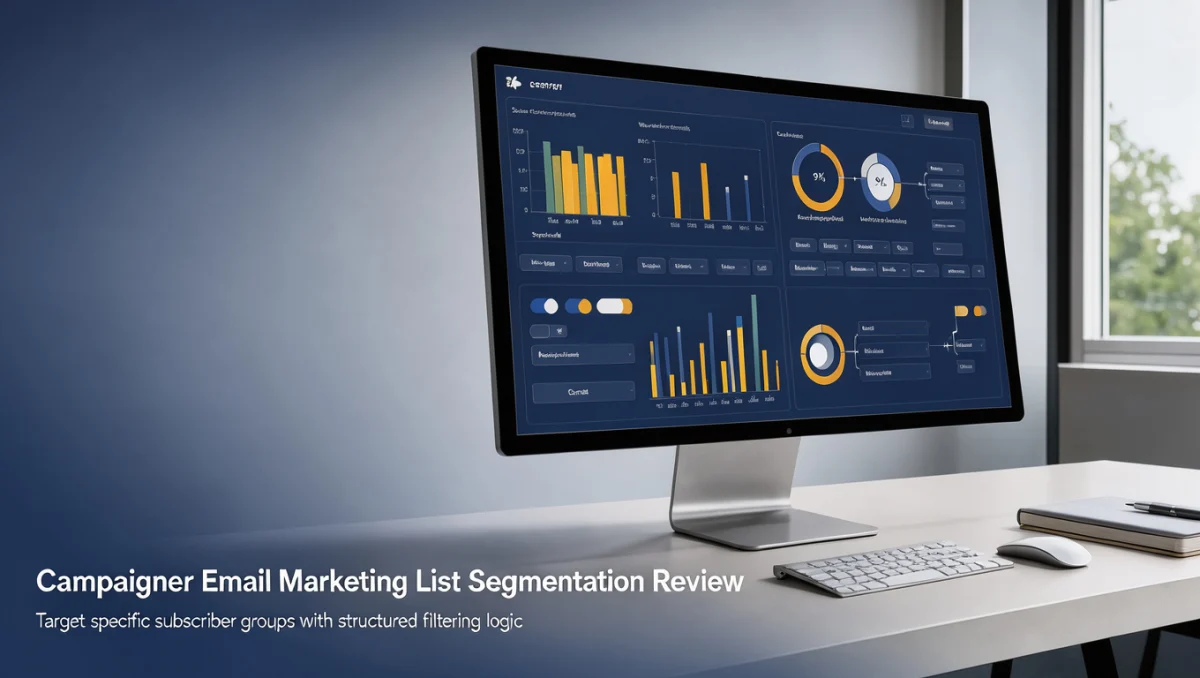
Sending one message to an entire contact database rarely produces strong results. Campaigner email marketing list segmentation solves this by dividing subscribers into focused groups built from profile attributes and past engagement, so each group receives content that fits its interests. At bestcouponblogs, we judge email tools against structured criteria that prioritize long-term operational fit and clear buying guidance.
Segmentation sits at the heart of disciplined email marketing. When contacts are sorted well, messages line up with what each reader actually wants, which protects sender reputation and keeps subscribers from tuning out. Looking closely at how a platform organizes contact groups and filtering rules shows whether it will fit your everyday messaging routine.
Quick verdict: Campaigner earns 7.6/10 overall. It is a capable choice for marketing teams and businesses that want structured contact segmentation, condition-based filtering, and campaign automation. It is less suited to occasional senders who want minimal setup, or to organizations that only need simple list blasts without ongoing contact maintenance.
| Metric | Details |
|---|---|
| bestcouponblogs score | 7.6/10 |
| Best for | Teams that need structured subscriber grouping, behavioral filtering, and coordinated campaigns across distinct audience segments. |
| Not ideal for | Solo creators who only send basic newsletters, or senders with flat subscriber records that lack maintained contact fields. |
| Key strengths | Contact filtering logic, multi-field subscriber organization, automated workflow targeting, and campaign broadcast controls. |
| What to check before buying | Review the official Campaigner website to confirm contact limits, workflow rules, sending thresholds, and plan terms. |
1. How bestcouponblogs Reviewed Campaigner
This review covers what Campaigner is built to do, who it serves, and how it stacks up against similar tools. We used the seven bestcouponblogs criteria: features, ease of use, pricing and value, integrations, audience fit, support, and competitive position. Plans, prices, and limits change often, so we flag what to confirm on the official website before you commit. This article was researched and drafted with the help of AI tools, then reviewed and edited by the bestcouponblogs Editorial Team.
2. What is Campaigner and who is it for
Campaigner is an email marketing platform built to help organizations create, automate, and send digital communications to subscriber databases. Its core areas are audience management, visual campaign creation, automation sequences, and delivery tracking. Senders use it to maintain contact records, design templates, and schedule broadcasts across different recipient lists.
The platform suits mid-sized teams, commercial senders, and specialized marketers who manage varied customer segments across product lines or lifecycle stages. Instead of treating an audience as one group, Campaigner lets administrators build custom fields, tag contacts, and apply logical conditions that determine who receives which campaign. Senders with a clear segmentation strategy get the most value from this structured approach.
Organizations with simple communication needs, such as single-topic community updates, may find detailed segmentation unnecessary. The software is designed for teams that actively track subscriber characteristics and want systematic filtering to guide their campaign schedules.
3. Core features of Campaigner
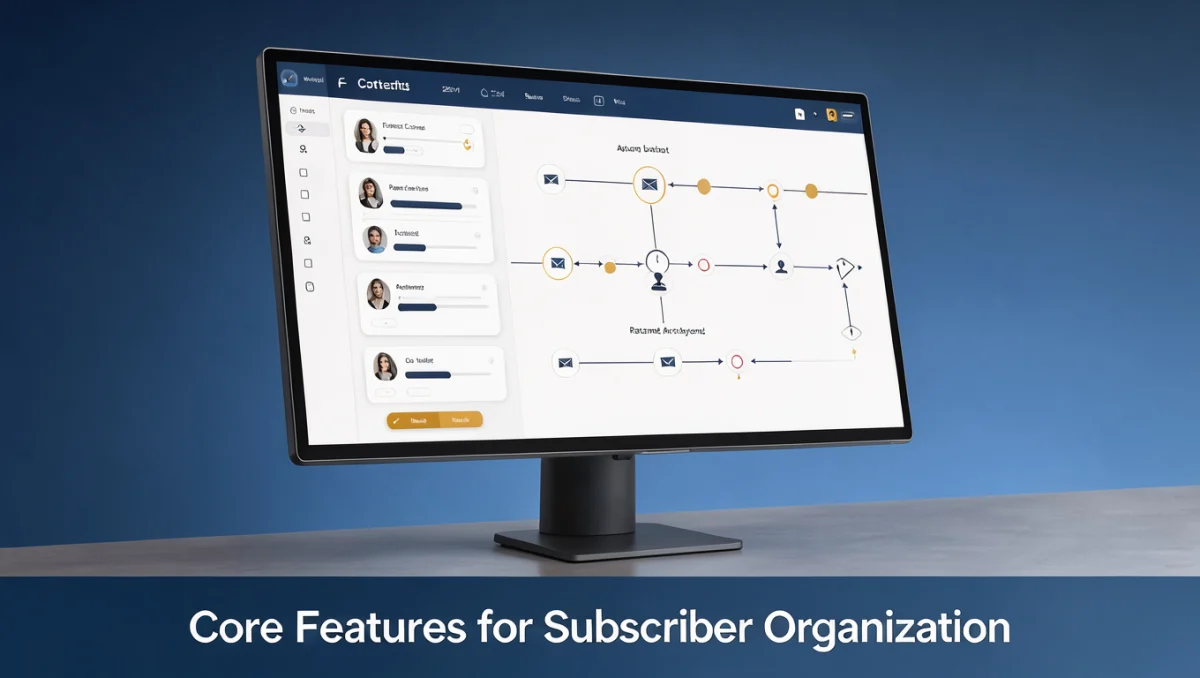
Campaigner offers a set of email management tools organized around audience data, message authoring, and delivery evaluation. Understanding each functional area helps buyers decide whether the software matches their email goals.
Audience segmentation and contact filtering
Segmentation in Campaigner lets administrators create dynamic and static contact groups from subscriber data fields. Senders can filter contacts by demographic data, geographic location, purchase indicators, and prior interactions such as opens and link clicks. This logic lets teams target engaged subscribers while leaving unengaged profiles out of specific promotional mailings.
Dynamic segments update automatically as contact records change, cutting the manual work of list sorting. Contact hygiene tools help senders manage unsubscribes, suppress inactive addresses, and organize custom attributes for ongoing targeting.
Email campaign creation and templates
Campaign creation includes drag-and-drop template editing as well as direct code editing for custom layouts. Senders can choose responsive design frameworks, insert personalized merge tags, and preview messages on desktop and mobile before sending. Conditional content blocks can display different text or images depending on each recipient's segment profile.
Automation workflows and autoresponders
Workflow automation lets marketers set up sequential email paths triggered by specific subscriber events. Welcome series, re-engagement tracks, and date-based notifications run automatically once trigger rules are configured. Senders map multi-step branching logic that routes recipients down different paths based on how they respond to earlier emails.
Reporting and campaign analytics
Reporting dashboards track core email metrics, including delivery outcomes, open rates, click activity, and unsubscribe requests. Senders can review aggregate broadcast results or segment-specific trends to see how different audience subsets respond over time. These insights help refine subject lines, sending schedules, and segment parameters for future campaigns.
4. Ease of use and learning curve
Campaigner uses a structured administrative dashboard with dedicated sections for list management, message authoring, automation builders, and performance reports. New users who understand basic email marketing concepts can create contacts and schedule campaigns without extensive technical help. The interface emphasizes function, grouping segmentation tools within clear filtering menus.
The learning curve steepens when teams configure advanced conditional segments and multi-step automation sequences. Building complex filtering rules requires a solid grasp of database fields, logical operators, and suppression lists. Teams moving from basic newsletter tools should budget enough setup time to structure custom attributes and validate audience rules before launching live broadcasts.
For structured email operations, professional Marketing resources can help teams set standardized naming conventions, consistent tagging taxonomies, and routine database audits. Clear internal conventions reduce segment errors as databases grow.
5. Pros and cons
Every email marketing platform involves trade-offs depending on team skills and strategic goals. Weighing both advantages and limitations helps buyers set realistic expectations before investing.
Pros
- Detailed segment filtering lets senders isolate specific subscriber profiles using demographic attributes and behavioral criteria.
- Dynamic audience updates keep segments current with recent contact actions, without manual data exports.
- Structured automation workflows support targeted autoresponders and scheduled sequences tied to segment membership.
- Comprehensive reporting shows delivery and engagement data across individual campaigns and segmented contact groups.
Cons
- The interface requires deliberate database planning, which can feel complex for solo operators with simple broadcast needs.
- Intricate conditional rules across multiple custom fields need careful testing to avoid accidentally excluding recipients.
- Teams without existing contact data fields cannot fully use behavioral segmentation until subscriber tracking is in place.
6. Campaigner vs similar tools
Comparing Campaigner with recognized email marketing platforms clarifies where it fits in the wider software landscape. Senders choose tools based on whether their priority is simplicity, complex multichannel automation, or specialized contact segmentation.
Mailchimp is aimed mainly at small businesses and solo creators who value creative template libraries, beginner-friendly onboarding, and broad platform visibility. Mailchimp includes audience tags and segment rules, but organizations with extensive custom data requirements often evaluate Campaigner when they want traditional database filtering controls for structured commercial sending.
ActiveCampaign emphasizes customer experience automation, combining email marketing with integrated sales pipelines and advanced messaging triggers. It targets organizations that want full lifecycle marketing orchestration across multiple sales touchpoints. Campaigner, by contrast, concentrates its features on dedicated email broadcasting, advanced contact filtering, and structured list segmentation for email-focused teams.
Constant Contact focuses on straightforward communication tools for nonprofits, local businesses, and community organizers who value accessible templates and event announcements. Organizations choosing between Constant Contact and Campaigner usually decide based on whether they need basic community announcements or systematic segmentation driven by custom contact attributes.
7. Who should use Campaigner
Audience fit depends on organizational structure, technical comfort, and how complex the subscriber database is. Different operational profiles gain different advantages from the platform.
Small business owners
Small business owners who keep segmented customer records, such as retail buyers versus wholesale clients, can use Campaigner to send relevant product updates to each group. Owners can separate promotional content by purchase history so customers receive notices that match their past orders.
Digital marketers
Digital marketers running multiple acquisition campaigns benefit from conditional segmentation and behavioral trigger sequences. They can build re-engagement workflows for subscribers who have stopped responding to recent broadcasts, helping protect inbox delivery across the broader list.
Corporate communication teams
Communication specialists handling multi-departmental announcements or regional staff updates can organize recipient lists by location, department, or administrative tier. Filtering internal and external distributions ensures sensitive notices reach the right people.
Freelancers and independent consultants
Freelancers with small, single-topic client lists rarely need multi-field filtering logic. Independent professionals sending occasional monthly newsletters may find dedicated segmentation tools more complicated than their volume requires.
8. How to choose the right plan
Email marketing platforms use subscription models with pricing tiers based on list volume and feature access. Buyers should review the official Campaigner pricing page to confirm tier boundaries, sending allowances, and account parameters before subscribing.
| What to check on the official pricing page | Why it matters |
|---|---|
| Contact volume thresholds | Subscription tiers adjust based on total stored or active subscribers, which affects recurring costs. |
| Sending frequency limits | Some platforms apply monthly send quotas, while others allow uncapped campaign dispatches to active contacts. |
| Advanced segmentation access | Verify whether complex conditional rules or behavioral segmentation filters require a higher tier. |
| Administrative seats | Multiple team members managing campaigns may need separate logins depending on plan allocations. |
| Database field limits | Confirm how many custom attributes and segmentation tags you can maintain across your contact database. |
9. Frequently asked questions
What defines list segmentation in email marketing software?
List segmentation is the process of sorting an email contact database into defined subgroups based on shared characteristics, geographic information, or past campaign engagement. Instead of sending identical messages to every address, administrators use segmentation rules to deliver content suited to each subscriber group, which improves relevance and reduces unsubscribes.
How should teams prepare contact data before building segments?
Teams should audit existing subscriber lists by removing duplicates, correcting malformed addresses, and standardizing custom data fields. Consistent naming formats for categories such as purchase dates, customer status, and geographic regions help automated filtering rules evaluate contact records accurately in every future campaign.
What is the difference between static and dynamic contact lists?
Static contact lists hold fixed subscriber groups that stay the same until an administrator manually adds or removes addresses. Dynamic contact lists run on rule sets that evaluate contact attributes continuously, adding subscribers who meet the criteria and removing those who no longer qualify without manual work.
What factors influence total email marketing software expenses?
Total costs depend on subscriber count, monthly sending volume, additional administrative seats, and specialized feature access. Organizations should also budget for staff training, template design, and ongoing data hygiene when planning annual digital communication spending.
How often should senders review audience segmentation rules?
Segmentation rules should be reviewed quarterly to confirm that custom field mappings and engagement conditions still match organizational goals. Regular reviews surface outdated criteria, retire unused segments, and keep database architecture clean as recipient behavior changes.
10. Final verdict
Campaigner delivers dependable email marketing capabilities for organizations that treat subscriber data as a strategic asset. Its filtering rules, dynamic list updates, and automated workflow triggers give teams what they need to run targeted email programs without unnecessary distractions. Buyers who maintain structured contact databases will find its focused segmentation tools genuinely useful.
| Criterion | Score /10 | Reason |
|---|---|---|
| Features | 8.4/10 | Strong filtering logic, dynamic segments, and automation workflows. |
| Ease of Use | 7.2/10 | Clear dashboard, though advanced rules have a steeper learning curve. |
| Pricing and Value | 7.5/10 | Fair value for structured segmentation; confirm tier limits on the official site. |
| Integrations | 7.0/10 | Covers core integration needs for most email programs. |
| Audience Fit | 8.1/10 | Well suited to teams with segmented databases and defined strategies. |
| Support | 7.4/10 | Reliable assistance for standard setup and troubleshooting. |
| Competitive Position | 7.8/10 | Clear focus on segmentation distinguishes it from broader all-in-one suites. |
Overall score: 7.6/10
For teams that need reliable database segmentation and behavior-based campaign scheduling, Campaigner is a practical choice. Before selecting a subscription tier, confirm your active contact volume and required workflow rules on the official Campaigner website.
At Best Coupon Blogs, our independent software assessments help business operators evaluate digital tools through structured analysis. For questions about this review, contact our editorial team through our official channels or connect with our analysts on LinkedIn.