bestcouponblogs may earn a commission when you buy through links on this page, at no extra cost to you. This does not affect our ratings.
Community groups and charities increasingly look for a simple way to run online donations, sell event tickets, and keep supporters engaged. Among the options under review at Best Coupon Blogs, zeffy features stand out for teams that want to handle fundraising without juggling several disconnected tools.
Choosing software for a nonprofit is less about marketing claims and more about how the tool performs day to day. Many digital payment systems look similar on the surface, yet charities need dependable donor receipts, clear records, and ticketing that fits volunteer-run events.
Quick verdict: With an overall score of 8.1/10, the platform suits small to midsize nonprofits and community groups that want uncomplicated online giving and event ticketing. Large institutions that depend on complex donor relationship databases will likely need something more specialized.
| Metric | Assessment |
|---|---|
| bestcouponblogs score | 8.1/10 |
| Best for | Small charities, grassroots groups, and community event organizers |
| Not ideal for | Large institutions requiring multi-tier donor pipeline management |
| Key strengths | Focused tools for nonprofit donations, event ticketing, and supporter forms |
| What to check before buying | Review official fee structures and contribution policies on the vendor website |
1. How bestcouponblogs Evaluated Zeffy
This assessment examines what the platform is designed to accomplish, the groups it serves, and how it stacks up against comparable tools. We applied seven bestcouponblogs criteria: features, ease of use, pricing and value, integrations, audience fit, support, and competitive position. Plans, prices, and limits change frequently, so we highlight the details to verify on the official website before purchasing. This article was researched and drafted with AI assistance, then reviewed and edited by the bestcouponblogs Editorial Team.
2. Understanding the Platform and Its Audience
Zeffy is a fundraising and event management platform built for registered charities, nonprofit organizations, and community initiatives. Instead of targeting general commerce, it concentrates on donation collection, donor tracking, and ticket sales for cause-driven programs.
The software tackles administrative friction common in volunteer-led teams. Typical users include:
- Charity directors who need coordinated online giving forms
- Community volunteers planning annual banquets or charity walks
- Parent associations collecting activity dues and project contributions
- Civic groups wanting a unified history of donor activity
3. Core Functions That Support Daily Work
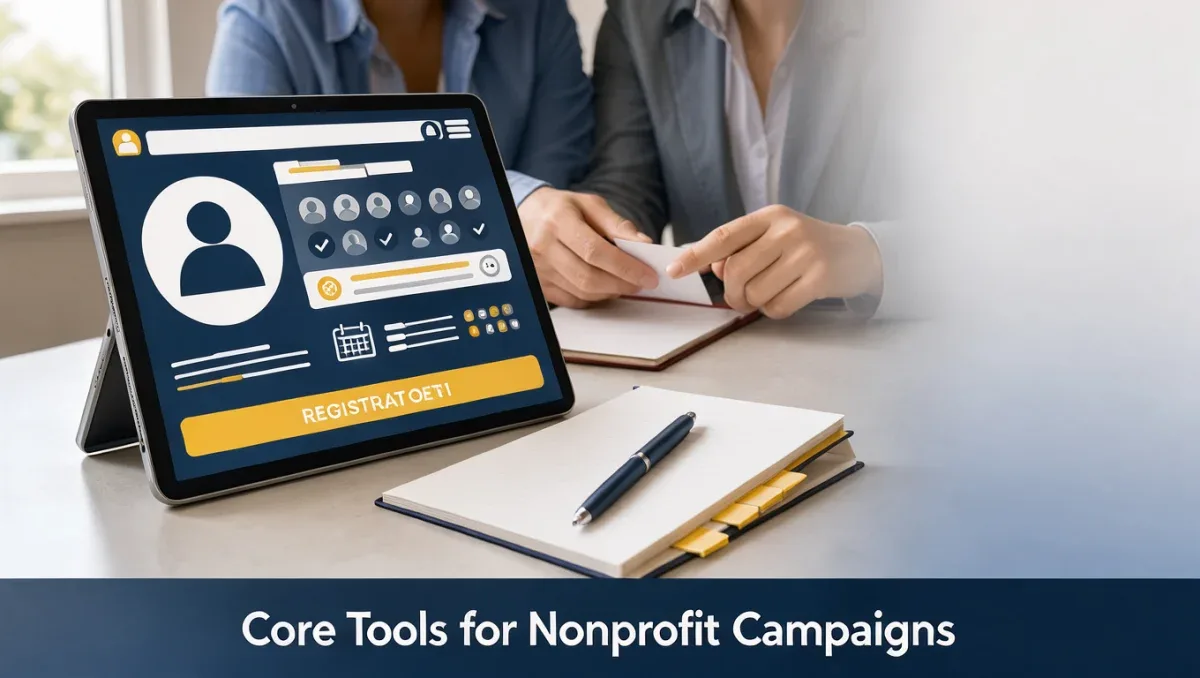
Nonprofit management tools must support the routine tasks that keep community projects funded and organized. The main functional areas below help teams run campaigns without re-entering data across separate systems.
3.1. Online Donation Collection
Teams can build customizable donation forms for embedding on websites or sharing through direct appeals. Before launching a live campaign, staff should test recurring gift settings and automated receipt emails to confirm that donors are acknowledged correctly.
3.2. Event Ticketing and Registration
Staff can publish event listings, register attendees, and maintain guest rosters for fundraisers, galas, and community meetings. Organizers should check how check-in records update the general contact list during high-traffic events.
3.3. Peer-to-Peer Fundraising
Supporters can create personal fundraising pages linked to a shared nonprofit goal. Coordinators should confirm how team totals refresh and how participant notifications help individuals reach out to their networks.
3.4. Donor Contact Records
The platform keeps basic contact profiles, giving histories, and event participation summaries in one place. Campaign leads should review export options to make sure the data fits their internal reporting schedule.
4. Ease of Use and Learning Curve
Fundraising software for volunteer organizations needs intuitive navigation, since administrative roles often rotate from one season to the next. A straightforward setup shortens training time for temporary committee chairs and part-time coordinators.
When adopting this type of software, organizations should plan for these standard onboarding steps:
- Assigning administrative permissions to campaign leads
- Entering the charity's banking details and contact information
- Designing and styling the initial public donation page
- Testing automated email receipts across internal staff inboxes
5. A Two-Week Evaluation Plan
Before launching public campaigns, teams should test the core workflows. A structured review routine makes it easier to assess the platform's capabilities in a systematic way.
- Days 1 to 3: Set up an evaluation workspace, add sample bank profile details, and test basic organization profile settings.
- Days 4 to 7: Create a mock event with several ticket categories, generate test registrations, and review automated confirmation notices.
- Days 8 to 14: Build a test peer-to-peer campaign page, review donor record exports, and verify that data fields match internal bookkeeping needs.
6. Strengths and Limitations

Every software category involves trade-offs tied to product scope and the size of the intended user base. Understanding these compromises helps teams avoid unexpected operational problems.
| Area | Shines when | May fall short when |
|---|---|---|
| Donation processing | Running straightforward community and holiday campaigns | Managing multi-tiered institutional endowment funds |
| Event management | Selling community tickets and tracking guest lists | Requiring complex reserved-seating venue layouts |
| Contact tracking | Maintaining fundamental donor history profiles | Running advanced wealth screening and relationship mapping |
7. Comparison With Similar Tools
Knowing where competing tools focus their development helps determine which solution matches your goals.
| Tool | Best for | Core focus |
|---|---|---|
| Zeffy | Budget-conscious small charities | All-in-one nonprofit fundraising and ticketing |
| Donorbox | Organizations embedding forms across diverse sites | Customizable recurring donation form integration |
| Givebutter | Teams seeking gamified social fundraising tools | Interactive campaign feeds and event engagement |
| Bloomerang | Established charities tracking deep constituent data | Comprehensive donor relationship management |
8. Who Should Choose This Platform
Matching software to your organization's capacity prevents paying for administrative depth you won't use, or outgrowing essential tools too soon.
| User group | Recommendation | Primary rationale |
|---|---|---|
| Grassroots nonprofits | Strong fit | Simple setup with direct campaign and ticketing forms |
| Independent school clubs | Strong fit | Centralizes dues and fundraiser collections without overhead |
| Regional arts councils | Moderate fit | Handles general admission but lacks complex theater seating |
| Enterprise hospital foundations | Not recommended | Requires extensive donor wealth metrics and deep audit controls |
9. Pricing Overview
Payment processing structures and fee models differ across fundraising services, so buyers should check the terms directly on official vendor pages before committing.
- Confirm on the official pricing page how platform transaction fees and optional donor tipping work.
- Verify whether card processing carries standard gateway charges or depends on specific financial clearinghouses.
- Review payout timing, currency options, and international banking requirements on the official documentation site.
10. Frequently Asked Questions
What types of organizations can register?
Registered nonprofit entities, charitable organizations, and recognized community groups generally qualify. Organizations should confirm the specific documentation and proof-of-status requirements on the official website before launching public appeals.
How are event ticket check-ins handled?
Organizers can generate digital attendee lists and confirmation codes to verify guests at the door. Campaign staff should review the mobile check-in guides in the official knowledge base to confirm that their devices are ready.
Can donor data be exported to accounting tools?
Supporter records and transaction summaries can be exported as structured files for use in spreadsheets or bookkeeping systems. Custom field mapping should be verified during the evaluation period.
How can tax receipts meet local requirements?
Administrators should consult a qualified accountant or tax professional when customizing receipt templates, ensuring that all required charity registration numbers and official signatures appear correctly.
11. Final Verdict
| Criterion | Score /10 | Reason |
|---|---|---|
| Features | 7.8/10 | Covers core fundraising, event ticketing, and supporter forms reliably |
| Ease of use | 8.8/10 | Minimal training needed for volunteers and campaign coordinators |
| Pricing and value | Confirm before buying | Review official fee policies and donor contribution mechanisms directly |
| Integrations | Confirm before buying | Verify current external accounting connections on official vendor pages |
| Audience fit | 8.5/10 | Tailored directly to volunteer-run groups and small community charities |
| Support | Confirm before buying | Check official service channels and available response resources |
| Competitive position | 7.3/10 | Clear focus on accessible fundraising despite less complex CRM depth |
| Overall score | 8.1/10 | Calculated average across evaluated qualitative criteria |
Nonprofit teams looking for an accessible way to run recurring appeals, sell gala tickets, and organize volunteer-led community drives will find the platform well aligned with these essential tasks. Organizations managing large endowments or complex donor stewardship pipelines should consider specialized constituent tracking platforms instead.
Have a question about choosing software? Reach the bestcouponblogs team through our Best Coupon Blogs contact page, or follow bestcouponblogs on LinkedIn for new reviews and comparisons. For more in-depth coverage of the E-commerce tools we review, browse our category archive.