bestcouponblogs may earn a commission when you buy through links on this page, at no extra cost to you. This does not affect our ratings.
Weighing pixel union vs out of the sandbox is a major call for anyone building an online shop on a hosted commerce platform. The framework you pick shapes how products appear, how shoppers move through collections, and how easily your team manages merchandising day to day. At Best Coupon Blogs, we break down what each studio is built to do so you can commit with confidence.
Both studios produce commerce templates designed for product showcases, visual storytelling, and store navigation. Their frameworks cover similar retail needs, but they are tuned for different catalog sizes and merchandising demands. Assessing your inventory structure early can save you from an expensive theme swap once the business scales.
Short answer: Pick Pixel Union if your store runs on visual presentation, editorial merchandising, and lifestyle branding, scoring 8.1/10 overall. Pick Out of the Sandbox if you manage large catalogs that need deep search filtering and structured layouts, also scoring 8.1/10 overall.
| Criterion | Pixel Union | Out of the Sandbox |
|---|---|---|
| bestcouponblogs score | 8.1/10 | 8.1/10 |
| Best for | Lifestyle brands and boutique stores | High-volume merchants and deep catalogs |
| Core focus | Visual storytelling and brand experience | Catalog architecture and merchandising speed |
| Consider if | Editorial photography drives your conversion path | Shoppers sift through hundreds of specific product variants |
1. How Best Coupon Blogs evaluated Pixel Union and Out of the Sandbox
This comparison examines what Pixel Union and Out of the Sandbox are designed to accomplish, which merchants they suit, and how to choose between them. We scored each on seven criteria: features, ease of use, pricing and value, integrations, audience fit, support, and competitive position. Plans, prices, and limits change frequently, so we flag what to verify on each official website before purchasing. This article was researched and drafted with AI assistance, then reviewed and edited by the Best Coupon Blogs Editorial Team.
2. Where Pixel Union and Out of the Sandbox diverge
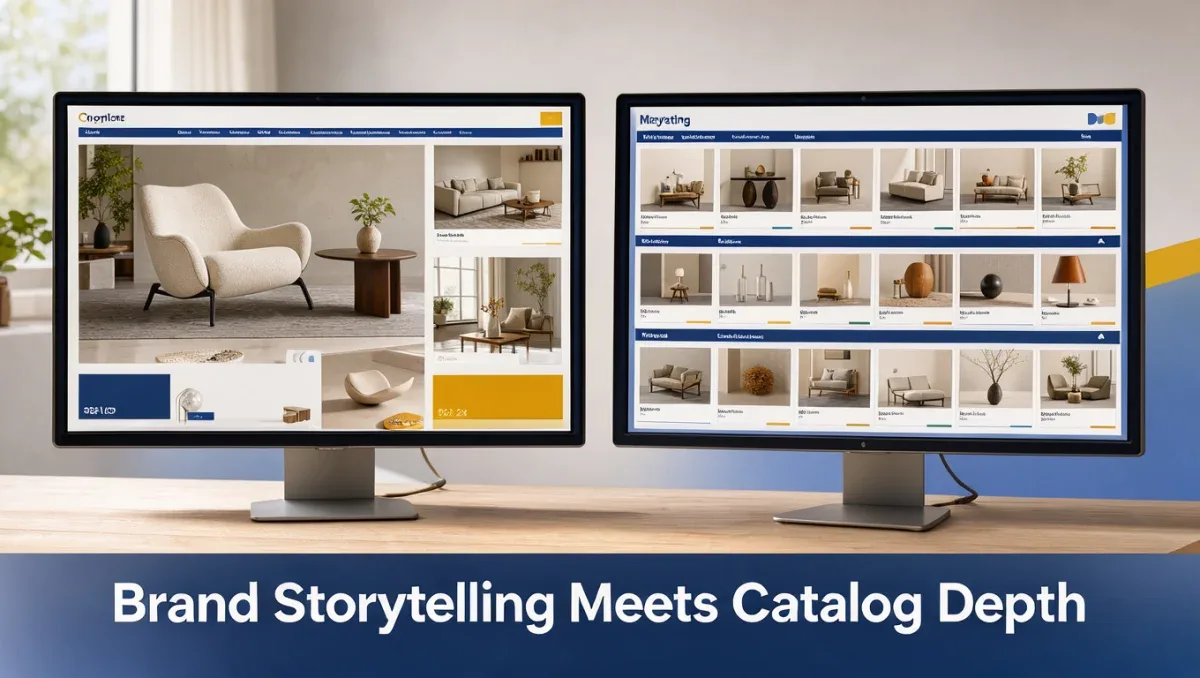
Pixel Union builds storefront themes centered on presentation, modern typography, and focused product discovery. Merchants in fashion, beauty, lifestyle, and curated consumer goods often choose these designs because the structural blocks give brand imagery and media assets room to lead. The development approach guides shoppers through a consistent brand narrative from landing page to checkout.
Out of the Sandbox emphasizes structural flexibility, multi-category organization, and high-density product discovery. Retailers with extensive inventories, wholesale lines, or industrial supply catalogs often favor these templates for clean multi-level menus and structured collection grids. The design supports fast browsing across large product hierarchies without visual clutter.
- Pixel Union suits stores where brand perception and visual media drive conversion.
- Out of the Sandbox suits stores where navigation speed and catalog depth drive conversion.
- Store managers comparing E-commerce solutions should match catalog scale to layout architecture before buying any theme.
3. Which one fits your situation
Operational needs vary with inventory volume, order size, and the photography resources you have available. Comparing pixel union vs out of the sandbox means looking closely at how your target buyers move through your collection pages.
| Situation | Choose Pixel Union if | Choose Out of the Sandbox if |
|---|---|---|
| Launching a boutique product line | Visual lookbooks and lifestyle stories are your main selling method. | You plan to expand quickly into dozens of distinct product lines. |
| Managing a broad wholesale catalog | You focus on a curated set of distributor packages. | Buyers need detailed specification tables and multi-tier filtering. |
| Running frequent promotional drops | Your marketing relies on striking campaign imagery and focused item showcases. | You run simultaneous promotions across unrelated departments. |
| Prioritizing mobile-first consumer retail | Rich vertical storytelling sections walk buyers through brand benefits. | Condensed mobile menus and fast collection sorting matter most. |
| Working with a small creative team | You prefer structured design modules that keep styling consistent without custom code. | Your staff needs flexible section adjustments across diverse SKU types. |
4. How to compare them yourself
Review preview stores on official theme marketplaces to test each option against your operational requirements.
4.1. Features
Look at the layout components available on product pages, collection templates, and home sections. Check how each theme handles media galleries, product badges, promotional banners, and information tabs. Confirm whether the built-in blocks cover your fulfillment disclosure needs without extra apps.
4.2. Ease of use
Test the customization controls in the official theme editor. See how easily you can adjust color palettes, typography scales, header layouts, and footer content. Estimate how quickly non-technical staff can assemble a promotional landing page using standard settings.
4.3. Pricing and value
Review current licensing terms and commercial policies on the official marketplace. Confirm whether theme updates carry separate renewal charges or come included with the initial purchase. Check how licensing applies across development, staging, and production store environments.
4.4. Integrations
Confirm compatibility with platform essentials such as native customer accounts, currency selectors, translation systems, and app block extensions. Verify that third-party review widgets and filtering tools sit cleanly within the theme's sections.
4.5. Audience fit
Assess whether the baseline design matches your customers' expectations. A boutique cosmetics brand needs a different sensory hierarchy than a distributor of commercial electrical components. Choose the layout that aligns with buyer expectations in your category.
4.6. Support
Inspect the official documentation, setup tutorials, and technical support channels before completing a transaction. Confirm the available contact methods and public update logs on each publisher's site to gauge ongoing maintenance.
4.7. Competitive position
Compare each vendor's visual identity and structural density against other options in the commerce marketplace. Merchants looking for unbiased software insight from Best Coupon Blogs often find that clear positioning simplifies the final decision.
5. Cost checklist for both tools
Commercial themes carry costs beyond the initial license fee. Use this checklist to set your total deployment budget.
| Cost item | Ask about Pixel Union | Ask about Out of the Sandbox |
|---|---|---|
| Theme purchase fee | Confirm current one-time pricing on the official marketplace listing. | Confirm current license cost and staging privileges on the official website. |
| Major version migrations | Check how updates to new architecture frameworks are handled for existing licensees. | Verify policies on major architectural revisions and code migrations. |
| Third-party app overlap | Review native drawer carts and announcement bars to avoid paying for redundant monthly apps. | Inspect native filtering and mega-menu features to see whether external apps are unnecessary. |
| Developer customization hours | Estimate outside technical hours if brand requirements exceed native section settings. | Calculate setup assistance costs for complex multi-level menu structures. |
6. How to decide
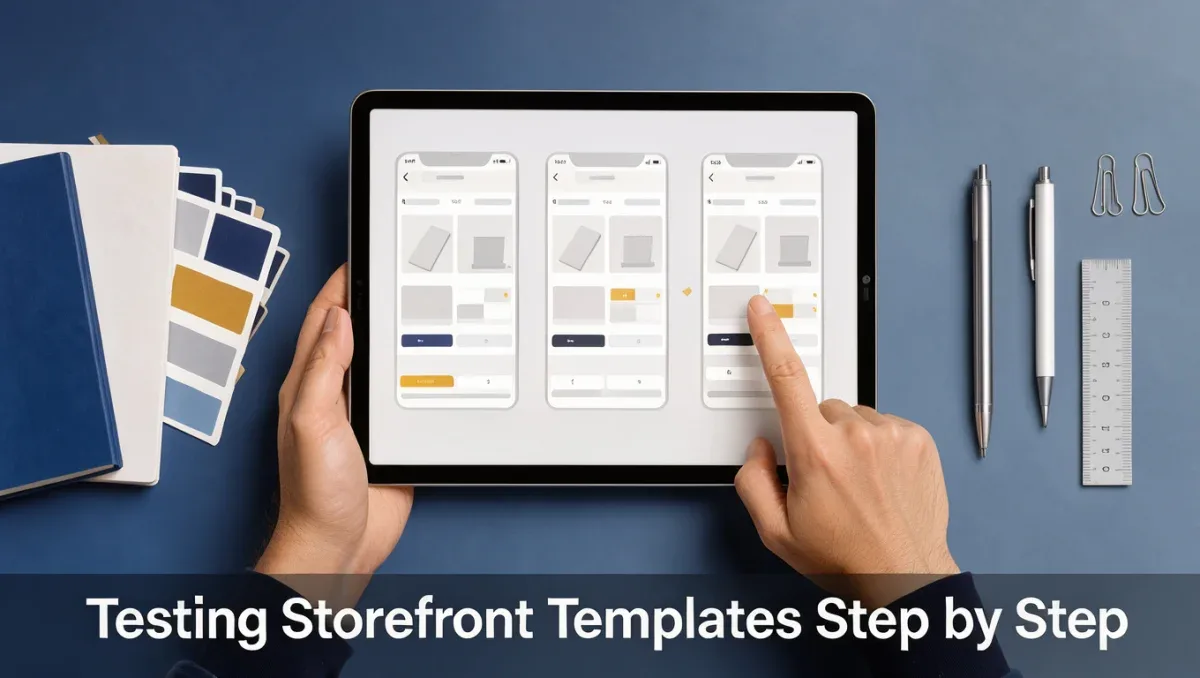
Follow a systematic process to choose the storefront that will support your business over the coming seasons.
- Count your current inventory, variant structures, and photography assets to establish baseline structural needs.
- Install trial versions of the prospective themes from the official marketplace into a development store.
- Fill key templates with real product titles, high-resolution images, and collection descriptions to test layout resilience.
- Test mobile responsiveness by browsing product galleries and checkout paths on handheld devices.
- Ask your graphic designers and catalog managers to confirm the layout fits daily workflows before you buy.
7. Frequently asked questions
How does catalog size influence the choice between these theme providers?
Catalog size determines how shoppers find merchandise. Stores with hundreds of products benefit from deep collection sorting, faceted search filters, and dense menu configurations. Businesses with limited product ranges usually do better with prominent visual galleries, lifestyle presentation blocks, and focused narrative sections.
What should merchants consider when migrating between these theme frameworks?
Switching storefront themes means reconfiguring visual sections, reapplying navigation menus, and retesting third-party app blocks. Product data and customer records stay secure in your core e-commerce database, but visual styling and section layouts must be rebuilt manually in the new theme.
Can store staff customize these themes without software developers?
Both providers build templates around visual editors that let merchants configure banners, text blocks, and product carousels without writing code. Extensive layout changes or custom backend scripts beyond standard settings generally need front-end developer help.
How should growing businesses assess long-term theme flexibility?
Growing brands should check whether a theme supports multi-region selling, expanding product categories, and dynamic content blocks. Reviewing official update documentation helps confirm that the developer actively maintains security compatibility and current platform standards.
8. Final verdict
Both studios offer dependable, professionally structured storefront frameworks for modern online retailers. Your choice should rest on how you merchandise, not on aesthetic preference alone.
| Criterion | Pixel Union score /10 | Out of the Sandbox score /10 | Reason |
|---|---|---|---|
| Features | 8.0 | 8.5 | Out of the Sandbox offers broader catalog density controls, while Pixel Union excels in visual layout modules. |
| Ease of Use | 8.5 | 7.5 | Pixel Union offers streamlined editing, whereas complex catalog trees require more setup planning. |
| Pricing and Value | Confirm before buying | Confirm before buying | Confirm current one-time license fees and update terms on each official store listing. |
| Integrations | Confirm before buying | Confirm before buying | Verify compatibility with required filtering, review, and subscription apps on vendor pages. |
| Audience Fit | 8.5 | 8.0 | Pixel Union fits boutique lifestyle brands closely, while Out of the Sandbox serves high-SKU merchants. |
| Support | Confirm before buying | Confirm before buying | Review documentation libraries and support request workflows on official websites. |
| Competitive Position | 7.5 | 8.5 | Out of the Sandbox holds a distinct position for high-density inventory, while Pixel Union competes on creative design. |
| Overall score | 8.1 | 8.1 | Balanced across all evaluated dimensions based on each vendor's design orientation. |
Merchants selling visually distinctive products through curated branding should lean toward Pixel Union for its balanced aesthetic structure. Retailers scaling large catalogs with technical specifications and multi-level categories should choose Out of the Sandbox to keep shopper navigation streamlined.
Have a question about choosing software? Send it to the Best Coupon Blogs team through our contact page or follow Best Coupon Blogs on LinkedIn for new reviews and comparisons.