bestcouponblogs may earn a commission when you buy through links on this page, at no extra cost to you. This does not affect our ratings.
Many business owners eventually outgrow manual payroll spreadsheets and look for a platform that handles calculations automatically. Knowing how to sign up for Gusto means registering your company, adding your team, connecting a business bank account, and linking the tax agencies that apply to you before your first pay run. Preparing these pieces in advance keeps you compliant and avoids interruptions to wages.
At Best Coupon Blogs, we focus on helping companies move through software onboarding with practical, repeatable workflows. Getting the prerequisites right early gives your payroll operations a stable foundation.
Quick answer: To sign up, gather your employer identification number, state tax account numbers, business bank details, and employee wage forms. Complete the digital profile, verify your bank connection, schedule your first payroll run, and double-check withholding settings on the official provider pages.
| Topic | Overview |
|---|---|
| Who this guide is for | Small business owners, founders, and administrators preparing to configure payroll |
| What you need before starting | Federal identification details, state tax account numbers, corporate banking data, and worker compensation records |
| What you will have at the end | A functional payroll account ready for regular wage processing and reporting |
1. How Best Coupon Blogs Put This Guide Together
This guide blends what the software is designed to do with the bestcouponblogs buying framework, so you can judge whether it suits your business. Plans, pricing, and limits change frequently, so we point out what to confirm on the official website before committing. This article was researched and drafted with the help of AI tools, then reviewed and edited by the bestcouponblogs Editorial Team.
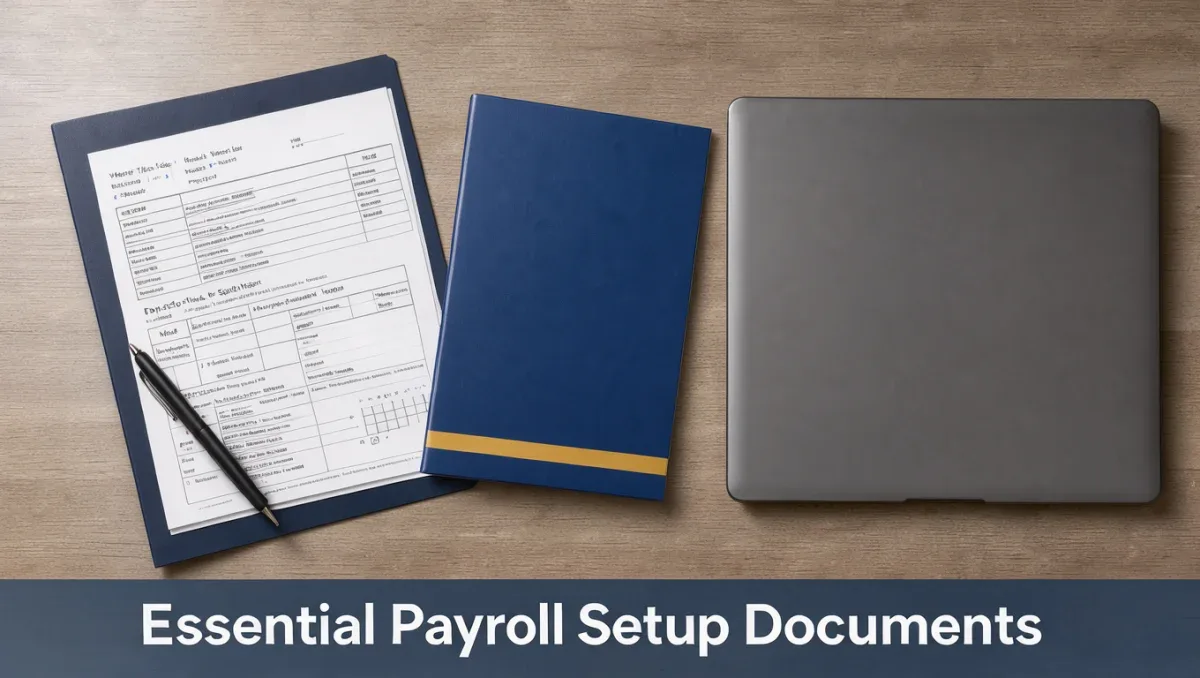
2. Documents to Prepare First
Collecting key records before opening the registration form prevents incomplete submissions. Because payroll platforms communicate directly with state and federal agencies, missing identification details can stall account activation.
- Federal Employer Identification Number registered with the Internal Revenue Service
- State withholding and unemployment insurance tax account identifiers for every state where your team works
- Official legal business name, registered corporate address, and organizational structure
- Primary business checking account routing and account numbers for payroll funding
- Completed worker forms, including federal withholding certificates and direct deposit authorizations
- Year-to-date compensation and tax withholding summaries if you are switching providers mid-year
If your organization syncs payroll figures with general ledger entries, consulting a specialist in Accounting helps align your charts of accounts before transaction data begins flowing.
3. Step-by-Step Setup Process
Signing up requires working through an orderly sequence that verifies your company identity and establishes automated payroll routines.
- Create your administrator account on the official registration page using your primary business email address to establish ownership credentials.
- Enter legal corporate details, including your entity type and registered business location, making sure every spelling matches government documentation.
- Add your state tax registration numbers for withholding and unemployment funds, confirming regional reporting schedules on the official setup screens.
- Connect your commercial bank account by entering routing data, then watch for the verification deposits when requested.
- Input worker details, specifying whether each person is an employee or independent contractor, along with wage rates and pay frequency.
- Enter previous payroll totals if you ran pay earlier in the calendar year so annual tax filings reflect accurate year-to-date values.
- Select your preferred payroll cadence, review initial deadlines on the official calendar, and run your test or primary pay schedule.
4. Your First 30 Days

The first month after onboarding sets the rhythm for ongoing tax compliance, benefits administration, and worker record management.
| Week | Routine to build | Why it matters |
|---|---|---|
| Week 1 | Verify bank authorization and inspect profile data | Confirms funding channels work before live wage distribution |
| Week 2 | Review employee profile completions and tax forms | Ensures withholding calculations match submitted declarations |
| Week 3 | Conduct your initial scheduled pay run | Tests automated wage calculations, net pay processing, and payment timing |
| Week 4 | Reconcile payroll deductions with internal records | Confirms general ledger balances mirror actual wage liabilities |
5. Common Mistakes and How to Avoid Them
Administrative errors during onboarding can lead to compliance notices or delayed worker payments. Knowing the usual pitfalls helps keep your records clean.
- Entering mismatched corporate names: Government agencies reject tax submissions when the name on file differs from official registration certificates.
- Misclassifying workers: Distinguishing accurately between employees and independent contractors prevents significant penalties from labor departments.
- Skipping historical payroll entries: Omitting prior wage data during mid-year transitions distorts tax calculation caps and year-end reporting.
- Overlooking state unemployment registration: Operating without active state agency numbers delays tax deposits and invites statutory inquiries.
- Failing to verify bank transaction limits: Commercial accounts sometimes block automatic debits unless the authorization includes the payroll processor ID.
6. When to Ask for Help
Structured software simplifies recordkeeping, but complex situations call for outside expertise. Seek assistance in the following circumstances:
- Multi-state operations: Employees across several jurisdictions bring differing local withholding laws and reciprocal agreements.
- Unusual compensation structures: Equity compensation, tips, commission bonuses, and specialized fringe benefits each require specific tax treatment.
- Pre-existing tax discrepancies: Resolving unpaid payroll obligations or late notices from prior periods calls for guidance from a certified tax advisor.
- System integration alignment: Ensuring smooth communication between time tracking, bookkeeping, and payroll platforms often benefits from specialized implementation support.
7. Frequently Asked Questions
7.1. How much preparation time does onboarding require?
Preparation usually takes several hours to gather official tax IDs, employee documents, and banking records. Entering the information moves quickly once everything is on hand. Confirm exact verification timeframes on the official provider website so you don't miss upcoming payroll deadlines.
7.2. What should administrators do if incorrect historical wage figures were entered?
Pause upcoming pay runs and compare the entered figures directly against previous payroll reports. Adjustments can often be processed before filing deadlines. For corrections involving already submitted tax returns, consult a certified public accountant or the vendor help documentation for the proper corrective procedure.
7.3. Is professional help necessary when completing payroll platform registration?
Many independent business owners register their accounts on their own using standard company documents. However, businesses with multi-state employees, specialized deductions, or mid-year migration issues benefit from consulting an accountant to verify tax rates and account details before the first pay run.
7.4. What should be verified about bank account connections?
Make sure the business bank account permits Automated Clearing House debits without restrictive transaction filters. Confirming routing numbers, checking the account classification, and monitoring test deposits helps wage disbursements clear without returned-item problems.
8. Next Steps
Once the setup steps are clear, working through them methodically prevents administrative bottlenecks. Start by assembling your state and federal tax identifiers along with active business bank details. Then visit the official provider website to begin your business registration. Finally, review pay schedules and account mapping with your bookkeeping professional before running your first wage distribution.
Have a question about choosing software? Send it to the bestcouponblogs team through our contact page, or follow bestcouponblogs on LinkedIn for new reviews and comparisons.