Businesses comparing cheaper 800 com alternatives usually want a dependable toll-free presence without paying for features they will never use. Understanding how call volume, number portability and hardware needs affect cost helps leaders pick a service that scales with their operations.
Our team at Best Coupon Blogs reviews software options so decision makers can compare tools with full clarity, and this guide walks through the leading choices step by step.
Why Companies Look for Budget Phone Services
Phone requirements change as customer service queues and sales outreach grow. Many providers tie contracts to metered minute allowances, while others charge flat user fees. When call volumes climb, per-minute billing can produce surprising invoices, which is why predictable subscription models attract many buyers.
Feature sprawl also drives the search. A firm may begin with a single toll-free line to project a professional image, then later need team messaging, video meetings, automated menus and shared voicemail. Many buyers prefer one centralized platform over juggling separate tools for voice, text and internal collaboration.
Leading Options at a Glance
| Tool | Best for | Core Strength |
|---|---|---|
| Grasshopper | Solo entrepreneurs and independent professionals | Separating business and personal calls on existing mobile devices |
| RingCentral | Growing companies and multi-location enterprises | Unified voice, video, team messaging and enterprise call routing |
| Phone.com | Cost-conscious teams with variable calling volume | Flexible per-minute or user-based configurations |
| Nextiva | Customer service teams wanting connected voice and feedback tools | Integrated business voice and service workflow management |
Grasshopper for Simple Call Forwarding
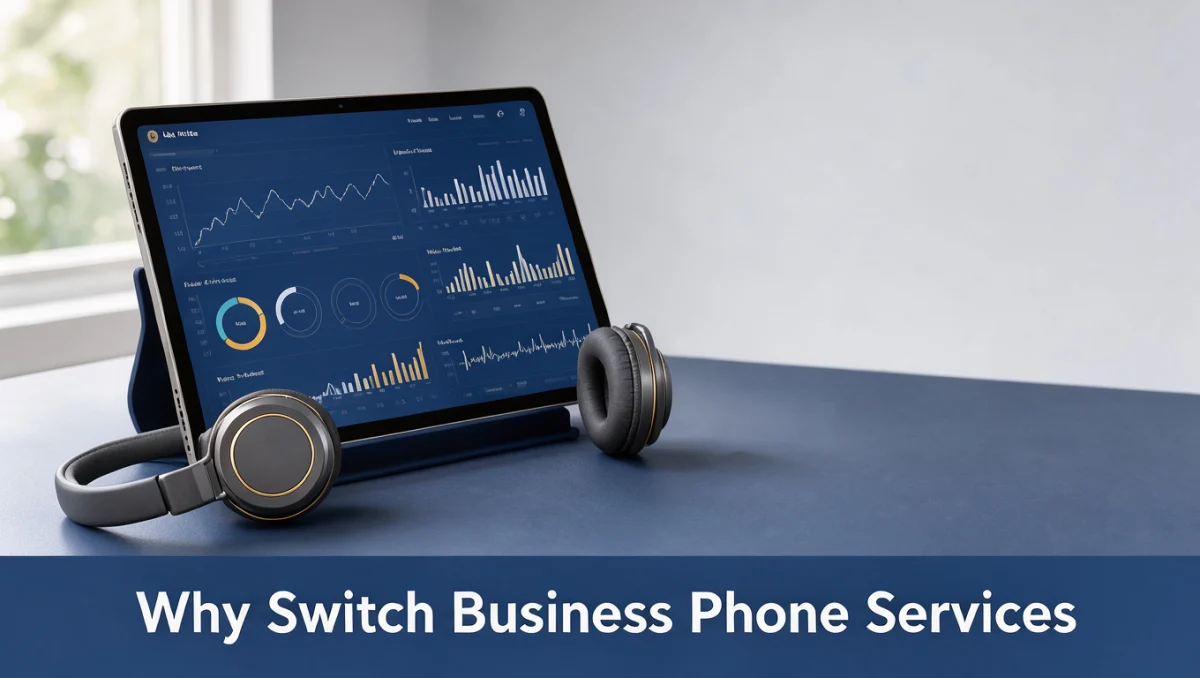
Grasshopper suits small business owners, freelancers and mobile teams who want a business presence on their existing smartphones. It adds a second line to a personal device so users can place outgoing calls and texts under a dedicated business caller ID.
Core Capabilities
The service provides virtual numbers, custom greetings, team extensions and call forwarding. Users set call paths through an administrative dashboard, sending inquiries to mobile phones or landlines based on schedule rules. Voicemails arrive in email inboxes with text transcripts, so staff can review client messages while out in the field.
Who Should Consider It
Independent contractors, real estate agents and remote consultants benefit from keeping personal numbers private. Organizations that need physical desk phones or advanced contact center routing should evaluate an enterprise-oriented system instead.
Before You Buy
Confirm extension and number allocation details on the official Grasshopper pricing page. Review call delivery and message sending limits on the provider website, since these rules determine whether the system meets your messaging needs.
RingCentral for Unified Enterprise Communications

RingCentral serves organizations of every size that need an enterprise-grade communications ecosystem. It brings voice calling, video meetings and team messaging into one interface across desktop and mobile devices.
Core Capabilities
The platform offers global number provisioning, automatic call distribution, visual interactive voice response menus and detailed call monitoring. Administrators can build ring groups, departmental queues and automated attendant greetings that change with business hours and holiday schedules.
Who Should Consider It
Companies with distributed support teams or multiple offices gain the most from RingCentral. Teams that hold frequent video conferences alongside heavy daily phone outreach benefit from consolidating tools. Single operators who only need occasional toll-free forwarding may find an enterprise suite more complicated than necessary.
Before You Buy
Review tier-specific requirements for international calling and administrative controls on the official RingCentral website. Check hardware certification lists so existing office equipment works without unexpected replacement costs.
Phone.com for Flexible Budgets
Phone.com targets budget-conscious businesses, startups and remote teams that want modular communication options. Organizations can mix service setups across employees according to each person's calling habits.
Core Capabilities
The service supplies local, toll-free and vanity numbers, automated menus, voicemail to email and call recording. The admin console lets account owners assign call handling rules, schedule-based routing and conference bridge numbers for different user profiles.
Who Should Consider It
Startups with varied communication needs often find Phone.com a good fit. Staff who rarely call externally can run lower-volume profiles, while customer-facing representatives use higher-volume plans. Companies running high-volume international contact centers should check rate tables on the official site to avoid unexpected charges.
Before You Buy
Compare plans on the official Phone.com comparison page to see whether per-minute or unlimited voice options fit your monthly pattern. Verify regulatory fees and number porting timelines directly with the vendor.
Nextiva for Customer Experience Management
Nextiva is designed for businesses that treat phone conversations as part of a broader customer strategy. It combines business voice services with communication analytics and collaboration tools.
Core Capabilities
Nextiva provides cloud voice, interactive voice response, automated call distribution and queue management. Supervisors can track call volumes, hold times and representative activity across business hours, while integrated surveys and team chat keep service teams aligned.
Who Should Consider It
Mid-sized enterprises, professional service firms and growing sales offices benefit from the detailed metrics Nextiva provides on phone interactions. Solo entrepreneurs seeking minimal setup may prefer lighter forwarding applications.
Before You Buy
Check the official Nextiva website for calling area details, user licensing terms and onboarding support. Reviewing contract length and cancellation terms protects your organization from unexpected long-term commitments.
How to Choose the Right Alternative
The best platform balances subscription cost with workflow fit. Choosing on headline price alone can lead to poor call quality, weak routing and frustrating administration.
Evaluate Call Volume and Billing Model
Virtual phone services bill either per minute or as a flat monthly user fee. A team handling hundreds of inbound inquiries each day may find per-minute pricing costs more than a flat-rate plan. Companies that keep a number mainly for occasional calls or branding often save with low-allowance plans. Calculate average monthly inbound and outbound minutes before choosing.
Review Number Portability and Extension Policies
Keeping your existing toll-free or local number is essential to maintaining client trust during a switch. Confirm the transfer process and expected timelines on the vendor website, and check whether new extensions carry separate fees or require additional base licenses.
Assess Hardware Versus Virtual Calling
Decide whether staff will take calls through computer headsets, smartphone apps or physical desktop VoIP phones. Some services only forward calls virtually, while others support desk hardware. Matching the system to your workspace avoids unnecessary equipment spending.
| Evaluation Step | Key Question to Answer | Where to Confirm |
|---|---|---|
| Billing Structure | Does the model charge per minute or per user seat? | Official pricing page |
| Number Portability | Can existing business numbers transfer without service gaps? | Provider porting policy documentation |
| Hardware Compatibility | Does the service support desk phones or only software apps? | Supported devices page |
| Interactive Menus | Are multi-level auto-attendants included in your tier? | Plan comparison overview |
| Messaging Parameters | What rules govern business text messaging? | Service terms and compliance pages |
Frequently Asked Questions
Should a business choose metered minutes or flat user pricing?
Review recent telecom records to measure monthly talk time. Low or unpredictable call volume usually keeps metered packages affordable, while sales desks and support teams with steady calling often gain budget stability from flat user subscriptions.
What is needed to port an existing number to a new platform?
Porting typically requires a letter of authorization and a recent billing invoice submitted to the new provider. Keep the current account active throughout the transfer to avoid service interruption, and confirm documentation requirements and turnaround times on the receiving vendor's onboarding page.
Why do toll-free numbers sometimes cost more than local lines?
Toll-free calls are billed to the receiving party, and carriers charge access fees for routing that traffic. Providers adjust their rates accordingly, so review carrier rate sheets and toll-free allowances on the provider website before choosing.
When should an organization move from basic forwarding to a full suite?
Consider upgrading when staff need shared call queues, inter-office video meetings or unified customer histories. If handling several inquiries on personal devices causes dropped calls or missed opportunities, an advanced platform will streamline operations.
Final Verdict
Basic forwarding services remain a practical choice for solo operators and small ventures that only need a toll-free presence. Companies seeking lower total communication costs or richer features will often find better alignment with dedicated alternatives. Organizations with complex teams, heavy calling needs or advanced desk phone environments benefit most from platforms built for collaborative voice management.
| Criterion | Score /10 | Reason |
|---|---|---|
| Features | 7.2/10 | Reliable toll-free provisioning and simple routing, but limited unified video and collaboration tools. |
| Ease of Use | 8.4/10 | Straightforward admin interface allows quick setup without specialized knowledge. |
| Pricing and Value | 7.0/10 | Verify per-minute tiers and overage charges against projected monthly volume. |
| Integrations | 6.8/10 | Focused on basic call routing; confirm CRM connections on the official portal. |
| Audience Fit | 7.8/10 | Well matched for solo operators and small businesses wanting a simple toll-free presence. |
| Support | 7.1/10 | Foundational setup guidance; check support channels and hours before purchasing. |
| Competitive Position | 7.3/10 | Clear place in simple forwarding, though rivals offer broader suites and flexible pricing. |
Overall Best Coupon Blogs Score: 7.4/10
Independent professionals who only need a toll-free line forwarded to a personal phone can keep a straightforward virtual service. Expanding teams handling daily customer inquiries should look at full-featured platforms like RingCentral, Phone.com or Nextiva for the routing controls and predictable budgeting that support sustainable growth.
Questions about choosing the right communications software? Reach out via our contact page or connect with the editorial team on LinkedIn.
See More Office Software