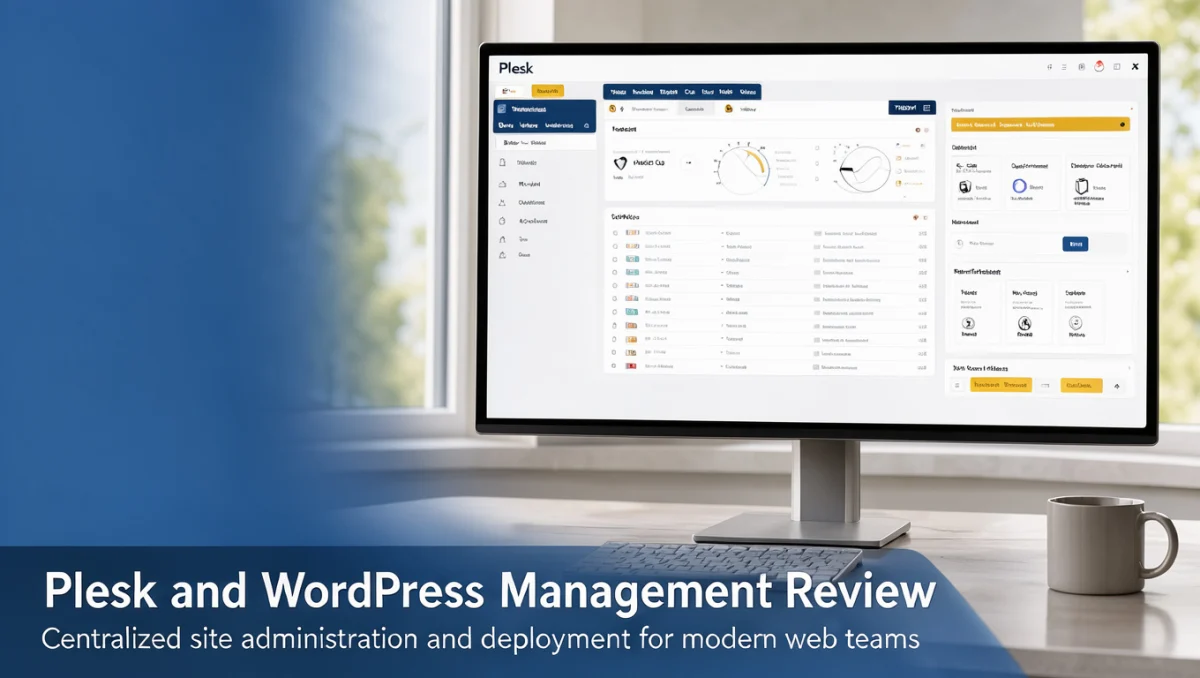
Our team at Best Coupon Blogs reviews hosting control panels with a practical focus: how much time they save and how much technical knowledge they demand. Plesk paired with WordPress offers a single visual workspace for domains, databases and site installs, which removes much of the routine work that otherwise falls to the command line.
Running content sites on private or virtual servers means weighing convenience against control. A strong plesk and wordpress setup smooths server-level tasks and site-level upkeep at once, although buyers still need to confirm their own technical requirements before committing to infrastructure.
Quick verdict: With an overall score of 7.6/10, this pairing fits web professionals and multi-site agencies that want centralized oversight of several virtual hosts. Solo bloggers who prefer fully hands-off hosting will likely find it more than they need.
| Evaluation Criterion | Assessment Summary |
|---|---|
| bestcouponblogs score | 7.6/10 |
| Best for | Agencies and technical operators managing several WordPress installs on private servers. |
| Not ideal for | Solo owners who want hosting with no administrative duties at all. |
| Key strengths | Unified server configuration, staging workflows and direct database management. |
| What to check before buying | Licensing tiers and domain limits on the official vendor site. |
1. How Best Coupon Blogs Evaluated the Platform
This assessment covers what the panel is designed to do, who it suits and how it stacks up against comparable tools. We scored it across seven criteria: features, ease of use, pricing and value, integrations, audience fit, support and competitive position. Plans and prices change frequently, so treat our notes as a starting point and confirm details on the vendor website. This article was researched and drafted with AI assistance, then reviewed and edited by the Best Coupon Blogs Editorial Team.
2. What Plesk Is and Who Uses It
Plesk is a web hosting control panel built to simplify server configuration and site maintenance on virtual and dedicated machines. Instead of typing shell commands to map domains, move files or adjust web server settings, administrators work through a graphical interface. Built-in tools handle provisioning, cloning and syncing of content management systems inside that same environment.
Its main users are web agencies, freelance developers and hosting providers who deploy client sites into separate web spaces. Running several independent domains on bare server operating systems creates significant overhead. A central panel lets teams set up structured client spaces, manage database access and oversee runtime environments in one place.
Teams that use modern tooling, including automated testing scripts or Artificial Intelligence utilities, often rely on server panels to keep deployment pipelines consistent across development environments. Before provisioning resources, check the official vendor site to confirm which operating system distributions your stack supports.
3. Core Features for WordPress Management
Server administration software supplies the baseline functions that govern how sites run on physical or cloud machines. Combined with WordPress-specific tools, the panel coordinates three main operational areas.
3.1. Site Provisioning and Staging
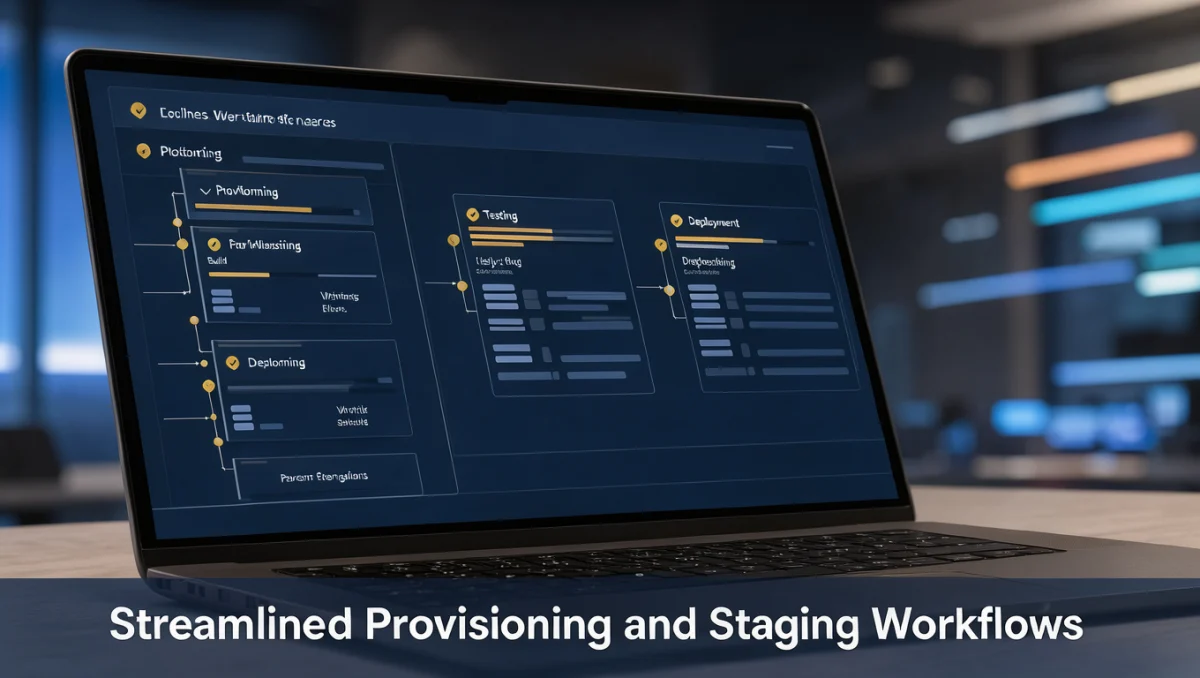
Creating a new site by hand means configuring virtual hosts, generating database credentials and uploading installation files. Control panel toolkits fold these steps into a guided process. Operators can launch a fresh instance inside a designated directory and have the matching database connection created automatically.
Staging environments extend this further. Developers can test theme revisions, plugin updates or template changes in an isolated sandbox, then push verified files and database entries to the live site. Review the official documentation to see how synchronization works across different storage setups.
3.2. Automated Maintenance and Update Tracking
Keeping the CMS, themes and extensions current is an ongoing requirement for security and stability. The dashboard shows update availability for every hosted site in one view. Administrators can schedule updates, test selectively or roll back if a conflict appears.
Since updates occasionally break layouts, many panels include visual checks or restore snapshots. Verify on the vendor's resource pages which rollback and snapshot options come with your chosen license.
3.3. Security Controls and Access Management
Server tools add security layers that support baseline site stability. They review file permissions, block unauthorized directory execution and manage certificates across domains. Rather than editing configuration files manually, administrators switch on recommended protections through panel settings.
Access control is equally important. Agencies can give clients restricted logins that cover only their own files and databases, with no exposure to root privileges. Check the official tier descriptions to understand how delegation and role creation are structured.
4. Ease of Use and Learning Curve
A multi-featured server panel feels different from a consumer hosting dashboard. Newcomers who are unfamiliar with DNS records, web server services and database user privileges will face a real learning curve during setup. The interface groups functions logically, but foundational web server knowledge still helps.
For experienced operators and agency teams, the visual layout cuts the time spent on routine commands considerably. Key metrics, directory paths and site controls sit in clear menus. Wizards handle repetitive jobs such as certificate installation or staging duplication, which keeps operations consistent across many client spaces.
5. Pros and Cons of Using Plesk with WordPress
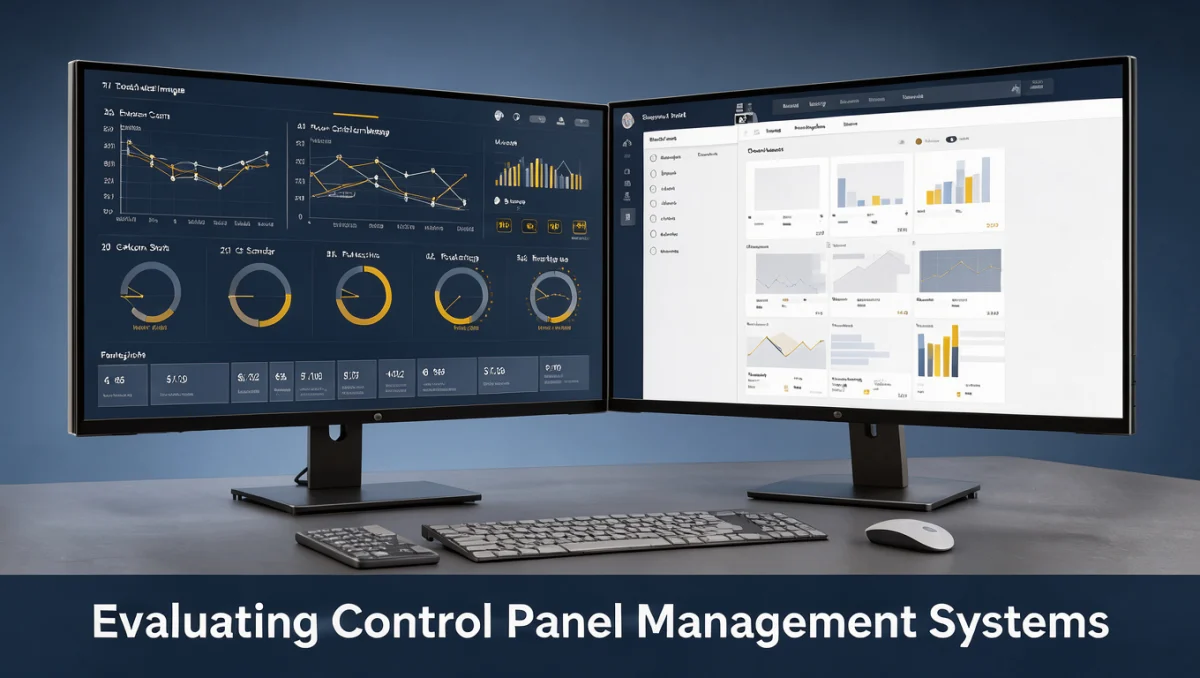
Weighing a server platform means balancing efficiency against the demands it places on the administrator.
5.1. Advantages of Unified Management
- Brings domain setup, database administration and site installation into one visual workspace.
- Speeds up staging-to-production synchronization without manual file exports or database queries.
- Lets agencies hand out isolated dashboard logins to clients or internal staff.
- Offers a central view of update status across all installations on the server.
5.2. Operational Considerations
- Requires working knowledge of concepts such as memory allocation, mail servers and domain routing.
- The panel itself consumes memory and CPU that could otherwise serve site traffic.
- Licensing adds a recurring cost on top of basic cloud hosting fees.
- Custom command-line changes can sometimes conflict with panel-managed configuration templates.
6. Plesk Compared With Similar Tools
Administrators often weigh Plesk against cPanel, another established option. Both offer web-based management of virtual servers, but they emphasize different priorities. cPanel grew out of Linux environments and shared hosting resale, while Plesk runs on both Linux and Windows servers.
Organizations running mixed server environments or specialized application stacks alongside their CMS may value that cross-platform support. Teams evaluating container-based workflows or other control panels should decide whether they need deep server isolation or simpler application deployment. Compare the official product pages from each provider to understand licensing boundaries.
7. Who Should Use Plesk for WordPress
Hosting management needs vary with technical skill and business scale.
7.1. Web Design and Development Agencies
Agencies that look after many client sites gain from structured staging and central tracking. Pushing updates across dozens of client spaces from one portal saves billable hours and reduces manual upkeep.
7.2. Freelancers and Independent Consultants
Freelancers who host sites for local businesses find visual tools useful for keeping client databases and directories separate. Creating isolated client accounts cuts down on credential sharing.
7.3. Organizations With In-House Technical Staff
Internal teams running corporate intranets, landing page hubs or brand sites can use a unified panel to enforce access policies without constant command-line work from system administrators.
7.4. Audiences Better Served Elsewhere
Individual bloggers, creative writers and non-technical business owners who only need simple hosting should generally avoid direct server administration. Managed application hosting handles patches, scaling and database maintenance in the background, so there are no panel licenses to manage.
8. How to Choose the Right Plan and License
Licenses for server control software usually come in tiers based on the number of managed domains and the administrative features included. Evaluate these decision points before committing.
| What to check on official pages | Why it matters |
|---|---|
| Domain quantity thresholds | Pricing often scales with domain brackets, which affects how your budget grows. |
| Operating system compatibility | Confirm your cloud provider supports your preferred server distribution and panel combination. |
| Administrative delegation options | Multi-user account rules determine whether you can offer independent client logins. |
| Resource monitoring modules | Check whether detailed memory and CPU tracking requires separate extensions. |
9. Frequently Asked Questions
How does server panel management differ from standard managed hosting?
Server panels give you control over the underlying operating system, virtual host settings and database server configuration. Standard managed hosting hides those layers, handles them automatically and limits your access to the website application itself.
What should guide license choice for multi-site setups?
Count the active domains you plan to run and the client logins you expect to need over the coming quarters. Because license tiers often cap domains and user accounts, matching them to your expected volume prevents surprise upgrade costs.
Can developers manage staging across different physical servers?
Staging synchronization usually works within domains hosted on the same server managed by the panel. Check the official documentation to see whether moving staging across separate remote servers needs additional deployment extensions or custom repository pipelines.
Should non-technical site owners choose a standalone server panel?
People without a technical background generally do better with managed hosting. Running a private virtual server means maintaining underlying system configuration, which adds complexity if core server concepts are unfamiliar.
10. Final Verdict on Plesk and WordPress
| Criterion | Score /10 | Reason |
|---|---|---|
| Features | 8.5/10 | Covers site provisioning, automated staging and central update oversight comprehensively. |
| Ease of Use | 7.5/10 | Organizes complex server administration logically, though foundational hosting knowledge is still needed. |
| Pricing and Value | 7.0/10 | Ongoing licensing is an investment to weigh against domain volume on the official pages. |
| Integrations | 7.0/10 | Connects with core server components, databases and web runtimes; verify any custom add-ons. |
| Audience Fit | 8.5/10 | Suits digital agencies, technical freelancers and operators managing multi-domain hosting. |
| Support | 7.0/10 | Assistance depends on whether you buy direct licensing or through a hosting reseller; review the policy. |
| Competitive Position | 8.0/10 | Stands out through cross-platform operating system support. |
Overall score: 7.6/10
For web agencies, development consultancies and systems administrators, pairing Plesk with WordPress creates a disciplined baseline for managing many sites. It removes the need for daily terminal work while giving technical teams deep control over server environments. Non-technical users should instead weigh whether turnkey managed hosting better fits their skills.
Readers with questions about infrastructure choices can reach out through the official contact portal or connect with our editorial staff on social channels.